
1. Įvadas
The StarTech.com DP2VGA DisplayPort to VGA Adapter provides a solution for connecting a DisplayPort-enabled computer, desktop, or laptop to a VGA-enabled display or projector. This active adapter supports high-resolution video output, ensuring compatibility and clear picture quality without requiring an upgrade to DisplayPort compatible displays.
Pakuotės turinys
- 1 x StarTech.com DP2VGA DisplayPort to VGA Adapter

Image 1.1: StarTech.com DP2VGA DisplayPort to VGA Adapter.
2. Savybės
- Aukštos raiškos palaikymas: Connects a VGA display or projector supporting resolutions up to 1920x1200 or 1080p at 60Hz.
- Aktyvi konversija: Active digital to analog converter supports DP or DP++ sources, including workstations, desktops (AMD/Nvidia), laptops, small form factor computers, and docking stations.
- Plug and Play: No software or drivers required for installation, compatible with Windows, Ubuntu, and macOS.
- Saugūs ryšiai: Features a latching DisplayPort connector for a solid host connection and supports VGA screw-locking cables to prevent accidental disconnections.
- EMI ekranavimas: Designed with EMI shielding to protect against line noise and distortion, ensuring stable video output.
- Nešiojamas dizainas: Lightweight and compact, making it suitable for travel and BYOD (Bring Your Own Device) applications.

Image 2.1: The adapter features a latching DisplayPort connector for secure connectivity.
3. Sąranka ir diegimas
Follow these steps to connect your DisplayPort source device to a VGA display:
- Locate the DisplayPort output on your computer, desktop, or laptop.
- Connect the DisplayPort male connector of the DP2VGA adapter to the DisplayPort output on your source device. Ensure the latching mechanism engages for a secure connection.
- Locate the VGA input on your monitor or projector.
- Connect a standard VGA cable (not included) to the VGA female port on the DP2VGA adapter. If your VGA cable supports screw locking, secure it to the adapter.
- Connect the other end of the VGA cable to the VGA input on your display or projector.
- Power on your computer and display. The display should automatically detect the signal from the adapter.
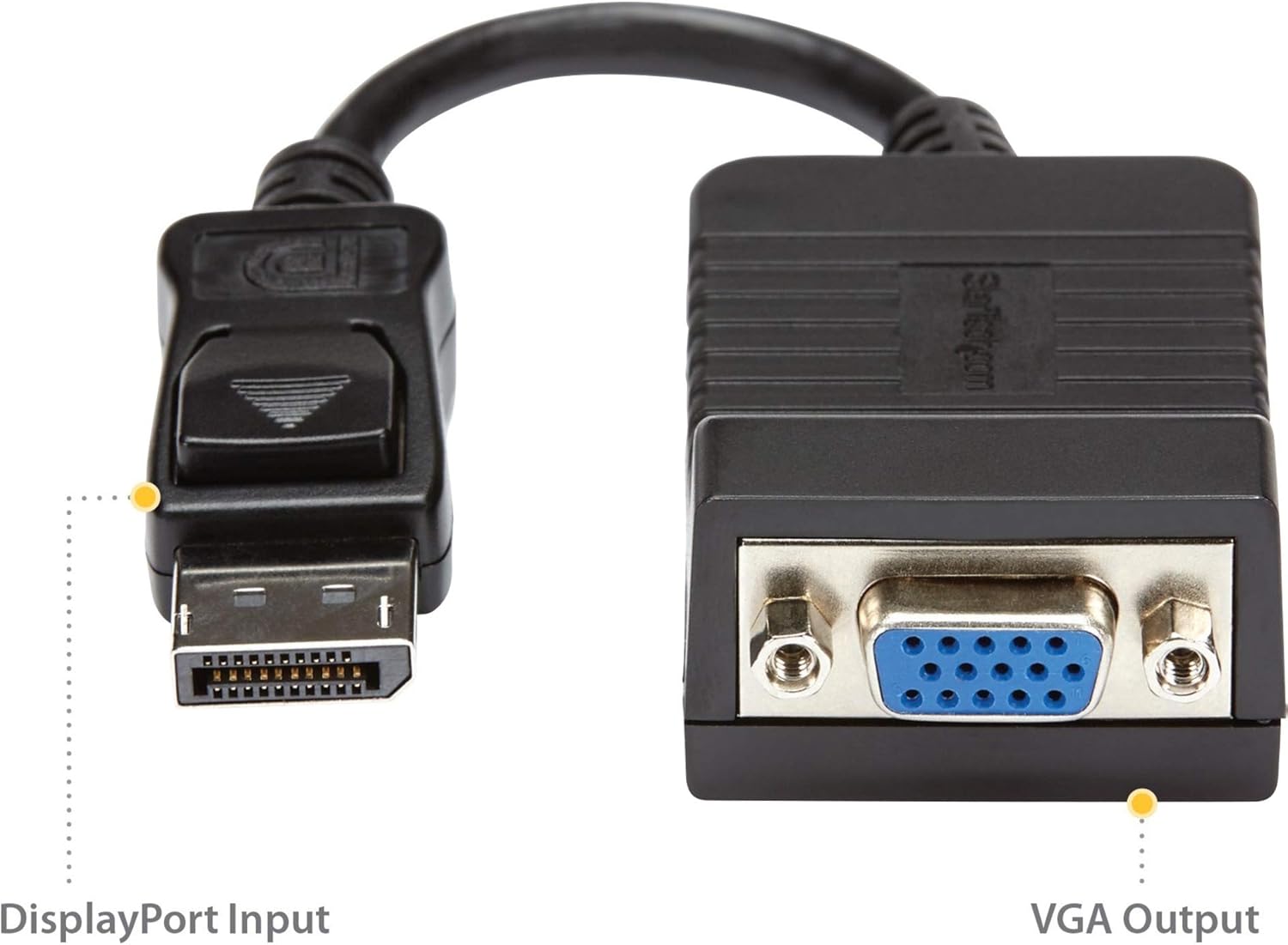
Image 3.1: DisplayPort Input and VGA Output ports on the adapter.

3.2 pav.: pvz.ample setup showing the adapter connected between a desktop computer and a VGA monitor.
Sąrankos vaizdo vadovas
Video 3.1: Official product video demonstrating the features and connectivity of the StarTech.com DisplayPort to VGA Adapter.
4. Naudojimo instrukcijos
Once connected, the DisplayPort to VGA adapter operates automatically. Your computer's operating system should detect the connected VGA display and extend or duplicate your desktop as configured in your display settings.
- Ekrano nustatymai: To adjust resolution, refresh rate, or display mode (extend/duplicate), access your operating system's display settings. For Windows, right-click on the desktop and select 'Display settings'. For macOS, go to 'System Preferences' > 'Displays'.
- Garsas: This adapter transmits video signals only. For audio, connect a separate audio cable from your source device to your display or external speakers.
5. Problemų sprendimas
- Nėra vaizdo signalo:
- Įsitikinkite, kad visi laidai yra tvirtai prijungti.
- Verify that both the source device and display are powered on.
- Check your display's input source settings to ensure it is set to VGA.
- Test the adapter with a different DisplayPort source or VGA display if available.
- Poor Picture Quality or Incorrect Resolution:
- Adjust the display resolution in your computer's display settings. Ensure it is within the supported range of your VGA display and the adapter (up to 1920x1200 or 1080p).
- Ensure your VGA cable is not excessively long (tested with VGA cables up to 25 feet).
- Patikrinkite, ar adapteris ar laidai nėra fiziškai pažeisti.
- Mirgantis arba pertraukiamas signalas:
- This can sometimes be caused by electromagnetic interference (EMI). Ensure the adapter and cables are not near strong electrical sources.
- Patikrinkite saugius sujungimus abiejuose galuose.
6. Specifikacijos
| Modelio numeris | DP2VGA |
| Jungties tipas | DisplayPort kištukas į VGA kištuką |
| Maksimali skiriamoji geba | 1920x1200 or 1080p at 60Hz |
| Gaminio matmenys (I x P x A) | 8 x 0.01 x 0.01 inches (approximate, including cable) |
| Prekės svoris | 1.6 uncijos |
| Spalva | Juoda |
| Suderinami įrenginiai | Computer, Docking Station, Monitor, PC, Projector, Video Device, Workstation |
| Specifiniai naudojimo būdai | DisplayPort-equipped devices to VGA monitors or projectors |
7. Garantija ir palaikymas
This StarTech.com product is backed by a manufacturer's warranty. For specific warranty details, please refer to the product packaging or visit the official StarTech.com websvetainę.
For technical support, product information, or to download the latest drivers and manuals, please visit the StarTech.com support page:
You can also find product-specific information by scanning the QR code on the product packaging or visiting startech.com/q/DP2VGA.
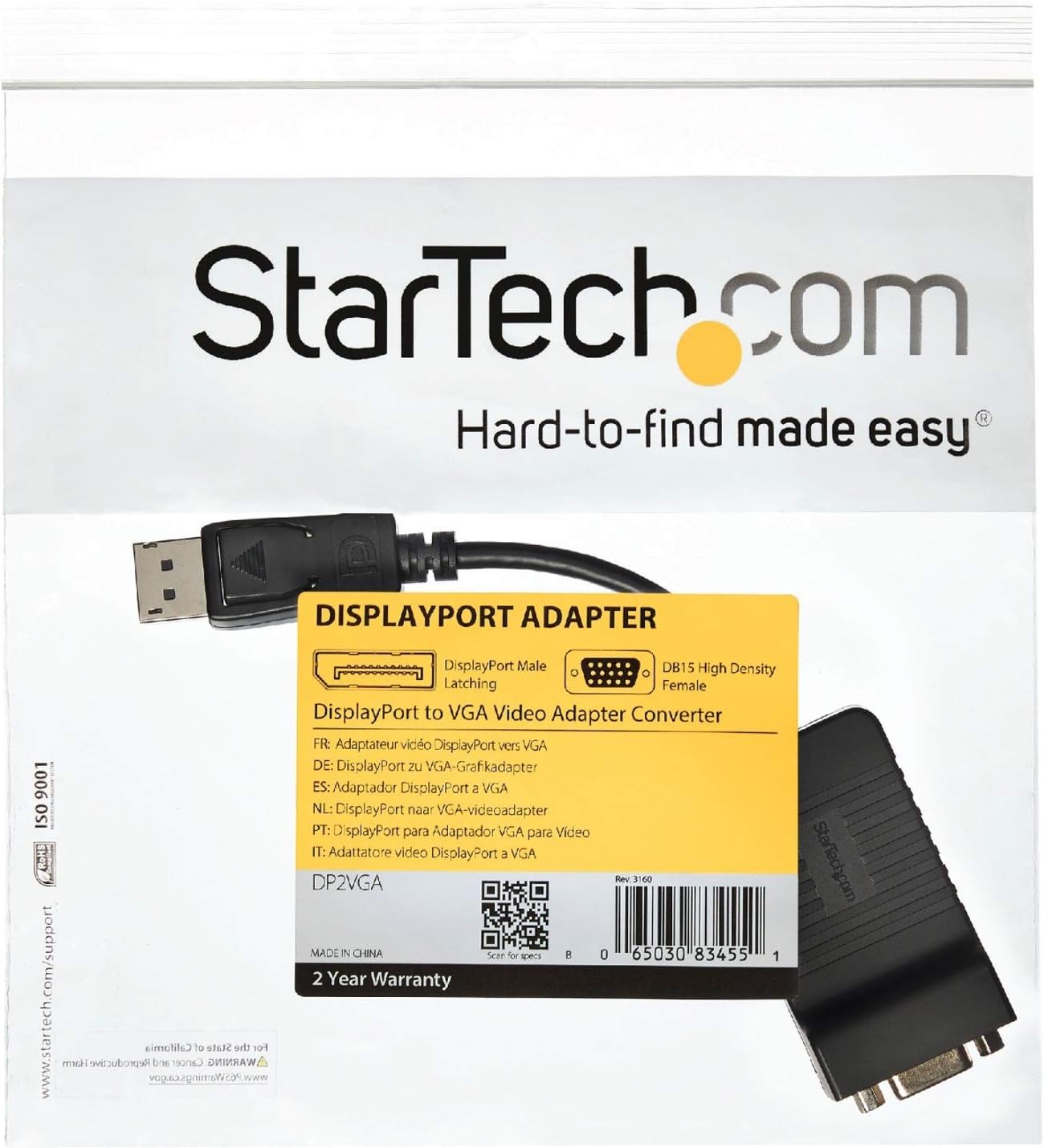
Image 7.1: Product packaging with support information and QR code.


