
Įvadas
The CDN DT450X Waterproof Digital Cooking Thermometer is designed for accurate and rapid temperature measurement of food. Its thin, waterproof design makes it suitable for various kitchen applications, including measuring temperatures for meat, poultry, and BBQ. The thermometer features a quick-read response and is built to be shatterproof and high-heat resistant, operating within a wide temperature range of -40 to +450°F (-40 to +230°C).
Pagrindinės savybės
- Matavimo diapazonas: -40–+450 °F (-40–230 °C)
- Greitas reagavimas: Pateikia temperatūros rodmenis per 6–8 sekundes.
- Zondo dizainas: Features a 2.5 mm reduced tip with a 2.75 inch (7.0 cm) stainless steel stem for easy insertion.
- Patvarumas: NSF Certified, shatterproof, and high-heat resistant.
- Atsparus vandeniui: Designed to withstand moisture and humidity, and can be submerged.
- BioCote Technology: Incorporates antimicrobial protection.
- Convenient Sheath: Includes a sheath for safe storage that also functions as a handle extension.
- Dviejų krypčių montavimas: Sheath features a pocket clip and a hook for versatile storage.

Image: The CDN DT450X thermometer in use, demonstrating its quick and accurate temperature reading on a piece of meat.
Sąranka
Akumuliatoriaus montavimas
The CDN DT450X thermometer comes with one LR44 battery included. To install or replace the battery:
- Suraskite baterijos skyrių termometro gale.
- Use a small coin to twist open the battery cover.
- Įdėkite LR44 bateriją teigiama (+) puse į viršų.
- Uždėkite akumuliatoriaus dangtelį ir pasukite, kad jį pritvirtintumėte.
Initial Power On and Unit Selection
Įdėjus bateriją, paspauskite ĮJUNGTA/IŠJUNGTA button to power on the thermometer. To switch between Fahrenheit (°F) and Celsius (°C), press the °F/°C mygtukas, esantis priekiniame skydelyje.

Image: A detailed diagram illustrating the components of the CDN DT450X thermometer, including the stainless steel stem, reduced tip, display, ON/OFF button, F/C selector, and hold mode button.
Naudojimo instrukcijos
Temperatūros matavimas
- Įjunkite termometrą paspausdami ĮJUNGTA/IŠJUNGTA mygtuką.
- Insert the stainless steel probe into the thickest part of the food, avoiding bone or gristle. Ensure the tip is fully immersed for accurate readings.
- Wait for approximately 6-8 seconds for the temperature reading to stabilize on the digital display.
- The thermometer can be used for various applications including stovetop cooking, grilling, and smoking.
Laikymo funkcijos naudojimas
To hold the current temperature reading on the display, press the LAIKYTI button. This is useful when reading temperatures in hard-to-reach areas. Press the LAIKYTI button again to resume live temperature monitoring.
Safe Food Temperature Guidelines
For food safety, always cook foods to their recommended internal temperatures. A general guide is often printed on the thermometer's sheath or body. For exampLe:
- Naminiai paukščiai: 165 °F (74 °C)
- Malta mėsa: 160 °F (71 °C)
- Beef, Veal, Lamb (Medium): 160 °F (71 °C)
- Beef, Veal, Lamb (Rare): 140 °F (60 °C)
- Pork, Ham: 145 °F (63 °C)

Image: Collage showing the versatility of the thermometer for various cooking methods, including grilling, smoking, and stovetop use.
Produkto demonstracinis vaizdo įrašas
Video: An official product video demonstrating the features and usage of the CDN Digital Pocket Thermometer (DT450X), including its quick response time, measurement range, and convenient sheath.
Priežiūra ir priežiūra
Valymo instrukcijos
The CDN DT450X is waterproof and designed to resist water splashes, making it easy to clean. However, it is recommended to plauti tik rankomis. Do not place the thermometer in a dishwasher.
- Nerūdijančio plieno zondą nuvalykite reklaminiuamp cloth or sponge using mild soap.
- Nuplaukite zondą po tekančiu vandeniu.
- Prieš laikydami, gerai išdžiovinkite.

Image: The CDN DT450X thermometer being cleaned under running water, highlighting its waterproof feature.
Sandėliavimas
The thermometer comes with a convenient sheath for safe storage. The sheath also doubles as a handle extension for added reach. It features a pocket clip and a hook for versatile mounting options, allowing you to store it securely in a pocket or hang it on a hook.
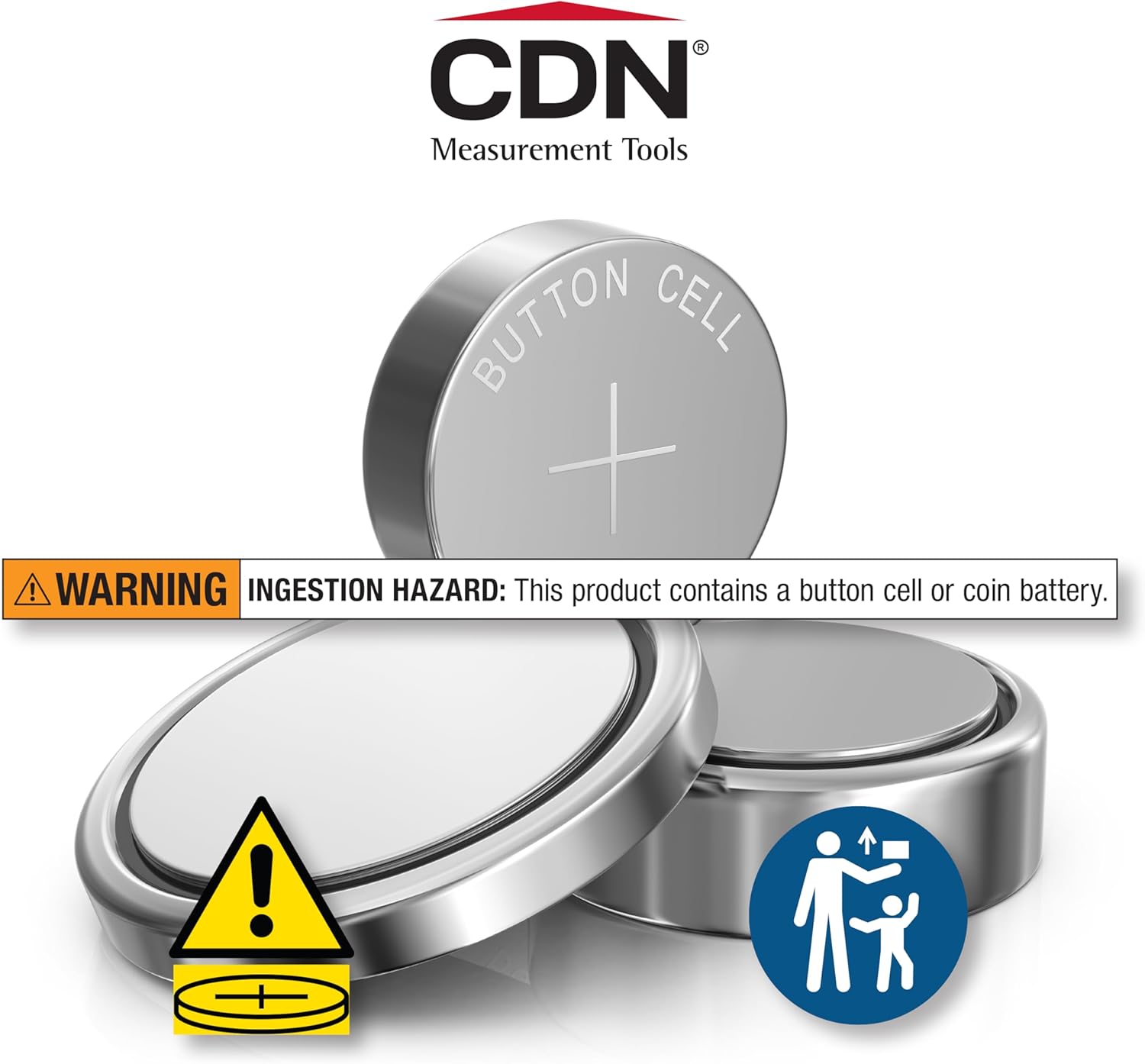
Image: The CDN DT450X thermometer shown with its protective sheath, illustrating how it can be used for safe storage and as a handle extension.

Vaizdas: pvzamples of the thermometer's two-way mounting feature, showing it clipped into a pocket and hung on a kitchen rack.
Trikčių šalinimas
| Problema | Galima priežastis | Sprendimas |
|---|---|---|
| Nėra ekrano arba ekranas silpnas | Žemas arba išsikrovęs akumuliatorius. | Replace the LR44 battery. Ensure it is inserted correctly with the positive (+) side up. |
| Netikslūs temperatūros rodmenys | Probe not inserted deep enough or touching bone/gristle. Thermometer needs calibration. | Re-insert the probe into the thickest part of the food, away from bones. If issues persist, refer to the manufacturer's website for calibration instructions or contact support. |
| Lėtas reakcijos laikas | Battery low or probe tip is not fully immersed in the food. | Replace the battery. Ensure the probe tip is fully and properly inserted into the food. |
Specifikacijos
- Modelis: DT450X
- Matavimo diapazonas: -40–+450 °F (-40–230 °C)
- Atsakymo laikas: 6-8 sekundžių
- Zondo ilgis: 2.75 inches (7.0 cm) stainless steel stem
- Zondas patarimas: 2.5 mm sumažintas antgalis
- Maitinimo šaltinis: 1 x LR44 baterija (pridedama)
- Medžiaga: Food-safe ABS plastic with BioCote®, Stainless Steel
- Ypatingos savybės: Waterproof, Shatterproof, NSF Certified, Fast Reading System
- Produkto priežiūra: Skalbti tik rankomis
- Prekės svoris: 0.8 uncijos
- Prekės ilgis: 6.5 colių
Informacija apie garantiją
The CDN DT450X Waterproof Digital Cooking Thermometer comes with a Ribota 5 metų garantija from the date of purchase. This warranty covers defects in materials and workmanship under normal use. Please retain your proof of purchase for warranty claims. For full details and terms, please refer to the official CDN websvetainėje arba susisiekite su klientų aptarnavimo tarnyba.
Pagalba klientams
For further assistance, product inquiries, or troubleshooting not covered in this manual, please contact CDN customer support:
- Websvetainė: Visit the official CDN webDUK ir pagalbos išteklių svetainė.
- Susisiekite: Refer to the contact section on the CDN websvetainė, kurioje pateikiami telefono numeriai arba el. pašto palaikymas.