
KNIPEX 97 52 65 DG
KNIPEX skaitmeninių užspaudimo replių (975265DG) naudojimo instrukcija
Model: 97 52 65 DG | Brand: KNIPEX
Įvadas
This manual provides comprehensive instructions for the safe and effective use of your KNIPEX Digital Crimping Pliers, Model 97 52 65 DG. These precision tools are designed for professional crimping applications, featuring a digital display for accurate adjustments and a four-mandrel crimping system for reliable connections. Please read this manual thoroughly before operation to ensure optimal performance and safety.
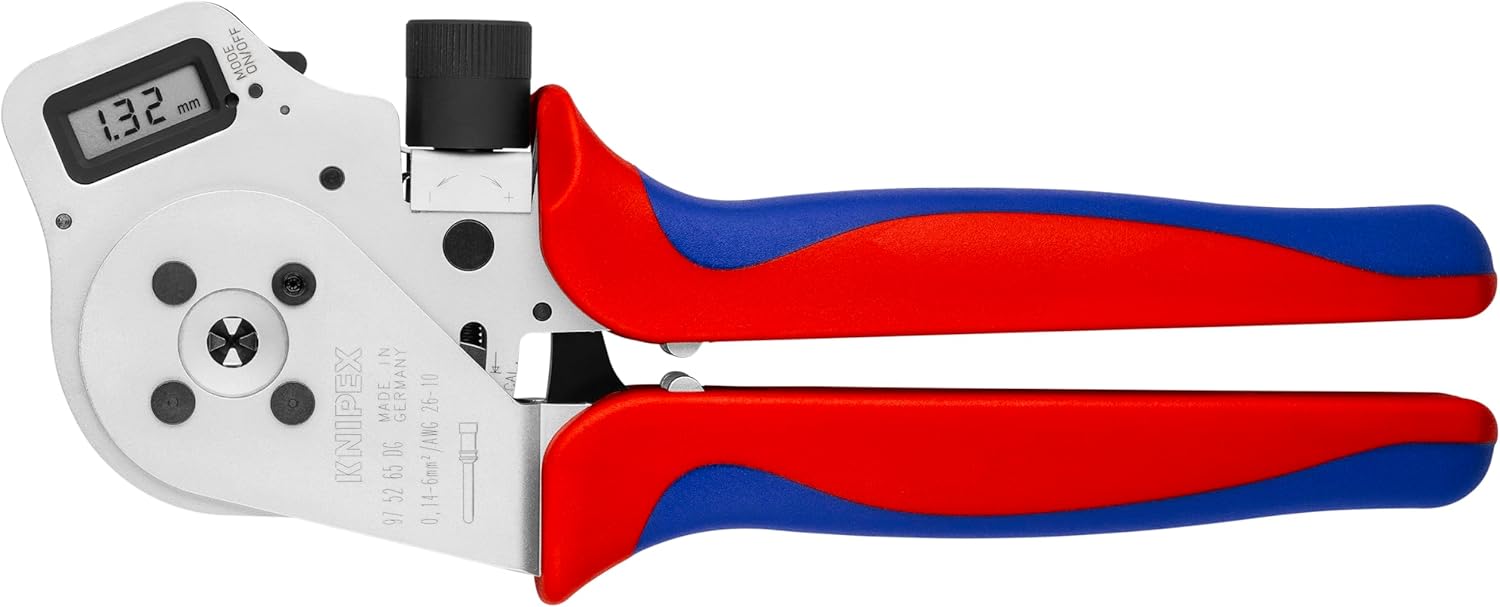
Figure 1: KNIPEX Digital Crimping Pliers (Model 97 52 65 DG) in closed position.
Saugos instrukcijos
Kad išvengtumėte sužalojimų ir įrankio pažeidimo, visada laikykitės šių saugos nurodymų:
- Akių apsauga: Always wear approved safety glasses or goggles when operating crimping tools to protect against flying debris.
- Tinkamas tvarkymas: Hold the tool firmly. Ensure your hands are clear of the crimping jaws during operation.
- Įrankio būklė: Prieš kiekvieną naudojimą patikrinkite įrankį, ar nėra kokių nors pažeidimų ar susidėvėjimo požymių. Nenaudokite pažeisto įrankio.
- Numatytas naudojimas: Use the crimping pliers only for their intended purpose: crimping electrical connectors. Do not use as a hammer, pry bar, or cutting tool.
- Elektros sauga: When working with electrical components, ensure power is disconnected to prevent electric shock.
- Saugykla: Įrankį laikykite sausoje, saugioje, vaikams nepasiekiamoje vietoje.
Produktas baigtasview
The KNIPEX Digital Crimping Pliers are engineered for precise crimping. Key components include:
- Skaitmeninis ekranas: Provides real-time measurement and allows for precise adjustment of crimping parameters.
- Four-Mandrel Crimping System: Ensures uniform and reliable crimps from all sides.
- Ergonomiškos rankenos: Designed for comfortable and secure grip during prolonged use.
- Reguliavimo rankenėlė: For fine-tuning the crimping pressure and size.

Figure 2: Close-up of the digital display and adjustment knob on the crimping pliers.
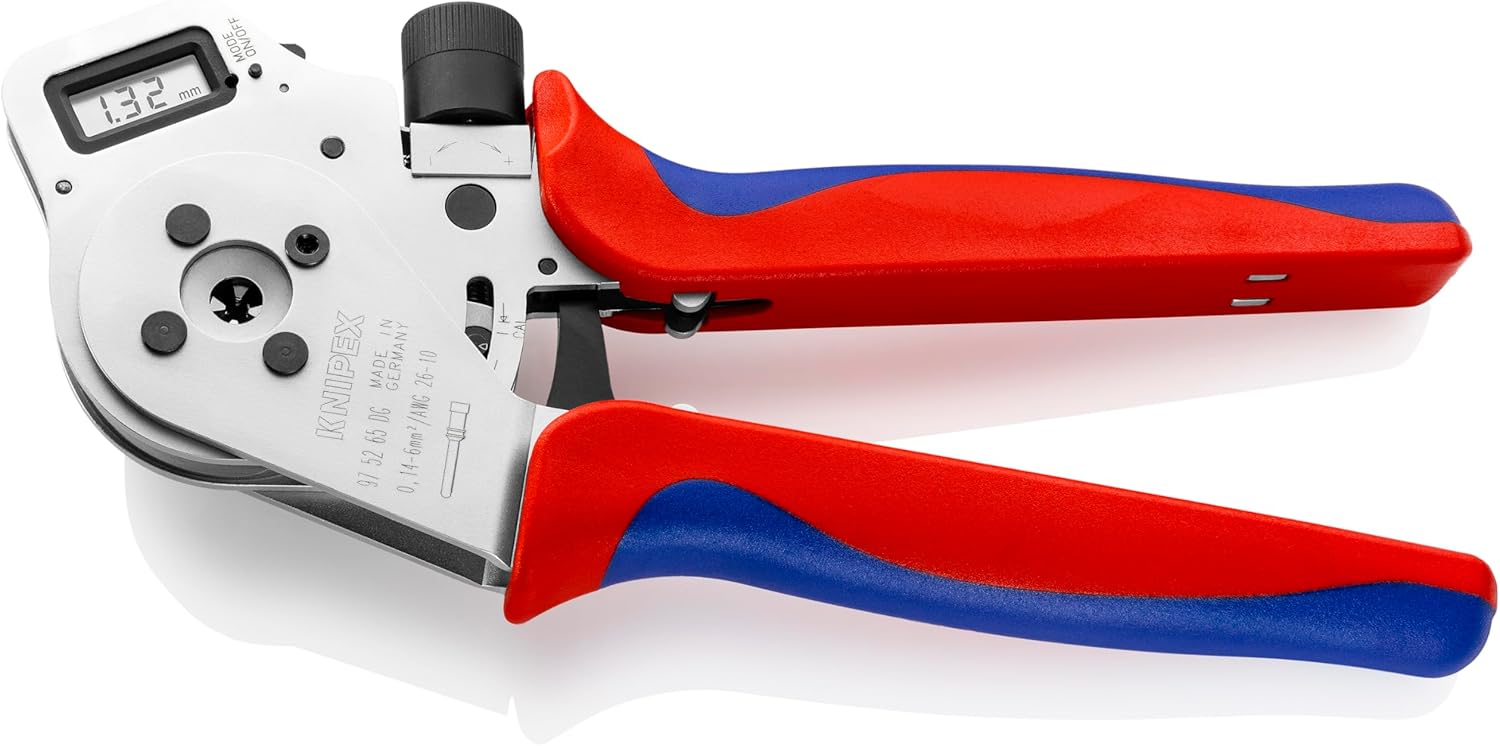
Figure 3: The crimping pliers with jaws partially open, highlighting the four-mandrel system.
Sąranka
- Išpakavimas: Carefully remove the crimping pliers and any accessories from the packaging. Inspect for any shipping damage.
- Pirminė apžiūra: Verify that all components are present and in good condition. The product typically includes the crimping pliers and a protective case.

Figure 4: The crimping pliers and included accessories within their protective case.
- Powering On the Digital Display: Locate the "MODE/ON/OFF" button on the digital display. Press it to turn on the display.
- Vieneto pasirinkimas: If applicable, press the "MODE" button repeatedly to cycle through available units (e.g., mm, AWG) until your desired unit is displayed.
- Zeroing the Display: With the jaws fully open, press the "ON/OFF" button briefly to zero the display, if necessary. Consult the specific instructions on the tool for precise zeroing procedures.
Naudojimo instrukcijos
Follow these steps for effective crimping:
- Select Correct Setting: Refer to the crimping specifications for your connector and wire gauge. Use the adjustment knob to set the desired crimping size on the digital display. Rotate the knob clockwise to decrease the crimping size (for smaller wires/contacts) and counter-clockwise to increase it (for larger wires/contacts).
- Prepare Wire and Connector: Strip the wire insulation to the recommended length for your connector. Insert the wire into the contact/connector.
- Position for Crimping: Open the crimping pliers fully. Carefully insert the contact with the wire into the appropriate crimping cavity of the four-mandrel system. Ensure the contact is seated correctly and the wire is aligned.
- Atlikti gofravimą: Slowly and firmly close the handles of the pliers until the crimping cycle is complete and the handles release. The digital display will show the crimping dimension.
- Patikrinkite gofravimą: After crimping, visually inspect the connection to ensure it is secure and properly formed. The crimp should be symmetrical and hold the wire firmly.
- Pakartokite: For multiple crimps, repeat the process, ensuring consistent settings and proper wire/contact placement.
Priežiūra
- Valymas: After each use, wipe down the pliers with a clean, dry cloth to remove any dirt, dust, or debris. Avoid using abrasive cleaners or solvents that could damage the tool or digital display.
- Tepimas: Periodically apply a light coat of machine oil to the pivot points and moving parts to ensure smooth operation.
- Saugykla: Store the crimping pliers in their original protective case (Figure 5) in a dry environment to prevent corrosion and damage.
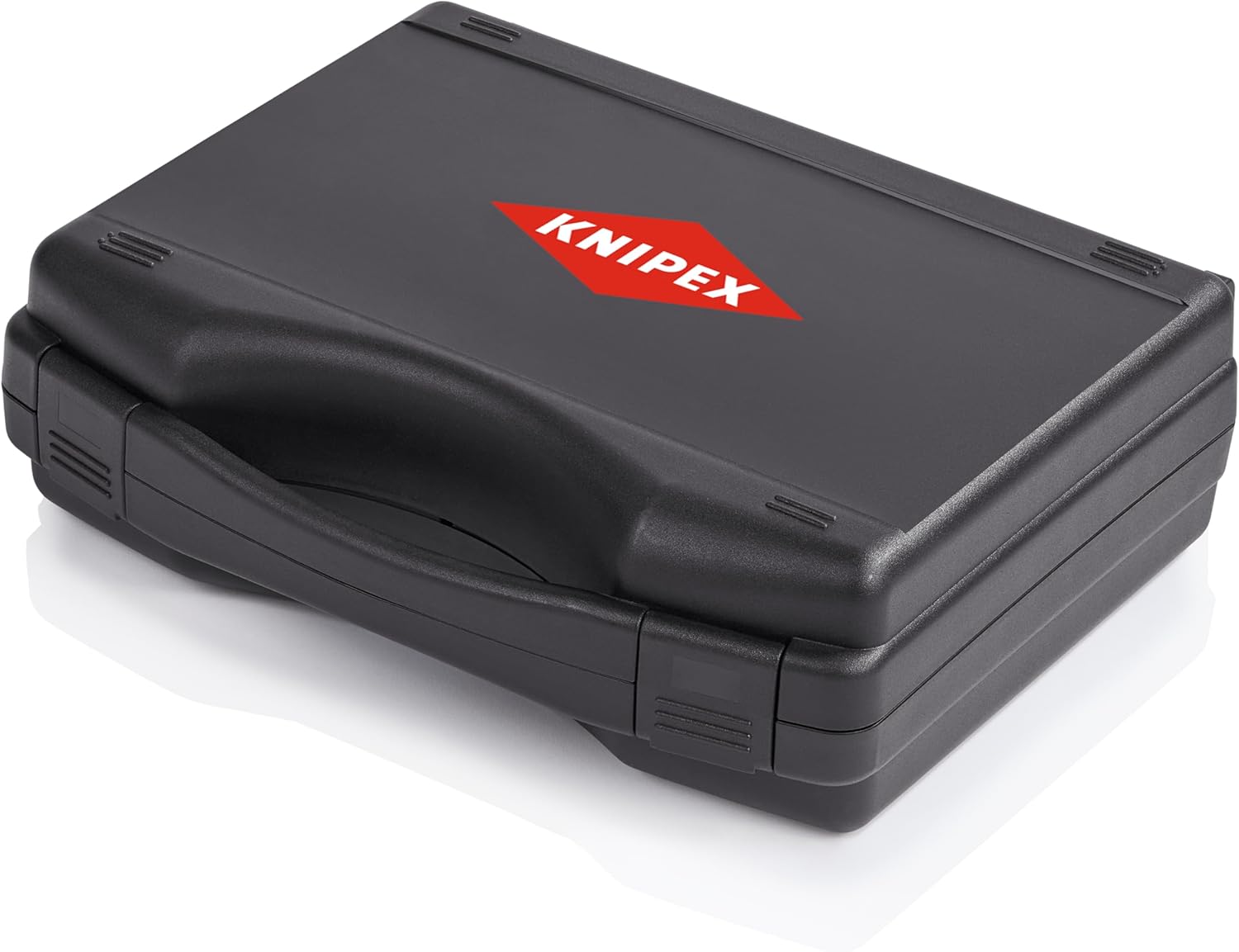
Figure 5: The protective case for storing the KNIPEX Digital Crimping Pliers.
- Kalibravimas: The digital display is factory calibrated. If you suspect a calibration issue or require recalibration, refer to the specific instructions provided with the tool or contact KNIPEX customer support.
Trikčių šalinimas
| Problema | Galima priežastis | Sprendimas |
|---|---|---|
| Digital display not turning on. | Low or dead battery (if applicable). Ekrano gedimas. | Ensure the "ON/OFF" button is pressed firmly. If battery operated, check/replace battery. Contact support if issue persists. |
| Inconsistent crimps. | Incorrect crimp setting. Improper wire/contact placement. Worn crimping jaws. | Verify the digital setting matches the required specification. Ensure wire and contact are correctly seated. Inspect jaws for wear; contact support if damaged. |
| Handles sticking or stiff. | Trūksta tepimo. Dirt/debris in mechanism. | Clean the tool thoroughly. Apply a light machine oil to pivot points. |
Specifikacijos
| Atributas | Detalė |
|---|---|
| Modelio numeris | 97 52 65 DG |
| Gamintojas | Knipex įrankiai LP |
| Medžiaga | Blend (Tool Body), Plastic (Handle) |
| Svoris | 1.27 kg |
| Matmenys (I x P x A) | 27.43 x 22.48 x 8.51 cm |
| Rankenų skaičius | 2 |
| Rankenos tipas | Ergonomiškas |
| UPC | 843221015916 |
Garantija ir palaikymas
KNIPEX tools are manufactured to high-quality standards and are designed for durability and performance. For specific warranty information, please refer to the documentation included with your purchase or visit the official KNIPEX websvetainę.
For technical support, service, or inquiries regarding your KNIPEX Digital Crimping Pliers, please contact KNIPEX customer service through their official channels. Provide your model number (97 52 65 DG) and any relevant purchase details when seeking assistance.
Ask a question about this manual
Ask about setup, troubleshooting, compatibility, parts, safety, or missing instructions. Manuals+ will review the question and use this page’s manual context to help answer it.