
Įvadas
Ačiū, kad pirkoteasing the Orion 24" SLED2468W LED LCD HDTV. This manual provides essential information for the safe and efficient operation of your television. Please read it thoroughly before using the product and retain it for future reference.
Saugos informacija
Norėdami užtikrinti saugų darbą ir išvengti žalos, laikykitės šių atsargumo priemonių:
- Saugokite televizorių nuo lietaus ar drėgmės.
- Neuždenkite vėdinimo angų.
- Pastatykite televizorių ant stabilaus, lygaus paviršiaus.
- Naudokite tik su įrenginiu pateiktą maitinimo laidą.
- Atjunkite televizorių nuo elektros tinklo žaibuojant arba kai jis ilgą laiką nenaudojamas.
- Visus techninės priežiūros darbus patikėkite kvalifikuotam techninės priežiūros personalui.
Kas yra dėžutėje
Atsargiai išpakuokite dėžę ir įsitikinkite, kad joje yra visi daiktai:
- Orion 24" SLED2468W LED LCD HDTV
- Televizoriaus staliukas
- Nuotolinio valdymo pultas (baterijos nepridedamos, reikalingos 2 AAA baterijos)
- Maitinimo laidas
- Vartotojo vadovas (šis dokumentas)
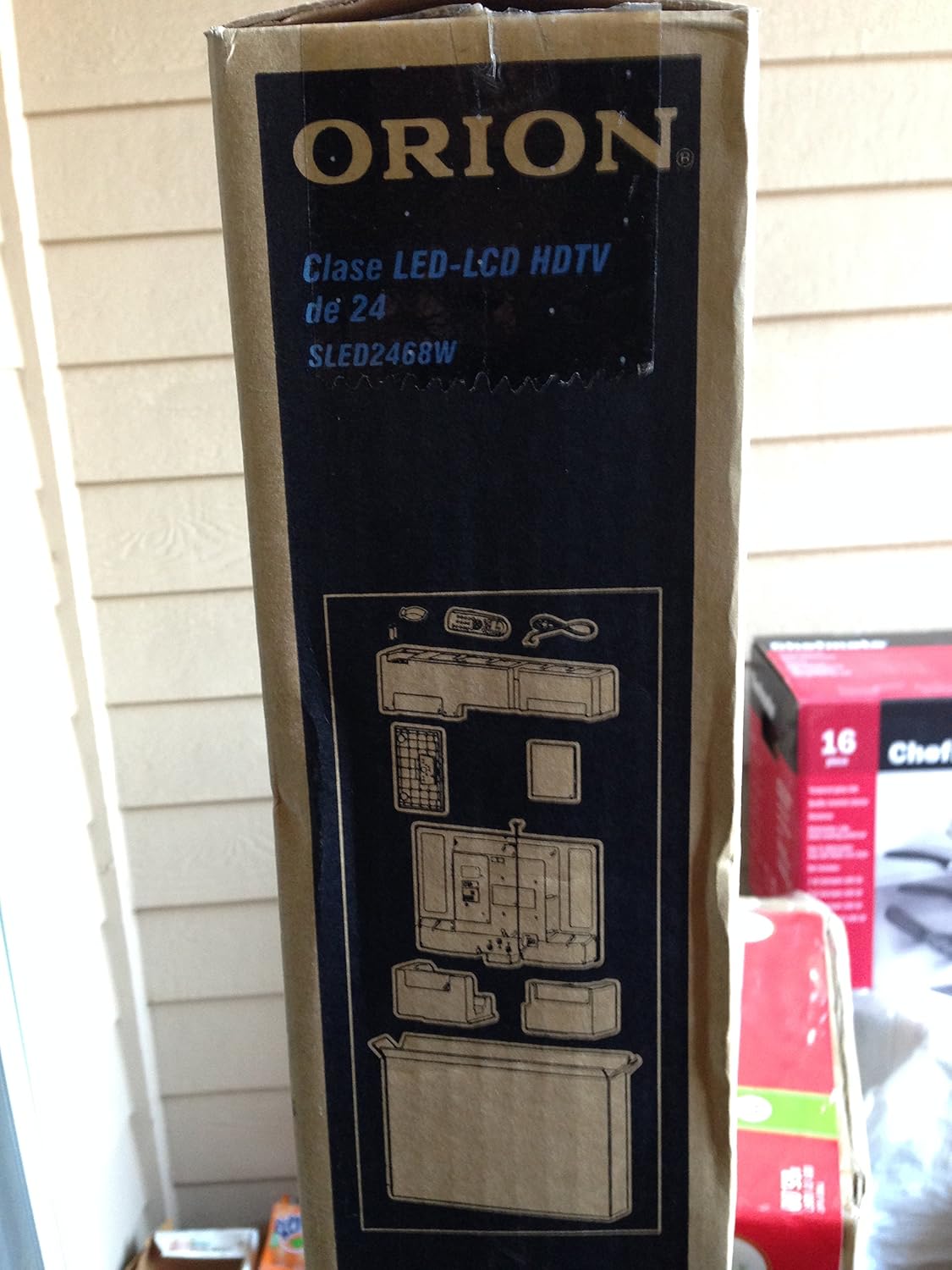
Image: The side of the Orion TV box illustrating the TV and stand components packed inside.
Sąranka
1. Išpakavimas
Remove the TV and all accessories from the packaging. Retain the packaging for future transport or storage.

Image: The front of the Orion 24" LED-LCD HDTV box, displaying the model number SLED2468W and key features such as Integrated Digital Tuner, USB Time Shift, HDMI, and Headphone/Digital Audio Output.
2. Stovo pritvirtinimas
Place the TV screen-down on a soft, clean surface. Align the TV stand with the mounting holes on the bottom of the TV. Secure the stand using the provided screws.
3. Maitinimo prijungimas
Connect the power cord to the TV's power input and then to a standard 110 VAC, 60 Hz electrical outlet.
4. Išorinių įrenginių prijungimas
Your TV supports various connections for external devices:
- HDMI: Didelės raiškos garsui ir vaizdui iš tokių įrenginių kaip „Blu-ray“ grotuvai, žaidimų konsolės arba kabelinės / palydovinės televizijos priedėliai.
- USB: For media playback or USB Time Shift functionality.
- Antena / kabelis: For receiving broadcast television signals via the integrated ATSC tuner.
- Kompiuterio įvestis: For connecting a computer monitor.
- Headphone/Digital Audio Output (Coaxial): Skirta išorinėms garso sistemoms prijungti.

Image: A diagram illustrating various connection ports on the TV, including headphone, audio, PC monitor, and coaxial outputs. Also shown are the unit dimensions and weight.
5. Pradinės sąrankos vedlys
Upon first power-on, the TV will guide you through an initial setup process, including language selection, channel scanning, and time zone settings.
Veikiantis
Basic Remote Control Functions
The remote control allows you to access all TV functions. Ensure batteries are correctly inserted.
- Galia: Įjungia arba išjungia televizorių.
- Kanalas aukštyn/žemyn: Keičia televizijos kanalus.
- Garsumo didinimas / sumažinimas: Reguliuoja garso lygį.
- Įvestis / šaltinis: Pasirenka įvesties šaltinį (HDMI, TV, USB ir kt.).
- Meniu: Pasiekia pagrindinį meniu, kuriame galima koreguoti nustatymus.
- Naršymo mygtukai (aukštyn / žemyn / kairėn / dešinėn / gerai): Naudojamas naršyti meniu ir patvirtinti pasirinkimus.
USB Time Shift
The TV features a USB Time Shift function. Connect a USB storage device to pause, rewind, or fast-forward live TV broadcasts. Refer to the on-screen menu for detailed instructions on activating and using this feature.
Interneto naršyklė
This TV includes a basic internet browser. Connect the TV to your network (if applicable) to access web content. Performance may vary depending on network speed and website complexity.
Priežiūra
Ekrano valymas
Švelniai nuvalykite ekraną minkštu, nepūkuotu skudurėliu. Jei dėmės sunkiai įveikiamos, švelniai nuvalykiteampNuvalykite šluostę vandeniu arba specializuotu ekrano valikliu. Niekada nepurkškite skysčio tiesiai ant ekrano.
Bendroji priežiūra
Keep the TV free from dust by regularly wiping the cabinet with a dry, soft cloth. Ensure adequate ventilation around the TV to prevent overheating.
Trikčių šalinimas
Jei kyla problemų dėl televizoriaus, prieš kreipdamiesi į palaikymo tarnybą, peržiūrėkite šią lentelę:
| Problema | Galimas sprendimas |
|---|---|
| Nėra galios | Check if the power cord is securely connected to both the TV and the outlet. Ensure the outlet is functional. |
| Nėra vaizdo, bet yra garsas | Patikrinkite, ar pasirinktas teisingas įvesties šaltinis. Patikrinkite išorinių įrenginių jungtis. |
| Nėra garso, bet vaizdas yra | Check volume level and mute settings. Ensure external audio connections are secure. |
| Nuotolinio valdymo pultas neveikia | Pakeiskite baterijas. Įsitikinkite, kad tarp nuotolinio valdymo pulto ir televizoriaus IR jutiklio nėra jokių kliūčių. |
| Prasta vaizdo kokybė | Check antenna connection. Adjust picture settings in the TV menu. |
Specifikacijos
Technical specifications for the Orion 24" SLED2468W LED LCD HDTV:
| Funkcija | Specifikacija |
|---|---|
| Modelio numeris | SLED2468W |
| Ekrano dydis | 24 colių |
| Ekrano technologija | LED LCD |
| Rezoliucija | 720p |
| Atnaujinimo dažnis | 60 Hz |
| Krašto santykis | 16:9 |
| Ryšio technologija | HDMI, USB |
| Tunerio tipas | ATSC |
| Palaikomos interneto paslaugos | Naršyklė |
| Linija Voltage | 110 VAC 60 Hz |
| On Mode Power Consumption | 37W (as per box image) |
| Vieneto matmenys (PxPxA) | 21.65" x 5.39" x 14.21" (550 x 136.9 x 361 mm) (as per box image) |
| Vieneto svoris | 3.6 kg (8.0 lbs) (as per box image) |
| Gamintojas | Sansui |
| UPC | 755805020776 |
Garantija ir palaikymas
For warranty information and technical support, please refer to the documentation included with your purchase or visit the official Orion product support websvetainėje. Išsaugokite pirkimo įrodymą garantiniams reikalavimams.