
1. Įvadas
The Xiaomi Mi 5000mAh Power Bank is a portable charging solution designed for smartphones and other USB-powered devices. Its slim 9.9mm design and lightweight construction (156 grams) make it highly portable, fitting easily into a pocket or bag. Equipped with a 5000mAh lithium-ion polymer battery, it provides reliable power on the go. The integrated battery indicator keeps you informed about the remaining charge level.
2. Saugos informacija
- Do not expose the power bank to extreme temperatures (above 60°C / 140°F or below 0°C / 32°F), direct sunlight, or fire.
- Avoid dropping, disassembling, or attempting to repair the device yourself. This may cause damage or injury.
- Keep the power bank away from water, moisture, and other liquids.
- Use only certified charging cables and adapters. Using incompatible accessories may lead to fire, explosion, or other hazards.
- Laikyti vaikams nepasiekiamoje vietoje.
- Dispose of the power bank according to local regulations for electronic waste. Do not dispose of it in household waste.
3. Pakuotės turinys
- Xiaomi Mi 5000mAh Power Bank (Model XPB5000)
- USB Charging Cable (Micro USB to USB-A)
- Vartotojo vadovas
4. Produktas baigtasview
Familiarize yourself with the components of your Xiaomi Mi 5000mAh Power Bank.
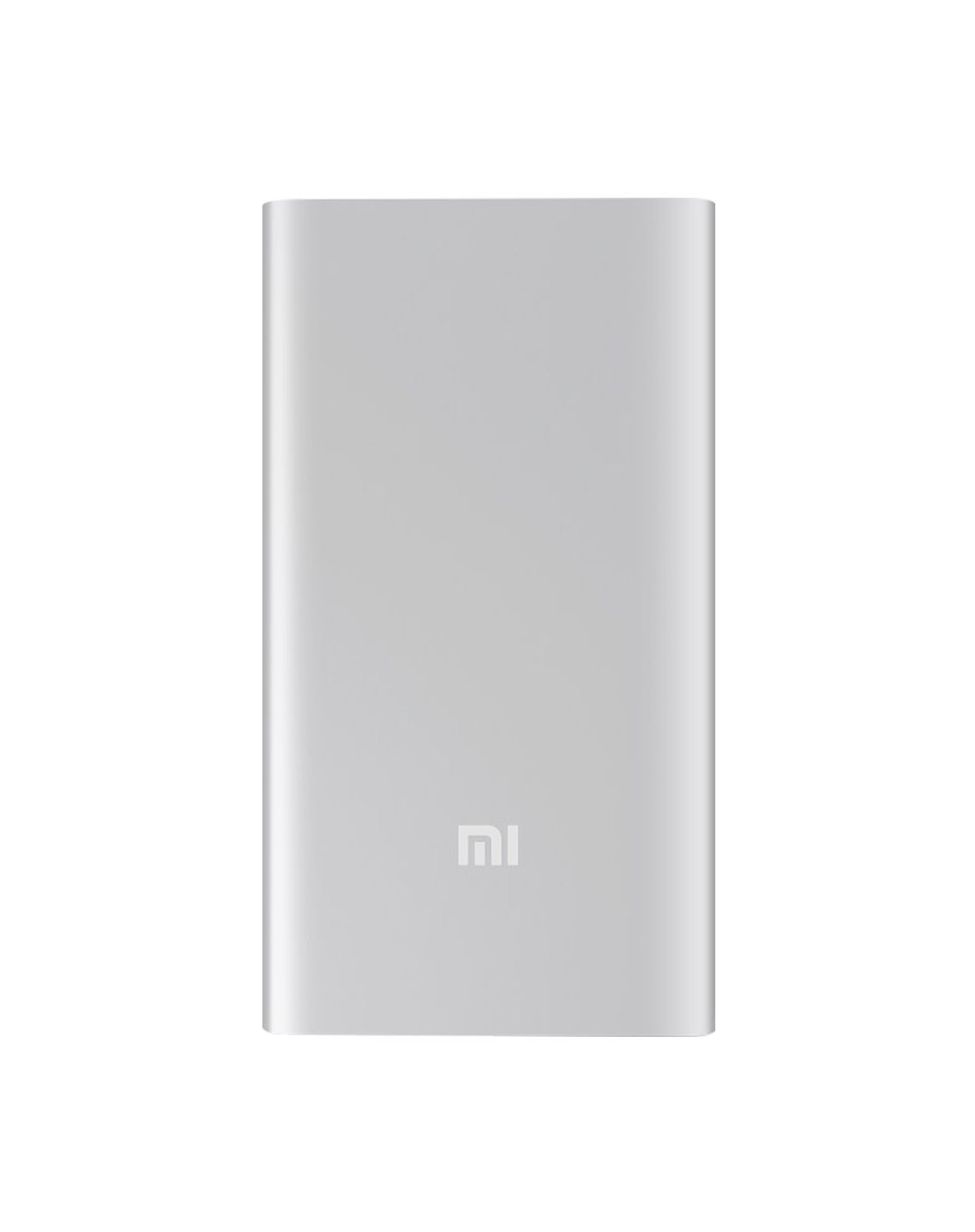
4.1 pav.: priekis view of the Xiaomi Mi 5000mAh Power Bank, silver color with the 'Mi' logo.

4.2 paveikslas: viršuje view of the power bank, highlighting the ports and indicators.
- Mikro USB įvesties prievadas: Naudojamas pačiam išoriniam akumuliatoriui įkrauti.
- USB-A išvesties prievadas: Naudojamas išoriniams įrenginiams įkrauti.
- Maitinimo mygtukas: Press once to check battery level; press and hold to turn on/off (if applicable, some power banks are auto-on).
- LED indikatoriai: Four small lights that show the remaining battery capacity of the power bank. Each light typically represents 25% of the charge.
5. Sąranka
5.1 Pradinis mokestis
Before using your Xiaomi Mi 5000mAh Power Bank for the first time, it is recommended to fully charge it.
- Connect the Micro USB end of the provided cable to the power bank's Micro USB Input Port.
- Connect the USB-A end of the cable to a USB wall adapter (not included) or a computer's USB port.
- The LED indicators will light up and blink, showing the charging progress. All four LEDs will remain solid when the power bank is fully charged.
6. Naudojimo instrukcijos
6.1 Išorinės baterijos įkrovimas
Norėdami įkrauti išorinę bateriją:
- Use the included USB cable to connect the power bank's Micro USB input port to a power source (e.g., wall charger, computer USB port).
- The LED indicators will show the charging status. When all four LEDs are solid, the power bank is fully charged.
6.2 Įrenginio įkrovimas
To charge a smartphone or other USB-powered device:
- Connect your device's charging cable to the USB-A Output Port of the power bank.
- Prijunkite kitą kabelio galą prie savo prietaiso.
- Išorinė baterija turėtų automatiškai pradėti krauti jūsų įrenginį. Jei ne, vieną kartą paspauskite maitinimo mygtuką, kad pradėtumėte krauti.
- The LED indicators will show the power bank's remaining charge while it is in use.
7. Priežiūra
- Valymas: Išorinę bateriją valykite minkšta, sausa šluoste. Nenaudokite stiprių cheminių medžiagų ar abrazyvinių medžiagų.
- Saugykla: Store the power bank in a cool, dry place away from direct sunlight and extreme temperatures. If storing for extended periods, charge it to about 50% every three months to prolong battery life.
- Akumuliatoriaus priežiūra: Venkite dažnai visiškai iškrauti išorinę bateriją, nes tai gali sutrumpinti jos tarnavimo laiką.
8. Problemų sprendimas
| Problema | Galimas sprendimas |
|---|---|
| Maitinimo bankas neįkraunamas | Ensure the charging cable is securely connected to both the power bank and the power source. Try a different cable or wall adapter. Check if the power source is active. |
| Įrenginys neįkraunamas iš maitinimo bloko | Check if the power bank has sufficient charge (indicated by LEDs). Ensure the cable connecting the device to the power bank is functional and securely connected. Press the power button on the power bank once. |
| Lėtas įkrovimas | Ensure you are using a high-quality cable. The charging speed may vary depending on the device being charged and the power bank's remaining capacity. |
| LED indikatoriai neveikia | The power bank might be completely discharged or damaged. Try charging it for a few hours. If the issue persists, contact support. |
9. Specifikacijos
| Funkcija | Detalė |
|---|---|
| Prekės ženklo pavadinimas | Xiaomi |
| Modelio numeris | XPB5000 |
| Baterijos talpa | 5000 mAh |
| Baterijos elementų sudėtis | Ličio polimeras |
| Spalva | Sidabras |
| Ypatingos savybės | Lengvas |
| ttage | 5 voltų |
| Dabartinė | 2.1 Amps |
| Maitinimo šaltinis | Maitinamas baterijomis |
| Suderinami įrenginiai | Išmanieji telefonai |
| Suderinami telefonų modeliai | Apple iPhone 5S, Apple iPhone 6 (and other USB-compatible devices) |
| Įvesties prievadas | 1 (mikro USB) |
| Išvesties prievadas | 1 (USB-A) |
| Prekės matmenys (I x P x A) | 15 x 4.5 x 2.5 cm |
| Svoris | 156 gramo (apytiksliai) |
| GTIN / UPC | 06954176883742 / 700254076065 190268050890 |
Note: The specification 'Number of Ports: 6' from product data likely refers to the combination of physical ports (Micro USB input, USB-A output) and the four LED indicators.
10. Garantija ir palaikymas
10.1 Informacija apie garantiją
According to the product specifications, this item is sold with "No Warranty". Please refer to your point of purchase for any return or exchange policies.
10.2 Pagalba klientams
For further assistance or inquiries regarding your Xiaomi Mi 5000mAh Power Bank, please contact the retailer where the product was purchased or visit the official Xiaomi support webbendros informacijos apie produktus svetainė.
Oficialus „Xiaomi“ Websvetainė: https://www.mi.com/global/support