
Įvadas
This manual provides instructions for the Datalogic Barcodescanner Touch TD1100 90 Light, model TD1120-BK-90K1. It covers essential information for setting up, operating, maintaining, and troubleshooting your device to ensure optimal performance. Please read this manual thoroughly before using the scanner.
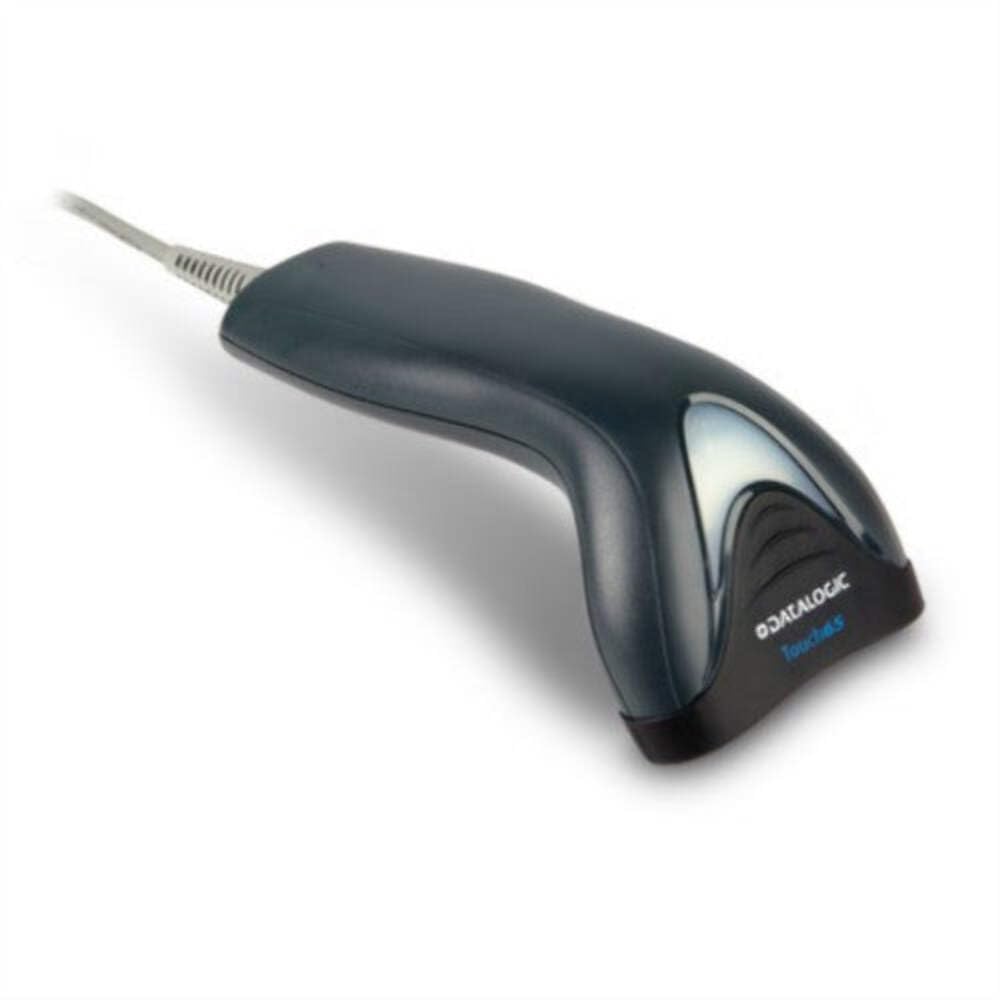
Image: The Datalogic Touch TD1100 90 Light barcode scanner, showing its ergonomic design and integrated cable.
Sąranka
1. Išpakavimas
Atsargiai išimkite visus komponentus iš pakuotės. Patikrinkite, ar yra visi daiktai:
- Datalogic Touch TD1100 90 Light Barcode Scanner
- USB laidas (integruotas)
- Greito paleidimo vadovas (jei pridėtas)
2. Skaitytuvo prijungimas
The TD1120-BK-90K1 model connects via a USB interface. Follow these steps:
- Raskite laisvą USB prievadą savo kompiuteryje (staliniame arba nešiojamajame kompiuteryje).
- Insert the USB connector of the scanner's cable firmly into the USB port.
- The operating system should automatically detect the new hardware and install the necessary drivers. This process may take a few moments.
- Once drivers are installed, the scanner will typically emit a short beep or an indicator light will illuminate, signifying it is ready for use.
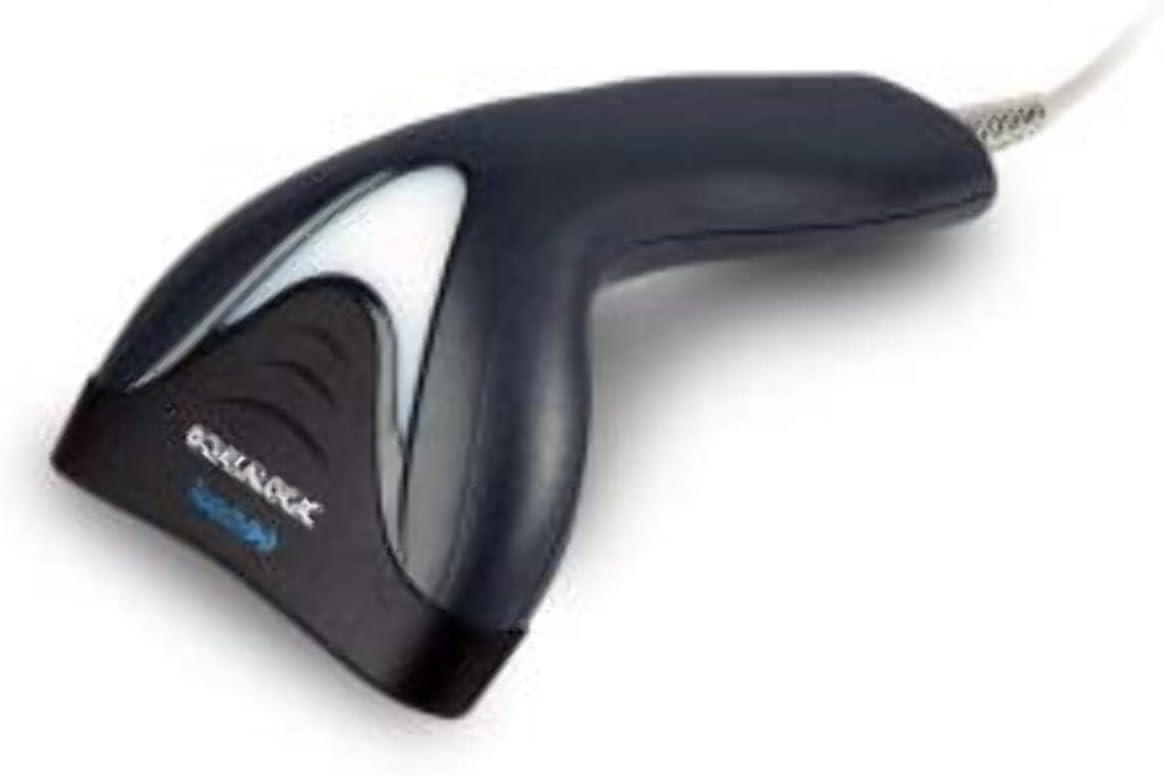
Vaizdas: Šoninė view of the Datalogic Touch TD1100 90 Light barcode scanner, highlighting the integrated cable for connection.
Naudojimo instrukcijos
1. Pagrindinė skenavimo procedūra
Norėdami nuskaityti brūkšninį kodą:
- Įsitikinkite, kad skaitytuvas prijungtas ir įjungtas.
- Open an application on your computer where you want the scanned data to appear (e.g., a text editor, spreadsheet, or POS software).
- Hold the scanner with the scanning window facing the barcode.
- Press and hold the trigger button. A red aiming line or light will project from the scanning window.
- Position the aiming line across the entire barcode.
- Once the barcode is successfully read, the scanner will emit a beep and/or the indicator light will flash green. The data will then appear in your active application.
- Atleiskite gaiduko mygtuką.
2. Scanning Techniques
- Optimalus atstumas: Hold the scanner at an appropriate distance from the barcode, typically between 2-10 cm (1-4 inches), depending on the barcode size and density.
- Kampas: Scan barcodes at a slight angle to avoid direct reflection, which can interfere with reading.
- Damaged Barcodes: For poorly printed or damaged barcodes, try scanning from different angles or distances.
Priežiūra
1. Skaitytuvo valymas
Reguliarus valymas padeda palaikyti optimalų nuskaitymo našumą.
- Skenavimo langas: Naudokite minkštą, nepūkuotą audinį dampened with a mild, non-abrasive cleaner (e.g., isopropyl alcohol or glass cleaner) to gently wipe the scanning window. Avoid harsh chemicals or abrasive materials.
- Išorė: Nuvalykite išorę casing su minkštu, damp cloth. Do not allow liquids to enter the scanner.
- Ensure the scanner is disconnected from the power source before cleaning.
2. Sandėliavimas
When not in use, store the scanner in a clean, dry environment, away from direct sunlight, extreme temperatures, and corrosive materials.
Trikčių šalinimas
If you encounter issues with your Datalogic TD1100 scanner, refer to the following common problems and solutions:
| Problema | Galima priežastis | Sprendimas |
|---|---|---|
| Skaitytuvas neįsijungia arba nereaguoja. | Loose cable connection, faulty USB port, power issue. |
|
| Skaitytuvas neskaito brūkšninių kodų. | Incorrect scanning technique, damaged barcode, dirty scanning window, incompatible barcode type, application not ready. |
|
| Nuskaityti duomenys rodomi neteisingai. | Keyboard wedge settings, incorrect language settings. |
|
Specifikacijos
Key technical specifications for the Datalogic Touch TD1100 90 Light (TD1120-BK-90K1):
- Modelio numeris: TD1120-BK-90K1
- Prekinis ženklas: Datalogic
- Nuskaitymo greitis: 90 kadrų per sekundę (fps)
- Ryšio technologija: Bluetooth
- Suderinami įrenginiai: Stalinis kompiuteris, nešiojamas kompiuteris
- Maitinimo šaltinis: Maitinamas baterijomis
- Prekės svoris: 153 gramų
- Tikrasis kampas View: 3.5 laipsnių
- Gamintojas: Datalogic
Note: Some specifications like "Battery Powered" and "Bluetooth" might be generic for the TD1100 series. The TD1120-BK-90K1 is primarily a wired USB scanner.
Garantija ir palaikymas
Informacija apie garantiją
Datalogic products are covered by a standard manufacturer's warranty. For specific warranty terms and conditions, please refer to the warranty card included with your product or visit the official Datalogic websvetainėje. Išsaugokite pirkimo įrodymą garantiniams reikalavimams.
Techninė pagalba
For technical assistance, troubleshooting beyond this manual, or to inquire about repairs, please contact Datalogic customer support. You can typically find contact information on the Datalogic websvetainėje arba skaitytuvo dokumentacijoje.
- Datalogic Official Websvetainė: www.datalogic.com
- Palaikymo ištekliai: Check the support section of the website for FAQs, drivers, and additional documentation.