
Įvadas
The Rocketek FBA_RT-CR7 is a versatile USB 3.0 7-in-1 multi-memory card reader designed for efficient data transfer from various memory card types to your computer. It supports simultaneous reading and writing of up to 5 cards, offering high-speed performance and broad compatibility across multiple operating systems.
Produkto savybės
- Keturi viename kortelių skaitytuvas: Supports CF, XD, MS, SD, and Micro SD card types.
- Vienalaikis skaitymas / rašymas: Capable of reading and writing to 5 different memory cards concurrently.
- USB 3.0 SuperSpeed: Achieves data transfer speeds up to 5Gbps, significantly faster than USB 2.0.
- Platus suderinamumas: Works with Mac OS, Linux, Chrome OS, and Windows XP/Vista/7/8/8.1/10.
- Plug & Play: Diegimui nereikia tvarkyklių.
- Kompaktiškas dizainas: Portable and easy to carry, ideal for travel.
- Integruota apsauga: Features over-current, over-voltage, ir apsauga nuo trumpojo jungimo.
- LED indikatorius: A blue LED light indicates connection and data activity.
Pakuotės turinys
- 1 x Rocketek FBA_RT-CR7 USB 3.0 7-in-1 Multi Memory Card Reader
- 1 x USB 3.0 Cable (with USB-C to USB-A adapter)
Sąrankos instrukcijos
- Prijunkite kortelių skaitytuvą: Plug the USB 3.0 cable from the card reader into an available USB port on your computer. If your computer has a USB-C port, use the provided USB-C to USB-A adapter.
- Maitinimo indikatorius: The blue LED indicator on the card reader will light up when successfully connected to your computer.
- Įdėkite atminties kortelę: Carefully insert your memory card into the corresponding slot on the card reader. Ensure the card is inserted correctly according to its orientation. The LED indicator will flicker during data transfer.
- Prieigos duomenys: Your computer will automatically detect the card reader and the inserted memory card. You can then access the card's contents through your file explorer (Windows) or Finder (Mac OS).

1 pav. Baigtaview of card reader slots and supported card types.
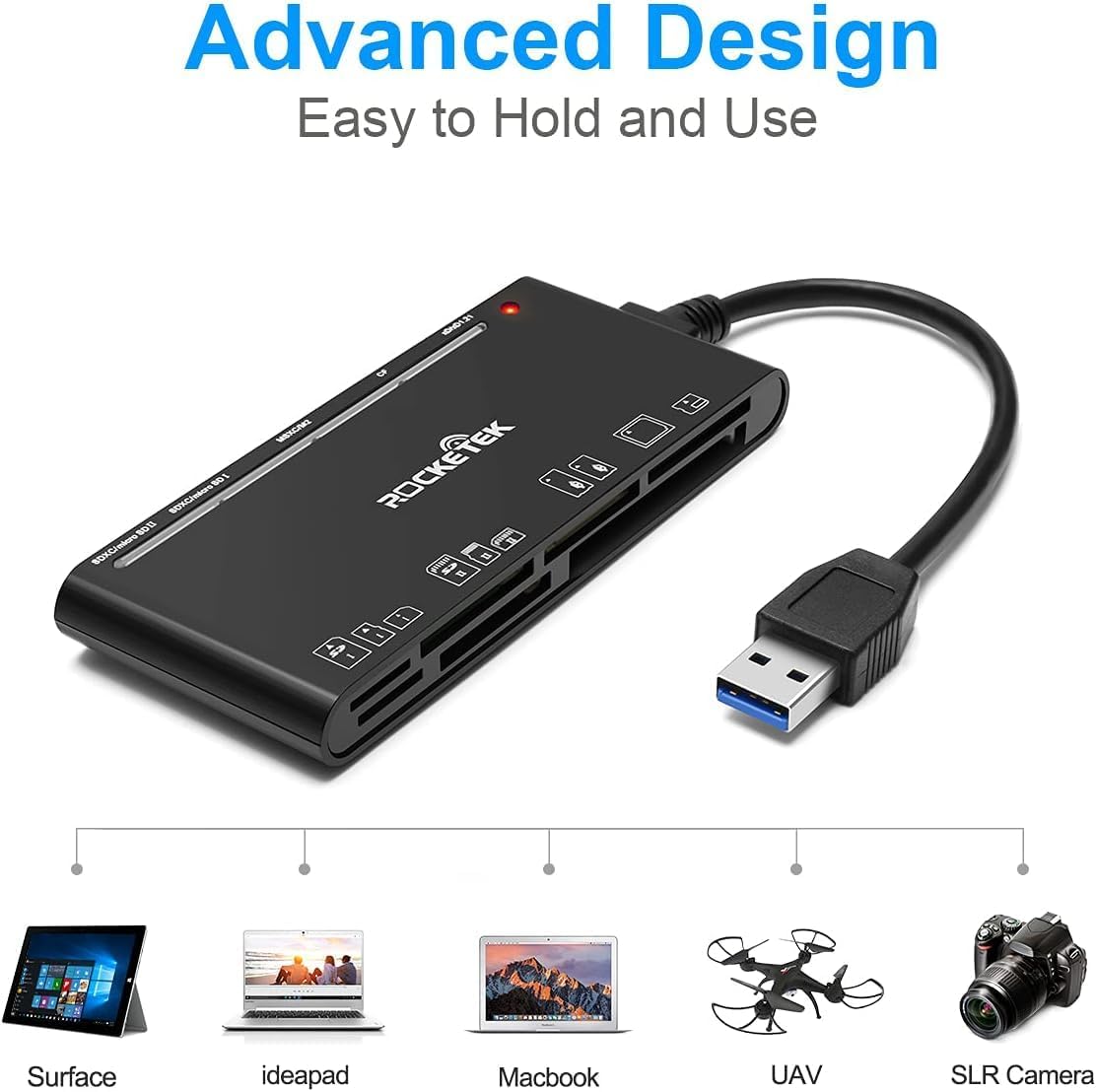
Figure 2: Card reader connected to a laptop, showing operating system compatibility.
Video 1: Demonstration of the Rocketek 7-in-1 Multi Memory Card Reader, showcasing its various card slots, USB 3.0 connectivity, and LED indicator light during operation.
Naudojimo instrukcijos
- Kortelių įdėjimas: Gently push the memory card into the appropriate slot until it clicks into place. Do not force the card.
- Duomenų skaitymas / rašymas: Once the card is inserted and detected, you can drag and drop files to and from the card. The blue LED indicator will blink during active data transfer.
- Vienalaikis naudojimas: The card reader supports reading and writing to multiple cards simultaneously. Ensure proper file management to avoid data conflicts.
- Ejecting Cards: Before removing a memory card, always safely eject it from your computer's operating system to prevent data corruption.

Figure 3: Multiple memory cards inserted into the reader, demonstrating simultaneous access.
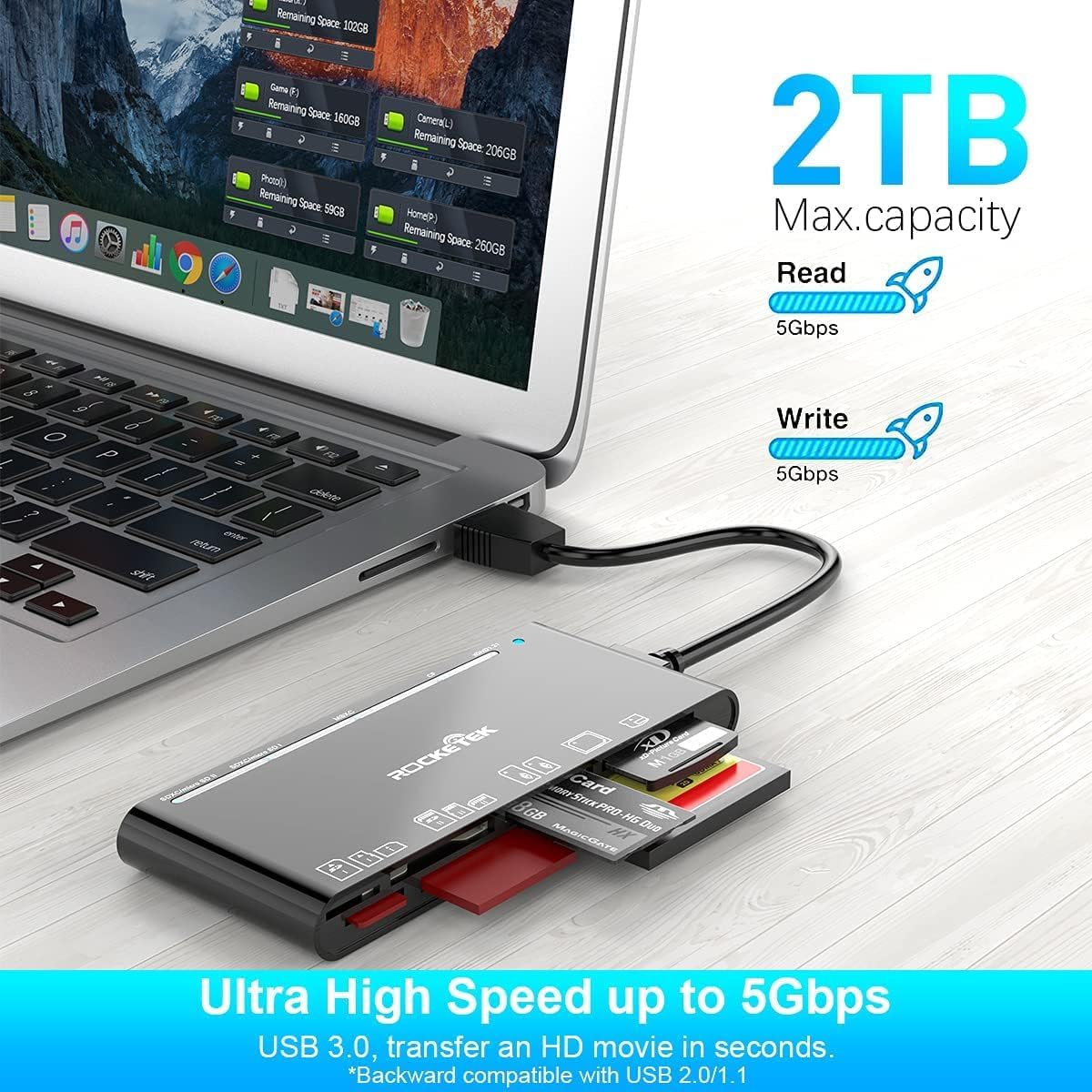
Figure 4: Highlighting the 5Gbps data transfer speed and 2TB maximum capacity.
Suderinamumas
Palaikomos operacinės sistemos:
- „Windows XP“ / „Vista“ / 7 / 8 / 8.1 / 10
- Mac OS (including MacBook Pro/Air)
- Linux
- „Chrome“ OS
Palaikomi medijos tipai:
- CompactFlash (CF card, high-speed CF UDMA)
- SD Card (SD, SDXC up to 2TB, SDHC, RS-MMC, miniSD)
- Micro SD (Micro SD, Micro SDXC, Micro SDHC)
- Memory Stick (MS, M2, MSXC, Memory Stick PRO Duo, Memory Stick Pro)
- xD Picture Card
Specifikacijos
| Prekės ženklas | Rocketek |
| Modelio pavadinimas | FBA_RT-CR7 |
| Ryšio technologija | A tipo USB |
| Techninės įrangos sąsaja | USB 3.0 |
| Duomenų perdavimo sparta | 5 Gbps |
| Slot Count | 7 (supporting 5 simultaneous reads/writes) |
| Spalva | Juoda |
| Prekės matmenys (I x P x A) | 6.1" x 2.9" x 0.4" |
| Prekės svoris | 9.07 g |
Priežiūra ir priežiūra
- Valymas: Kortelių skaitytuvo išorę valykite minkšta, sausa šluoste. Venkite naudoti skystus valiklius ar tirpiklius.
- Saugykla: Kortelių skaitytuvą laikykite vėsioje, sausoje vietoje, toliau nuo tiesioginių saulės spindulių ir ekstremalių temperatūrų.
- Tvarkymas: Saugokite įrenginį nuo kritimo ir stiprių smūgių. Pernelyg nelenkite ir nesukite laido.
- Uosto apsauga: Keep the card slots free from dust and debris.
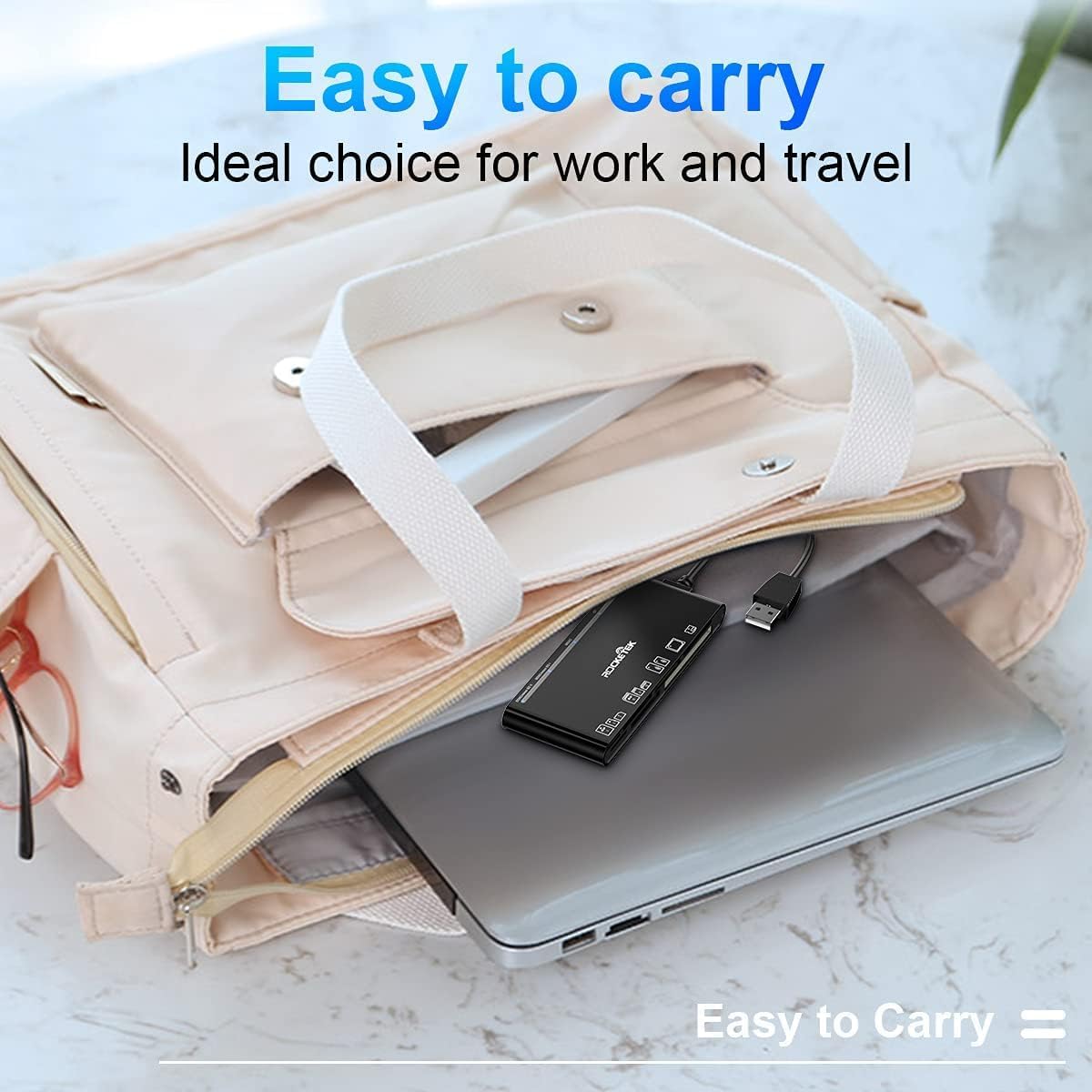
Figure 5: The card reader's compact size, suitable for portability.
Trikčių šalinimas
- Įrenginys neaptiktas:
- Ensure the USB cable is securely connected to both the card reader and your computer.
- Pabandykite prijungti prie kito kompiuterio USB prievado.
- Iš naujo paleiskite kompiuterį.
- Atminties kortelė neatpažinta:
- Verify that the memory card is fully inserted into the correct slot.
- Check if the memory card is damaged or corrupted. Try it in another device if possible.
- Ensure your operating system supports the file atminties kortelės sistema.
- Lėtas duomenų perdavimas:
- Ensure the card reader is connected to a USB 3.0 port on your computer for optimal speed.
- Verify that your memory card itself supports high-speed data transfer.
- Venkite paleisti kelias daug išteklių reikalaujančias programas didelių apkrovų metu. file pervedimai.
- LED indikatorius nedega:
- Confirm the card reader is properly connected to a powered USB port.
- If using a USB hub, ensure it is powered.
Garantija ir palaikymas
The Rocketek FBA_RT-CR7 USB 3.0 7-in-1 Multi Memory Card Reader comes with a 2 metų garantija from the date of purchase. This warranty covers manufacturing defects and ensures the product performs as described under normal use.
For technical support, warranty claims, or any inquiries regarding your product, please contact Rocketek customer service through the retailer's platform or visit the official Rocketek websvetainė kontaktinei informacijai.