
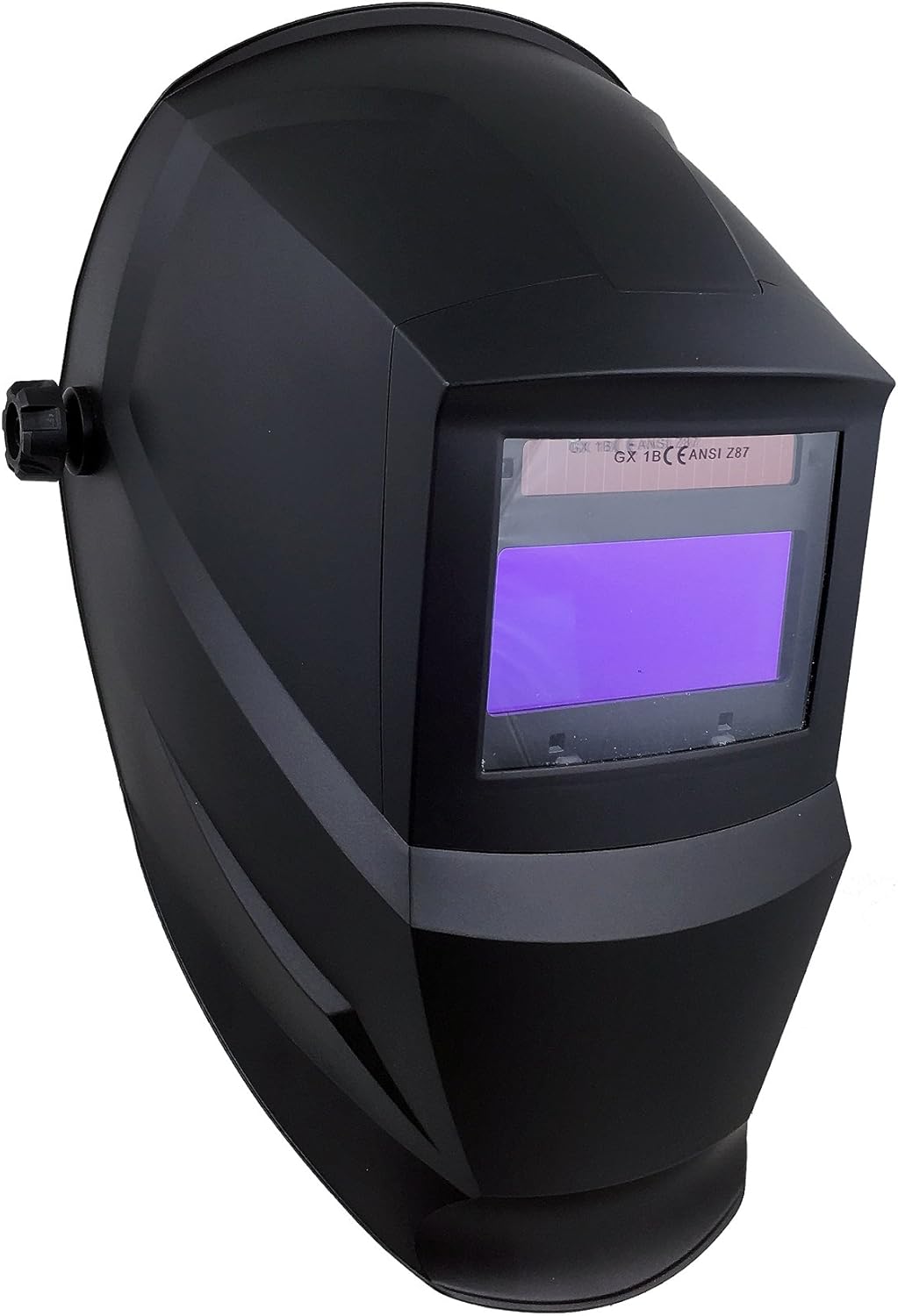
1 vaizdas: The Instapark ADF Series GX600 Solar Powered Auto-Darkening Welding Helmet, shown from a front-side perspective.
Įvadas
This manual provides essential instructions for the safe and effective use of your Instapark ADF Series GX600 Solar Powered Auto-Darkening Welding Helmet. Please read this manual thoroughly before operation to ensure proper function, safety, and longevity of the product. Retain this manual for future reference.
Saugos priemonės
Always prioritize safety when welding. This helmet is designed to protect your eyes and face from sparks, spatter, and harmful radiation under normal welding conditions. However, it does not provide protection against severe impact hazards, explosive devices, or corrosive liquids. Always wear appropriate safety glasses underneath the helmet.
- Do not use the helmet if the auto-darkening filter (ADF) is damaged or cracked.
- Ensure the helmet is properly adjusted to your head for a secure and comfortable fit.
- Nenardinkite šalmo į vandenį.
- Replace front cover lenses regularly to maintain clear vision.
- Always inspect the helmet before each use for any signs of damage.
Komponentai ir savybės
The Instapark ADF Series GX600 welding helmet is equipped with advanced features for optimal performance and user comfort.

2 vaizdas: Diagram illustrating key features of the Instapark ADF Series GX600 welding helmet, including solar cells, dual arc sensors, UV/IR coated auto-darkening lens, external shade selection, 5-point adjustable ratcheting headgear, and impact-resistant Nylon construction.
- Automatiškai tamsėjantis filtras (ADF): Automatically switches from light to dark in 1/25000s when an arc is struck.
- Varomas saulės energija: Built-in solar panel charges the internal battery.
- Dual Arc Sensors: Ensures instantaneous auto-darkening.
- Adjustable Shade Range: Variable shade from #5 to #13, with a resting shade of #4.
- Platus Viewsritis: Suteikia aiškų view of the welding area.
- UV/IR apsauga: Constant DIN 16 protection against harmful ultraviolet and infrared radiation.
- Ratcheting Headgear: 5-point adjustable system for a custom, comfortable fit.
- Šlifavimo funkcija: Allows the helmet to be used in grinding mode without darkening.
Sąranka ir reguliavimas
Before using your welding helmet, proper setup and adjustment are crucial for comfort and safety.
1. Galvos apdangalo reguliavimas

3 vaizdas: Interjeras view of the Instapark ADF Series GX600 welding helmet, highlighting the adjustable ratcheting headgear and the auto-darkening filter module.
- Loosen the tension knob on the side of the helmet to adjust the helmet's position relative to your face.
- Adjust the top strap to fit the crown of your head.
- Use the ratcheting knob at the back of the headgear to tighten or loosen the band around your head until it feels secure and comfortable.
- Ensure the helmet sits evenly and the viewmatymo sritis yra jūsų akių centre.
2. Baterijos įdėjimas / patikrinimas
The helmet is powered by a solar cell and two replaceable CR2032 lithium batteries (included). The solar cell extends battery life, but the CR2032 batteries provide primary power and backup.
- The helmet is fully automatic; there is no manual on/off switch.
- Ensure the CR2032 batteries are correctly installed with the positive (+) side facing up.
- A low volume alarm will sound if the batteries are low, indicating they need replacement.
Naudojimo instrukcijos
Familiarize yourself with the controls before beginning any welding task.

4 vaizdas: Priekinė pusė view of the Instapark ADF Series GX600 welding helmet, showing the external shade selection knob for convenient adjustment.
1. Shade Adjustment
- The external dial on the side of the helmet allows for continuous adjustment of the dark shade from #5 to #13.
- Select the appropriate shade level based on your welding process and ampstandartinėse suvirinimo atspalvių lentelėse.
- The resting shade is DIN 4.
2. Jautrumo valdymas
- The sensitivity control (usually an internal knob) adjusts how much light is required to trigger the auto-darkening function.
- Adjust from Low to High continuously to suit different ambient light conditions and welding processes. Higher sensitivity is generally used for low amperazinis TIG suvirinimas.
3. Delay Control (Dark to Light)
- The delay control (usually an internal dial) adjusts the time it takes for the filter to return from dark to light state after the arc stops.
- Adjustable from 0.1 to 1.0 seconds. A longer delay helps prevent eye fatigue from afterglow or multiple short arcs.
4. Grinding Function
- The helmet includes a grinding function. Activate this mode (typically via an internal switch) to prevent the filter from darkening while grinding.
- Always ensure the grinding function is OFF before welding to ensure eye protection.
5. Welding Applications
This helmet is suitable for most Stick (arc welding), MIG (Metal Inert Gas), and TIG (Tungsten Inert Gas) applications. For TIG welding, the low amperage capability is ≥ 5A (DC).
Priežiūra
Regular maintenance ensures the optimal performance and longevity of your welding helmet.
- Valymas: Clean the helmet shell with mild soap and water. Do not use harsh solvents. Clean the auto-darkening filter and cover lenses with a soft, lint-free cloth.
- Cover Lens Replacement: Replace the front and inner cover lenses when they become scratched, pitted, or too dirty to clean effectively.
- Baterijos keitimas: Replace the CR2032 batteries when the low volume alarm sounds or if the ADF fails to darken. Ensure correct polarity.
- Saugykla: Store the helmet in a dry, clean environment away from direct sunlight and extreme temperatures.
Trikčių šalinimas
| Problema | Galima priežastis | Sprendimas |
|---|---|---|
| ADF does not darken when arc is struck. |
|
|
| Poor visibility through the filter. |
|
|
| Helmet feels uncomfortable or loose. |
|
|
Specifikacijos
- Optinė klasė: 1/1/1/2
- Number of Arc Sensors: 2
- Light Shade Number: DIN 4
- Tamsi būsena: Variable shade, 5 ~ 13
- Maitinimo įjungimas/išjungimas: Visiškai automatinis
- Jautrumo valdymas: Low — High, continuously adjustable
- UV/IR apsauga: DIN 16 (constant)
- Maitinimas: Solar cell, 2×CR2032 lithium battery (included)
- Perjungimo laikas (šviesus į tamsą): 1/25000 sek
- Dark to Light Delay: 0.1~1.0S by dial control knob
- Žemas Amperage TIG: ≥ 5A (DC)
- Šlifavimo funkcija: Taip
- Low Volume Alarm: Taip
- ADF savikontrolė: Taip
- Viewsritis: 4x2 colių
- Medžiaga: Plastic (Impact-resistant Nylon)
- Svoris: 680 g
- Matmenys: 23.88 x 23.11 x 34.04 cm
- Standartai: Conforms to GS, DIN-Geprüft, CE, ANSI Z87.1, CSA Z94.3, AS/NZS standards.
Garantija ir palaikymas
Specific warranty details are not provided within this manual. For information regarding warranty coverage, technical support, or replacement parts, please refer to the original purchase documentation or contact Instapark customer service directly. Contact information can typically be found on the product packaging or the official Instapark websvetainę.