
Ikea 40250855
Ikea LILLHULT USB Type C to USB Cable User Manual
Modelis: 40250855
Įvadas
This user manual provides essential information for the safe and efficient use of your Ikea LILLHULT USB Type C to USB cable. Please read this manual carefully before using the product and retain it for future reference.
Sąrankos instrukcijos
The Ikea LILLHULT cable is designed for connecting devices with a USB Type C port to a power source or another device with a standard USB-A port for charging and data transfer.
- Identifikuokite jungtis: Locate the USB Type C connector (smaller, reversible) and the standard USB-A connector (larger, rectangular).
- Prisijunkite prie įrenginio: Insert the USB Type C connector into the compatible port on your smartphone, tablet, or other USB-C enabled device. Ensure it is fully seated.
- Prijungimas prie maitinimo / duomenų šaltinio: Insert the USB-A connector into a compatible USB wall adapter, power bank, computer USB port, or other USB-A enabled charging/data port.
- Patikrinkite ryšį: Confirm that your device indicates it is charging or connected for data transfer.
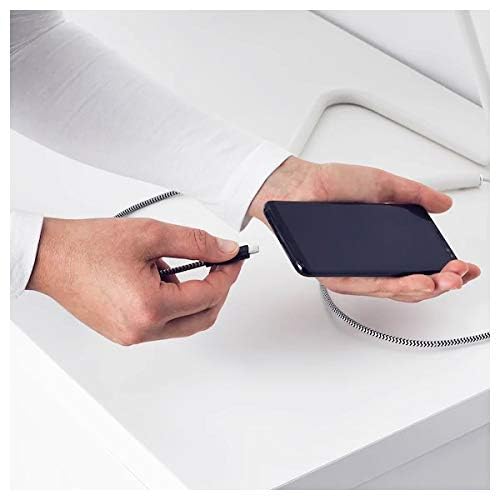
Image: A person connecting the USB Type C end of the cable to a smartphone. This illustrates the initial connection step.
Naudojimo instrukcijos
Įkrovimo įrenginiai
Once properly connected to a power source, the cable will facilitate charging of your USB Type C device. Charging speed may vary depending on the power adapter and the device's charging capabilities.
Duomenų perdavimas
This cable supports data transfer at speeds up to 0.48 Gigabits Per Second. To transfer data, connect the USB-A end to a computer's USB port and the USB Type C end to your device. Your device may prompt you to select a connection mode (e.g., "File Transfer" or "MTP").
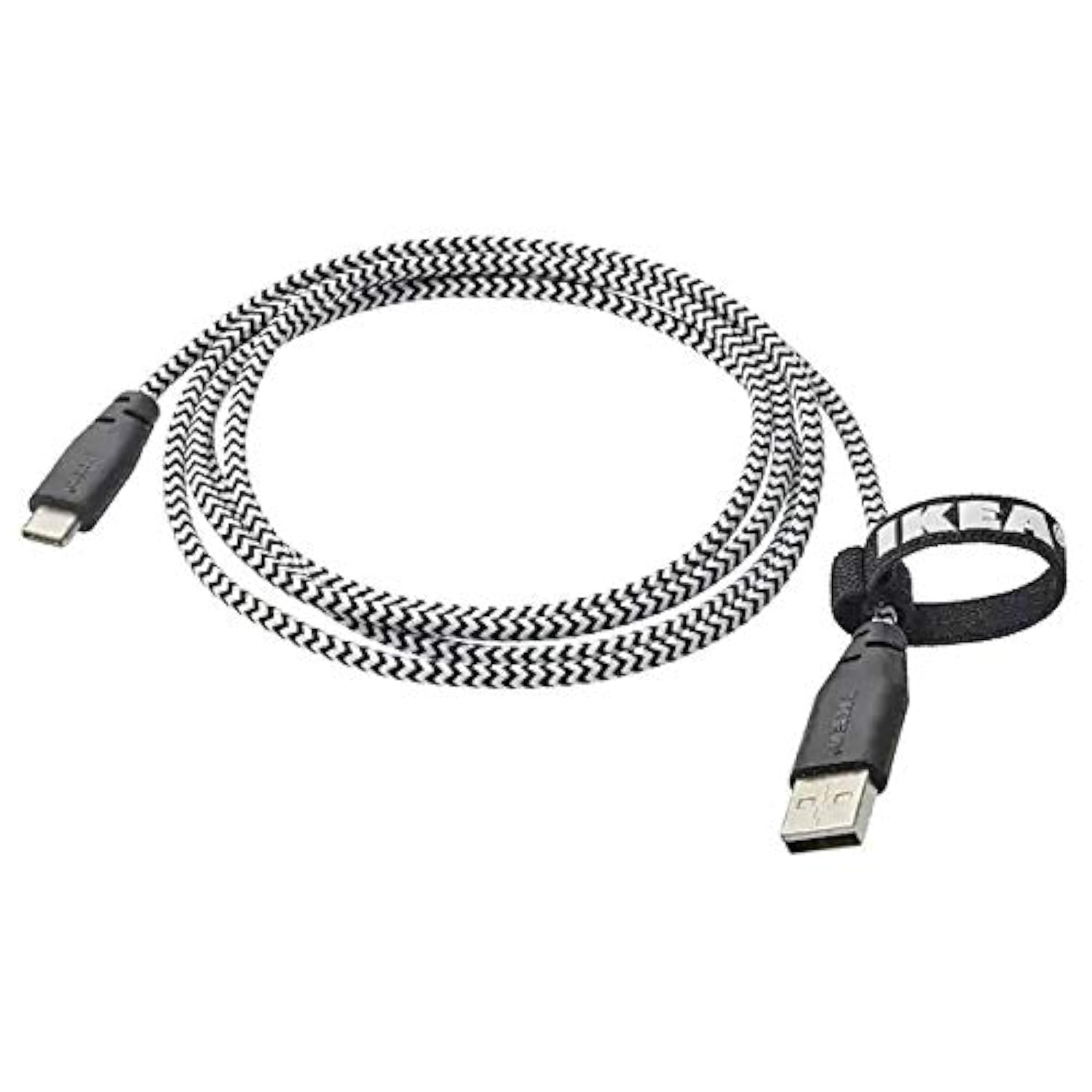
Image: The Ikea LILLHULT cable in use, connecting a smartphone to a charging base, with a laptop in the background. This demonstrates the cable's function in a typical setup.
Priežiūra ir priežiūra
- Valymas: Wipe the cable with a dry, soft cloth. Avoid using harsh chemicals or abrasive cleaners.
- Saugykla: When not in use, coil the cable loosely. Avoid sharp bends or kinks, especially near the connectors, to prevent internal wire damage. The integrated cable tie can be used for neat storage.
- Tvarkymas: Prijungdami arba atjungdami kabelį, visada laikykite už jungties korpuso, o ne traukite už paties kabelio.
- Aplinka: Laikykite laidą atokiau nuo ekstremalių temperatūrų, tiesioginių saulės spindulių ir drėgmės.
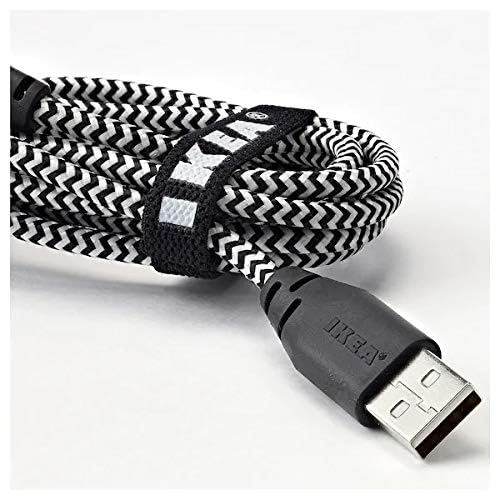
Vaizdas: Stambus planas view of the coiled Ikea LILLHULT cable, secured with its integrated cable tie, showing the durable braided design and the USB-A connector with the Ikea logo. This highlights the cable's design for easy storage and durability.
Trikčių šalinimas
| Problema | Galima priežastis | Sprendimas |
|---|---|---|
| Įrenginys neįkraunamas. | Loose connection, faulty power adapter, incompatible device. | Ensure both ends of the cable are securely connected. Try a different power adapter or USB port. Verify device compatibility. |
| Lėtas įkrovimas. | Low-power USB port, power adapter not sufficient, background apps on device. | Naudokite didesnės galiostage power adapter. Close unnecessary applications on your device. Ensure the USB port provides adequate power. |
| Duomenų perdavimas neveikia. | Incorrect device settings, driver issues on computer, loose connection. | Check your device's USB connection settings (e.g., select "File Transfer"). Ensure computer drivers are up to date. Reconnect the cable firmly. |
Specifikacijos
- Prekinis ženklas: Ikea
- Modelis: 40250855
- Jungties tipas: USB Type C to USB-A
- Kabelio tipas: USB
- Ilgis: 1.5 meters (4 feet 11 inches)
- Suderinami įrenginiai: Charging Adapter, USB Type C enabled devices
- Ypatinga funkcija: Patvarus pintas dizainas
- Duomenų perdavimo sparta: Iki 0.48 gigabitų per sekundę
- Spalva: Juoda
- Prekės forma: Apvalus
- Gamintojas: Ikea
Garantija ir palaikymas
For information regarding warranty, returns, or customer support, please refer to the purchase documentation or visit the official Ikea websvetainėje. Išsaugokite pirkimo įrodymą, jei prireiktų pateikti garantinį ieškinį.
Internetiniai ištekliai:
- Official Ikea Websvetainė: www.ikea.com
- Product Support Page (if available): Refer to the Ikea webkonkrečių produktų palaikymo puslapių svetainė.
Ask a question about this manual
Ask about setup, troubleshooting, compatibility, parts, safety, or missing instructions. Manuals+ will review the question and use this page’s manual context to help answer it.