
1. Įvadas
The Awei Y200 Wireless Bluetooth Speaker delivers high-fidelity stereo sound and rich bass in a portable design. This manual provides comprehensive instructions for setting up, operating, maintaining, and troubleshooting your speaker to ensure optimal performance and longevity.

Priekyje view of the Awei Y200 Wireless Bluetooth Speaker, showcasing its yellow top panel with touch controls and a yellow mesh grille.
2. Pakuotės turinys
Prašome patikrinti, ar pakuotėje yra visi reikalingi daiktai:
- Awei Y200 belaidė „Bluetooth“ kolonėlė
- USB įkrovimo laidas
- AUX garso laidas
- Vartotojo vadovas
3. Produktas baigtasview
Familiarize yourself with the speaker's physical features:
- Sąsajos: Includes AUX input, Micro-SD card slot, and a Type-A (USB) port for versatile connectivity.
- Mygtukai: Intuitive touch controls located on the top panel for power, volume adjustment, track navigation, and call management.
- Bazė: Equipped with a non-slip base to ensure stability on various surfaces.

A detailed diagram pointing out the speaker's interfaces (AUX, Micro-SD, Type-A), touch control buttons, and non-slip base.
4. Sąranka
4.1 Garsiakalbio įkrovimas
- Prijunkite pridedamą USB įkrovimo laidą prie garsiakalbio įkrovimo prievado.
- Kitą USB kabelio galą prijunkite prie suderinamo USB maitinimo šaltinio (pvz., sieninio adapterio, kompiuterio USB prievado).
- The charging indicator light will illuminate, indicating that the speaker is charging.
4.2 Įjungimas / išjungimas
- To power on, press and hold the power button on the top panel until you hear an audible prompt.
- To power off, press and hold the power button again until the speaker powers down.
5. Naudojimo instrukcijos
5.1 Bluetooth poravimas
- Ensure the speaker is powered on. It will automatically enter Bluetooth pairing mode, indicated by a flashing light or audible prompt.
- On your mobile device (smartphone, tablet, laptop), enable Bluetooth in its settings.
- Ieškokite available Bluetooth devices and select "Awei Y200" from the list.
- A confirmation sound will indicate successful pairing. The speaker is now ready for audio playback.
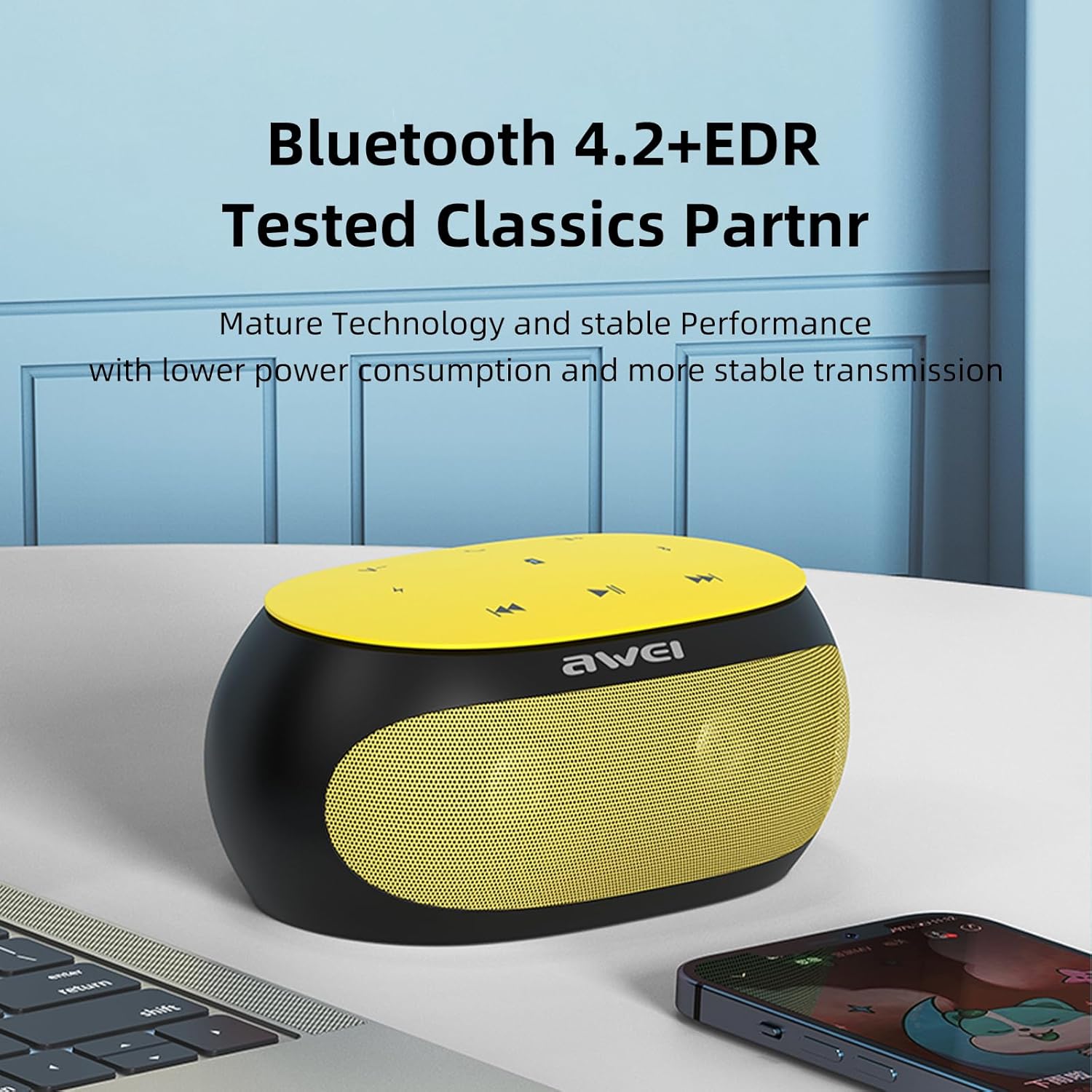
The Awei Y200 speaker, featuring Bluetooth 4.2+EDR for stable and low-power wireless connectivity.
5.2 Muzikos leidimas
- „Bluetooth“ režimas: Once paired, play music from your connected device. Use the speaker's touch controls for play/pause, next/previous track, and volume adjustment.
- TF kortelės režimas: Insert a TF (Micro-SD) card containing audio fileį tam skirtą lizdą. Garsiakalbis automatiškai persijungs į TF kortelės režimą ir pradės atkūrimą.
- AUX režimas: Connect an audio device using a 3.5mm AUX cable to the speaker's AUX port. The speaker will switch to AUX mode for wired audio input.
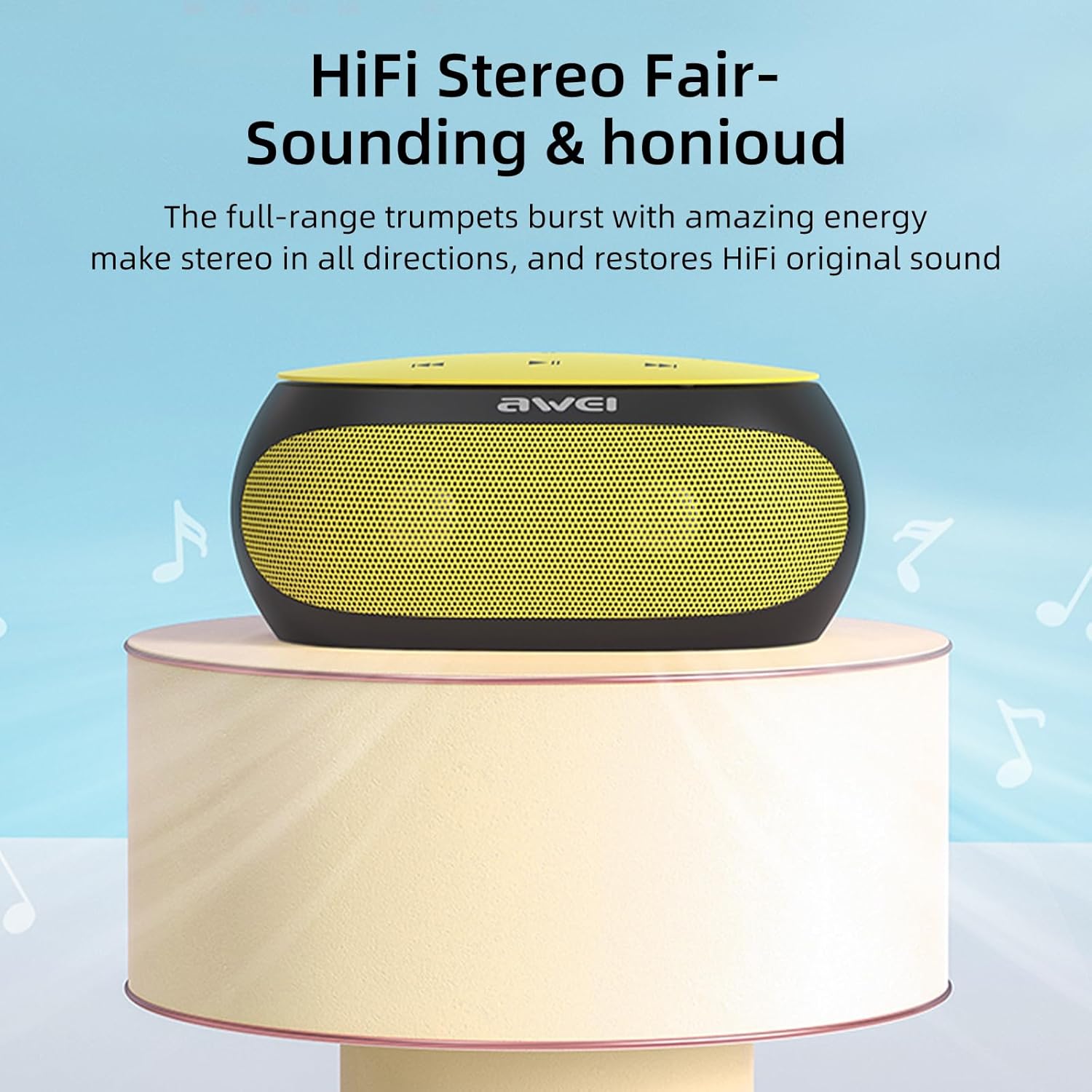
The Awei Y200 speaker positioned to emphasize its HiFi stereo sound capabilities, restoring original audio quality.
5.3 Skambinimas laisvų rankų įranga
- When a call comes in while connected via Bluetooth, press the call button on the speaker to answer the incoming call.
- Press the call button again to end the call.
- The built-in dual microphones ensure clear communication during calls.

The Awei Y200 speaker next to a smartphone, illustrating its hands-free call function with built-in dual microphones.
5.4 Touch Controls Overview
- Maitinimo mygtukas: Paspauskite ir palaikykite, kad įjungtumėte arba išjungtumėte garsiakalbį.
- Atkūrimo / pristabdymo mygtukas: Tap to play or pause audio playback.
- Padidinti garsumą / kitas takelis: Palieskite, kad padidintumėte garsumą. Paspauskite ir palaikykite, kad pereitumėte prie kito takelio.
- Sumažinti garsumą / ankstesnis takelis: Palieskite, kad sumažintumėte garsumą. Paspauskite ir palaikykite, kad grįžtumėte į ankstesnį takelį.
- Skambinimo mygtukas: Tap to answer an incoming call or end an ongoing call.
6. Priežiūra
- Keep the speaker dry and away from moisture or liquids.
- Clean the speaker with a soft, dry cloth. Avoid using harsh chemicals, solvents, or abrasive cleaners.
- Saugokite garsiakalbį nuo ekstremalių temperatūrų (karštos ar šaltos).
- Venkite garsiakalbio numetimo ir stiprių smūgių.
- Kai garsiakalbio nenaudojate ilgesnį laiką, laikykite jį vėsioje, sausoje vietoje.
7. Problemų sprendimas
- Garsiakalbis neįsijungia:
- Ensure the battery is sufficiently charged. Connect the speaker to a power source using the USB charging cable. - Nepavyksta susieti per „Bluetooth“:
- Ensure the speaker is in Bluetooth pairing mode (indicated by a flashing light or audible prompt).
- Verify that Bluetooth is enabled on your device.
- Move the speaker closer to your device to ensure it is within range.
- Try clearing previous Bluetooth connections on your device and attempt pairing again. - Nėra garso:
- Check the volume levels on both the speaker and your connected device.
- Ensure the correct input mode (Bluetooth, TF Card, or AUX) is selected.
- If using AUX mode, verify that the audio cable is securely connected at both ends. - Prasta garso kokybė:
- Ensure the speaker is within the optimal Bluetooth range of your device.
- Check for potential interference from other wireless devices.
- Try playing audio from a different source or using a different audio file kad būtų atmestos šaltinio problemos.
8. Specifikacijos
| Funkcija | Specifikacija |
|---|---|
| Modelis | Y200 |
| Prekės ženklas | Awei |
| Ryšio technologija | Bluetooth |
| Belaidžio ryšio technologijos | Bluetooth |
| Bluetooth versija | 4.2 + EDR |
| Garso išvesties režimas | Stereo |
| Maksimali garsiakalbio galia | 10 vatų |
| Išėjimo vattage | 4.5 vatų |
| Pranešėjas Amplifikacijos tipas | Aktyvus |
| Varža | 4 omai |
| Kontrolės metodas | Palieskite |
| Maitinimo šaltinis | Maitinamas baterijomis |
| Vidutinis akumuliatoriaus veikimo laikas | 6 valandų |
| Įkrovimo laikas | 2 valandų |
| Gaminio matmenys | 21D x 10W x 8.5H centimetrai |
| Prekės svoris | 0.56 kilogramo |
| Medžiagos tipas | Plastikiniai |
| Didžiausias diapazonas | 33 pėdų |
| Įtraukti komponentai | Pranešėjas |
| Suderinami įrenginiai | Nešiojamasis kompiuteris, išmanusis telefonas, planšetinis kompiuteris, televizorius |
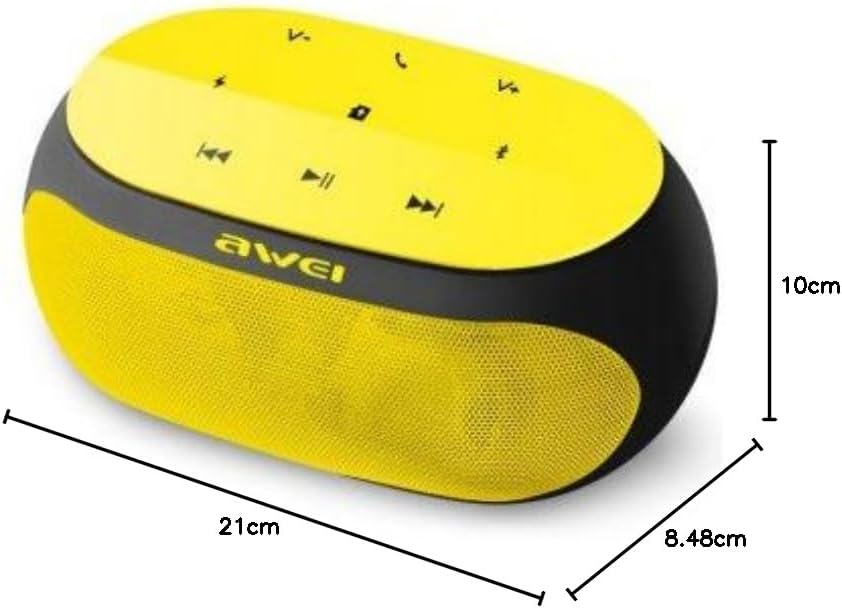
An image displaying the physical dimensions of the Awei Y200 speaker: 21cm length, 10cm width, and 8.48cm height.
9. Informacija apie garantiją
The Awei Y200 Wireless Bluetooth Speaker comes with a full warranty. For specific terms, conditions, and duration of your warranty, please refer to the documentation provided at the time of purchase or contact your retailer.
10. Parama
Should you require further assistance, encounter issues not covered in this manual, or have any questions regarding your Awei Y200 speaker, please contact Awei customer support or the retailer from whom you purchased the product. Please have your product model number (Y200) and purchase details ready when seeking support.