
ProForm PFEX01215
ProForm Le Tour De France Upright Exercise Bike User Manual
Modelis: PFEX01215
1. Įvadas
This manual provides essential information for the safe and effective use of your ProForm Le Tour De France Upright Exercise Bike, Model PFEX01215. Please read all instructions carefully before assembly and operation. Retain this manual for future reference.
Saugos informacija:
- Prieš pradėdami bet kokią mankštos programą, pasitarkite su gydytoju.
- Vaikus ir gyvūnus laikykite toliau nuo įrangos.
- Pastatykite treniruoklį ant lygaus paviršiaus.
- Prieš kiekvieną naudojimą įsitikinkite, kad visos dalys yra tvirtai priveržtos.
- Maksimalus vartotojo svoris: 250 svarų (113.4 kg).
2. Sąranka ir surinkimas
Unpack all components and ensure all parts are present. Refer to the included assembly guide for detailed step-by-step instructions. Basic assembly typically involves attaching the stabilizers, pedals, seat, handlebars, and console.

2.1 paveikslas: Fully assembled ProForm Le Tour De France Upright Exercise Bike. This image shows the complete bike from a front-side angle, highlighting the console, handlebars, seat, pedals, and the distinctive "Le Tour De France" branding on the flywheel.
2.1 Stabilizer Installation
Attach the front and rear stabilizers to the main frame using the provided bolts and washers. Ensure they are firmly secured to prevent wobbling during use.
2.2 Pedal Attachment
The pedals are marked 'L' for left and 'R' for right. Attach the left pedal by turning it counter-clockwise and the right pedal by turning it clockwise into the crank arms. Tighten securely with a wrench.
2.3 Seat and Handlebar Adjustment
Adjust the seat height and handlebar position to ensure a comfortable and ergonomic riding posture. The seat features an adjustable post for vertical positioning, and the handlebars can be adjusted for angle.

2.2 paveikslas: A user adjusting the seat height of the exercise bike. This image illustrates the process of loosening and tightening the knob to set the seat to the desired vertical position.

2.3 paveikslas: A user adjusting the handlebar angle on the exercise bike. This image shows how to manipulate the adjustment mechanism to find a comfortable handlebar position.
3. Naudojimo instrukcijos
3.1 Konsolė viršview
The console displays key workout metrics such as time, distance, speed, calories, and resistance level. Familiarize yourself with the buttons and display functions.

3.1 paveikslas: Išsamus view of the exercise bike's console. This image highlights the digital display, control buttons for incline, gears, and various workout modes, and the iFit branding.
3.2 Treniruotės pradžia
- Sit on the bike and place your feet securely in the pedal straps.
- Press any button on the console to activate it.
- Select a workout program or begin in manual mode.
- Adjust resistance using the '+' and '-' buttons on the console.
3.3 Pasipriešinimo sistema
The bike utilizes a magnetic resistance system for smooth and quiet operation. Resistance levels can be adjusted electronically via the console, simulating various terrains and inclines.

3.2 paveikslas: Close-up of the SMR (Silent Magnetic Resistance) system. This image focuses on the flywheel and the resistance mechanism, showing the "SMR" branding.
3.4 iFit Connectivity
This exercise bike is iFit compatible. Connect your device to access interactive workouts, global routes powered by Google Maps, and personalized training programs. Refer to the iFit manual or websvetainėje, kur rasite išsamias sąrankos instrukcijas.
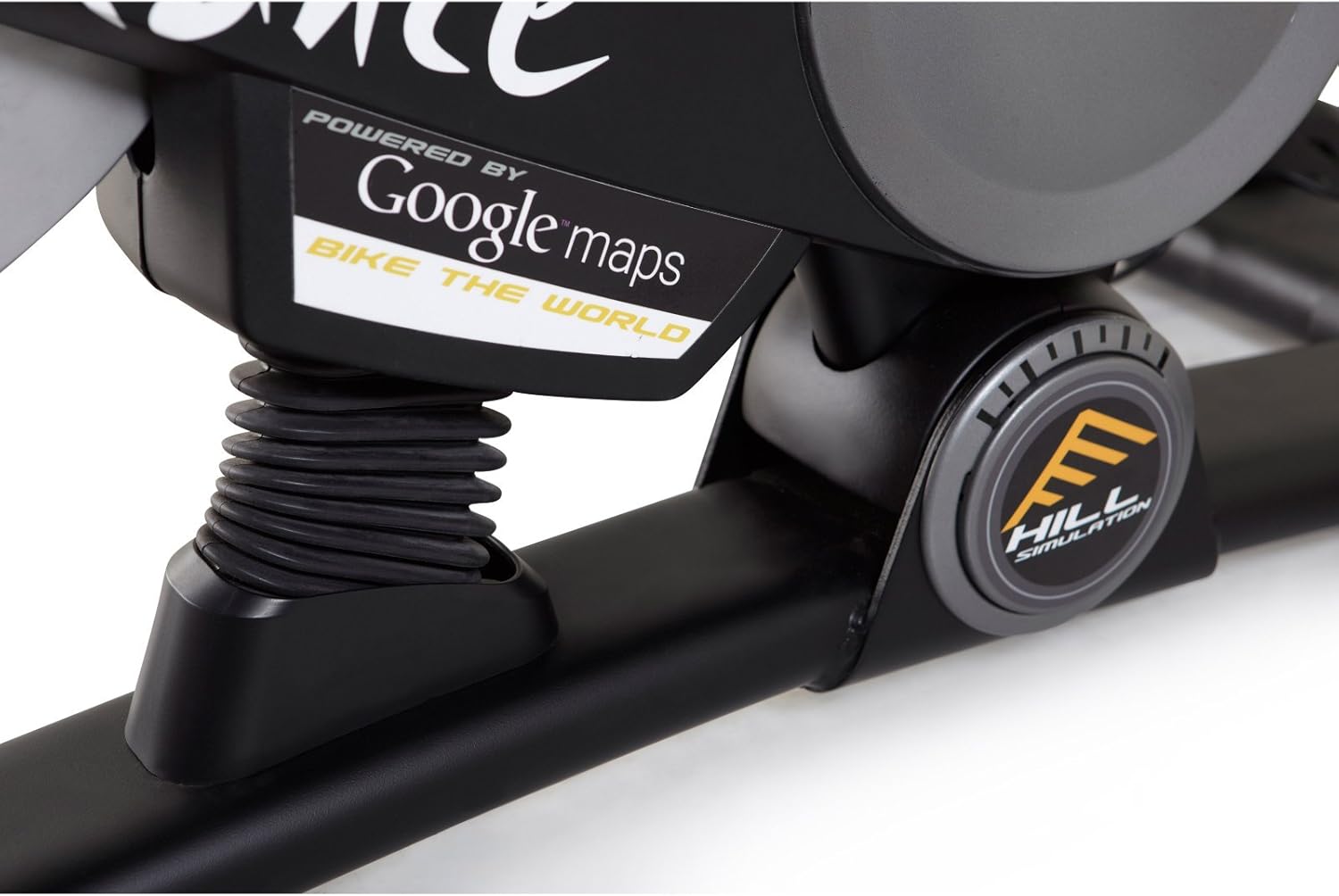
3.3 paveikslas: Branding indicating "Powered by Google Maps" on the exercise bike's frame. This highlights the bike's integration with iFit for virtual routes.
4. Priežiūra
Reguliarus treniruoklio remontas užtikrina jo ilgaamžiškumą ir optimalų veikimą.
- Valymas: Po kiekvieno naudojimo nuvalykite dviratį reklaminiu valikliu.amp šluoste prakaitui ir dulkėms pašalinti. Venkite abrazyvinių valiklių.
- Patikra: Periodically check all bolts and nuts for tightness. Tighten any loose fasteners.
- Tepimas: No lubrication is required for the magnetic resistance system.
- Saugykla: Store the bike in a dry, cool environment away from direct sunlight and moisture.
5. Problemų sprendimas
| Problema | Galima priežastis | Sprendimas |
|---|---|---|
| Konsolė neįsijungia | Baterijos išsikrovusios arba neteisingai įdėtos. | Pakeiskite baterijas arba įsitikinkite, kad jos tinkamai sujungtos. |
| Nestabilus naudojimo metu | Stabilizer feet not adjusted or loose bolts. | Sureguliuokite stabilizatorių išlyginimo kojeles. Priveržkite visus surinkimo varžtus. |
| Pasipriešinimas nesikeičia | Console connection issue or internal fault. | Check console cables. If problem persists, contact customer support. |
| Pedals making noise | Loose pedals or crank arms. | Ensure pedals are tightly screwed into crank arms. |
6. Specifikacijos
| Funkcija | Detalė |
|---|---|
| Modelio numeris | PFEX01215 |
| Matmenys (I x P x A) | 136.4 cm x 62.7 cm x 135.1 cm (53.7 x 24.7 x 53.2 colio) |
| Surinkto gaminio svoris | 54.4 kg (120 svaro) |
| Maksimalus vartotojo svoris | 113.4 kg (250 svaro) |
| Atsparumo mechanizmas | Magnetic (SMR™ Silent Magnetic Resistance) |
| Ekrano tipas | LCD |
| Maitinimo šaltinis | Maitinamas baterijomis |
| Ypatingos savybės | Adjustable Seat, iFit Compatible, Google Maps Integration |
7. Informacija apie garantiją
ProForm products are manufactured with high-quality materials and craftsmanship. For specific warranty details regarding your ProForm Le Tour De France Upright Exercise Bike, please refer to the warranty card included with your purchase or visit the official ProForm websvetainėje. Išsaugokite pirkimo įrodymą garantiniams reikalavimams.
8. Pagalba klientams
If you have questions, require assistance with assembly, or need to troubleshoot an issue not covered in this manual, please contact ProForm customer support.
- Palaikymas internetu: Aplankykite pareigūną „ProForm“ palaikymas Websvetainę.
- Pagalba telefonu: Refer to your product registration card or the ProForm webregioninių kontaktinių numerių svetainė.
Ask a question about this manual
Ask about setup, troubleshooting, compatibility, parts, safety, or missing instructions. Manuals+ will review the question and use this page’s manual context to help answer it.