
1. Įvadas
The Tenda SG108 is an unmanaged 8-Port Gigabit Ethernet Switch designed to expand your network with high-speed wired connections. This device offers a simple plug-and-play solution, requiring no configuration or software installation. It is suitable for various environments, including home, surveillance systems, school dormitories, and small businesses, providing stable and lossless data transmission.
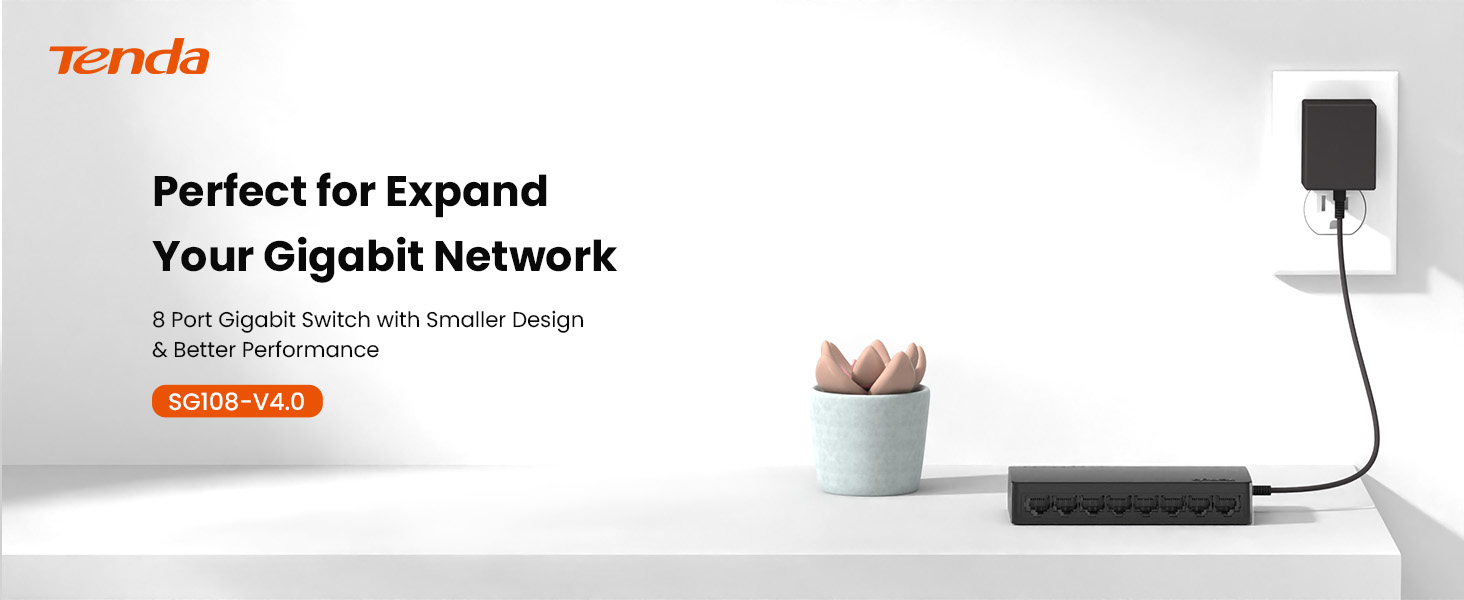
Image 1.1: Tenda SG108 8-Port Gigabit Ethernet Switch, highlighting its role in expanding a gigabit network.
2. Produktas baigtasview
2.1 Pagrindinės savybės
- Plug and Play: Easy setup with no configuration or software required.
- Gigabito greitis: Provides 8 10/100/1000Mbps adaptive ports for wire-speed forwarding up to 1000 megabits per second.
- Stable Lossless Transmission: Adopts store-and-forward mode, automatically learns and updates MAC addresses, ensuring stable data transmission for 7x24 hours without dropping connections.
- Tinklo išplėtimas: Offers additional wired connections for devices like laptops, gaming consoles, and printers.
- Sumanus atpažinimas: Ports automatically identify parallel and intersecting lines, simplifying network setup.
- Kompaktiškas dizainas: Small form factor suitable for desktop or wall-mount installation.

Image 2.1: The Tenda SG108 switch highlighting its stable connection, high speed, stylish design, and power-saving features.
2.2 Pakuotės turinys
Patikrinkite, ar jūsų pakuotėje yra šie elementai:
- 1 x Tenda SG108 8-Port Gigabit Ethernet Switch
3. Sąrankos instrukcijos
The Tenda SG108 switch is designed for easy installation. Follow these steps to set up your device:
3.1 Maitinimo adapterio prijungimas
- Connect the provided power adapter to the power input port on the rear panel of the SG108 switch.
- Kitą maitinimo adapterio galą prijunkite prie standartinio elektros lizdo.
- The power LED indicator on the switch will illuminate, indicating that the device is powered on.

Image 3.1: Easy setup guide for the Tenda SG108, illustrating power and device connections.
3.2 Tinklo įrenginių prijungimas
- Connect an Ethernet cable from your router or modem to any of the 8 RJ45 ports on the SG108 switch. This port will automatically function as the uplink.
- Connect your network devices (e.g., computers, gaming consoles, IP cameras, printers) to the remaining RJ45 ports using Ethernet cables.
- The corresponding LED indicators for each connected port will light up, indicating an active connection.

Image 3.2: Illustrates how to connect various devices to the Tenda SG108 switch to expand your network.
3.3 Montavimo parinktys
The SG108 supports both desktop placement and wall-mounting.
- Vieta darbalaukyje: Simply place the switch on a flat, stable surface. Ensure adequate ventilation around the device.
- Tvirtinimas prie sienos: The switch features mounting slots on its underside. Use appropriate screws (not included) to secure the switch to a wall.

Image 3.3: The Tenda SG108 switch demonstrating both desktop and wall-mounted installation options.
4. Naudojimo instrukcijos
The Tenda SG108 is an unmanaged switch, meaning it operates automatically without requiring user configuration. Once powered on and connected to your network devices, it will begin functioning immediately.
4.1 LED indikatoriai
The front panel of the SG108 features LED indicators for each port, providing visual feedback on network activity:
- Tvirtai žalia: Indicates a stable link connection at Gigabit speed.
- Mirksi žaliai: Rodo duomenų aktyvumą prievade.
- Išjungta: Neprijungtas joks įrenginys arba prijungtas įrenginys yra išjungtas.

Image 4.1: The Tenda SG108 is designed for continuous, stable operation, ensuring connectivity for 7x24 hours.
4.2 Automatinės funkcijos
- Automatinis MDI/MDIX: Eliminates the need for crossover cables. The switch automatically detects the cable type.
- Automatinės derybos: Each port automatically detects the link speed of a connected network device (10, 100, or 1000 Mbps) and intelligently adjusts for compatibility and optimal performance.
- Full-Duplex/Half-Duplex: Supports full-duplex mode for 2000Mbps data transfer per port.
5. Priežiūra
To ensure optimal performance and longevity of your Tenda SG108 switch, follow these maintenance guidelines:
- Vieta: Place the switch in a cool, dry, and well-ventilated area. Avoid direct sunlight, heat sources, and areas with high humidity.
- Valymas: Jungiklio išorę valykite minkštu, sausu skudurėliu. Nenaudokite skystų ar aerozolinių valiklių.
- Vėdinimas: Ensure that the ventilation holes on the device are not blocked to prevent overheating.
- Maitinimas: Naudokite tik su prietaisu pateiktą maitinimo adapterį.
- Kabelių valdymas: Organize network cables to prevent strain on the ports and ensure proper airflow.
6. Problemų sprendimas
If you encounter issues with your Tenda SG108 switch, refer to the following common troubleshooting steps:
6.1 Nėra galios
- Įsitikinkite, kad maitinimo adapteris yra tvirtai prijungtas prie jungiklio ir veikiančio elektros lizdo.
- Patikrinkite, ar maitinimo lizdas veikia, prijungdami prie jo kitą įrenginį.
6.2 No Link/Activity LED
- Check that the Ethernet cable is securely plugged into both the switch port and the connected device.
- Įsitikinkite, kad prijungtas įrenginys įjungtas ir veikia tinkamai.
- Try using a different Ethernet cable to rule out cable defects.
- Išbandykite su kitu komutatoriaus prievadu.
6.3 Mažas tinklo greitis
- Įsitikinkite, kad visi prijungti įrenginiai ir kabeliai palaiko gigabito eternetą (gigabito greičiui rekomenduojami „Cat5e“ arba aukštesnės klasės kabeliai).
- Patikrinkite, ar tinkle nėra per didelio tinklo srauto ir ar nėra daug pralaidumo naudojančių programų.
- Iš naujo paleiskite jungiklį ir prijungtus įrenginius.
7. Specifikacijos
| Funkcija | Specifikacija |
|---|---|
| Prekės ženklas | Tenda |
| Modelio numeris | SG108 |
| Prievadų skaičius | 8 |
| Jungiklio tipas | Nevaldoma |
| Sąsaja | RJ45 |
| Duomenų perdavimo sparta | 2000 Megabits Per Second (Full-Duplex) |
| ttage | 9 voltų |
| Dabartinis reitingas | 5 Amps |
| Viršutinės temperatūros įvertinimas | 40 laipsniai Celsijaus |
| Korpuso medžiagos tipas | Plastikiniai |
| Prekės svoris | 159 gramų |
| Suderinami įrenginiai | Router, Mesh, IP devices, Laptop, gaming console, printer, etc. |
8. Garantija ir palaikymas
8.1 Informacija apie garantiją
The Tenda SG108 8-Port Gigabit Ethernet Switch comes with a 3 metų gamintojo garantija.
8.2 Techninė pagalba
Tenda provides FREE lifetime 24/7 dedicated technical support. For assistance, please contact Tenda's support team via phone or email.