
ZENS ZEPB03B/00
„ZENS Qi“ sertifikuoto belaidžio išorinio akumuliatoriaus naudotojo vadovas
Prekinis ženklas: ZENS | Modelis: ZEPB03B/00 (Power Bank mit Qi kabellosem Laden 4.500 mAh)
1. Įvadas
The ZENS Qi Certified Wireless Power Bank (Model ZEPB03B/00) is a portable charging solution designed for convenience and mobility. Featuring a 4500 mAh battery capacity and 5W wireless output, it allows you to charge your Qi-compatible devices wirelessly. An integrated USB-A port provides an additional charging option for other devices. Its unique adhesive surface helps secure your device during wireless charging, making it ideal for travel and on-the-go use.
2. Pakuotės turinys
Patikrinkite pakuotę, ar joje yra šie daiktai:
- ZENS Qi Certified Wireless Power Bank
- USB-A į USB-C įkrovimo laidas
- Vartotojo vadovas (šis dokumentas)
3. Produkto ypatybės
- Belaidis įkrovimas: Provides 5W wireless power output for Qi-compatible smartphones.
- Didelė talpa: 4500 mAh battery capacity, capable of charging most smartphones up to two times wirelessly.
- Integrated USB-A Port: Allows charging of an additional device via a wired connection.
- Adhesive Surface: A special self-adhesive surface designed to hold your device securely in place during wireless charging.
- Perkeliamumas: Compact design suitable for travel and daily commutes.
- Qi sertifikuota: Ensures compatibility and safety with Qi wireless charging standards.
- Draugiškas atvejis: Works with most protective phone cases.
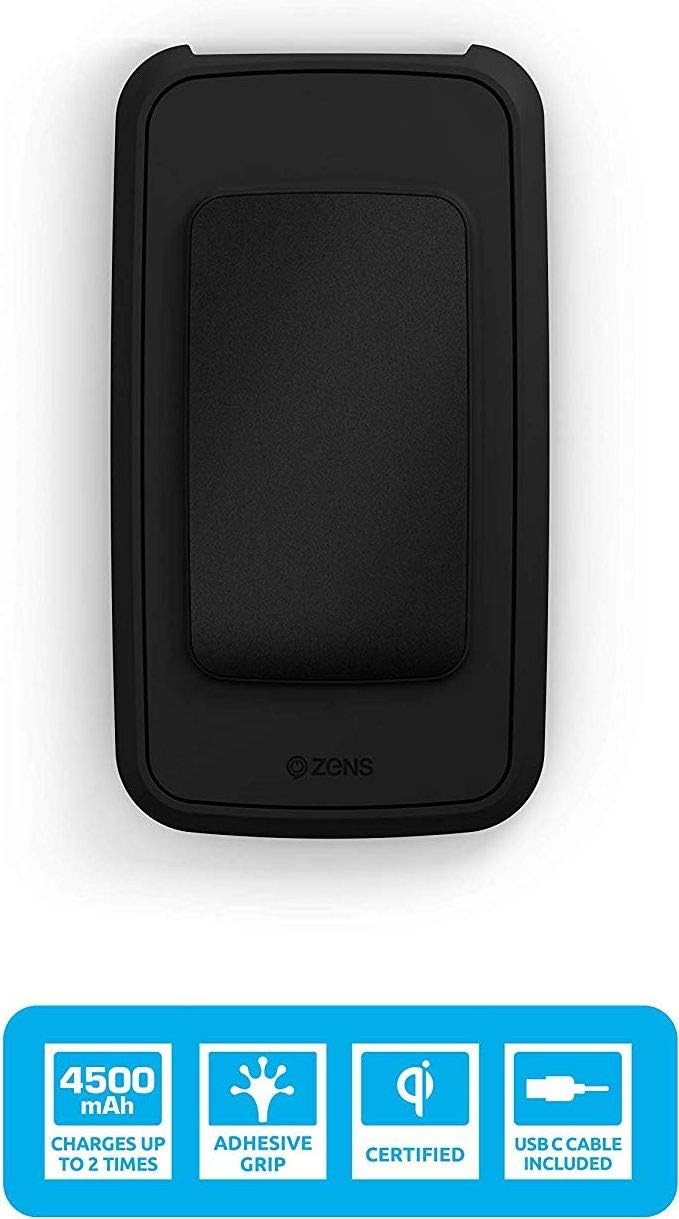
Vaizdas: Viršus view of the ZENS Wireless Power Bank highlighting its 4500 mAh capacity, adhesive grip, Qi certification, and USB-C cable inclusion.
4. Sąranka
4.1 Pradinis išorinės baterijos įkrovimas
- Connect the provided USB-A to USB-C charging cable to the USB-C input port on the power bank.
- Prijunkite USB-A laido galą prie suderinamo USB sieninio adapterio (nepridedamas) arba kompiuterio USB prievado.
- The LED indicators on the power bank will illuminate to show the charging status. Allow the power bank to fully charge before first use.
4.2 Preparing for Wireless Charging
Ensure your device is Qi-compatible. For optimal performance, remove any metallic objects or excessively thick cases from your device that might interfere with wireless charging.
5. Naudojimo instrukcijos
5.1 Belaidis įrenginio įkrovimas
- Press the power button on the ZENS Power Bank to activate wireless charging.
- Place your Qi-compatible smartphone directly onto the adhesive surface of the power bank. Ensure the device is centered on the wireless charging coil for efficient charging.
- The adhesive surface will help keep your phone in place.
- Your device should indicate that it is charging. The power bank's LED indicators may also change to show active wireless charging.
- Charging will automatically stop when your device is fully charged or removed from the power bank.

Image: The ZENS Wireless Power Bank demonstrating its wireless charging capability with energy waves emanating from the device.

Image: A smartphone securely attached to the ZENS Wireless Power Bank using its adhesive grip feature, ensuring stability during charging.
5.2 Laidinis įrenginio įkrovimas
- Connect your device's charging cable (not included) to the USB-A output port on the power bank.
- Prijunkite kitą kabelio galą prie savo prietaiso.
- Išorinė baterija pradės krauti jūsų įrenginį.
5.3 Išorinės baterijos įkrovimas
When the power bank's battery is low, recharge it using the method described in Section 4.1. The power bank can also be recharged wirelessly by placing it on any Qi-certified wireless charger.

Paveikslėlis: aiškus vaizdas iš viršaus į apačią view of the ZENS Wireless Power Bank, showcasing its compact design and the central adhesive charging pad.
6. Priežiūra
- Valymas: Use a soft, dry cloth to clean the power bank. Do not use harsh chemicals or abrasive materials. For the adhesive surface, gently wipe with a damp cloth and allow to air dry to restore stickiness.
- Saugykla: Laikykite išorinę bateriją vėsioje, sausoje vietoje, toliau nuo tiesioginių saulės spindulių ir ekstremalių temperatūrų.
- Akumuliatoriaus priežiūra: Norėdami pailginti baterijos veikimo laiką, venkite dažnai visiškai iškrauti išorinę bateriją. Reguliariai ją įkraukite, net jei ilgą laiką nenaudojate.
7. Problemų sprendimas
- Issue: Device is not charging wirelessly.
- Ensure the power bank is turned on (press the power button).
- Įsitikinkite, kad jūsų įrenginys suderinamas su „Qi“.
- Reposition your device on the charging surface to ensure proper alignment with the charging coil.
- Remove any thick cases or metallic objects from your device that might obstruct charging.
- Patikrinkite, ar pačiame išoriniame bloke yra pakankamai įkrovos.
- Problema: Lėtas įkrovimas.
- Ensure proper alignment of your device on the wireless charging pad.
- Check the quality of the USB cable and wall adapter used to recharge the power bank.
- Wireless charging is generally slower than wired charging.
- Issue: Adhesive surface is not sticking.
- The adhesive surface may accumulate dust or debris over time. Gently wipe it with a damp, lint-free cloth and allow it to air dry completely. This should restore its stickiness.
8. Specifikacijos
| Modelio pavadinimas | Power Bank mit Qi kabellosem Laden 4.500 mAh (ZEPB03B/00) |
| Prekės ženklas | ZENS |
| Baterijos talpa | 4500 mAh (milijonaiampprieš valandą) |
| Baterijos sudėtis | Ličio jonų |
| Belaidė išvestis | 5W |
| Įvesties jungties tipas | USB-C (for recharging power bank) |
| Išvesties jungties tipas | USB-A (for wired charging) |
| ttage | 5 voltų |
| Spalva | Juoda |
| Ypatinga funkcija | Wireless Charging, Adhesive Surface |
| Rekomenduojami naudojimo būdai | iPhone, išmanusis telefonas |
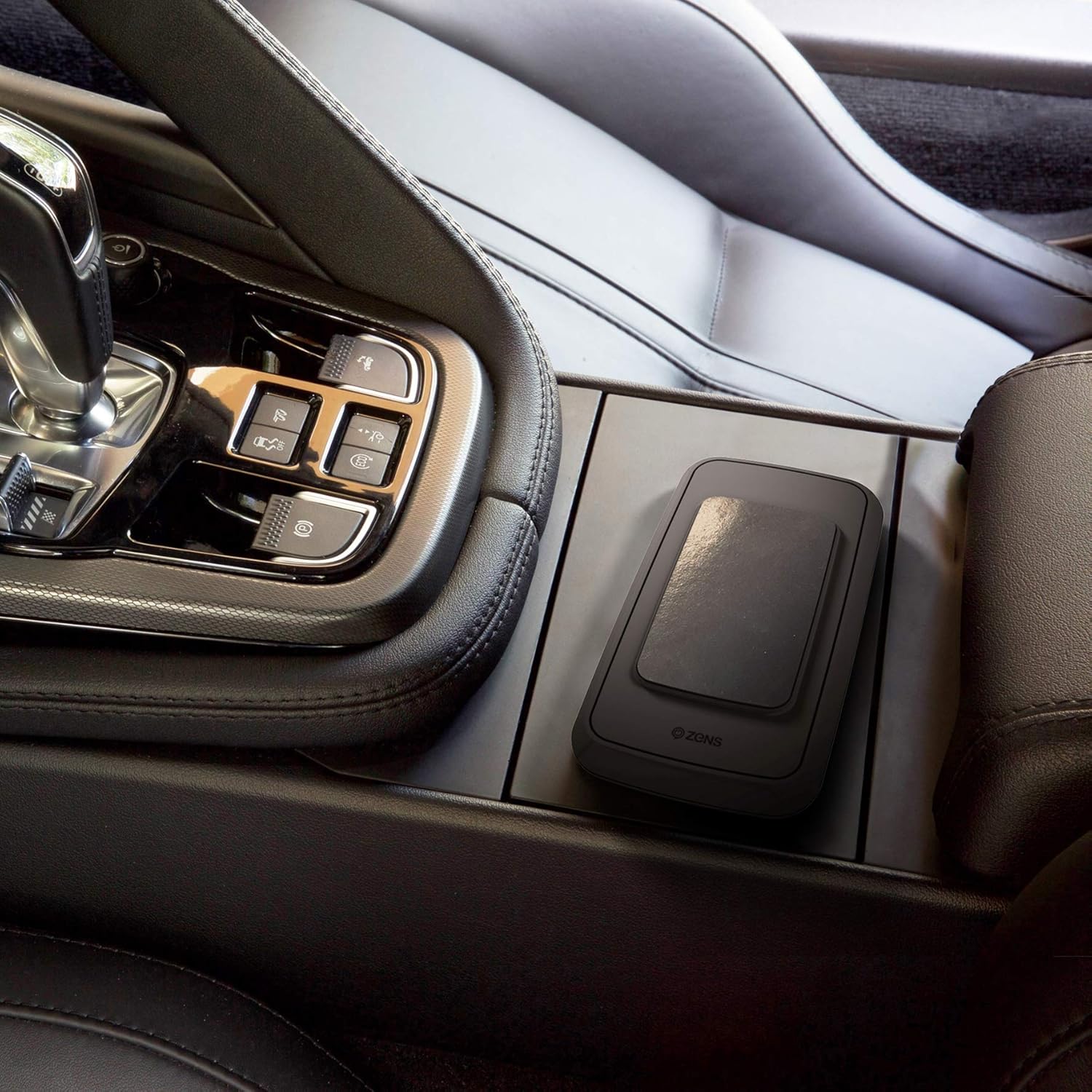
Image: The ZENS Wireless Power Bank placed in a car's center console, demonstrating its portability and suitability for on-the-go use.
9. Garantija ir palaikymas
The ZENS Qi Certified Wireless Power Bank comes with an extended 3 metų garantija. For warranty claims, technical support, or further assistance, please contact ZENS customer service through their official website or the retailer from whom the product was purchased. Please retain your proof of purchase for warranty purposes.
Websvetainė: www.makezens.com
Ask a question about this manual
Ask about setup, troubleshooting, compatibility, parts, safety, or missing instructions. Manuals+ will review the question and use this page’s manual context to help answer it.