
Įvadas
The Rapoo 1680 Silent Wireless Mouse offers a comfortable and quiet computing experience. Featuring a reliable 2.4GHz wireless connection, 1000 DPI optical tracking, and a silent click design, it is suitable for various environments, including offices and libraries. Its ergonomic and ambidextrous design ensures comfortable use for extended periods, and a long battery life provides convenience.

Image: The Rapoo 1680 Silent Wireless Mouse, showcasing its sleek, ambidextrous design in white.
Kas yra dėžutėje
Prašome patikrinti, ar pakuotėje yra visi reikalingi daiktai:
- 1 x Wireless Mouse (Rapoo 1680)
- 1 x USB imtuvas
- 1 x AA baterija
- 1 x naudojimo instrukcija

Image: The underside of the Rapoo 1680 mouse with the battery compartment open, showing the included AA battery and the USB nano receiver.
Sąrankos instrukcijos
- Įdėkite bateriją: Open the battery compartment located on the underside of the mouse. Insert the provided AA battery, ensuring correct polarity. Close the compartment securely.
- Įdėkite USB imtuvą: Locate the USB nano receiver, typically stored within the battery compartment or packaged separately. Plug the USB receiver into an available USB port on your computer (PC, laptop, or tablet).
- Įjunkite pelę: Slide the ON/OFF switch on the bottom of the mouse to the "ON" position. The mouse should now be powered on and ready for use.
- Automatinis prisijungimas: The mouse is designed for plug-and-play functionality. Your computer should automatically detect and connect to the mouse within a few seconds. No additional drivers are typically required.
The Rapoo 1680 mouse is compatible with various operating systems, including Windows, Mac OS, Linux, and Chrome OS.
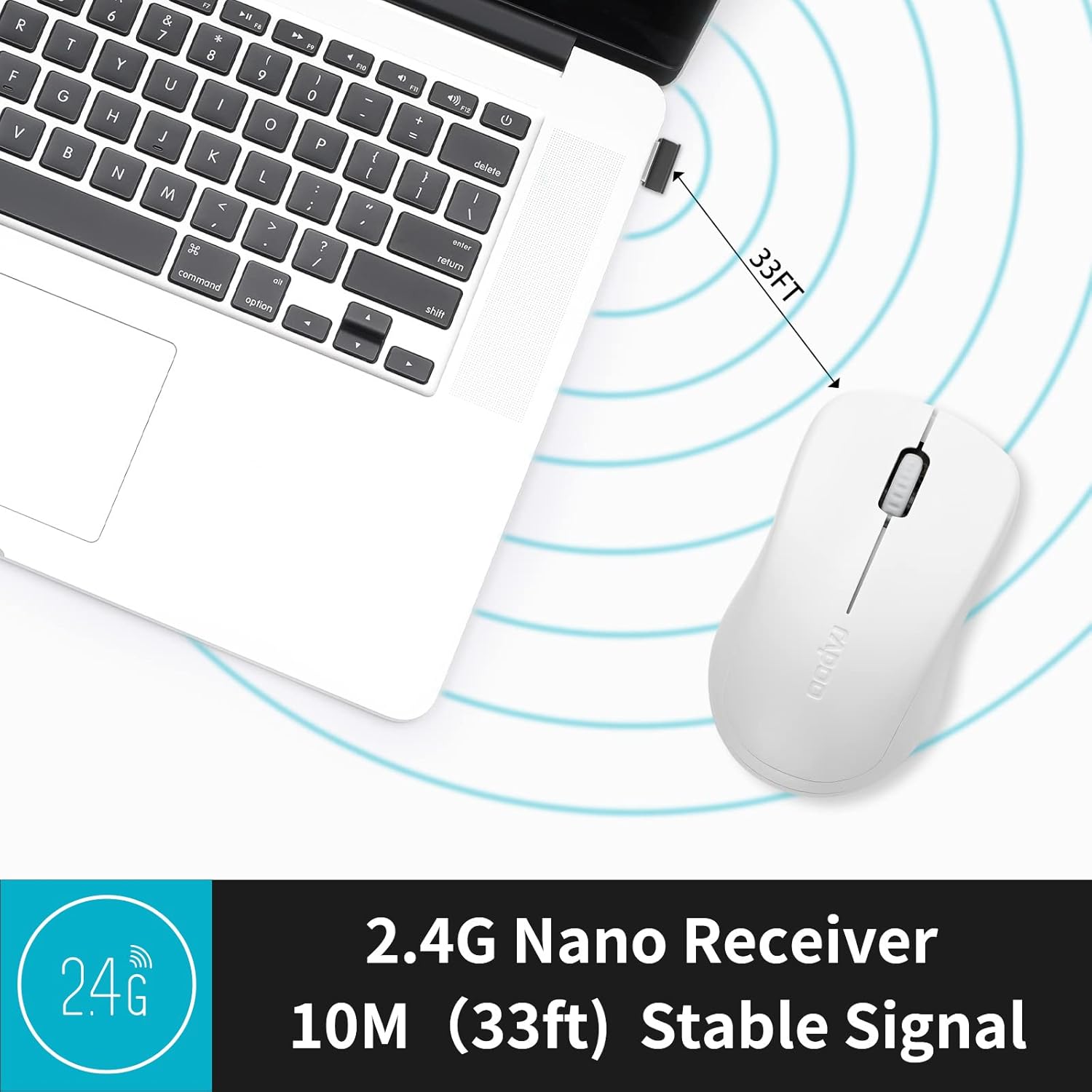
Image: A close-up of the 2.4G Nano Receiver plugged into a laptop, demonstrating the 10-meter (33ft) stable wireless signal range.

Image: The Rapoo 1680 mouse highlighting its wide compatibility with Windows, Mac OS, Linux, and Chrome operating systems.
Naudojimo instrukcijos
The Rapoo 1680 mouse features a standard 3-button layout for intuitive control.
- Kairysis spustelėjimas: Pagrindinis mygtukas elementams pasirinkti, atidaryti fileir sąveikaujant su programine įranga.
- Dešiniuoju pelės mygtuku spustelėkite: Antrinis mygtukas, skirtas pasiekti kontekstinius meniu ir papildomas parinktis.
- Slinkties ratukas: Naudojamas dokumentams slinkti ir web puslapius. Slinkties ratukas taip pat veikia kaip vidurinis spustelėjimo mygtukas.
Tylus spustelėjimo dizainas: This mouse is engineered to reduce click sounds by up to 90%, providing a quiet environment without compromising the tactile click feel. This feature is particularly beneficial in quiet settings such as libraries or shared workspaces.
1000 DPI Optical Tracking: The high-definition 1000 DPI optical tracking engine ensures responsive and smooth cursor control on most surfaces.

Image: The Rapoo 1680 mouse demonstrating its silent click feature, ideal for quiet environments.

Image: A user operating the Rapoo 1680 mouse in a library, emphasizing its quiet operation for undisturbed work.
Priežiūra
- Baterijos keitimas: When the mouse performance degrades or stops responding, it may be time to replace the AA battery. Open the battery compartment, remove the old battery, and insert a new AA battery with the correct polarity.
- Valymas: Pelės išorę valykite minkšta, sausa šluoste. Optinį jutiklį lengvai nuvalykite vatos tamponu.ampened with rubbing alcohol, ensuring no liquid enters the mouse's internal components.
- Saugykla: When not in use for an extended period, slide the ON/OFF switch to the "OFF" position to conserve battery life. The USB receiver can be stored inside the mouse's battery compartment for safekeeping.
Trikčių šalinimas
- Pelė nereaguoja:
- Ensure the mouse is switched "ON" using the ON/OFF switch on the bottom.
- Check if the AA battery is correctly inserted and has sufficient charge. Replace if necessary.
- Patikrinkite, ar USB imtuvas tvirtai prijungtas prie veikiančio kompiuterio USB prievado. Išbandykite kitą USB prievadą.
- Nereguliarus žymeklio judėjimas:
- Nuvalykite optinį jutiklį pelės apačioje.
- Įsitikinkite, kad pelę naudojate ant tinkamo paviršiaus. Venkite labai atspindinčių ar skaidrių paviršių.
- Ryšio problemos:
- Remove and re-insert the USB receiver.
- Move the mouse closer to the USB receiver to rule out range issues (maximum 10 meters).
Specifikacijos
| Funkcija | Detalė |
|---|---|
| Prekės ženklas | Rapoo |
| Modelio pavadinimas | 1680 |
| Ryšio technologija | USB (2.4 GHz belaidis ryšys) |
| Judesio aptikimo technologija | Optinis |
| Mouse Maximum Sensitivity | 1000 DPI |
| Mygtukų kiekis | 3 |
| Rankų orientacija | Abipusis |
| Maitinimo šaltinis | Maitinamas baterijomis (pridedama 1 x AA baterija) |
| Vidutinis akumuliatoriaus veikimo laikas | Iki 12 mėnesių |
| belaidis diapazonas | 10 metro (33 pėdos) |
| Prekės svoris | 58 gramų |
| Prekės matmenys (I x P) | 4.33 colio ilgio x 2.56 colio pločio |
| Suderinami įrenginiai | Asmeninis kompiuteris |
| Operacinė sistema | „Windows“, „Mac OS“, „Linux“, „Chrome“ OS |
| Korpuso medžiaga | Plastikiniai |
| Baigti | Matinis |

Image: Detailed dimensions of the Rapoo 1680 mouse, showing its length and width.
Oficialus produkto vaizdo įrašas
Video: An official product video from RAPOO showcasing the features and benefits of the Rapoo 1680 Silent Wireless Mouse, including its silent clicks, ergonomic design, and ease of use.
Garantija ir palaikymas
The Rapoo 1680 Silent Wireless Mouse comes with a 1 metų garantija from the date of purchase. This warranty covers manufacturing defects and ensures reliable performance under normal use conditions.
For technical support, warranty claims, or any product-related inquiries, please contact Rapoo customer service. Refer to the Rapoo official webNaujausią kontaktinę informaciją rasite svetainėje arba ant produkto pakuotės.
RAPOO is committed to providing high-performance and high-quality peripheral products. If you have any questions or require assistance, please do not hesitate to reach out to their support team.