
1. Įvadas
The usogood TC20 Trail Camera is designed for capturing high-quality images and videos of wildlife and for security surveillance. Featuring 14MP photos, 1080P video recording, no-glow night vision, and a robust IP66 waterproof design, this camera is suitable for various outdoor environments. Its motion-activated trigger ensures that no important moment is missed.
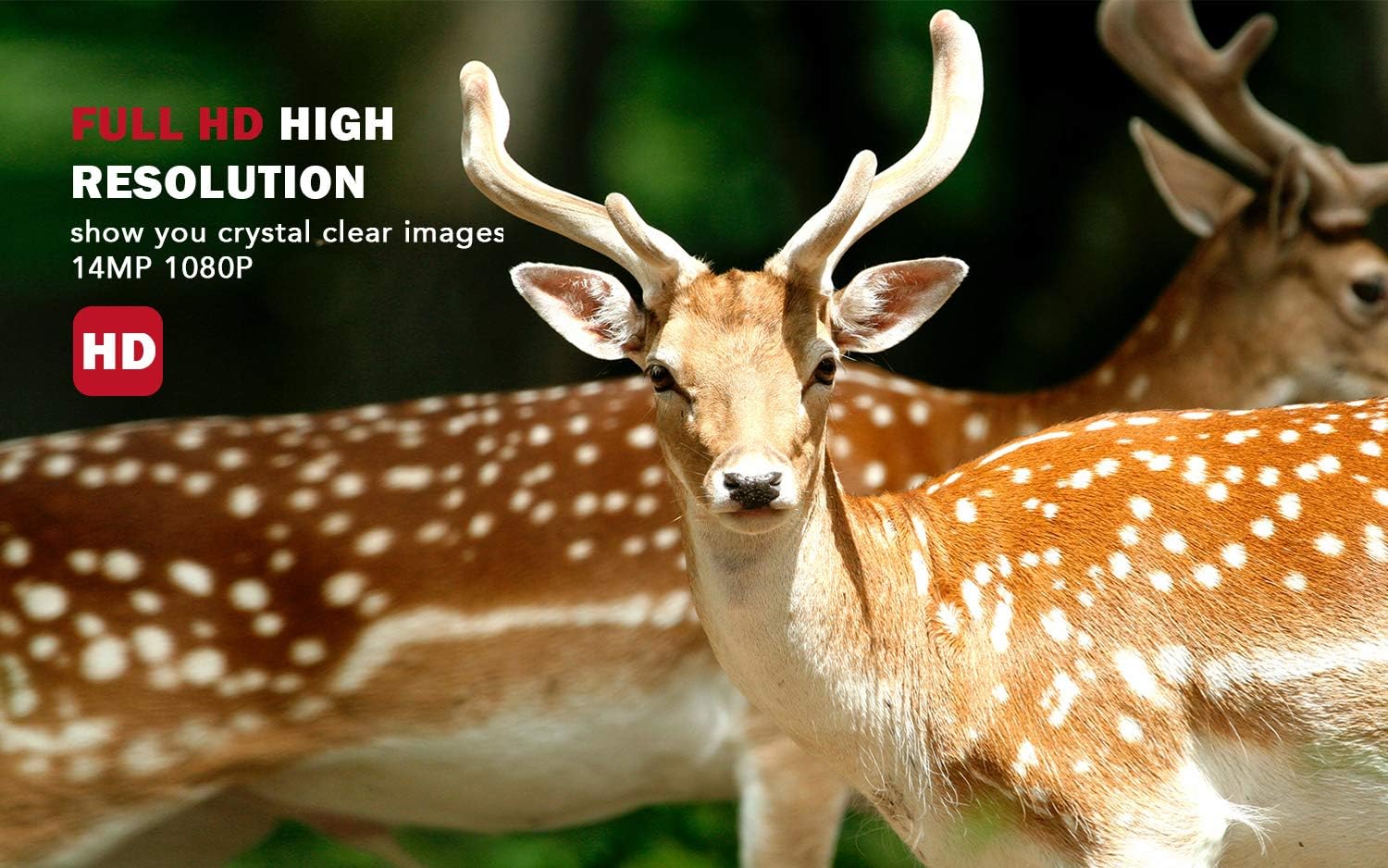
Image: The usogood TC20 Trail Camera captures high-resolution images and videos, providing clear details of wildlife.
2. Kas yra dėžutėje
Įsitikinkite, kad pakuotėje yra visi komponentai:
- 1x TC20 Trail Camera
- 1x naudojimo instrukcija
- 1x USB laidas
- 1x sieninis laikiklis
- 1x tvirtinimo diržas
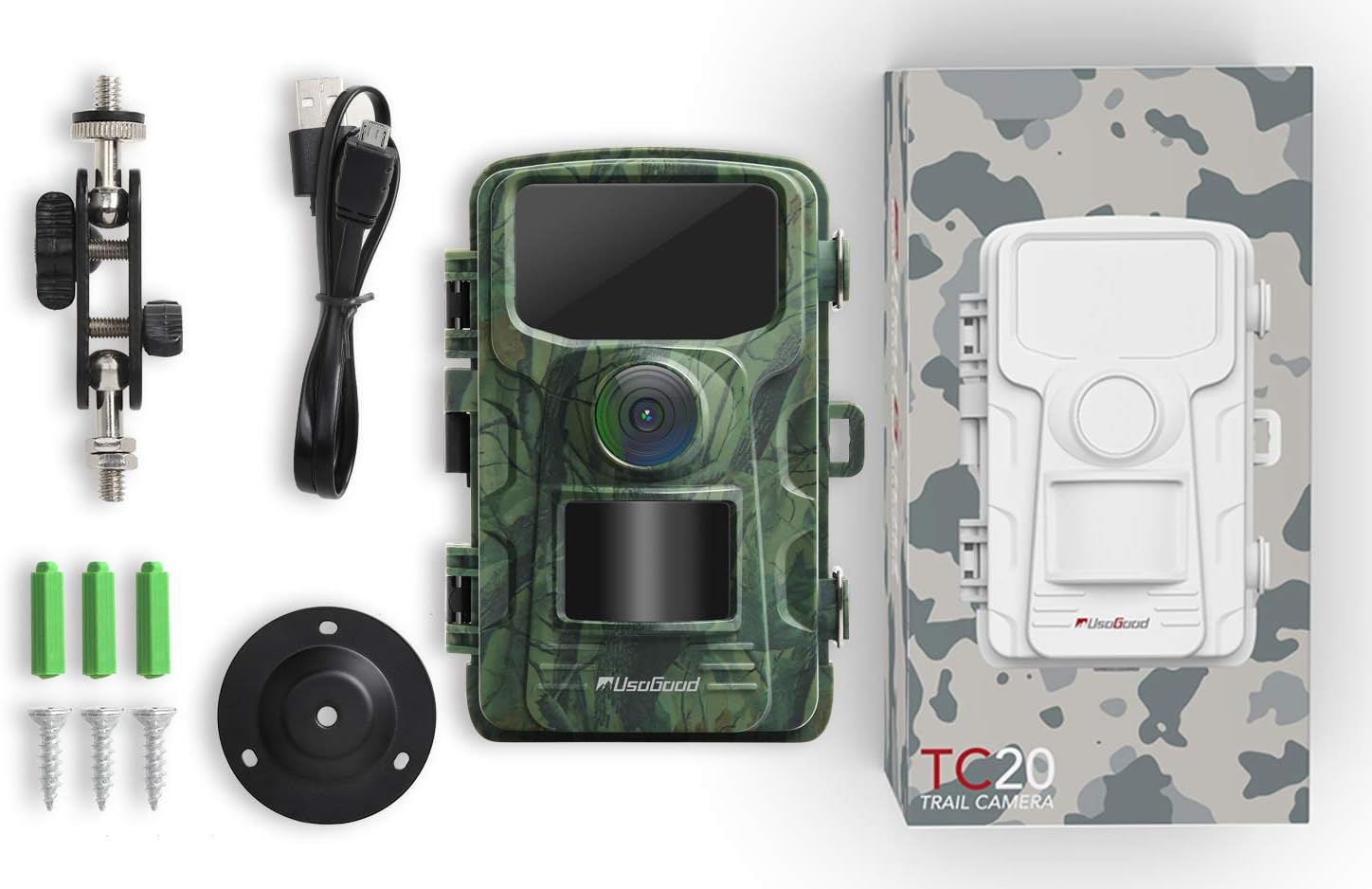
Image: All components included with the usogood TC20 Trail Camera.
3. Sąranka
3.1 Baterijos ir SD kortelės įdėjimas
- Atidarykite kameros korpusą.
- Įdėkite 8 AA tipo baterijas (nepridedama) į baterijų skyrių, užtikrindami teisingą poliškumą.
- Insert a compatible SD card (up to 32GB, Class 10 recommended) into the SD card slot.

Image: Accessing the battery and SD card compartments for initial setup.
3.2 Fotoaparato montavimas
Use the provided mounting belt or wall mount to secure the camera in your desired location. Ensure the camera is stable and pointed towards the area you wish to monitor. For optimal performance, position the camera to avoid direct sunlight into the lens.

Image: The usogood TC20 Trail Camera securely mounted on a tree.
4. Naudojimo instrukcijos
4.1 Įjungimas ir režimo pasirinkimas
Slide the power switch to the 'ON' position. The camera will enter setup mode, allowing you to configure settings. Use the navigation buttons (MENU, OK, UP, DOWN, LEFT, RIGHT) to navigate through the menu options on the 2.4" LCD screen.
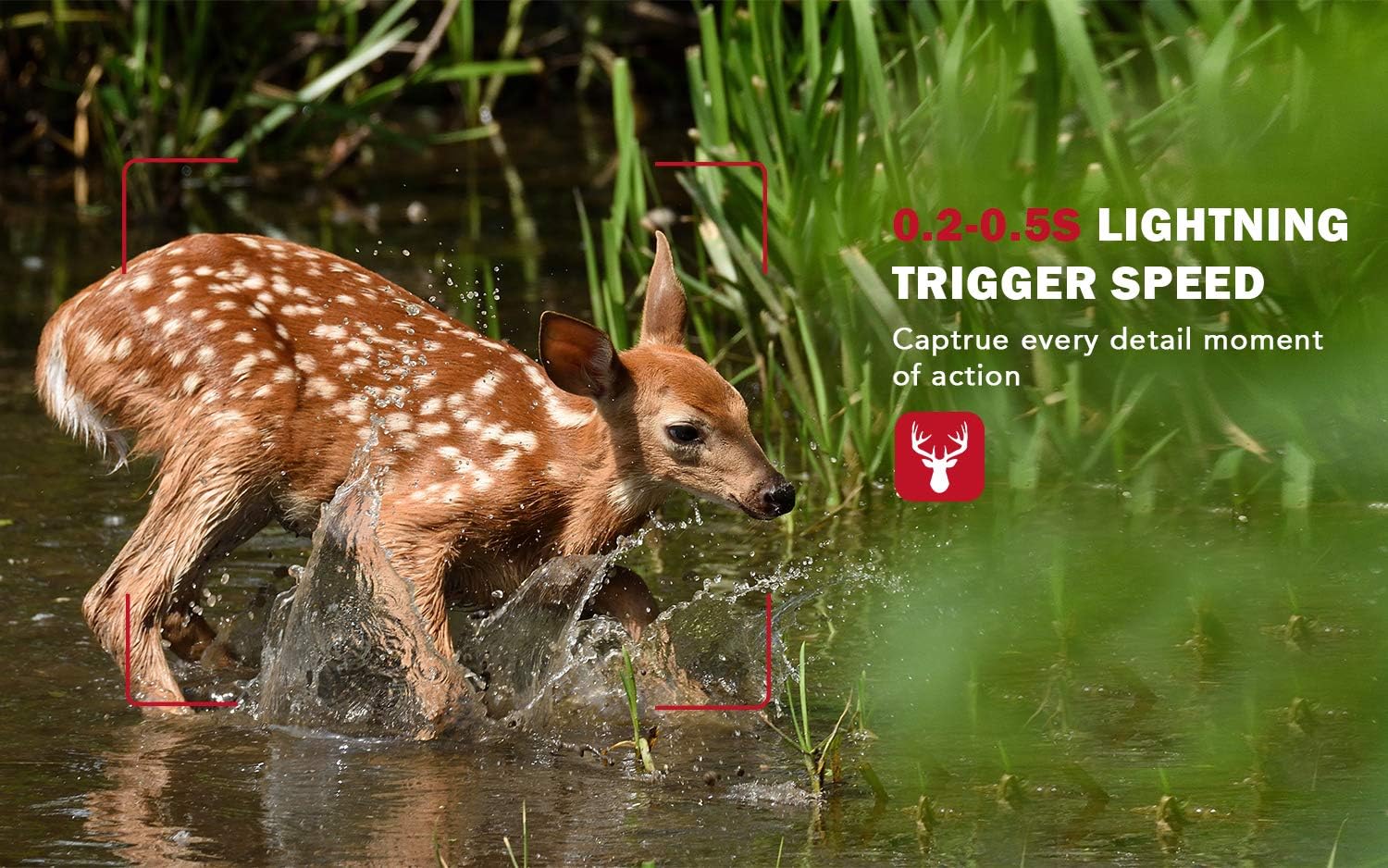
Image: Navigating the camera's menu on the 2.4" LCD screen.
4.2 Įrašymo režimai
Kamera palaiko įvairius įrašymo režimus:
- Nuotraukų režimas: Fiksuoja nejudančius vaizdus.
- Vaizdo įrašo režimas: Įrašo vaizdo įrašus su garsu.
- Nuotraukų ir vaizdo įrašų režimas: Užfiksuoja nuotrauką, o po to įrašo vaizdo įrašą.
Adjust settings such as resolution (14MP for photos, 1080P for video), trigger interval, and sensitivity in the menu.
4.3 Naktinis matymas
The TC20 features 42 pcs 940nm invisible infrared LEDs, ensuring no-glow night vision. This allows the camera to capture clear black and white images and videos in complete darkness without startling wildlife.
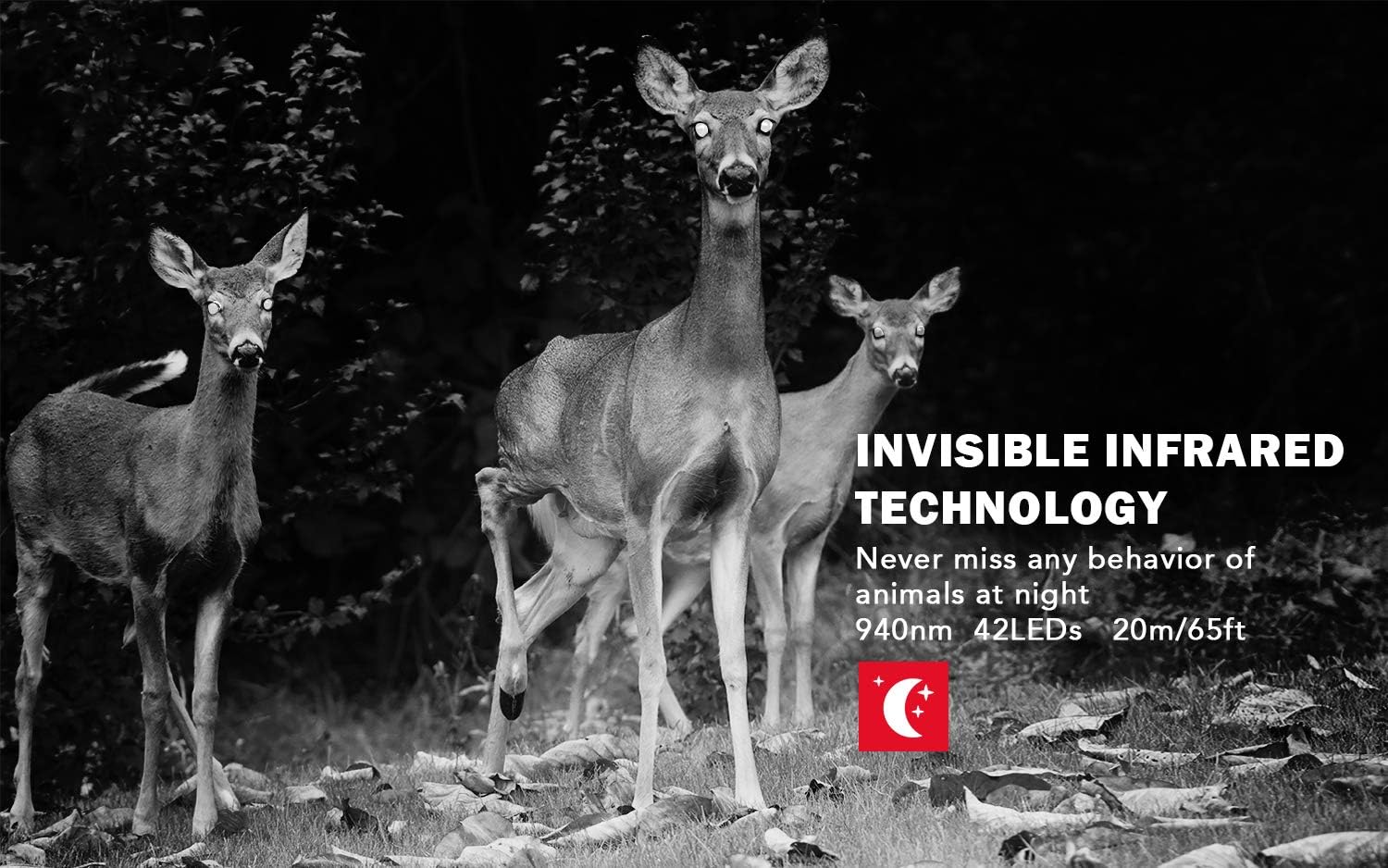
Image: Night vision capabilities of the usogood TC20 Trail Camera.
4.4 Motion Activation and Trigger Speed
The camera is equipped with a highly sensitive motion sensor. Once movement is detected, the camera triggers instantly within 0.2 seconds, capturing fast-moving subjects effectively.

Image: The camera's fast trigger speed captures dynamic moments.
5. Priežiūra
- Valymas: Regularly clean the camera lens and IR sensors with a soft, dry cloth to ensure clear image quality.
- Baterijos patikrinimas: Monitor battery levels periodically. Replace or recharge batteries as needed to prevent interruption of recording. The camera has a standby time of up to 6 months with 8 AA batteries.
- SD kortelės tvarkymas: Reguliariai formatuokite SD kortelę, kad išlaikytumėte optimalų našumą ir išvengtumėte duomenų sugadinimo. Svarbu kurti atsargines kopijas. files prieš formatavimą.
- Vandeniui atsparus sandariklis: Ensure the camera's IP66 waterproof housing is securely closed at all times to protect against water and dust.
6. Problemų sprendimas
- Kamera neįsijungia: Check battery installation and ensure batteries are charged. Verify the power switch is in the 'ON' position.
- Prasta vaizdo / vaizdo kokybė: Clean the lens and IR sensors. Ensure the camera is mounted securely to prevent movement. Check resolution settings.
- Nėra įrašų: Verify the SD card is inserted correctly and has sufficient space. Check motion sensor sensitivity settings and ensure the camera is in an active recording mode.
- Trumpas baterijos veikimo laikas: Ensure high-quality batteries are used. Consider reducing the frequency of recordings or using an external power source like a compatible solar panel.
7. Specifikacijos
| Funkcija | Specifikacija |
|---|---|
| Modelio pavadinimas | TC20 |
| Veiksminga nejudančioji raiška | 14MP (up to 20MP interpolated) |
| Efektyvi vaizdo raiška | 1080 pikselių |
| Naktinis matymas | 940nm Invisible IR LEDs, 65 Feet Range |
| Trigerio greitis | 0.2 sekundžių |
| Atsparumo vandeniui įvertinimas | IP66 |
| LCD ekranas | 2.4 colių spalvotas LCD ekranas |
| Maitinimo šaltinis | 8 AA baterijos (į komplektą neįeina) |
| Budėjimo laikas | Iki 6 mėnesių |
| Sandėliavimas | SD kortelė (iki 32 GB) |
| Ryšio technologija | NE |
8. Garantija ir palaikymas
The usogood TC20 Trail Camera comes with a 1-Year Return and Lifetime Warranty. For any inquiries or support, please contact usogood customer service, available 7 days a week, 24 hours a day.


