
1. Produktas baigtasview
The Diswoe Switch Pro Controller is a versatile wireless gaming controller designed for an enhanced gaming experience across multiple platforms. It offers universal compatibility with Nintendo Switch, Switch 2, Switch Lite, Switch OLED, Windows PC, and Android phones. Featuring Hall Effect joysticks, dual vibration motors, a 6-axis gyro sensor, and turbo functionality, this controller provides precise control and immersive feedback for a wide range of games. Its ergonomic design ensures comfort during extended play sessions, and a high-performance rechargeable battery offers long hours of uninterrupted gaming.

1 pav.: priekis view of the Diswoe Switch Pro Controller.
2. Sąranka ir prijungimas
2.1 Valdiklio įkrovimas
Before first use, fully charge the controller. The controller features a built-in 550mAh rechargeable battery. Connect the controller to a standard USB Type-A wall charger using the provided USB-C cable. A full charge typically takes 2-3 hours and provides 6-8 hours of usage time.
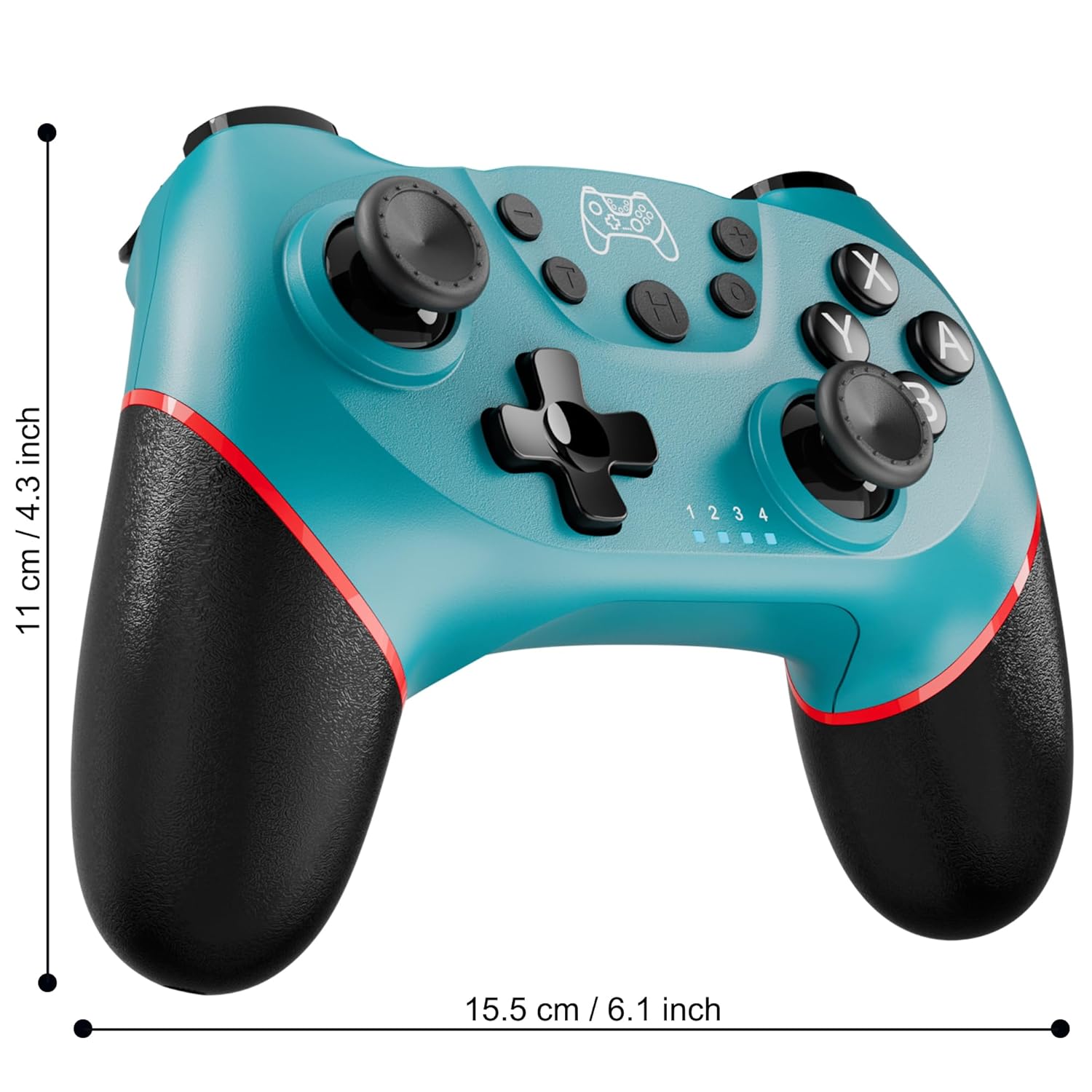
Figure 2: Charging the controller via USB-C port.
2.2 Wireless Bluetooth Connection (Nintendo Switch/Lite/OLED)
- Įsitikinkite, kad jūsų „Nintendo Switch“ konsolė įjungta ir atnaujinta į naujausią sistemos versiją.
- HOME meniu pasirinkite Valdikliai > Pakeiskite rankeną / tvarką.
- On the Diswoe Pro Controller, press and hold the H (Home) button for 3-5 seconds until the player indicator lights begin to flash rapidly.
- Once the controller is successfully paired, the player indicator light(s) will remain solid.
- The controller provides a stable and reliable signal without delay or drop-off within 8 meters.

Figure 3: Controller pairing and one-button wake-up feature.
2.3 Laidinis ryšys (kompiuteris)
The controller supports USB cable connection with PC. Simply connect the controller to your PC using the provided USB-C cable. No additional drivers are required for basic functionality.
PASTABA: The controller does not support wake-up for Switch 2 or audio functions via wired connection.
3. Naudojimo instrukcijos
3.1 Pagrindiniai valdikliai
The controller features standard button layouts for intuitive gameplay:
- A/B/X/Y mygtukai: Standartiniai veiksmų mygtukai.
- D-Pad: Kryptinis įvedimas.
- Kairysis/dešinysis analoginiai valdikliai: 360 laipsnių judėjimui ir kameros valdymui.
- Kairysis/dešinysis/žemyninis/žemyninis mygtukai: Pečių ir paleidimo mygtukai įvairiems žaidimo veiksmams.
- +/- mygtukai: Plus and Minus buttons for menu navigation.
- Home Button (H): Returns to the console's HOME Menu.
- Ekrano kopijos mygtukas: Žaidimo metu daro ekrano kopijas.

4 pav. Išsamus view of controller buttons.
3.2 Vibracijos grįžtamasis ryšys
The controller is equipped with dual vibration motors that provide excellent haptic feedback, enhancing game immersion. The intensity of the vibration can be adjusted to suit your preference, offering three levels of vibration.
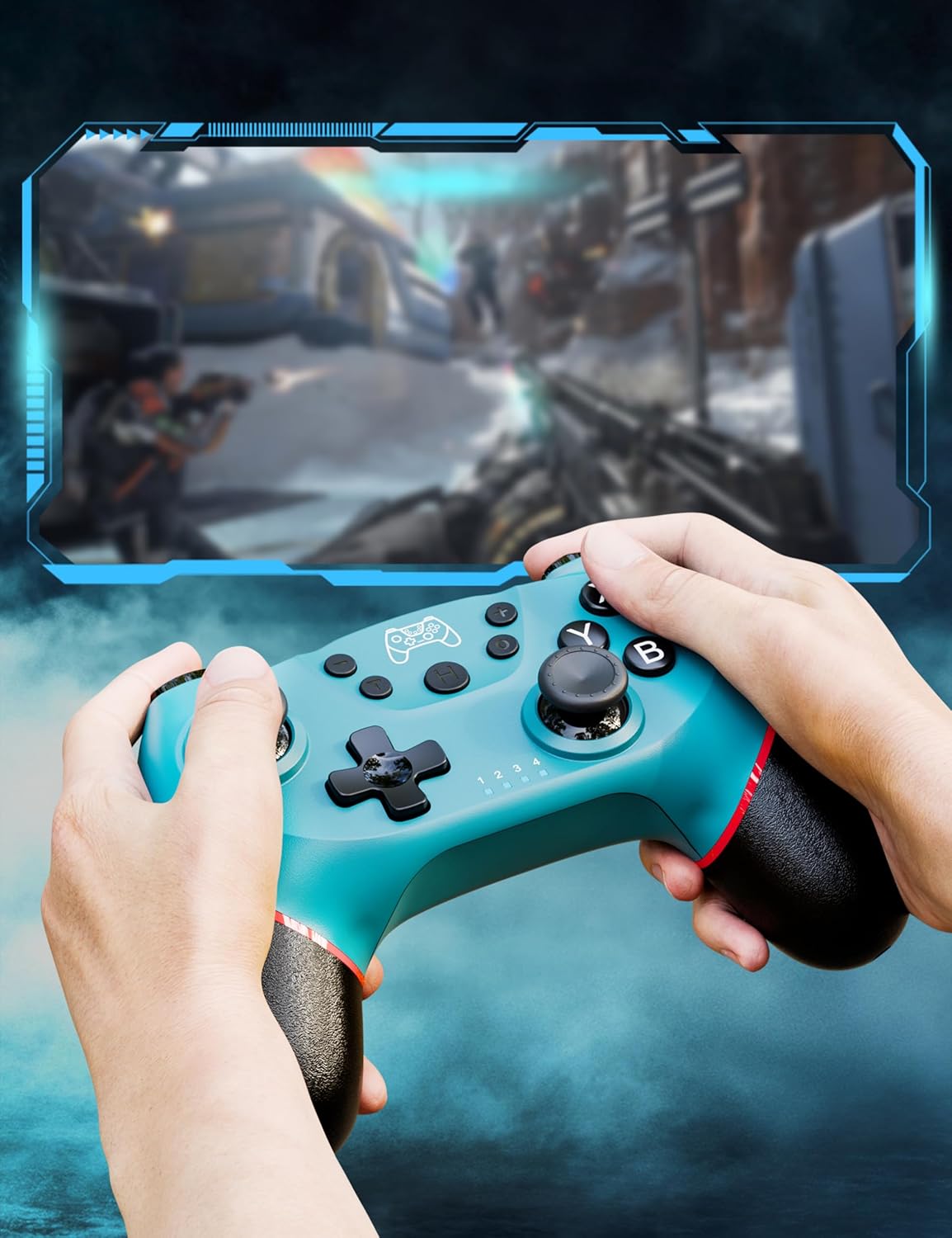
Figure 5: Illustration of adjustable vibration levels.
3.3 6 ašių giroskopinis jutiklis
The integrated 6-axis gyro sensor allows the controller to detect its inclination and motion, providing quick and precise responses for motion-sensing games. This feature adds an extra layer of fun and control to compatible titles.

Figure 6: Controller with 6-axis gyro sensor in action.
3.4 Turbo funkcija
Activate the turbo function for rapid, continuous input of a button press. This is particularly useful in games requiring fast, repetitive actions. The controller supports three turbo speeds: 5 shots/s, 12 shots/s, and 20 shots/s.

Figure 7: Turbo speed settings on the controller.
3.5 Ekrano kopijavimo funkcija
Capture your favorite in-game moments instantly by pressing the dedicated screenshot button. This allows for easy sharing of your gameplay experiences.

Figure 8: Location of the screenshot button.
4. Priežiūra
4.1 Valymas
To maintain the controller's condition, wipe it regularly with a soft, dry cloth. Avoid using harsh chemicals or abrasive materials that could damage the surface.
4.2 Akumuliatoriaus priežiūra
- Saugokite valdiklį nuo ekstremalių temperatūrų.
- Do not attempt to disassemble or replace the built-in battery.
- Charge the controller regularly, even if not in frequent use, to prolong battery life.
5. Problemų sprendimas
5.1 Valdiklis neprisijungia / nesusijungia
- Įsitikinkite, kad valdiklis yra visiškai įkrautas.
- Verify that the Nintendo Switch console is powered on and in the "Change Grip/Order" screen.
- Press and hold the H (Home) button on the controller for 3-5 seconds until the player indicator lights flash rapidly.
- If issues persist, try restarting both the controller and the console.
5.2 Įvesties delsa arba atjungimai
- Ensure the controller is within the 8-meter operating range of the console.
- Sumažinkite kitų belaidžių įrenginių keliamus trukdžius.
- Check for any physical obstructions between the controller and the console.
- Įsitikinkite, kad valdiklio baterija nėra kritiškai išsikrovusi.
5.3 Vairasvirtės poslinkis
If you experience unintended movement from the analog sticks (joystick drift), try the following:
- Calibrate the joysticks through your Nintendo Switch system settings: Sistemos nustatymai > Valdikliai ir jutikliai > Kalibruokite valdymo lazdeles.
- Ensure the controller's firmware is up to date (check the manufacturer's websvetainę, kurioje pateikiami atnaujinimai).
- Clean around the base of the joysticks with compressed air to remove any debris.
6. Gaminio specifikacijos
| Funkcija | Detalė |
|---|---|
| Modelio numeris | ET16801 |
| Prekės ženklas | Diswoe |
| Suderinamumas | „Nintendo Switch“ / „Switch 2“ / „Switch Lite“ / „Switch OLED“, „Windows“ kompiuteris, „Android“ telefonas |
| Ryšys | Belaidis „Bluetooth“, laidinis USB-C |
| Baterijos talpa | 550 mAh ličio jonų akumuliatorius (pridedamas) |
| Įkrovimo laikas | apytiksliai 2-3 valandos |
| Naudojimo laikas | apytiksliai 6-8 valandos |
| Ypatingos savybės | Dual Vibration Motors, 6-Axis Gyro Sensor, Turbo Function, Screenshot Button |
| Prekės svoris | 9.9 uncijos |
| Pakuotės matmenys | 6.42 x 4.76 x 2.6 colio |
| Pasiekiama pirmoji data | 11 m. gruodžio 2019 d |
7. Informacija apie garantiją
Specific warranty details for the Diswoe Switch Pro Controller are typically provided with the product packaging or available on the official Diswoe websvetainėje. Išsamias garantijos sąlygas ir nuostatas rasite šiuose šaltiniuose.
8. Pagalba klientams
For further assistance, technical support, or inquiries regarding your Diswoe Switch Pro Controller, please visit the official Diswoe website or contact their customer service department. Contact information can usually be found on the product packaging or the brand's official online presence.