
Įvadas
This manual provides detailed instructions for the proper use and maintenance of your Awei A799BL Foldable Gaming Wireless Headphone. Please read this manual thoroughly before using the product to ensure optimal performance and longevity. The Awei A799BL is designed for an immersive audio experience, featuring both wireless Bluetooth and wired connectivity options, a built-in microphone, and noise-cancelling capabilities.
Pakuotės turinys
Išpakuodami patikrinkite, ar yra visi toliau išvardyti daiktai ir ar jie yra geros būklės:
- Awei A799BL Foldable Gaming Wireless Headphone
- USB įkrovimo laidas
- 3.5 mm garso kabelis (laidiniam prijungimui)
- Vartotojo vadovas (šis dokumentas)
Produktas baigtasview
Susipažinkite su įvairiais „Awei A799BL“ ausinių komponentais ir valdikliais.

Vaizdas: priekis view of the Awei A799BL Foldable Gaming Wireless Headphone, showcasing its black and silver design with red geometric patterns on the earcups.
Pagrindinės funkcijos:
- Foldable Design for portability.
- Wireless Bluetooth Connectivity (Bluetooth Version 5.0).
- Wired Connectivity via 3.5mm audio jack.
- Integrated Microphone for communication.
- Active Noise Cancellation (ANC) for an immersive audio experience.
- Over-Ear design for comfort during extended use.
Controls (Typical Layout - Refer to product for exact placement):
- Maitinimo mygtukas: Įjungimas / išjungimas, atkūrimas / pristabdymas, atsiliepimas / skambučio pabaiga.
- Garsumo didinimo / kito takelio mygtukas: Padidinkite garsumą, pereikite prie kito takelio.
- Garsumo mažinimo / ankstesnio takelio mygtukas: Sumažinti garsumą, grįžti prie ankstesnio takelio.
- ANC mygtukas: Įjungti / išjungti aktyvų triukšmo slopinimą.
- Mikrofono prievadas: For detachable microphone (if applicable).
- 3.5 mm garso lizdas: Laidiniam ryšiui.
- Įkrovimo prievadas: Mikro USB prievadas įkrovimui.
- LED indikatorius: Rodo maitinimo, įkrovimo ir susiejimo būseną.
Sąranka
1. Ausinių įkrovimas
Before initial use, fully charge the headphone. Connect the provided USB charging cable to the headphone's charging port and the other end to a USB power source (e.g., computer USB port, wall adapter). The LED indicator will typically show red during charging and turn off or change color when fully charged. A full charge takes approximately 2 hours.
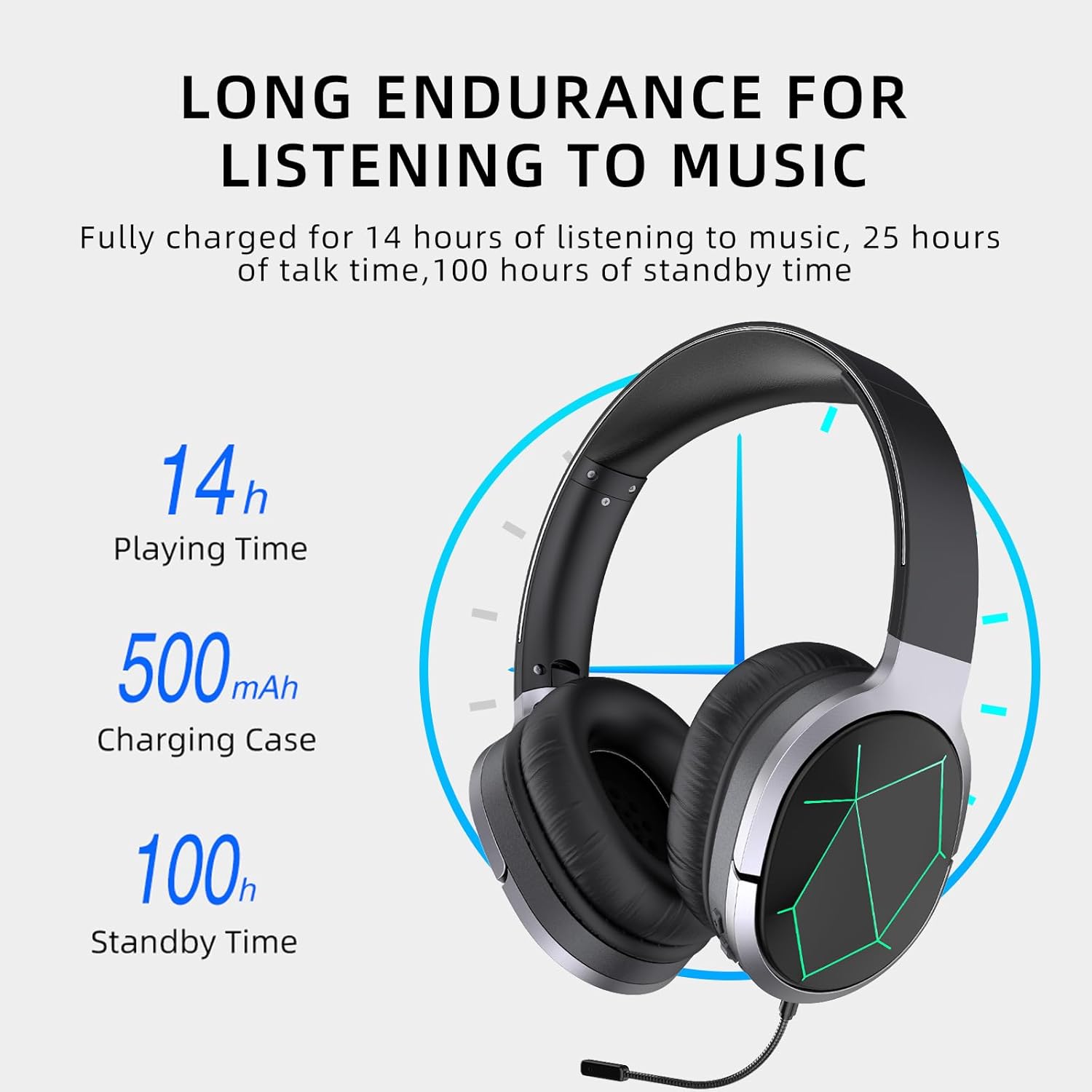
Image: Awei A799BL Headphone illustrating its long endurance with 14 hours play time, 500mAh battery capacity, and 100 hours standby time.
2. „Bluetooth“ poravimas
- Ensure the headphone is charged and turned off.
- Paspauskite ir palaikykite maitinimo mygtuką, kol LED indikatorius pakaitomis mirksės mėlynai ir raudonai, rodydamas susiejimo režimą.
- Savo įrenginyje (išmaniajame telefone, planšetiniame kompiuteryje, kompiuteryje) įjunkite „Bluetooth“ ir ieškokite galimų įrenginių.
- Iš rastų įrenginių sąrašo pasirinkite „Awei A799BL“.
- Once paired, the LED indicator will typically flash blue slowly or turn solid blue.
- Jei reikia slaptažodžio, įveskite „0000“.

Image: Awei A799BL Headset with "Bluetooth Gaming Headset" text, emphasizing its wireless gaming capability.
3. Laidinis ryšys (3.5 mm garso kabelis)
To use the headphone in wired mode, connect one end of the 3.5mm audio cable to the headphone's 3.5mm jack and the other end to your audio source's 3.5mm output. This mode does not require battery power for audio playback, but the microphone and ANC features may require power.

Image: Awei A799BL Headphone connected via a 3.5mm audio cable to various devices, highlighting the alternative wired connection option.
Naudojimo instrukcijos
Maitinimo įjungimas/išjungimas:
- Maitinimas: Paspauskite ir palaikykite maitinimo mygtuką maždaug 3 sekundes, kol užsidegs LED indikatorius.
- Išjungti: Paspauskite ir palaikykite maitinimo mygtuką maždaug 3–5 sekundes, kol užges LED indikatorius.
Music Playback (Bluetooth Mode):
- Leisti / pristabdyti: Trumpai paspauskite maitinimo mygtuką.
- Kitas takelis: Ilgai paspauskite garsumo didinimo mygtuką.
- Ankstesnis takelis: Ilgai paspauskite garsumo mažinimo mygtuką.
- Pagarsink: Trumpai paspauskite garsumo didinimo mygtuką.
- Patildyti: Trumpai paspauskite garsumo mažinimo mygtuką.
Call Management (Bluetooth Mode):
- Atsiliepti / Baigti skambutį: Trumpai paspauskite maitinimo mygtuką.
- Atmesti skambutį: Ilgai paspauskite maitinimo mygtuką 2 sekundes.
- Perrink paskutinį numerį: Dukart paspauskite maitinimo mygtuką.
Aktyvus triukšmo slopinimas (ANC):
Press the ANC button to activate or deactivate the noise cancellation feature. The LED indicator for ANC will light up when active.
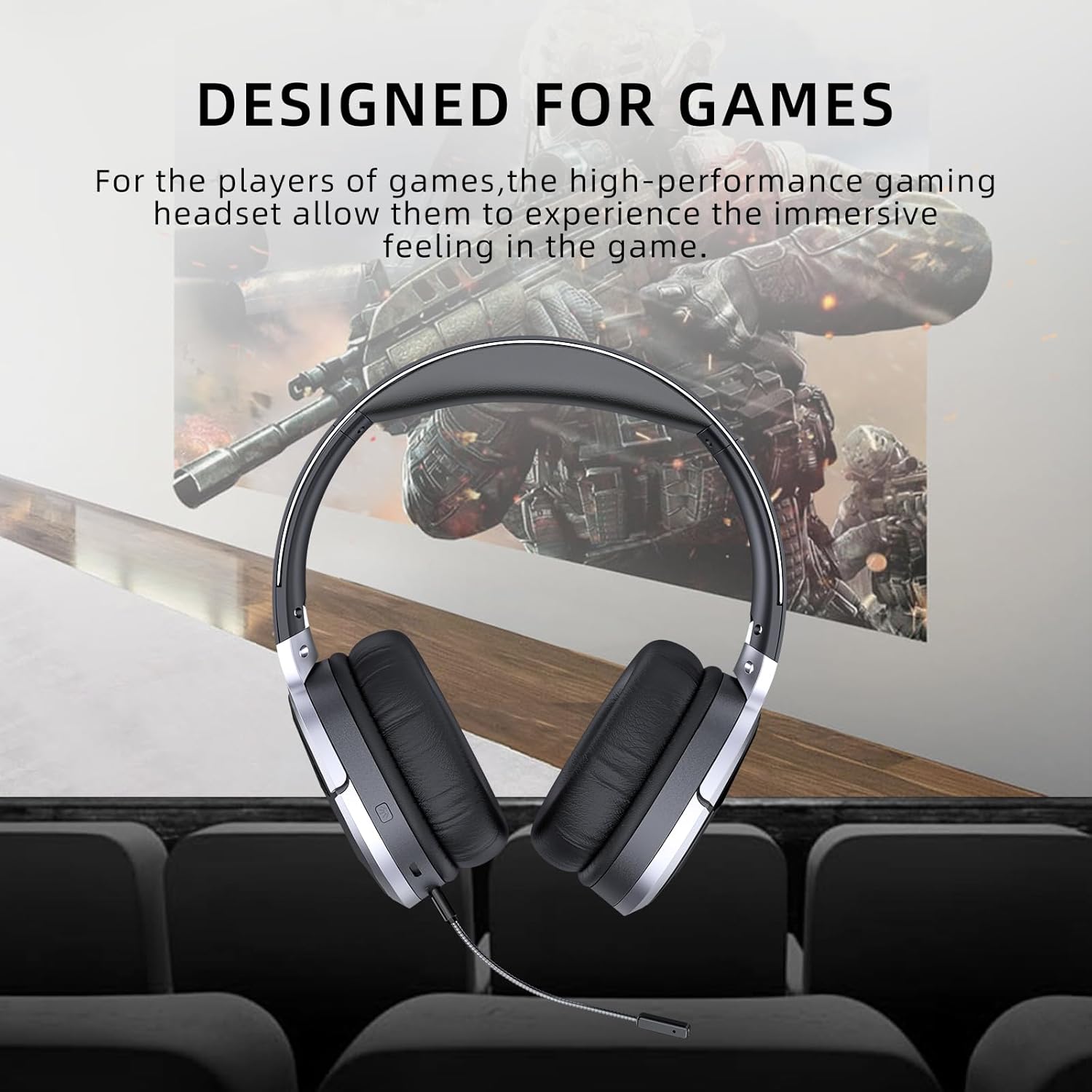
Image: Awei A799BL Headphone with "Designed for Games" text, indicating its suitability for gaming with immersive audio.
Priežiūra
- Keep the headphone dry. Avoid exposure to moisture or liquids.
- Clean the headphone with a soft, dry cloth. Do not use abrasive cleaners or solvents.
- Ausines laikykite vėsioje, sausoje vietoje, toliau nuo tiesioginių saulės spindulių ir ekstremalių temperatūrų.
- Venkite ausinių numetimo ir stiprių smūgių.
- Do not attempt to disassemble or modify the headphone, as this will void the warranty and may cause damage.
Trikčių šalinimas
| Problema | Galimas sprendimas |
|---|---|
| Ausinės neįsijungia. | Įsitikinkite, kad ausinės yra visiškai įkrautos. Prijunkite prie maitinimo šaltinio ir bandykite dar kartą. |
| Nepavyksta susieti per „Bluetooth“. |
|
| Nėra garso Bluetooth režimu. |
|
| Mikrofonas neveikia. |
|
| Garso kokybė prasta arba iškraipyta. |
|
Specifikacijos

Image: Awei A799BL Headphone displaying its basic parameters and specifications.
| Parametras | Vertė |
|---|---|
| Modelio numeris | A799BL |
| Bluetooth versija | 5.0 |
| Budėjimo laikas | 100 valandų |
| Pokalbių laikas | 25 valandų |
| Žaidimo laikas | 14 valandų |
| Įkrovimo laikas | 2 valandų |
| Dažnio atsakas | 2.402G-2.480G |
| Baterijos talpa | 500mAh/3.7V (Lithium Polymer) |
| Perdavimo atstumas | 10 metrai |
| Palaikomas „Pro“files | HSP / HFP / A2DP / AVRCP |
| Varža | 32 omų |
| Triukšmo valdymas | Aktyvus triukšmo panaikinimas (ANC) |
| Ryšys | Wireless (Bluetooth) and Wired (3.5mm Jack) |
| Gaminio matmenys | 4 x 10 x 16.5 cm |
| Produkto svoris | 4.54 g |
Garantija ir palaikymas
For warranty information and customer support, please refer to the warranty card included with your purchase or contact the retailer where the product was acquired. Keep your proof of purchase for warranty claims.
For further assistance, you may visit the official Awei websvetainėje arba susisiekite su jų klientų aptarnavimo skyriumi. Kontaktiniai duomenys paprastai pateikiami ant produkto pakuotės arba oficialioje prekės ženklo internetinėje svetainėje.