
Įvadas
Thank you for choosing the GTRACING GT890MF Gaming Chair. This manual provides detailed instructions for the assembly, operation, maintenance, and troubleshooting of your new gaming chair. Please read this manual carefully before use to ensure proper function and longevity of the product. Keep this manual for future reference.
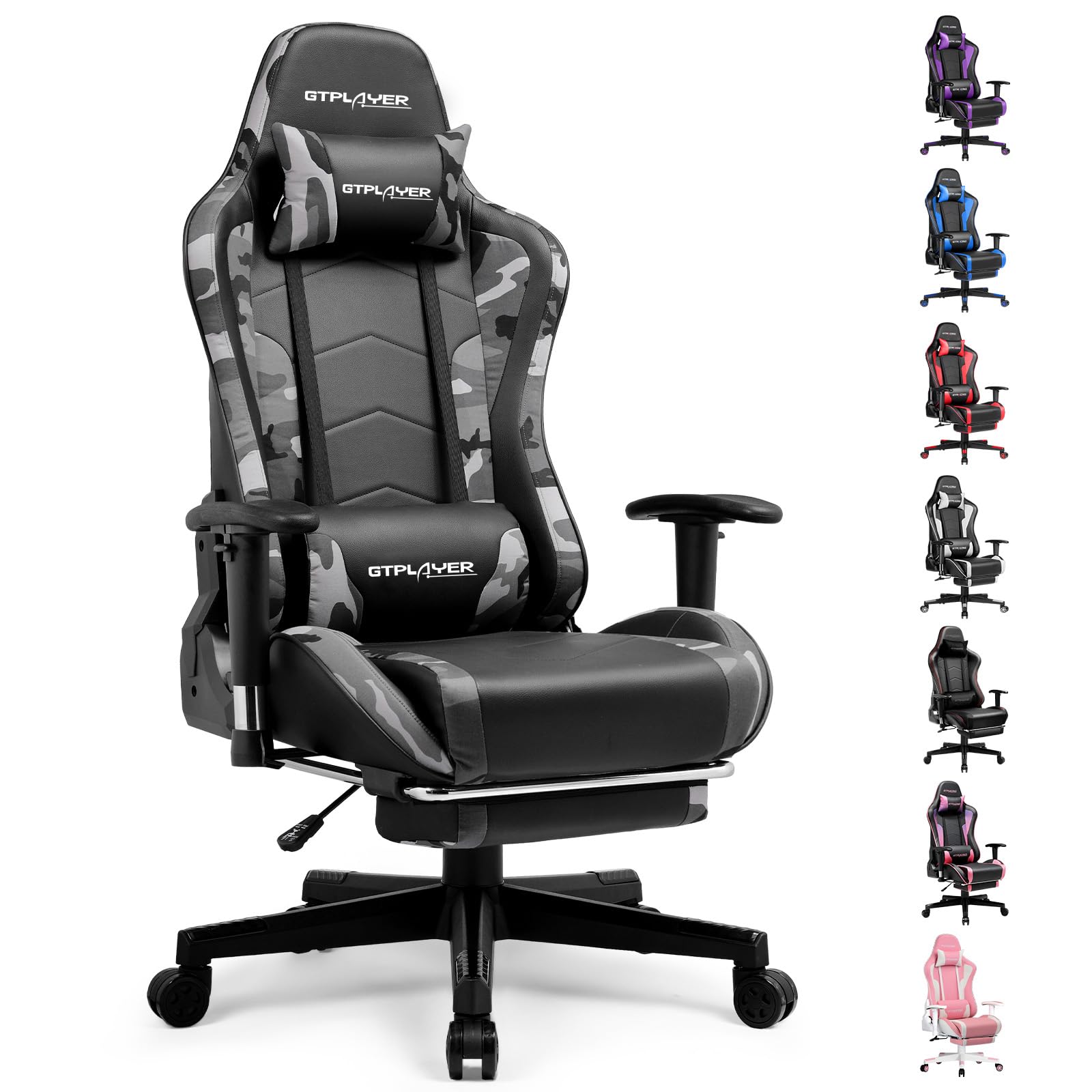
Image: The GTRACING GT890MF Gaming Chair, featuring a camouflage pattern, footrest, and integrated Bluetooth speakers, set up in a gaming environment.
Saugos informacija
- Naudoti tik patalpose.
- Maksimali apkrova: 300 svarai (apie 129 kg). Neviršykite šios ribos.
- Use caution when adjusting chair height and recline to prevent injury.
- Prieš naudodami įsitikinkite, kad visi varžtai ir veržlės yra tvirtai priveržti, ir periodiškai patikrinkite, ar jie nėra atsipalaidavę.
- Reguliavimo metu laikykite rankas ir pirštus atokiai nuo judančių dalių.
- Nestovėkite ant kėdės.
Sąranka ir surinkimas
Assembly is required for this chair. Please follow the steps below carefully. It is recommended to have two people for assembly.
Pakuotės turinys

Image: An exploded diagram showing all components of the GTRACING GT890MF Gaming Chair, including the backrest, seat, armrests, base, wheels, gas lift, and footrest.
Surinkimo žingsniai
- Pritvirtinkite porankius: Securely fasten the armrests to the seat base using the provided screws. Ensure they are oriented correctly.
- Prijunkite atlošą prie sėdynės: Align the backrest with the seat mechanism and attach it using the designated bolts.
- Sumontuokite pėdų atramą: Slide the footrest into its designated slots under the seat.
- Surinkite pagrindą: Insert the casters (wheels) into the star base. Place the gas lift cylinder into the center hole of the star base.
- Pritvirtinkite sėdynę prie pagrindo: Carefully place the assembled seat and backrest onto the gas lift cylinder, ensuring it is seated firmly.
- Attach Headrest and Lumbar Pillows: Position the headrest and lumbar support pillows as desired.
Naudojimo instrukcijos
Kėdės reguliavimas
- Sėdynės aukščio reguliavimas: Pull the lever located under the right side of the seat upwards to raise or lower the seat. Release the lever at the desired height.
- Nugaros atlošas: Pull the lever on the right side of the chair upwards to recline the backrest. Lean back to the desired angle (90 to 160 degrees) and release the lever to lock it in place.
- Porankio reguliavimas: The armrests are multi-directional. Use the buttons or levers on the armrests to adjust their height, pivot, and slide forward/backward.
- Pėdų atramos pailginimas: Pull the footrest out from under the seat when desired. Push it back in when not in use.
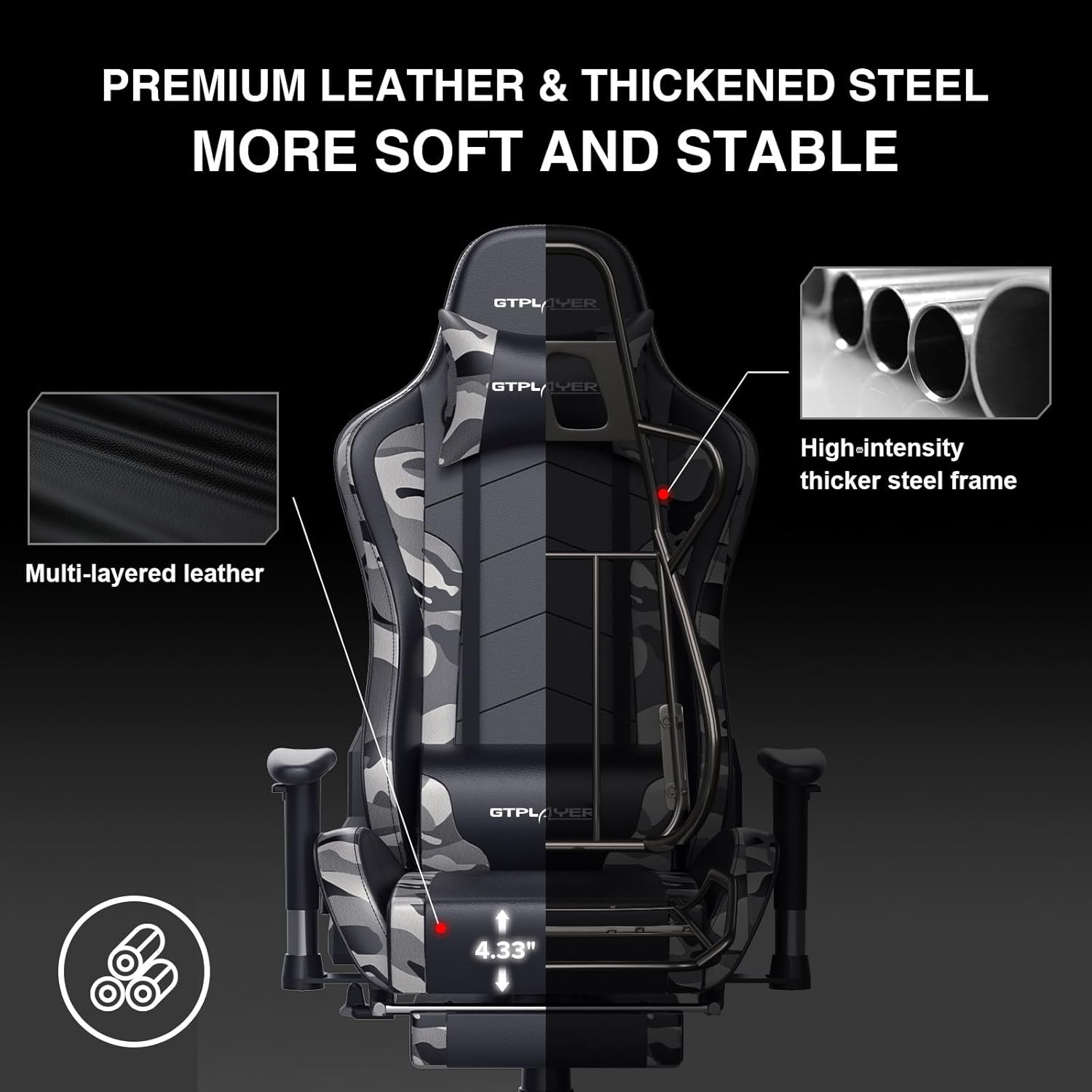
Image: The GTRACING GT890MF Gaming Chair demonstrating its backrest recline function, adjustable from 90 degrees for work to 155 degrees for resting.

Vaizdas: Stambus planas view of the GTRACING GT890MF Gaming Chair's adjustable multi-directional armrests, highlighting their ability to move up, down, and pivot for optimal positioning.
Bluetooth garsiakalbio veikimas
Your GTRACING GT890MF chair is equipped with dual Bluetooth 5.1 speakers for an immersive audio experience.
- Maitinimas: Locate the power button for the Bluetooth speakers, typically on the side or back of the chair. Press and hold to power on. A sound or indicator light will confirm activation.
- Susiejimo režimas: The speakers will automatically enter pairing mode when powered on for the first time, or if no device is connected. An indicator light will usually flash.
- Prijunkite įrenginį: On your smartphone, tablet, or other Bluetooth-enabled device, go to Bluetooth settings and search for available devices. Select "GTPLAYER" or a similar name to connect.
- Garso atkūrimas: Once connected, audio from your device will play through the chair's speakers. Adjust volume from your connected device.
- Išjungti: Press and hold the power button again to turn off the speakers.

Image: The GTRACING GT890MF Gaming Chair with a visual representation of sound waves emanating from the integrated Bluetooth speakers in the headrest area.

Image: A detailed diagram illustrating the dual Bluetooth 5.1 speakers within the GTRACING GT890MF Gaming Chair, highlighting features like clear treble, stereo sound, HiFi audio, and dust prevention.

Image: A user seated in the GTRACING GT890MF Gaming Chair, with an illustration showing how the chair's Bluetooth speakers can connect to various devices like PC/TV, PS4/PS5/XBOX, and other Bluetooth 5.1 enabled devices. A separate USB Bluetooth transmitter is shown as an option for non-Bluetooth devices.
Priežiūra
- Valymas: Nuvalykite skelbimuamp audiniu. Venkite stiprių cheminių medžiagų ar abrazyvinių valiklių, kurie gali pažeisti dirbtinės odos apmušalus.
- Patikra: Periodiškai patikrinkite visus varžtus ir sraigtus, ar jie gerai priveržti. Jei reikia, priveržkite.
- Ratukų priežiūra: Kad ratukai sklandžiai riedėtų, laikykite juos be plaukų ir šiukšlių.
- Saugykla: Store the chair in a dry, cool place away from direct sunlight to prevent material degradation.
Trikčių šalinimas
| Problema | Galima priežastis | Sprendimas |
|---|---|---|
| Kėdės aukštis nereguliuojamas | Neįjungta dujinio keltuvo svirtis arba dujinis keltuvas sugedęs. | Įsitikinkite, kad svirtis yra iki galo ištraukta. Jei problema išlieka, kreipkitės į palaikymo tarnybą dėl dujų keltuvo pakeitimo. |
| Backrest does not recline/lock | Neįjungta atlošo svirtis arba mechanizmas užstrigo. | Ensure the recline lever is fully pulled/released. Check for obstructions in the recline mechanism. |
| Bluetooth speakers not pairing | Speakers not powered on, out of range, or already paired to another device. | Ensure speakers are charged and powered on. Move device closer to chair. Disconnect from other devices. Try restarting both chair speakers and your device. |
| Kėdė nestabili | Atsilaisvinę varžtai arba netolygus surinkimas. | Patikrinkite ir priveržkite visus surinkimo varžtus. Įsitikinkite, kad kėdė stovi ant lygaus, lygaus paviršiaus. |
Specifikacijos
- Modelio pavadinimas: GT890MF
- Prekinis ženklas: GTRACING
- Spalva: Kamufliažas
- Medžiaga: Dirbtinė oda, putplasčio užpildas, plieninis rėmas
- Gaminio matmenys (G x P x A): 20.87" x 21.65" x 53.15"
- Sėdynės aukštis: Adjustable, up to 22.04 inches
- Sėdynės gylis: 20.87 colių
- Prekės svoris: 47 svaro
- Rekomendacija dėl didžiausios masės: 300 svaro
- Atgal stilius: Solid Back, Reclining (90 to 160 degrees)
- Ypatingos savybės: Adjustable Height, Adjustable Lumbar, Ergonomic Design, Foot Rest, Rolling Casters, Dual Bluetooth 5.1 Speakers
- Surinkimas: Privaloma

Image: A diagram illustrating the key dimensions of the GTRACING GT890MF Gaming Chair, including overall height, width, and depth.

Image: A detailed diagram showing various dimensions of the GTRACING GT890MF Gaming Chair, including seat height, armrest height, and backrest height, along with maximum load capacity (330 lbs) and recommended user height (6.2 ft).
Garantija ir palaikymas
GTRACING offers a worry-free purchase experience for your gaming chair.
- 30 dienų politika: Free replacement or refund within 30 days of purchase.
- 1 metų garantija: Free replacement or repair within 1 year of purchase for manufacturing defects.
For any questions, suggestions, or support needs, please feel free to contact our customer service team. We are dedicated to ensuring customer satisfaction.

Image: A group of customer service representatives wearing headsets, symbolizing available support.