
Wireless Gear G0688
Wireless Gear Secure Fit Wireless Bluetooth Earbuds
Vartotojo vadovas
Modelis: G0688
Įvadas
Ačiū, kad pirkoteasing the Wireless Gear Secure Fit Wireless Bluetooth Earbuds. This manual provides essential information for setting up, operating, maintaining, and troubleshooting your new device. Please read it carefully to ensure optimal performance and longevity of your earbuds.
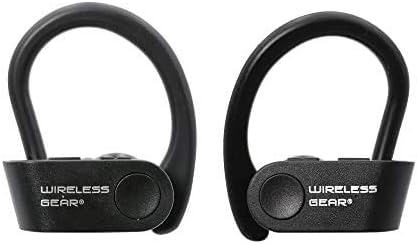
Image: A pair of black Wireless Gear Secure Fit Wireless Bluetooth Earbuds, showing their ergonomic design with ear hooks.
Sąranka
Follow these steps to set up your Wireless Gear earbuds for the first time.
1. Ausinių įkrovimas
Before first use, ensure the earbuds are fully charged. While specific charging instructions are not provided, these earbuds typically charge via a USB cable. Connect the charging cable to the earbuds and a power source. A full charge usually takes 1-2 hours.
2. Susiejimas su jūsų įrenginiu
The Wireless Gear earbuds feature automatic pairing for seamless connection.
- Ensure your earbuds are charged and powered on.
- Activate Bluetooth on your smartphone, tablet, laptop, or MP3 player.
- Ieškokite available Bluetooth devices. The earbuds should appear as "Wireless Gear Earbuds" or a similar name.
- Select the earbuds from the list to connect. Once connected, you will hear an audio confirmation.
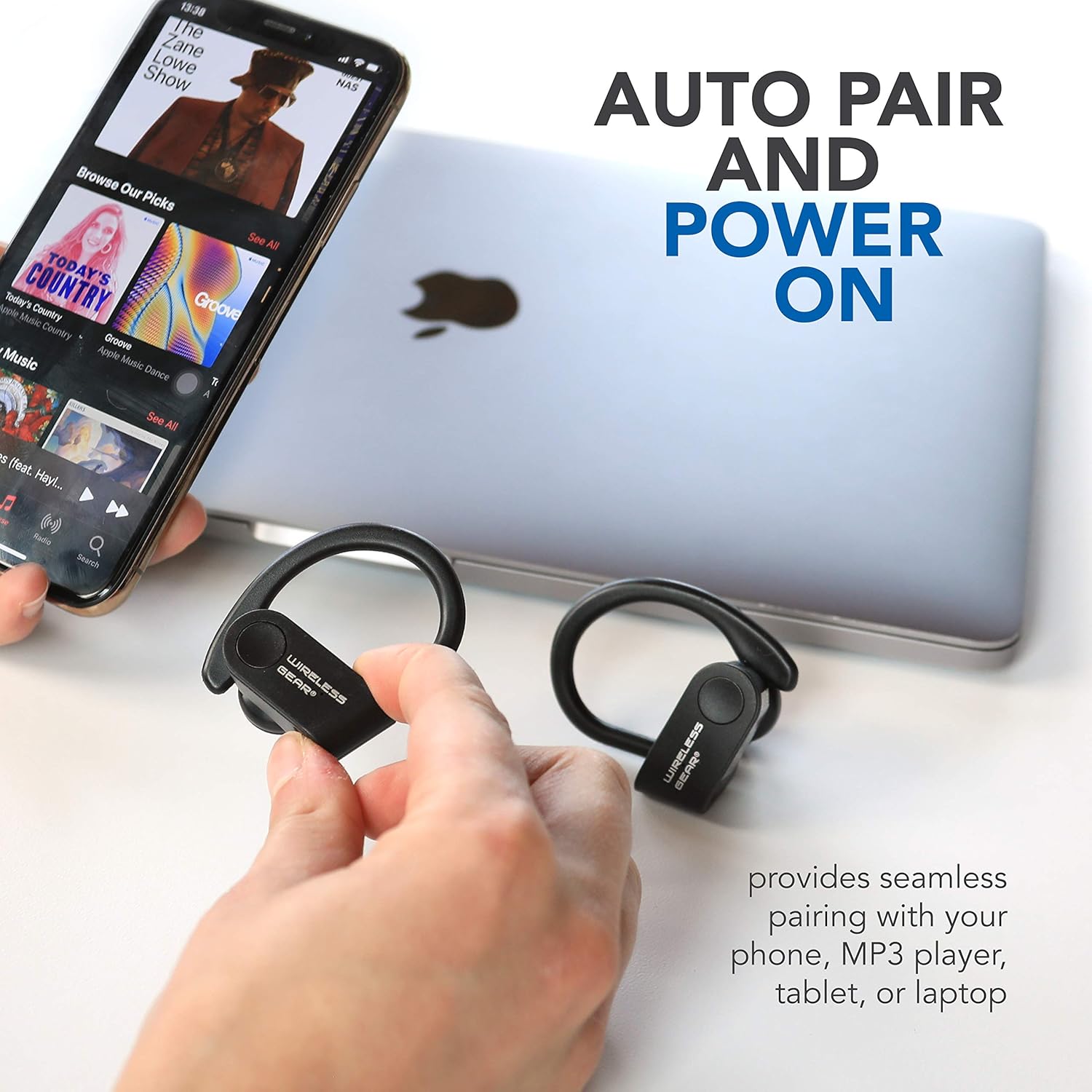
Image: The earbuds shown next to a smartphone and laptop, illustrating the automatic pairing and power-on feature for seamless connection with various devices.
3. Saugaus prigludimo užtikrinimas
The earbuds are designed with secure behind-the-ear hooks and ear gels for comfortable all-day wear, especially during activities like sports.
- Švelniai įkiškite ausinę į ausies kanalą.
- Position the ear hook over the back of your ear, ensuring it rests comfortably and securely.
- Adjust the earbud and hook until you achieve a snug fit that feels stable without causing discomfort.

Image: A person wearing the Wireless Gear earbuds, demonstrating the secure behind-the-ear fit provided by the contoured shape and ear hooks.
Naudojimo instrukcijos
The Wireless Gear earbuds feature convenient one-touch controls for easy operation.
Muzikos atkūrimo valdymas
- Leisti / pristabdyti: Single tap the touch button on either earbud.
- Kitas takelis: Double tap the touch button on the right earbud.
- Ankstesnis takelis: Double tap the touch button on the left earbud.
Skambučių valdymas
With the built-in microphone, you can manage calls hands-free.
- Atsiliepti / Baigti skambutį: Single tap the touch button on either earbud during an incoming call.
- Atmesti skambutį: Press and hold the touch button for 2 seconds during an incoming call.
Balso asistento aktyvinimas
For iOS devices, you can activate Siri using the earbuds.
- Suaktyvinkite „Siri“: Triple tap the touch button on either earbud.
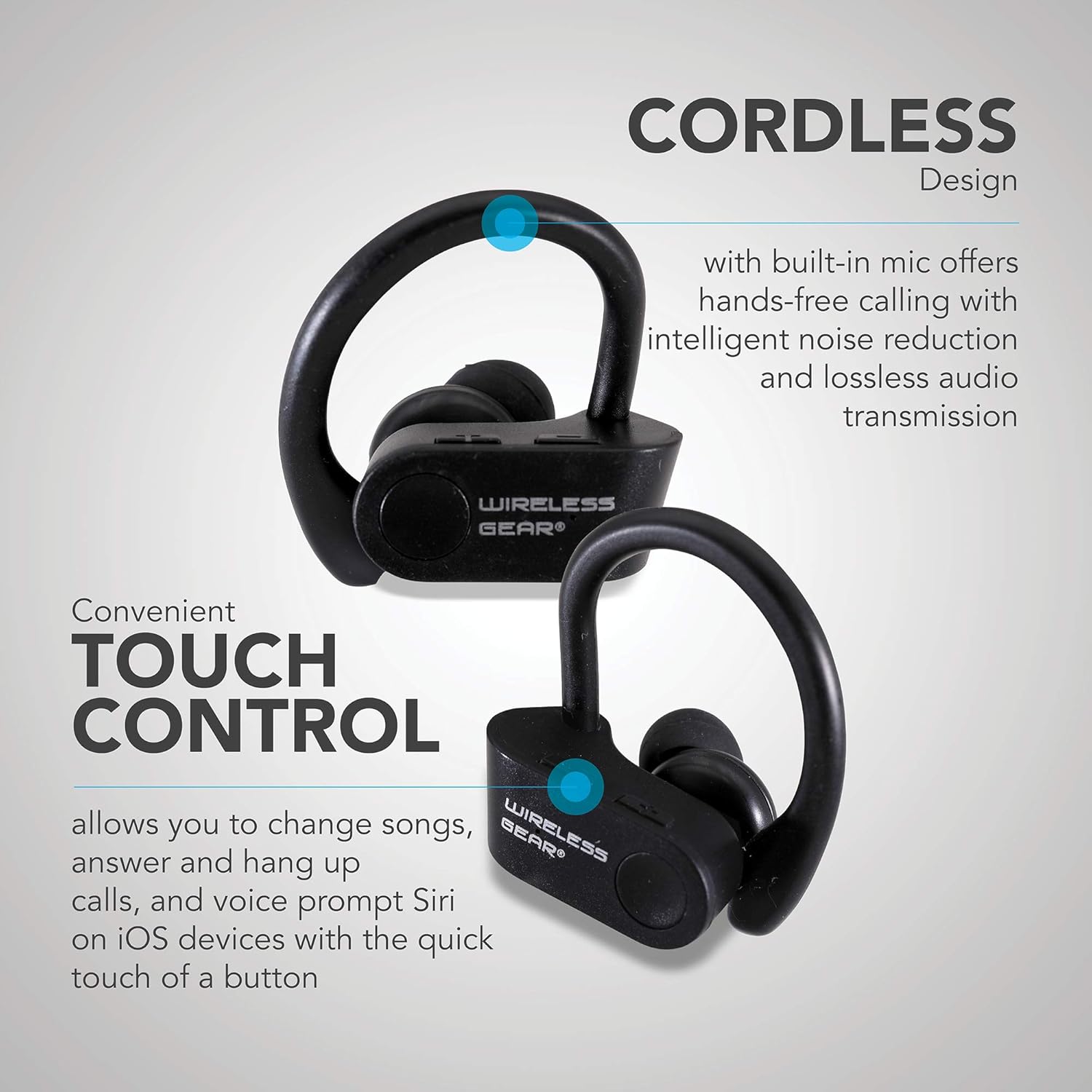
Vaizdas: Stambus planas view of the earbuds highlighting the touch control area and indicating features like hands-free calling with noise reduction.
Baterijos veikimo laikas
The earbuds provide up to 8 hours of playtime on a single charge, depending on usage volume and conditions.

Image: A person wearing the earbuds, with text indicating "True Wireless Bluetooth Sport Earhooks," "up to 8 HOURS of playtime," and "Advanced Bluetooth 5.0."
Priežiūra
Tinkama priežiūra prailgins ausinių tarnavimo laiką.
- Valymas: Use a soft, dry, lint-free cloth to clean the earbuds. Do not use harsh chemicals or abrasive materials.
- Saugykla: Kai nenaudojate, laikykite ausines vėsioje, sausoje vietoje, toliau nuo tiesioginių saulės spindulių ir ekstremalių temperatūrų.
- Vandens ekspozicija: Avoid exposing the earbuds to excessive moisture or submerging them in water. While designed for sports, they are not fully waterproof unless specified.
Trikčių šalinimas
Jei kyla problemų dėl ausinių, išbandykite šiuos sprendimus:
| Problema | Galima priežastis | Sprendimas |
|---|---|---|
| Ausinės neįsijungia. | Senka baterija. | Visiškai įkraukite ausines. |
| Nepavyksta susieti su įrenginiu. | Bluetooth is off on device; earbuds not in pairing mode; too far from device. | Ensure Bluetooth is enabled. Make sure earbuds are powered on and discoverable. Move earbuds closer to the device (within 10 meters). Try forgetting the device on your phone and re-pairing. |
| Nėra garso arba garso kokybė prasta. | Volume too low; earbuds not properly connected; interference. | Increase volume on both earbuds and connected device. Reconnect the earbuds. Move away from sources of strong electromagnetic interference. |
| Ausinės dažnai atsijungia. | Už diapazono ribų; išsikrovusi baterija; trukdžiai. | Stay within Bluetooth range. Charge the earbuds. Avoid strong Wi-Fi signals or other Bluetooth devices nearby. |
Specifikacijos
| Funkcija | Detalė |
|---|---|
| Modelio pavadinimas | Wireless Gear True Wireless Bluetooth Secure Fit Earbuds, Black |
| Modelio numeris | G0688 |
| Prekės ženklas | Belaidė pavara |
| Ryšio technologija | Belaidis ryšys („Bluetooth 5.0“) |
| Ausų išdėstymas | In-Ear with Secure Ear Hooks |
| Kontrolės metodas | Palieskite |
| Spalva | Juoda |
| Suderinami įrenginiai | Laptops, MP3 Players, Tablets, Mobile Phones |
| Ypatingos savybės | Designed for Sports, Hands-free Calling, Noise Reduction |
| Baterijos tipas | 2 ličio jonas (įtraukta) |
| Numatomas žaidimo laikas | Iki 8 valandų |
| Gaminio matmenys | Approx. 5.7 cm x 5.7 cm x 1.9 cm (2.25" x 2.25" x 0.75" each earbud) |
| Pakuotės matmenys | 13.97 x 7.62 x 3.81 cm |
| Produkto svoris | 227 g (pakuotės svoris) |

Image: Diagram showing the approximate dimensions of the Wireless Gear earbuds, indicating their compact size.
Garantija ir palaikymas
For detailed warranty information and customer support, please refer to the documentation included with your purchase or visit the official Wireless Gear websvetainėje. Išsaugokite pirkimo įrodymą, jei prireiktų pateikti garantinį ieškinį.
Palaikymas internetu: www.wirelessgear.com/support (Pvzampteisingą informaciją rasite faktinėje produkto dokumentacijoje. URL)
Ask a question about this manual
Ask about setup, troubleshooting, compatibility, parts, safety, or missing instructions. Manuals+ will review the question and use this page’s manual context to help answer it.