
Wireless Gear G0679
Wireless Gear Bluetooth 5.0 True Wireless Stereo Earbuds User Manual
Modelis: G0679
Įvadas
This manual provides comprehensive instructions for the Wireless Gear Bluetooth 5.0 True Wireless Stereo Earbuds. Please read this manual carefully before using the product to ensure proper operation and to maximize your listening experience. Keep this manual for future reference.
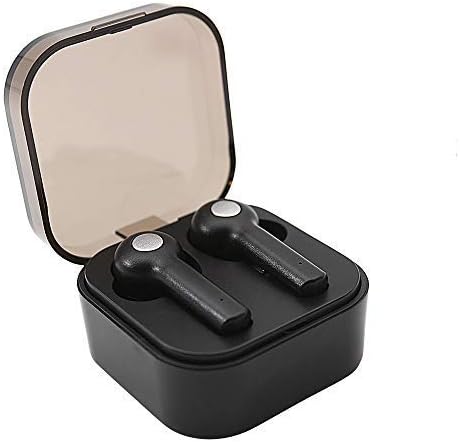
Image: Wireless Gear True Wireless Earbuds in their open charging case, showcasindėl jų kompaktiško dizaino.
Pakuotės turinys
Įsitikinkite, kad pakuotėje yra visi daiktai:
- Wireless Gear True Wireless Earbuds (Left and Right)
- Nešiojamas įkrovimo dėklas
- USB įkrovimo laidas
- Vartotojo vadovas (šis dokumentas)
- Additional Ear Gels (various sizes)
Produkto savybės
- Bluetooth 5.0 technologija: Užtikrina stabilų ir efektyvų belaidį ryšį.
- Tikrasis belaidis stereofoninis ryšys (TWS): Delivers rich audio and powerful bass.
- Integruotas mikrofonas: Įgalina skambinimą laisvų rankų įranga.
- Jutiklinis valdymas: Manage music playback, calls, and voice assistant activation directly from the earbuds.
- Auto Pair & Auto Power On: Seamless pairing with previously connected devices.
- Noise-Isolating Ear Gels: Designed for comfort and enhanced sound acoustics.
- Nešiojamas įkrovimo dėklas: Extends playtime and protects earbuds.
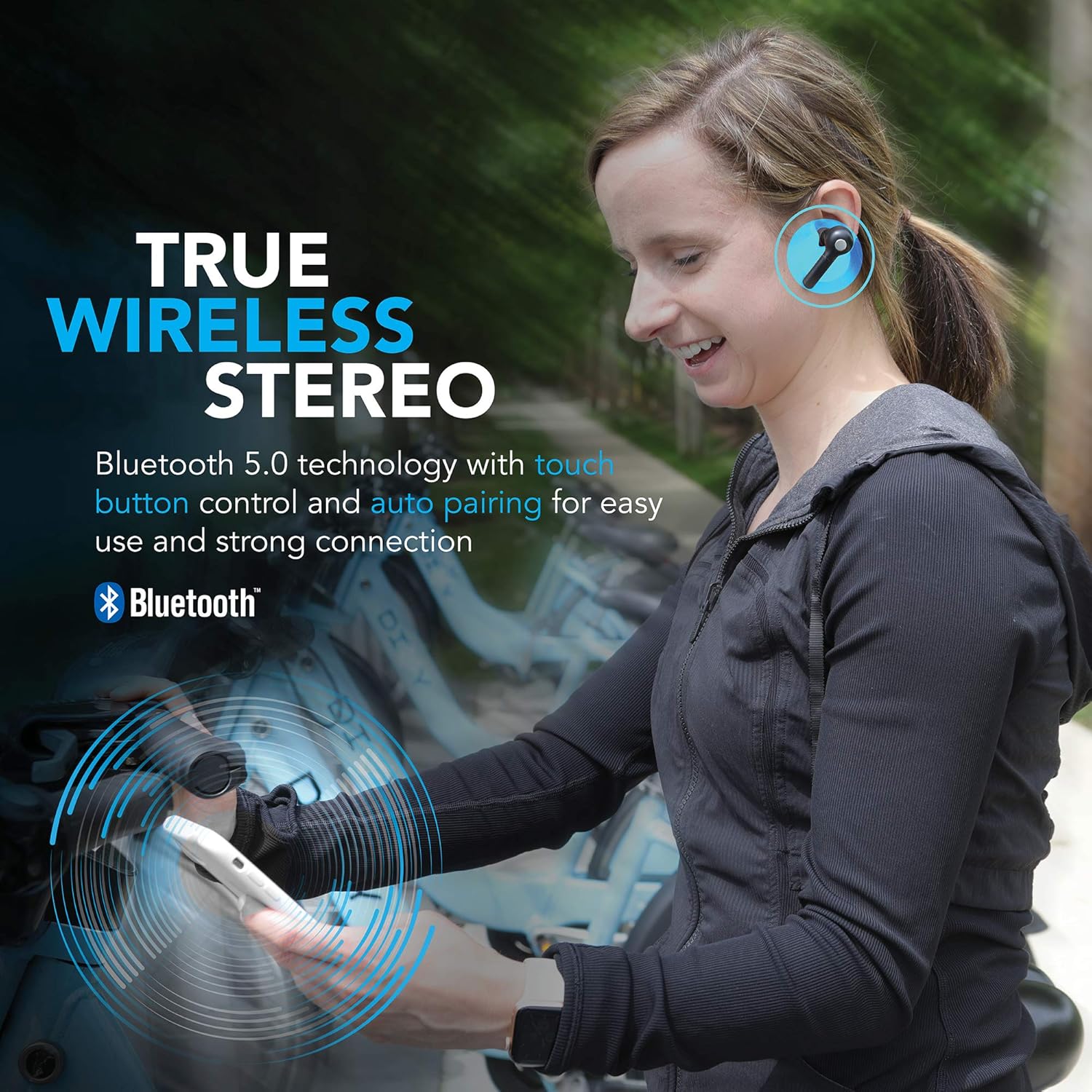
Image: A woman wearing the Wireless Gear earbuds, illustrating the true wireless stereo and Bluetooth 5.0 capabilities.

Image: A woman using the earbuds for hands-free communication, highlighting the built-in microphone feature.
Sąranka ir pirmasis naudojimas
1. Ausinių ir dėklo įkrovimas
Before first use, fully charge the earbuds and the charging case. Place the earbuds into the charging case. Connect the USB charging cable to the charging port on the case and the other end to a USB power source (e.g., computer, wall adapter).
- The charging indicator lights on the case will show charging status.
- A full charge provides up to 2.5 hours of playtime for the earbuds, and the case can provide 4-5 additional charges, totaling up to 8 hours of playtime.
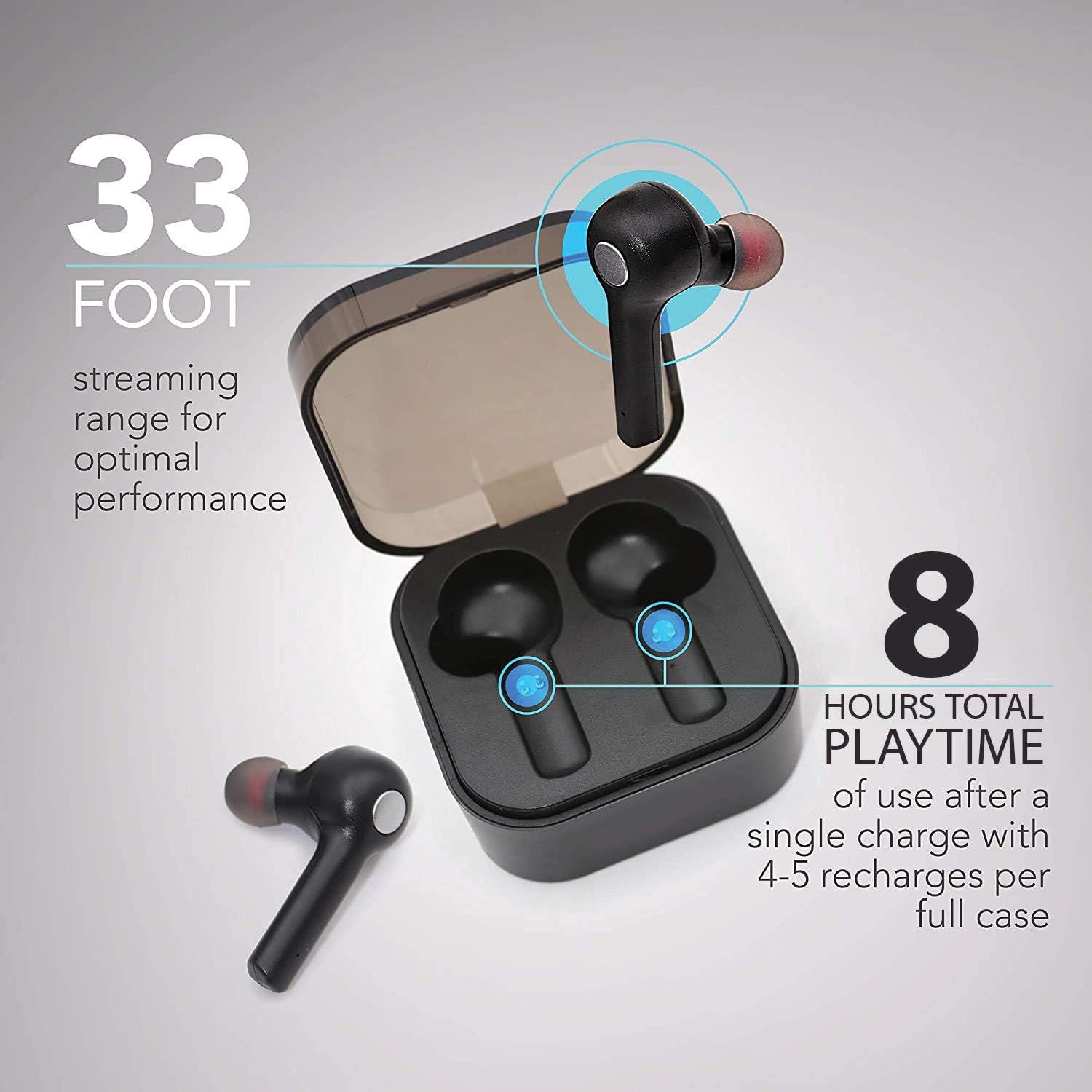
Image: The earbuds in their charging case, illustrating the 33-foot range and 8 hours of total playtime with the case.
2. Susiejimas su įrenginiu
- Įsitikinkite, kad ausinės yra įkrautos.
- Atidarykite įkrovimo dėklą. Ausinės automatiškai įsijungs ir pradės veikti susiejimo režimu.
- Savo įrenginyje (išmaniajame telefone, planšetiniame kompiuteryje, nešiojamajame kompiuteryje) įjunkite „Bluetooth“.
- Ieškokite pasiekiamus „Bluetooth“ įrenginius.
- Select "Wireless Gear Earbuds" (or similar name) from the list.
- Prisijungus, išgirsite patvirtinimo toną ir pasikeis ausinių indikatoriaus lemputės.
The earbuds feature auto-pair functionality, meaning they will automatically connect to the last paired device when removed from the case, if Bluetooth is enabled on that device.
Naudojimo instrukcijos
Nešioti ausines
Gently insert the earbuds into your ears. Adjust them for a comfortable and secure fit. The noise-isolating ear gels are designed to provide optimal sound acoustics and comfort.

Image: A man demonstrating the proper fit of the earbud, emphasizing the comfort and sound isolation provided by the ear gels.
Palieskite valdiklius
The earbuds feature intuitive touch controls on the side of each earbud. Refer to the table below for common functions:
| Veiksmas | Funkcija |
|---|---|
| Vienas bakstelėjimas (kairė / dešinė ausinė) | Groti / pristabdyti muziką, atsiliepti / baigti skambutį |
| Dukart bakstelėjimas (dešinė ausinė) | Kita daina |
| Double Tap (kairioji ausinė) | Ankstesnė daina |
| Trigubas bakstelėjimas (kairė / dešinė ausinė) | Activate Voice Assistant (Siri for iOS) |
| Ilgas paspaudimas (kairė / dešinė ausinė) | Atmesti skambutį |
Maitinimo įjungimas/išjungimas
- Maitinimas: Išimkite ausines iš įkrovimo dėklo. Jos įsijungs automatiškai.
- Išjungti: Įdėkite ausines atgal į įkrovimo dėklą. Jos automatiškai išsijungs ir pradės krautis.
Priežiūra ir priežiūra
- Valymas: Ausinėms ir įkrovimo dėklui valyti naudokite minkštą, sausą šluostę. Nenaudokite stiprių cheminių medžiagų ar abrazyvinių medžiagų.
- Ausų geliai: Periodically remove and clean the ear gels with a damp audiniu. Prieš pritvirtindami, įsitikinkite, kad jie yra visiškai sausi.
- Saugykla: Kai nenaudojate, laikykite ausines įkrovimo dėkle, kad jos būtų apsaugotos ir įkrautos.
- Venkite vandens: Ausinės nėra atsparios vandeniui. Venkite vandens, drėgmės ar ekstremalių temperatūrų poveikio.
- Akumuliatoriaus priežiūra: Norėdami pailginti baterijos veikimo laiką, venkite dažnai visiškai iškrauti ausines ir dėklą. Reguliariai juos įkraukite.
Trikčių šalinimas
| Problema | Galima priežastis | Sprendimas |
|---|---|---|
| Ausinės nesusiejamos | Ausinės neįjungtos susiejimo režimu; įrenginyje išjungtas „Bluetooth“; anksčiau susietas įrenginys kelia trikdžių. | Ensure earbuds are out of case and indicator lights are flashing. Turn Bluetooth off and on again on your device. Forget previous pairings on your device and try again. |
| Veikia tik viena ausinė | Earbuds not properly synced; one earbud out of charge. | Įdėkite abi ausines atgal į įkrovimo dėklą, uždarykite dangtelį, tada vėl jį atidarykite. Įsitikinkite, kad abi ausinės įkrautos. |
| Nėra garso ar mažas garsumas | Volume too low on device; earbuds not connected; media source issue. | Increase volume on your connected device. Reconnect earbuds. Check if audio is playing from the correct source on your device. |
| Įkrovimo dėklas neįkraunamas | Sugedęs kabelis arba maitinimo šaltinis. | Try a different USB cable and/or power adapter. Ensure connections are secure. |
| Prasta garso kokybė / Ryšio sutrikimai | Per toli nuo įrenginio; trukdžiai; išsikrovusi baterija. | Move closer to your device (within 33 ft). Avoid strong electromagnetic interference. Charge earbuds and case. |
Specifikacijos
| Funkcija | Detalė |
|---|---|
| Modelio numeris | G0679 |
| Bluetooth versija | 5.0 |
| belaidis diapazonas | Iki 33 pėdų (10 metrų) |
| Ausinių grojimo laikas | Iki 2.5 valandų vienu įkrovimu |
| Bendras grojimo laikas (su dėklu) | Up to 8 hours (4-5 recharges from case) |
| Valdymo tipas | Palieskite valdymą |
| Mikrofonas | Įmontuotas |
| Medžiaga | Plastikiniai |
| Baterijos tipas | Ličio jonas |
| Ausinių matmenys (apytiksliai) | Refer to image for detailed dimensions. |
| Korpuso matmenys (apytiksliai) | 2.25 colio x 2.25 colio x 0.75 colio (5.7 x 5.7 x 1.9 cm) |

Image: Detailed dimensions of the earbuds and charging case for reference.
Informacija apie garantiją
For warranty details and terms, please refer to the warranty card included with your product or contact Wireless Gear customer support. Keep your purchase receipt as proof of purchase.
Pagalba klientams
If you encounter any issues or have questions not covered in this manual, please contact Wireless Gear customer support. Visit the official Wireless Gear websvetainė, kurioje rasite kontaktinę informaciją ir dažnai užduodamus klausimus.
Gamintojas: ESI Wireless Accessories
Ask a question about this manual
Ask about setup, troubleshooting, compatibility, parts, safety, or missing instructions. Manuals+ will review the question and use this page’s manual context to help answer it.