
1. Produktas baigtasview
The FosPower Emergency Weather Radio Model A3 is a versatile device designed for emergency preparedness and outdoor activities. It features NOAA/AM/FM radio reception, a powerful 14800mWh (4000mAh) internal power bank, and multiple charging options including USB-C, solar, and hand crank. Additional functions include an SOS alarm, a bright flashlight, and a reading light.
Pagrindinės funkcijos:
- 14800mWh (4000mAh) Power Bank: Provides extended radio operation and can charge external USB devices.
- Keli maitinimo šaltiniai: Rechargeable via USB-C, hand crank, and solar panel.
- SOS signalas: Įjungia garsią sireną ir mirksinčią šviesą avariniam signalui.
- Dvigubi šviesos šaltiniai: Includes a flashlight and a reading light with motion sensor functionality.
- NOAA Emergency Weather Broadcast Access: Receives local weather information and hazard alerts.
- AM/FM radijas: Full access to standard AM and FM radio broadcasts.

Figure 1: FosPower Emergency Weather Radio Model A3. This image displays the radio with its solar panel open, hand crank visible, flashlight illuminated, and a smartphone connected for charging.
2. Pakuotės turinys ir komponentai
Pakuotės turinys:
- FosPower Emergency Weather Radio (Model A3)
- USB-C įkrovimo laidas
- Vartotojo vadovas
Pagrindiniai komponentai:
- Antena: Ištraukiamas, kad pagerėtų radijo ryšys.
- Saulės skydas: For supplementary charging in sunlight.
- Rankinis švaistiklis: Rankiniam energijos generavimui.
- Žibintuvėlis: Integruotas šviesos šaltinis.
- Skaitymo lemputė: Panel light, often with motion sensor.
- SOS mygtukas: Įjungia avarinę signalizaciją.
- Garsumo rankenėlė: Controls audio output and powers the unit on/off.
- Derinimo rankenėlė: Reguliuoja radijo dažnį.
- Juostos parinkiklis: Switches between AM, FM, and WB (Weather Band).
- USB-C įvesties prievadas: Radijo įkrovimui.
- USB-A išvesties prievadas: Skirta išoriniams įrenginiams įkrauti.
- Ausinių lizdas: Privačiam pasiklausymui.
3. Pradinė sąranka
3.1 Radijo įkrovimas
Before first use, it is recommended to fully charge the radio's internal 14800mWh (4000mAh) battery using the USB-C port.
- USB-C įkrovimas: Connect the provided USB-C cable to the radio's USB-C input port and the other end to a standard USB power adapter (not included) or a computer USB port. The charging indicator will illuminate.
- Rankinis švaistiklio įkrovimas: Rotate the hand crank clockwise or counter-clockwise at a steady pace (approximately 130-150 RPM) for 3-5 minutes to generate sufficient power for initial operation or to extend battery life.
- Saulės baterijos įkrovimas: Place the radio with the solar panel facing direct sunlight. This method is primarily for maintaining battery charge or for emergency power generation, and is slower than USB-C charging.

Figure 2: Multiple Power Sources. This diagram highlights the USB, hand crank, and solar panel charging options for the radio.
4. Naudojimo instrukcijos
4.1 Įjungimas / išjungimas ir garsumo reguliavimas
Norėdami įjungti radiją, pasukite Tūrio rankenėlė clockwise from the 'OFF' position. Continue rotating to increase the volume. To power off, rotate the Tūrio rankenėlė prieš laikrodžio rodyklę, kol jis spragtelės ir užsifiksuos padėtyje „OFF“.
4.2 Radio Tuning (AM/FM/NOAA)
- Išplėskite anteną: For optimal reception, fully extend the telescopic antenna.
- Pasirinkite grupę: Naudokite Grupės parinkėjas switch to choose between 'AM', 'FM', or 'WB' (Weather Band).
- Derinimo stotis: Pasukite Derinimo rankenėlė to scan for desired radio stations or NOAA weather channels. The tuning indicator light will illuminate when a strong signal is detected.
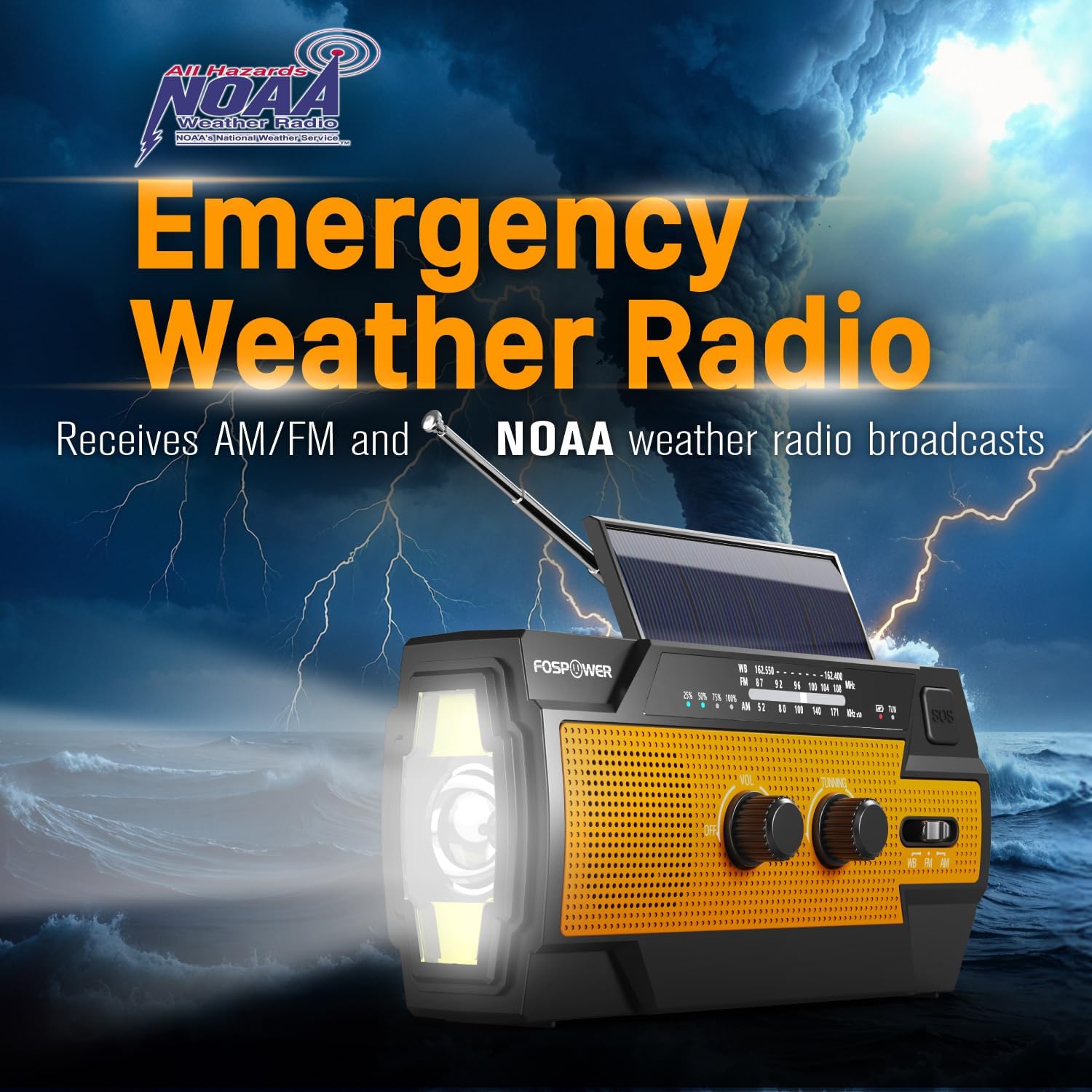
Figure 3: Emergency Weather Radio Function. This image shows the radio against a stormy background, emphasizing its ability to receive AM/FM and NOAA weather broadcasts.
4.3 Žibintuvėlio veikimas
The integrated flashlight offers multiple modes:
- Press the flashlight button once for Visas režimas (didžiausias ryškumas).
- Dar kartą paspauskite Far Mode (focused beam).
- Paspauskite trečią kartą, kad Platus režimas (broader illumination).
- Press a fourth time to turn the flashlight off.

Figure 4: Flashlight Settings. This image illustrates the three distinct flashlight modes available on the radio.
4.4 Reading Light Operation
The reading light provides illumination for close-range tasks:
- Slide the reading light switch to the 'LIGHT' position for constant illumination.
- Slide the switch to the 'AUTO' position to activate the motion sensor. The light will turn on when motion is detected and turn off after approximately 30 seconds of no motion.

Figure 5: Reading Light Modes. This image shows the reading light in operation, highlighting its constant and motion-activated settings.
4.5 SOS aliarmo funkcija
In an emergency, activate the SOS alarm to attract attention:
- Paspauskite ir palaikykite SOS mygtukas to activate a loud siren and a flashing light.
- Release the button to deactivate the alarm.
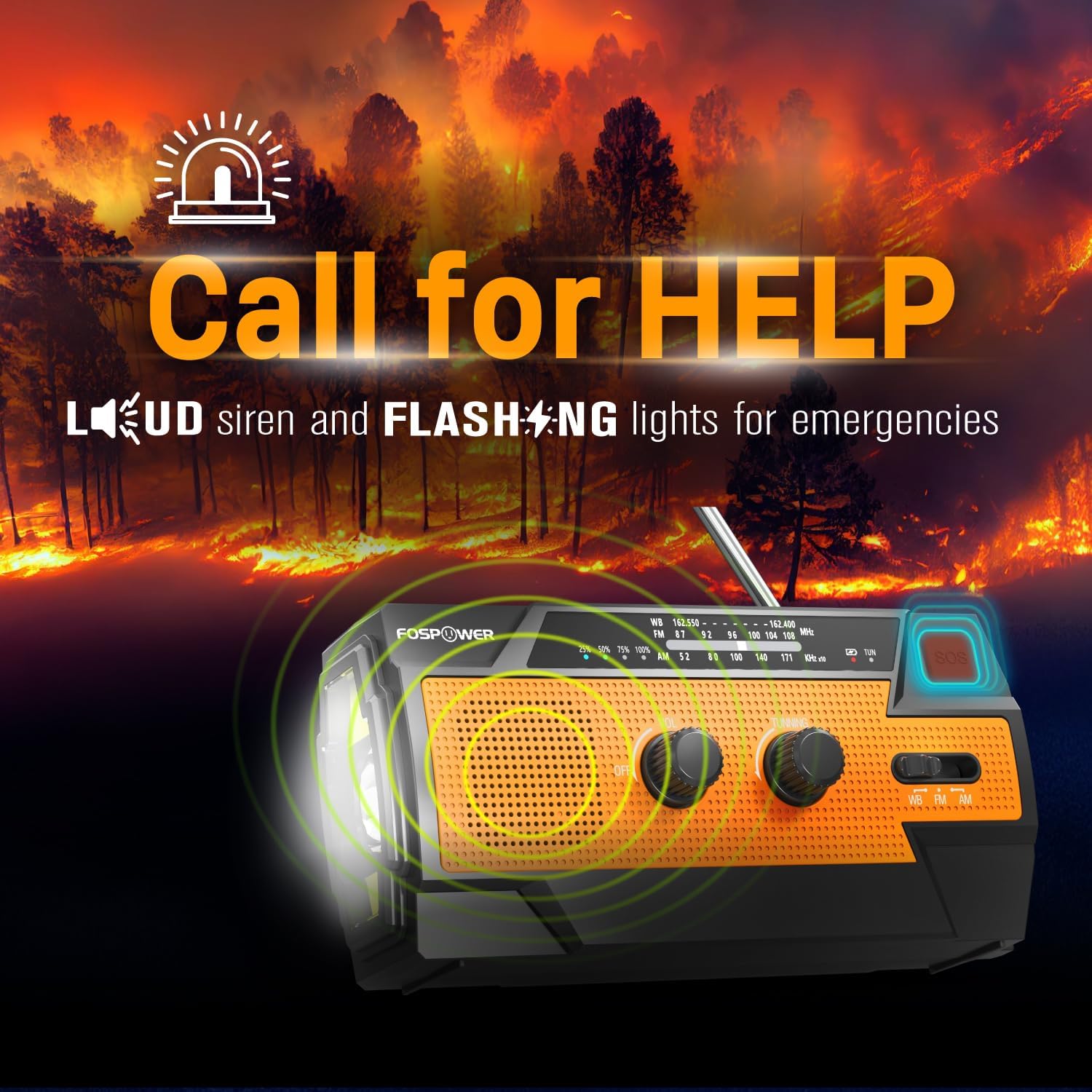
Figure 6: SOS Alarm Activation. This image depicts the radio emitting a loud siren and flashing lights, indicating the SOS function is active.
4.6 Naudojimas kaip išorinės baterijos
The radio's internal battery can be used to charge external USB devices:
- Connect your smartphone, tablet, or other USB-powered device to the radio's USB-A išvesties prievadas using your device's charging cable.
- The radio will begin charging the connected device. Monitor the radio's battery indicator to ensure sufficient charge remains for its own operation.

Figure 7: Power Bank Function. This image shows the radio charging a smartphone on a wooden table outdoors, demonstrating its 14800mWh power bank capability.
5. Priežiūra ir priežiūra
- Valymas: Nuvalykite radiją minkšta, damp audinys. Nenaudokite stiprių cheminių medžiagų ar abrazyvinių valiklių.
- Saugykla: Store the radio in a cool, dry place away from direct sunlight and extreme temperatures. For long-term storage, ensure the battery is partially charged (around 50%) and recharge every 3-6 months to prevent deep discharge.
- Atsparumas vandeniui: The radio is IPX3 water resistant, meaning it can withstand spraying water. Do not submerge the radio in water.

Figure 8: IPX3 Water Resistance. This image shows the radio in a light rain shower, illustrating its IPX3 water-resistant design suitable for harsh environments.
6. Problemų sprendimas
| Problema | Galima priežastis | Sprendimas |
|---|---|---|
| Radijas neįsijungia. | Baterija išsikrovusi. | Charge the radio via USB-C, hand crank, or solar panel. |
| Prastas radijo priėmimas. | Antena neištiesta, silpnas signalas, trukdžiai. | Fully extend the telescopic antenna. Move to an open area away from obstructions. Fine-tune the tuning knob. |
| Žibintuvėlis / skaitymo lemputė neveikia. | Battery is low, incorrect mode selected. | Charge the radio. Ensure the correct light mode (Full, Far, Wide for flashlight; Light, Auto for reading light) is selected. |
| External device not charging from radio. | Radio battery is low, cable issue, device incompatibility. | Ensure the radio has sufficient charge. Check the USB cable connection. Try a different USB cable or device. |
| Hand crank is stiff or difficult to turn. | Possible obstruction or internal issue. | Ensure there are no physical obstructions. Turn the crank smoothly and avoid excessive force. If problem persists, contact customer support. |
| Saulės energijos įkrovimas yra lėtas arba neefektyvus. | Insufficient sunlight, dirty solar panel. | Place the radio in direct, strong sunlight. Clean the solar panel surface with a soft cloth. Note that solar charging is supplementary. |
7. Gaminio specifikacijos
| Funkcija | Specifikacija |
|---|---|
| Modelio numeris | FOSPWB-2402 |
| Gaminio matmenys | 6.23 colio ilgio x 2.48 colio pločio x 3.19 colio aukščio (15.82 x 6.30 x 8.10 cm) |
| Prekės svoris | 1.06 svaro (0.48 kg) |
| Maitinimo šaltinis | Solar, Battery (14800mWh internal), Handcrank |
| Baterijos talpa | 14800mWh (4000mAh) |
| Palaikomos radijo juostos | AM, FM, WB (Weather Band) |
| Ryšio technologija | USB C (Input), USB A (Output) |
| Ypatinga funkcija | Portable, Power Bank, SOS Alarm, Flashlight, Reading Light |
| Atsparumas vandeniui | IPX3 |

Figure 9: Product Dimensions. This diagram provides the exact measurements of the FosPower Emergency Weather Radio.
8. Garantija ir klientų aptarnavimas
Ribota viso gyvenimo garantija
FosPower products are backed by a limited lifetime warranty. This warranty covers defects in materials and workmanship under normal use. Please refer to the official FosPower webVisas garantijos sąlygas ir nuostatas rasite svetainėje arba pirkimo dokumentuose.
Pagalba klientams
For any questions, technical assistance, or warranty claims, please contact FosPower's dedicated USA-based customer service team. Contact information can typically be found on the product packaging or the official FosPower websvetainę.
Taip pat galite apsilankyti FosPower Store on Amazon daugiau informacijos ir produktų atnaujinimų.