
TYLT QIMEDBK-T
TYLT Medallion Portable Qi Wireless Charging Pad User Manual
Model: QIMEDBK-T
Įvadas
The TYLT Medallion is a portable Qi-certified wireless charging pad designed to provide convenient and efficient power to your compatible devices. This manual provides essential information for the safe and optimal use of your charging pad.
Saugos informacija
- Nelaikykite prietaiso ekstremaliose temperatūrose, tiesioginiuose saulės spinduliuose ar drėgmėje.
- Stenkitės, kad prietaisas nenumestų ar nepatirtų stipraus smūgio.
- Do not disassemble, modify, or attempt to repair the device. This will void the warranty.
- Laikyti vaikams nepasiekiamoje vietoje.
- Naudodami pasirūpinkite tinkama ventiliacija, kad išvengtumėte perkaitimo.
- Use only the provided or certified compatible USB-C cable and power source.
Pakuotės turinys
Patikrinkite, ar pakuotėje yra visi reikalingi daiktai:
- 1 x TYLT Medallion Qi-Certified Wireless Charging Pad
- 1 x 3.3ft USB Type-C Cable
- 1 x Naudotojo vadovas (šis dokumentas)

Vaizdas: Apačia view of the TYLT Medallion charging pad, showing the integrated USB-C cable and product information.
Sąranka
- Prijunkite įkrovimo bloką: Plug the integrated USB Type-C cable from the TYLT Medallion into a compatible power source. This can be a laptop's USB-C port, a power bank with a USB-C output, or a wall adapter (not included) with a USB-C port.
- Maitinimo šaltinio reikalavimai: For optimal fast charging, use a power source capable of delivering 5V/2A or 9V/1.8A.
- Vieta: Place the charging pad on a flat, stable surface, such as a countertop, desk, or bedside table.
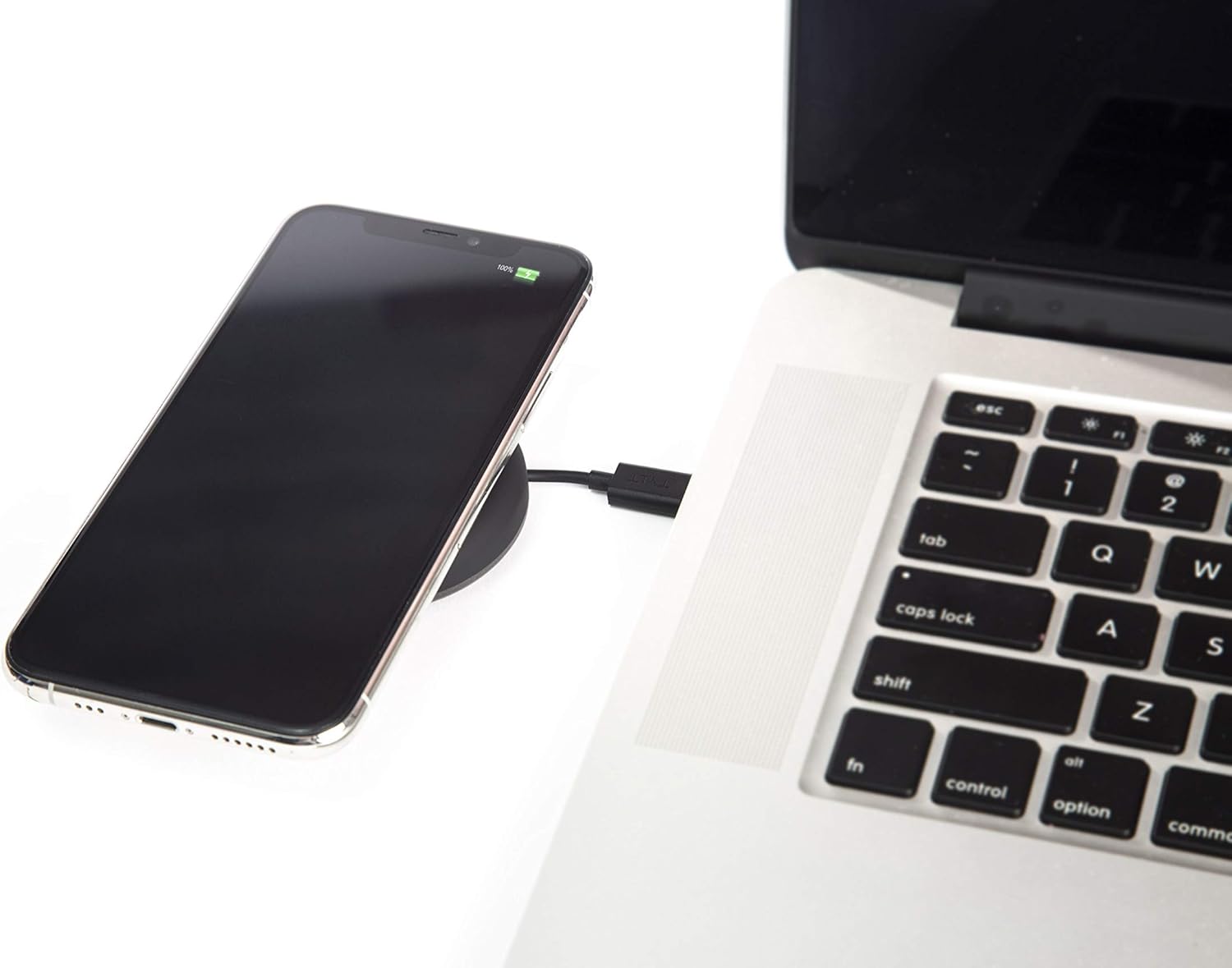
Image: A smartphone wirelessly charging on the TYLT Medallion, which is connected to a laptop via its USB-C cable.
Naudojimo instrukcijos
- Padėkite savo įrenginį: Position your Qi-enabled smartphone or wireless earbuds directly onto the center of the TYLT Medallion charging pad. The device grip ring helps secure your device.
- Įkrovimo indikacija: Your device's screen or indicator light will show that it is charging. The TYLT Medallion does not have its own charging indicator light.
- Optimalus įkrovimas: Ensure your device is centered on the pad for efficient charging. Charging can occur through most phone cases.
- Įkrovimo išvestis:
- 10W output for compatible Samsung devices.
- 7.5W output for compatible Apple iPhones.
- 5W output for other Qi-enabled devices, including wireless earbuds.
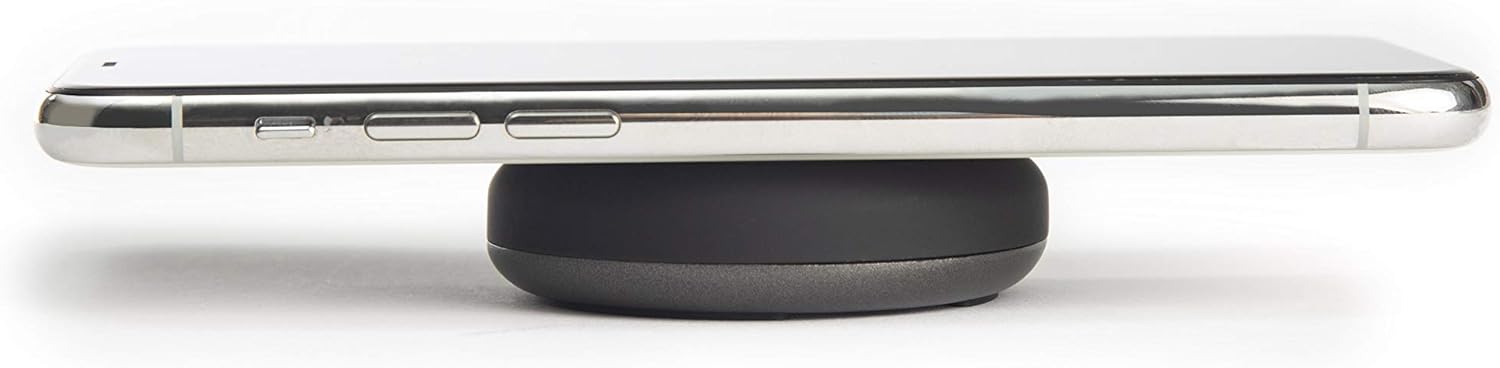
Image: A smartphone placed on the TYLT Medallion charging pad, demonstrating its low profile.
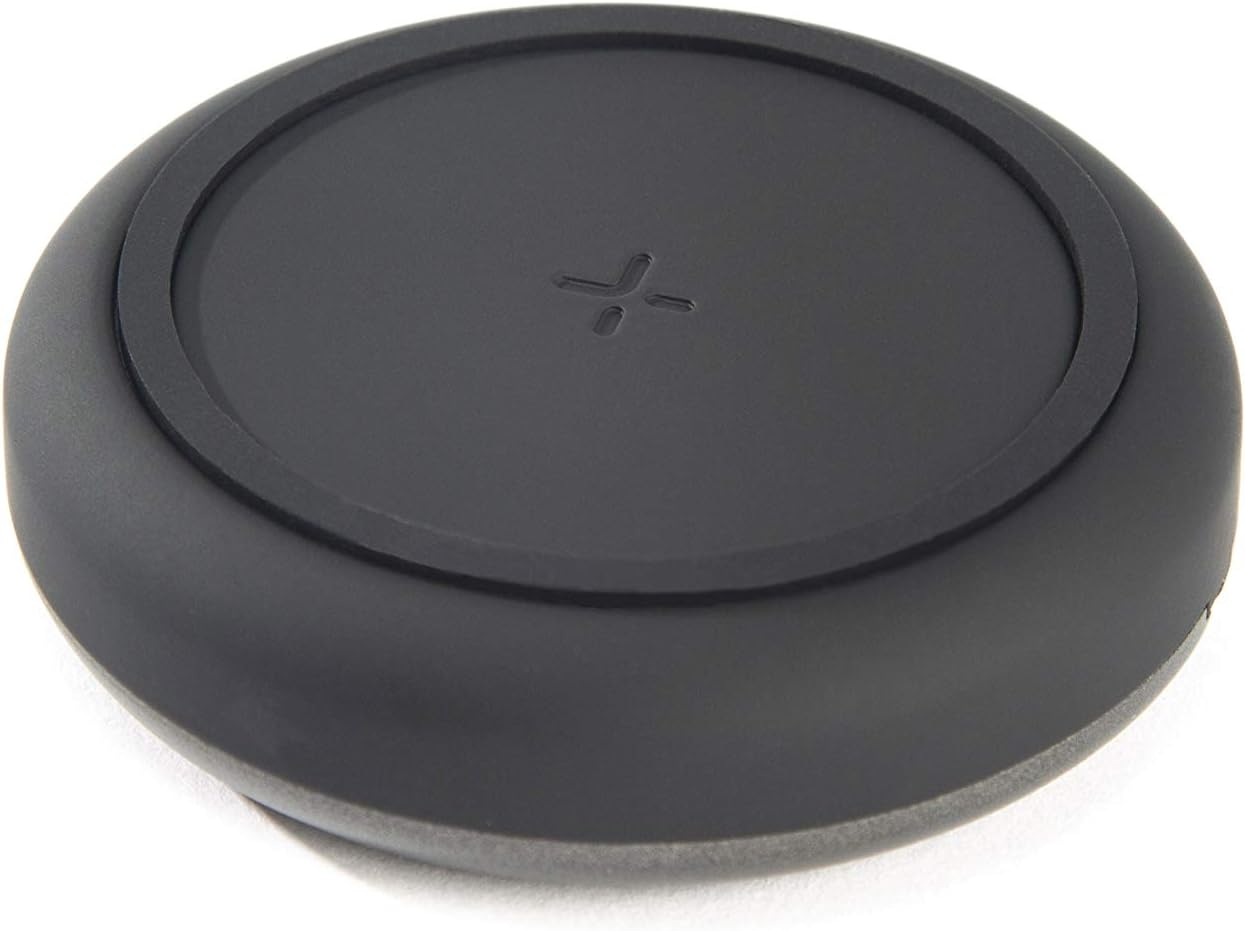
Vaizdas: Viršus view of the TYLT Medallion charging pad, highlighting its compact and minimalist design.
Priežiūra
- Valymas: Disconnect the charging pad from its power source before cleaning. Use a soft, dry cloth to wipe the surface. Do not use harsh chemicals or abrasive cleaners.
- Saugykla: When not in use, store the charging pad in a cool, dry place away from direct sunlight.
Trikčių šalinimas
| Problema | Galima priežastis | Sprendimas |
|---|---|---|
| Įrenginys neįkraunamas. |
|
|
| Lėtas įkrovimas. |
|
|
| Įkrovimo kilimėlis arba įrenginys įkaista. |
|
|
Specifikacijos
| Modelio numeris | QIMEDBK-T |
| Įvesties tomastage | 5V / 2A arba 9V / 1.8A |
| Išėjimo vattage | 10 W (maks.) |
| Išvestis Amppakilimas | 1A (maks.) |
| Jungties tipas | USB Type-C (integrated) |
| Suderinamumas | Qi-enabled devices (Apple iPhone, Samsung Galaxy, Microsoft Lumia, Google Nexus, Nokia Lumia, Pixel, LG, wireless earbuds, etc.) |
| Gaminio matmenys | 4 x 1.5 x 5 colio |
| Prekės svoris | 2.39 uncijos |
| Ypatingos savybės | Fast Charging, Qi Certified, Built-in Temperature Control, Voltage Protection, Non-slip Device Grip Ring |
Informacija apie garantiją
TYLT products are eligible for a 1-year Global Warranty program nuo įsigijimo datos. Ši garantija taikoma gamybos defektams ir gedimams įprasto naudojimo sąlygomis. Ji netaikoma žalai, atsiradusiai dėl netinkamo naudojimo, nelaimingų atsitikimų, neleistinų modifikacijų ar įprasto nusidėvėjimo.
Išsaugokite pirkimo įrodymą, kad galėtumėte kreiptis dėl garantijos.
Palaikymas
For any concerns, technical assistance, or warranty inquiries, please do not hesitate to contact TYLT customer support.
Refer to the official TYLT website for contact details or visit their Amazon store: TYLT Amazon Store
Ask a question about this manual
Ask about setup, troubleshooting, compatibility, parts, safety, or missing instructions. Manuals+ will review the question and use this page’s manual context to help answer it.