
Įvadas
The Raymarine Axiom+ 12 RV is a next-generation multi-function chartplotter designed for marine navigation. It features an all-weather, high-resolution display that is 25 percent brighter than previous models, ensuring optimal visibility in various conditions. Powered by a robust quad-core processor, the Axiom+ 12 RV delivers industry-leading speed and responsiveness for seamless operation. This manual provides essential information for the proper installation, operation, and maintenance of your device.
Produktas baigtasview
The Axiom+ 12 RV is equipped with advanced features to enhance your boating experience, including RealVision 3D Sonar and HydroTough Technology for durable, impact-resistant, and smudge-repellent screens. It operates on the LightHouse OS and supports GPS satellite navigation.

Image: The Raymarine Axiom+ 12 RV display showcasing its RealVision 3D Sonar capabilities, with a 12-inch screen clearly visible. This image highlights the integrated sonar and chartplotter functions.
Sąranka ir diegimas
The Axiom+ 12 RV is designed for dashboard mounting. Ensure you have all necessary components before beginning installation.
Įtraukti komponentai:
- Axiom+ 12 RV Multi-Function Display Unit
- Prietaisų skydelio laikiklis
- Power Cable (not explicitly listed but implied for operation)
- Dokumentacija (šis vadovas)
Montavimo instrukcijos:
- Select a suitable location on your dashboard that provides clear visibility and easy access to the touchscreen.
- Use the provided dashboard mount as a template to mark drilling locations.
- Drill pilot holes as indicated by the template.
- Secure the dashboard mount using appropriate fasteners (not explicitly listed but implied).
- Attach the Axiom+ 12 RV display unit to the secured mount.
- Connect the power cable and any other necessary peripheral cables (e.g., for sonar transducer, Ethernet).
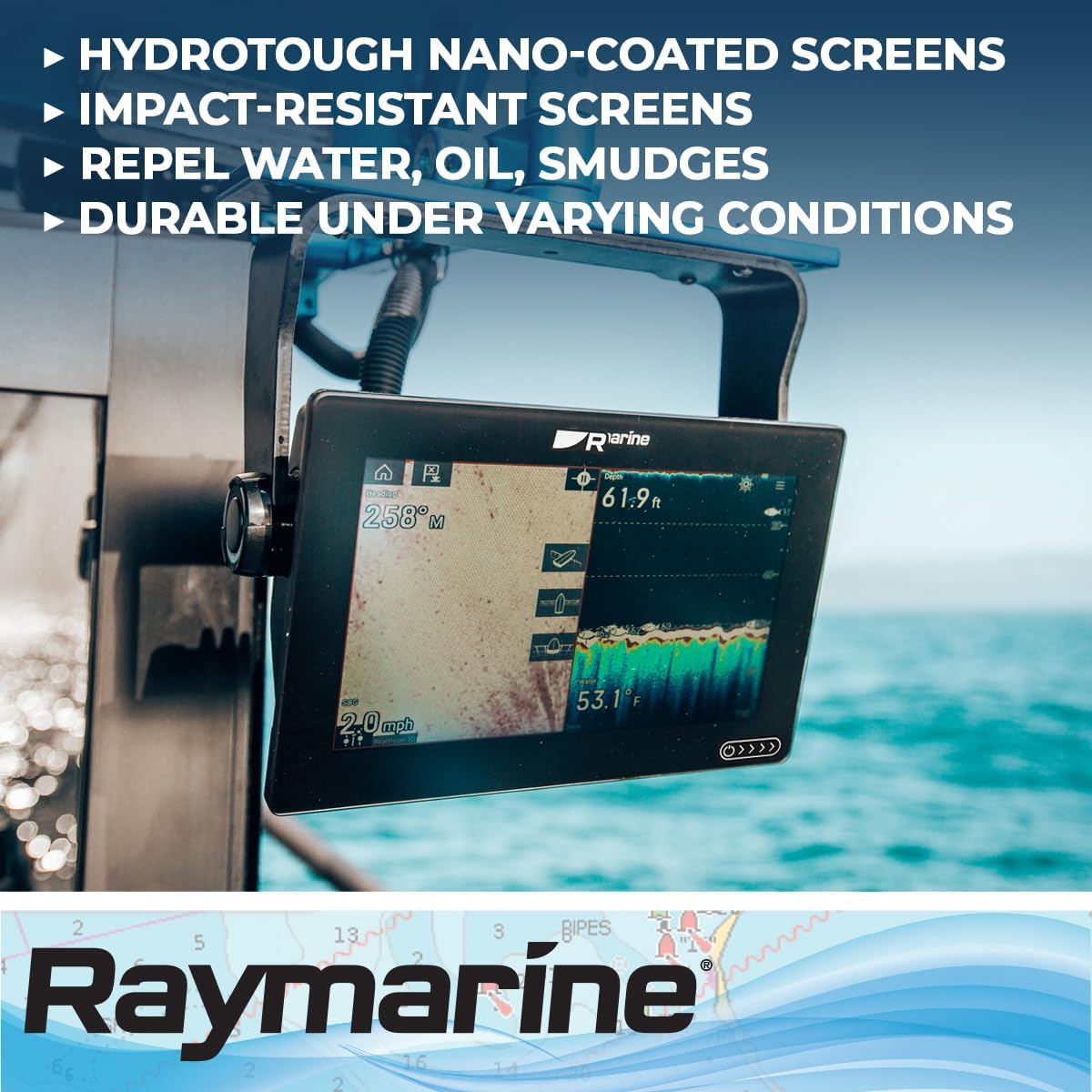
Image: The Raymarine Axiom+ 12 RV display installed on a boat's dashboard, demonstrating its typical mounting position and user interaction. The image shows a user interacting with the touchscreen.
Naudojimo instrukcijos
The Axiom+ 12 RV operates on the LightHouse OS and features a capacitive touchscreen for intuitive control.
Įjungimas / išjungimas:
- To power on, press and hold the power button (location typically on the side or front bezel) until the Raymarine logo appears.
- To power off, press and hold the power button until the shutdown options appear, then select "Power Off".
Pagrindinė navigacija:
- The LightHouse OS uses a tile-based interface. Tap on an application tile (e.g., Chart, Sonar, Radar) to open it.
- Swipe from the edge of the screen to access quick menus or settings.
- Use pinch-to-zoom gestures on charts for detailed viewing.
Pagrindinės funkcijos:
- RealVision 3D Sonar: Provides a lifelike, three-dimensional view of the underwater world, allowing you to easily identify structure and fish.
- Nautical Charting: Supports nautical map types for precise navigation.
- GPS: Integrated GPS for accurate positioning and route planning.
- Ryšys: Features Ethernet and Wi-Fi connectivity for network integration and smartphone/tablet compatibility.
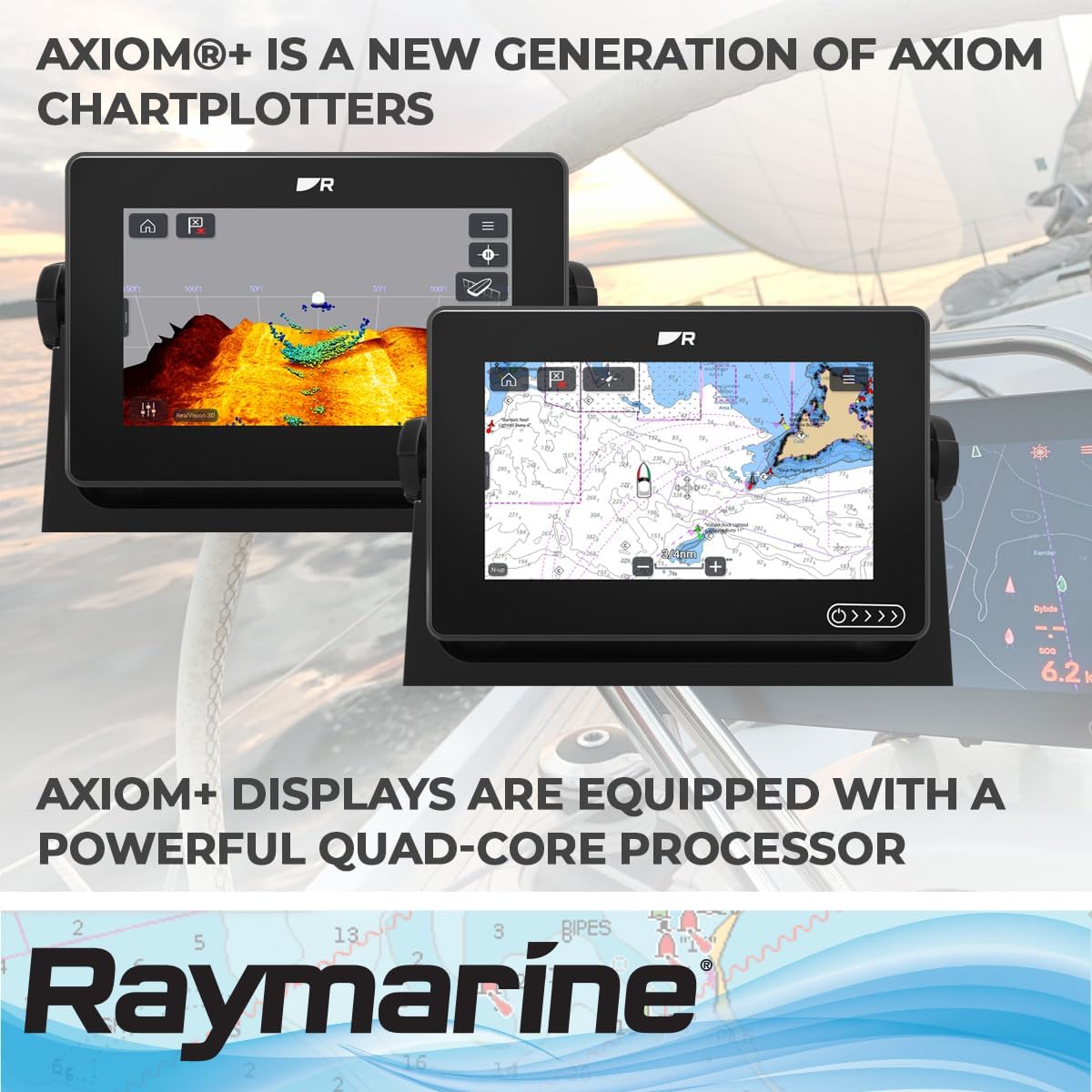
Image: Two Raymarine Axiom+ chartplotters side-by-side, illustrating the versatility of the display for showing both sonar data and detailed nautical charts simultaneously. This image emphasizes the multi-functionality.
Priežiūra ir priežiūra
Proper maintenance ensures the longevity and optimal performance of your Axiom+ 12 RV display.
- Ekrano valymas: The HydroTough nano-coated screen repels water, oil, and smudges. For cleaning, use a soft, lint-free cloth. If necessary, dampen the cloth with fresh water or a mild screen cleaner. Avoid abrasive materials or harsh chemicals.
- Aplinkos apsauga: While designed for all-weather use, prolonged exposure to direct sunlight when not in use can be mitigated by using a protective cover (if available).
- Programinės įrangos atnaujinimai: Regularly check the Raymarine website for software updates to ensure you have the latest features and performance enhancements. Updates can typically be performed via Wi-Fi or USB.
- Kabelių jungtys: Reguliariai tikrinkite visas kabelių jungtis, ar nėra korozijos ar pažeidimų. Įsitikinkite, kad jos yra tvirtai pritvirtintos.
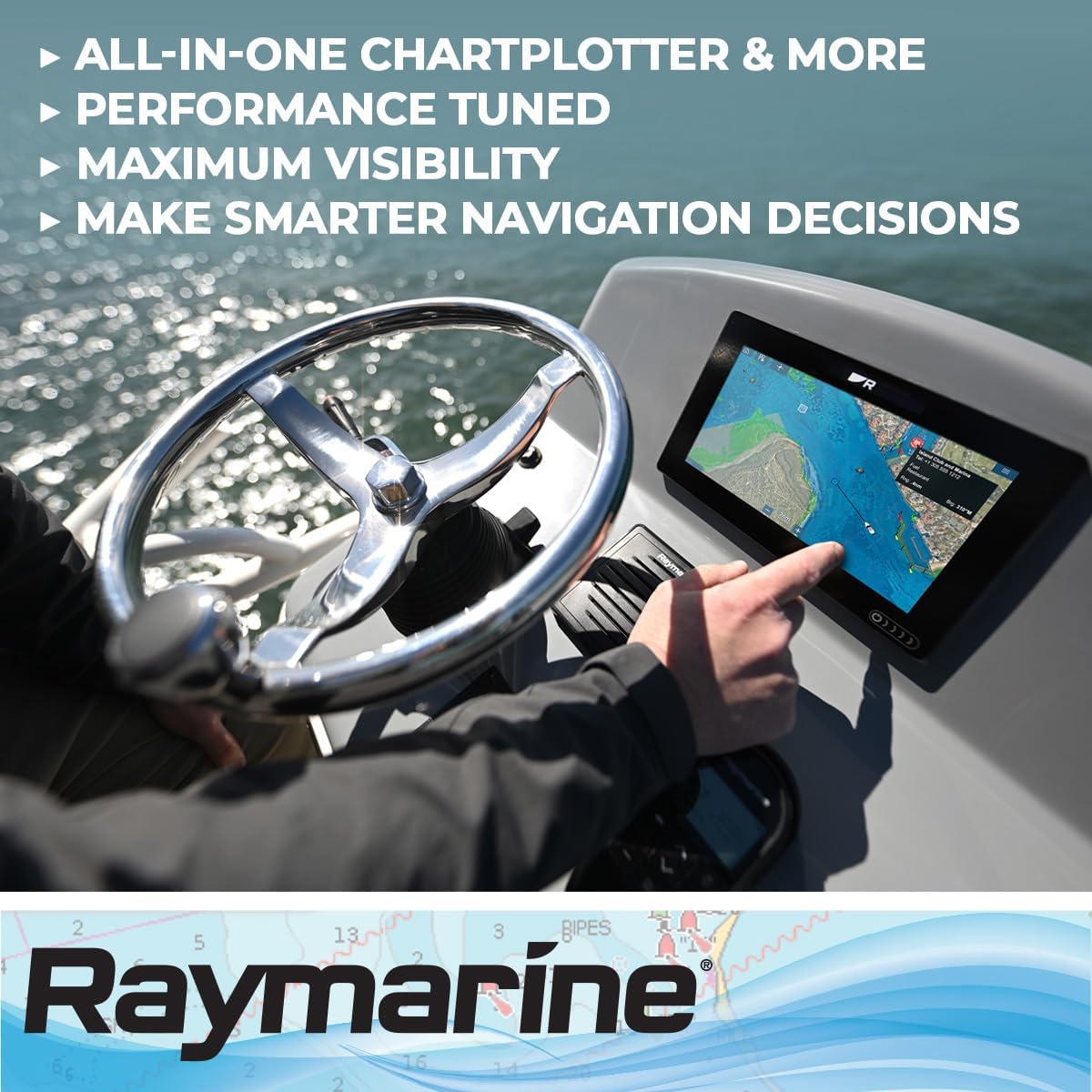
Image: The Raymarine Axiom+ 12 RV display in an outdoor marine environment, demonstrating its clear visibility and durability under varying conditions, thanks to its HydroTough technology.
Trikčių šalinimas
This section addresses common issues you might encounter with your Axiom+ 12 RV.
| Problema | Galima priežastis | Sprendimas |
|---|---|---|
| Ekranas neįsijungia. | No power supply; loose power connection. | Check power cable connections. Ensure the vessel's power supply is active. |
| Ekranas nereaguoja. | Laikinas programinės įrangos triktis; ekrano kalibravimo problema. | Perform a soft reset (refer to the full manual for specific steps). Ensure screen is clean and dry. |
| GPS signalas prarastas arba netikslus. | Užstojo view of the sky; faulty GPS antenna. | Įsitikinkite, kad GPS antena turi laisvą view of the sky. Check antenna connections. |
| Sonar not displaying data. | Transducer not connected; transducer fouled or damaged. | Verify transducer connection. Inspect transducer for marine growth or damage. |
Specifikacijos
| Funkcija | Detalė |
|---|---|
| Prekės ženklas | Raymarine |
| Modelio pavadinimas | Axiom+ 12 RV |
| Modelio numeris | E70639 |
| Ekrano dydis | 12 colių |
| Rezoliucija | 1920 x 720 |
| Ekrano tipas | LCD arba LED |
| Jutiklinio ekrano tipas | Talpinis |
| Operacinė sistema | LightHouse OS |
| Ypatingos savybės | RealVision 3D Sonar, All-Weather HydroTough Technology |
| Ryšio technologija | Ethernet, Wi-Fi |
| Palaikoma palydovinė navigacijos sistema | GPS |
| Žemėlapio tipas | Jūrinis |
| Montavimo tipas | Prietaisų skydelio laikiklis |
| Prekės matmenys (I x P x A) | 12.36 colio ilgio x 8.5 colių pločio x 3.03 colio aukščio |
| Prekės svoris | 3.2 kilogramo |
| UPC / GTIN | 723193836972 |
Garantija ir palaikymas
For warranty information and technical support, please refer to the official Raymarine websvetainėje arba susisiekite tiesiogiai su jų klientų aptarnavimo tarnyba.
- Garantija: Raymarine products typically come with a standard manufacturer's warranty. Details regarding the duration and coverage can be found on the Raymarine official website or by contacting their support.
- Techninė pagalba: If you encounter issues not covered in this manual or require further assistance, please visit the Raymarine support portal or contact their authorized service centers.
- Internetiniai ištekliai: Additional manuals, FAQs, and software downloads are available on the official Raymarine websvetainę.


