
1. Įvadas
The OWC Mercury Elite Pro is an external storage solution designed for reliable data storage and backup. This device features an 8TB 7200 RPM hard drive with USB 3.2 5Gb/s connectivity, offering compatibility with various operating systems and devices. This manual provides essential information for setting up, operating, maintaining, and troubleshooting your device.
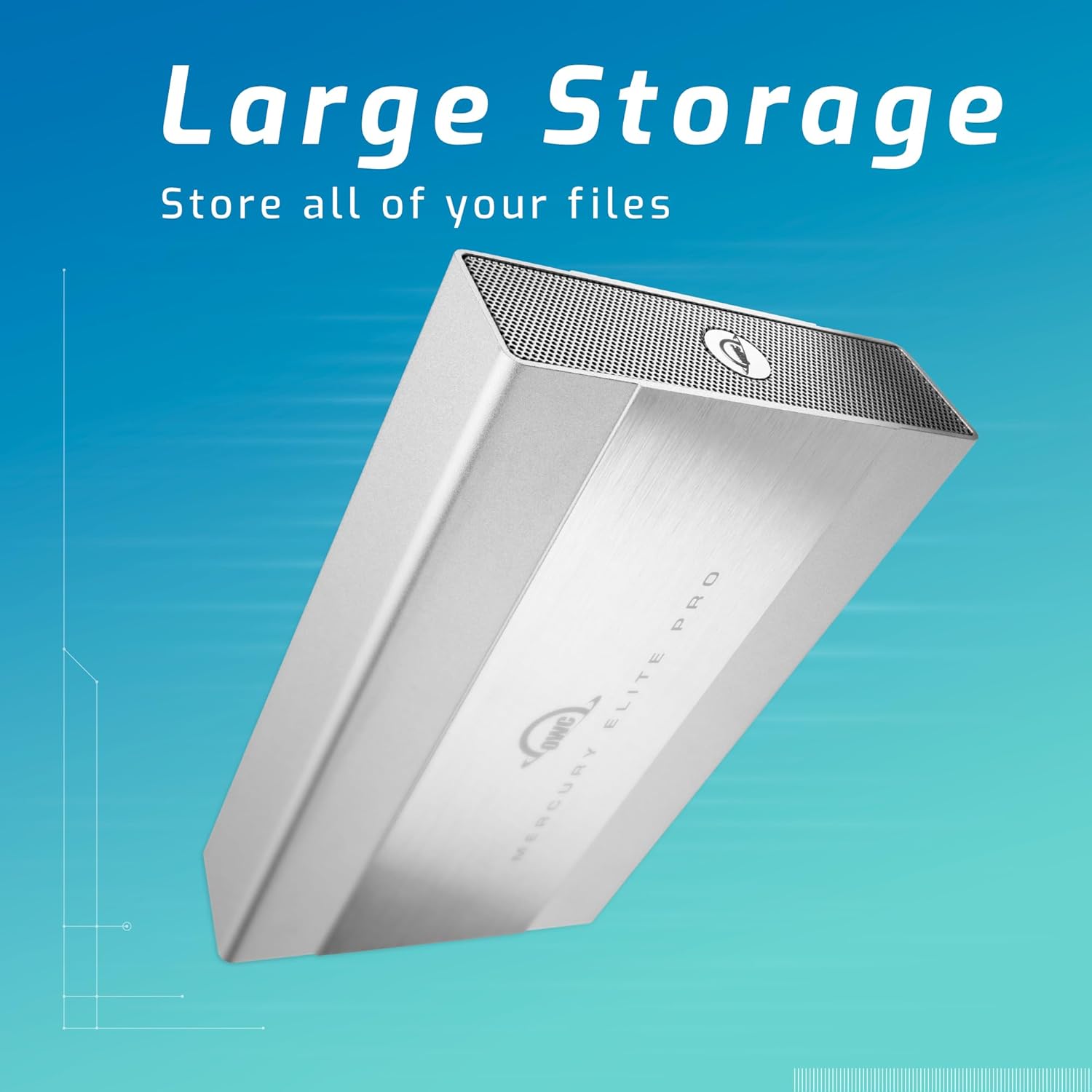
Image 1.1: The OWC Mercury Elite Pro external hard drive, highlighting its large storage capacity for all your files.
2. Kas yra dėžutėje
Patikrinkite, ar pakuotėje yra visi komponentai:
- OWC Mercury Elite Pro 8TB External Hard Drive
- High-quality double-shielded USB Type A-B connecting cable
- Vertikalios orientacijos stovas
- Neslystančios guminės kojelės
- Maitinimo adapteris
3. Sąrankos instrukcijos
3.1 Fizinis ryšys
- Connect the power adapter to the OWC Mercury Elite Pro and then to a power outlet.
- Connect one end of the included USB Type A-B cable to the USB 3.2 port on the OWC Mercury Elite Pro.
- Connect the other end of the USB Type A-B cable to an available USB port on your computer (Mac, Windows, or Linux).
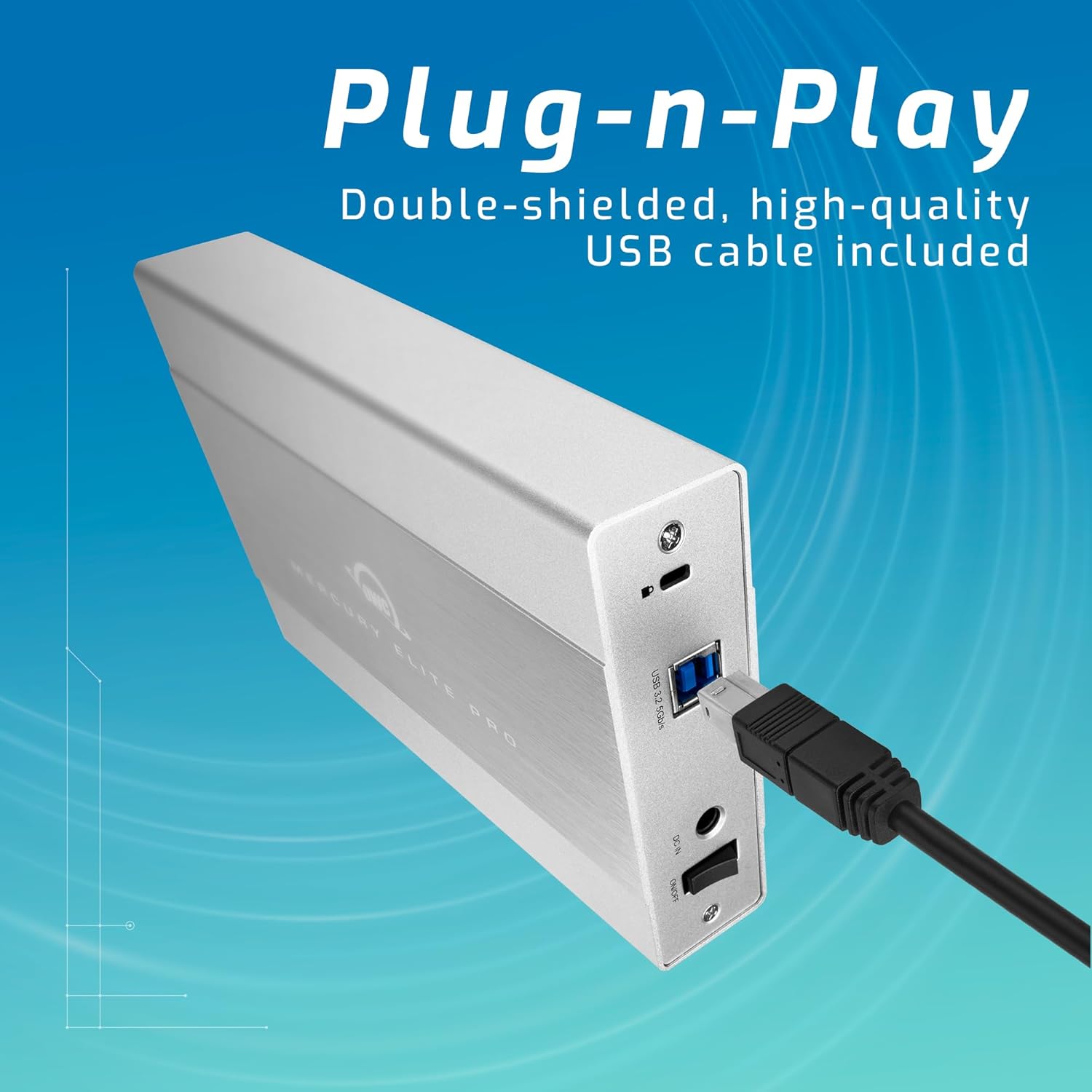
Image 3.1: The rear panel of the OWC Mercury Elite Pro, illustrating the simple plug-and-play connection of the USB cable.
3.2 Išdėstymas ir orientacija
The OWC Mercury Elite Pro can be used in both vertical and horizontal orientations. For vertical use, attach the provided vertical stand and ensure the non-skid rubber feet are properly positioned for stability. Ensure adequate ventilation around the device to prevent overheating.

Image 3.2: Two OWC Mercury Elite Pro units, displayed in both vertical and horizontal positions, emphasizing flexible and space-efficient placement.
3.3 Pradinis formatavimas (jei reikia)
The drive may come pre-formatted for general compatibility. However, for optimal performance and specific operating system features (e.g., Apple Time Machine or Windows File History), you may need to reformat the drive. Consult your operating system's documentation for instructions on disk formatting. Ensure all important data is backed up before reformatting.
4. Naudojimo instrukcijos
4.1 Įjungimas / išjungimas
Once connected to power and your computer, the device will typically power on automatically. To safely power off the device, first eject or unmount the drive from your operating system, then disconnect the power adapter.
4.2 Duomenų perdavimas
After the drive is recognized by your computer, you can drag and drop files to and from the drive, or use your operating system's file management tools to copy, move, and delete data. The USB 3.2 5Gb/s interface provides fast data transfer speeds.
4.3 Backup Solutions
The OWC Mercury Elite Pro is compatible with popular backup software:
- Apple Time Machine: For macOS users, the drive can be designated as a Time Machine backup disk. Follow the on-screen prompts when connecting the drive or configure it through System Settings/Preferences.
- Windows File Istorija: For Windows users, the drive can be used with File History for automatic backups. Access File History settings through the Control Panel or Settings app.
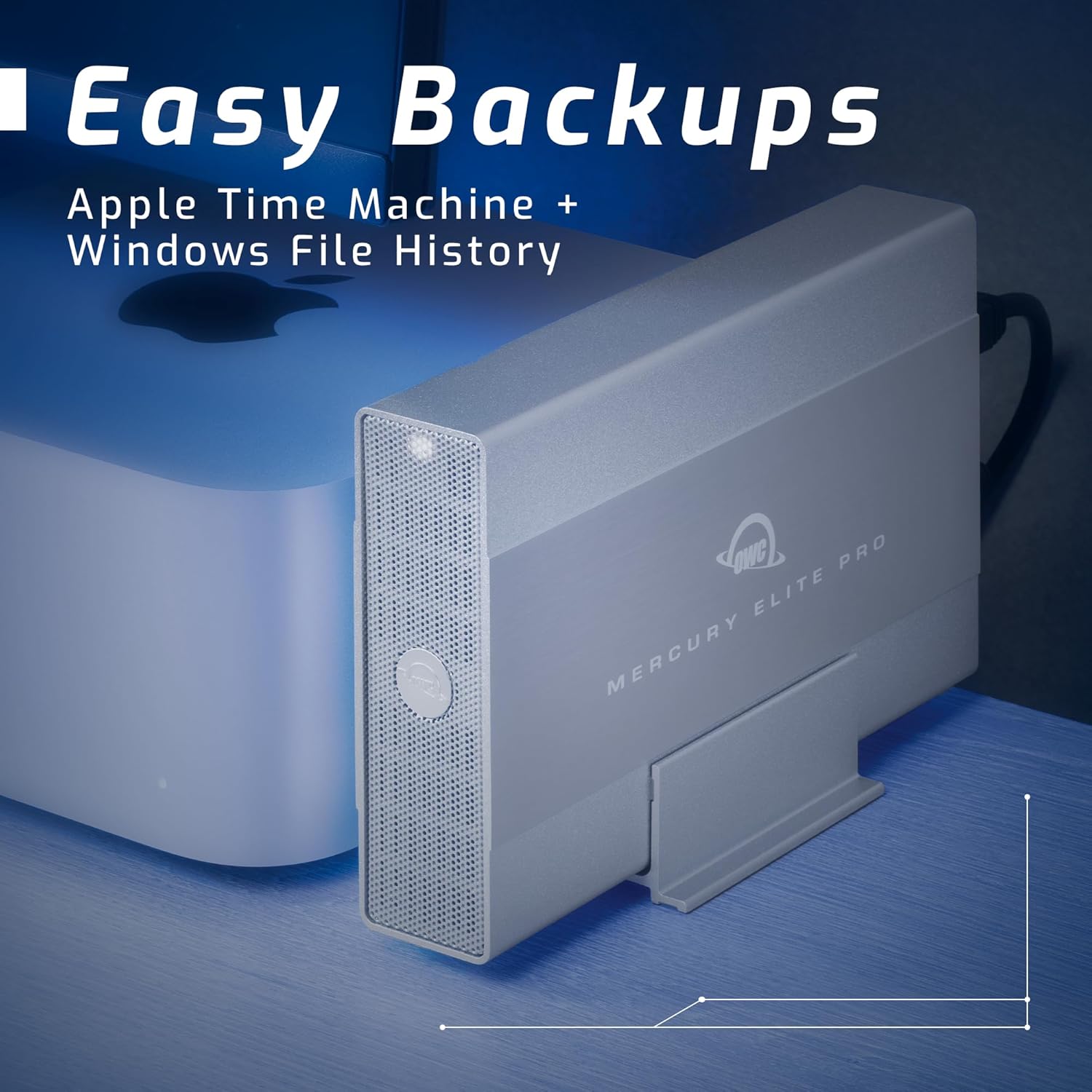
Image 4.1: The OWC Mercury Elite Pro positioned next to a computer, demonstrating its readiness for easy backups using Apple Time Machine and Windows File Istorija.
4.4 Įrenginio suderinamumas
This storage solution is designed for broad compatibility:
- Mac kompiuteriai
- „Windows“ kompiuteriai
- Linux sistemos
- „PlayStation 4“ (PS4) konsolės
- Xbox konsolės
- Išmanieji televizoriai
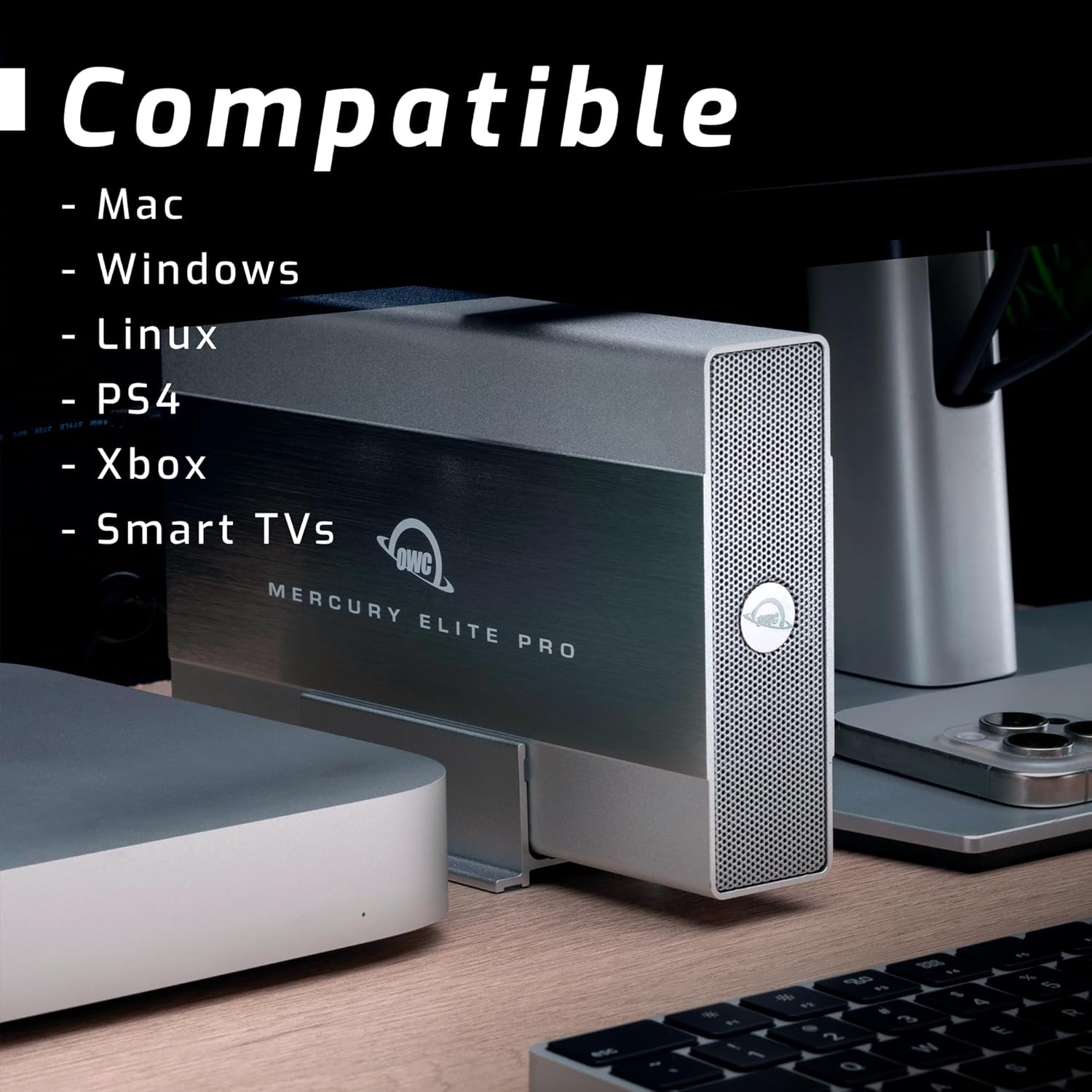
Image 4.2: The OWC Mercury Elite Pro shown in a setup with multiple devices, emphasizing its compatibility with Mac, Windows, Linux, PS4, Xbox, and Smart TVs.
5. Priežiūra
Proper maintenance ensures the longevity and performance of your OWC Mercury Elite Pro:
- Valymas: Įrenginio išorę valykite minkšta, sausa šluoste. Venkite skystų valiklių ar abrazyvinių medžiagų.
- Vėdinimas: Ensure the device is placed in an area with good airflow to prevent heat buildup. Do not block ventilation openings.
- Fizinė apsauga: While the unit features built-in shock isolation, avoid dropping or subjecting the drive to excessive physical shock.
- Įprastos atsarginės kopijos: Periodically back up critical data from the Mercury Elite Pro to another storage device to protect against data loss.
- Saugus išmetimas: Always safely eject or unmount the drive from your operating system before disconnecting it or powering it off.
6. Problemų sprendimas
If you encounter issues with your OWC Mercury Elite Pro, consider the following:
6.1 Diskas neatpažintas
- Patikrinkite jungtis: Ensure the power adapter is securely connected to both the drive and a working power outlet. Verify the USB cable is firmly connected to both the drive and your computer.
- Try Different Ports/Cables: Test with a different USB port on your computer and, if available, a different USB cable.
- Maitinimo ciklas: Disconnect the power and USB cables, wait 10 seconds, then reconnect them.
- Patikrinkite disko tvarkymą („Windows“) / disko įrankį („Mac“): Open your operating system's disk management tool to see if the drive is detected but uninitialized or unformatted.
6.2 Lėtas veikimas
- USB Port Speed: Ensure the drive is connected to a USB 3.0/3.1/3.2 port on your computer for optimal speeds. Connecting to a USB 2.0 port will result in slower performance.
- Kabelio kokybė: Use the high-quality double-shielded USB cable provided.
- Drive Activity: High background activity on the drive or computer can affect performance.
6.3 Diskas skleidžia neįprastus garsus
While some operational noise is normal for mechanical hard drives, excessive clicking, grinding, or loud whirring may indicate a potential issue. Back up your data immediately and contact OWC support.
7. Specifikacijos
| Funkcija | Detalė |
|---|---|
| Skaitmeninės atminties talpa | 8 TB |
| Kietojo disko sąsaja | Serijinė ATA |
| Ryšio technologija | USB (USB 3.2 5Gb/s) |
| Prekės ženklas | OWC |
| Ypatinga funkcija | Shock Isolation |
| Kietojo disko formos koeficientas | 3.5 colių |
| Kietojo disko aprašymas | Mechaninis kietasis diskas |
| Suderinami įrenginiai | Mac, Windows, Linux, PS4, Xbox, Smart TVs |
| Diegimo tipas | Išorinis kietasis diskas |
| Spalva | Multicolor (typically silver/grey enclosure) |
| Kietojo disko sukimosi greitis | 7200 aps./min |
| Duomenų perdavimo sparta | Iki 252 megabaitų per sekundę |
| Modelio numeris | OWCME3NH7T08 |
| UPC | 810586034692 |
8. Garantija ir palaikymas
8.1 Informacija apie garantiją
The OWC Mercury Elite Pro comes with an up to 3-Year Limited Warranty, which includes 1 Year Level 1 data recovery services. Please retain your proof of purchase for warranty claims.
8.2 Pagalba klientams
For technical assistance, troubleshooting, or warranty inquiries, OWC provides lifetime US-based live support. You can find contact information and additional resources on the official OWC websvetainė: