
Įvadas
Thank you for choosing the MEDION MD 10319 Tower Fan. This manual provides essential information for the safe and efficient operation of your new fan. Please read these instructions carefully before use and keep them for future reference.
Svarbios saugos instrukcijos
Naudodami elektros prietaisus, visada laikykitės pagrindinių saugos priemonių, kad sumažintumėte gaisro, elektros smūgio ir asmenų sužalojimo riziką.
- Užtikrinkite maitinimo šaltinio ttage atitinka ventiliatoriaus vardinę etiketę.
- Nenaudokite ventiliatoriaus su pažeistu laidu ar kištuku. Jei laidas pažeistas, jį turi pakeisti gamintojas, jo techninės priežiūros atstovas arba panašios kvalifikacijos asmenys, kad būtų išvengta pavojaus.
- Ventiliatorių laikykite atokiai nuo vandens ar kitų skysčių. Nemerkite ventiliatoriaus į vandenį.
- Nekiškite pirštų ar pašalinių daiktų į groteles, kai ventiliatorius veikia.
- Atjunkite ventiliatorių nuo elektros lizdo, kai jo nenaudojate, perkeldami jį iš vienos vietos į kitą ir prieš valydami.
- Šis prietaisas nėra skirtas naudoti asmenims (įskaitant vaikus), kurių fizinės, jutimo ar psichikos negalios arba neturintys patirties ir žinių, nebent už jų saugumą atsakingas asmuo juos prižiūrėtų arba instruktuotų, kaip naudoti prietaisą.
- Vaikus reikia prižiūrėti, kad jie nežaistų su prietaisu.
- Pastatykite ventiliatorių ant lygaus, stabilaus paviršiaus, kad jis neapvirstų.
Pakuotės turinys
Patikrinkite pakuotę, ar joje yra šie komponentai:
- MEDION MD 10319 Tower Fan
- Base (two halves)
- Tvirtinimo veržlė
- 4 Mounting Screws for Base
- Remote Control (with 2 x AAA batteries)
- Instrukcijų vadovas
Surinkimas ir nustatymas
Norėdami surinkti bokšto ventiliatorių, atlikite šiuos veiksmus:
- Atsargiai išimkite visus komponentus iš pakuotės.
- Assemble the two halves of the base by interlocking them.
- Align the assembled base with the bottom of the fan unit. Ensure the power cord passes through the designated slot in the base.
- Secure the base to the fan unit using the 4 mounting screws provided.
- Tighten the securing nut from underneath the base to firmly attach it to the fan body.
- Įdėkite 2 AAA baterijas į nuotolinio valdymo pultą, stebėdami poliškumą.
- Pastatykite ventiliatorių ant tvirto, lygaus paviršiaus.
- Prijunkite maitinimo laidą į tinkamą elektros lizdą (220 V).
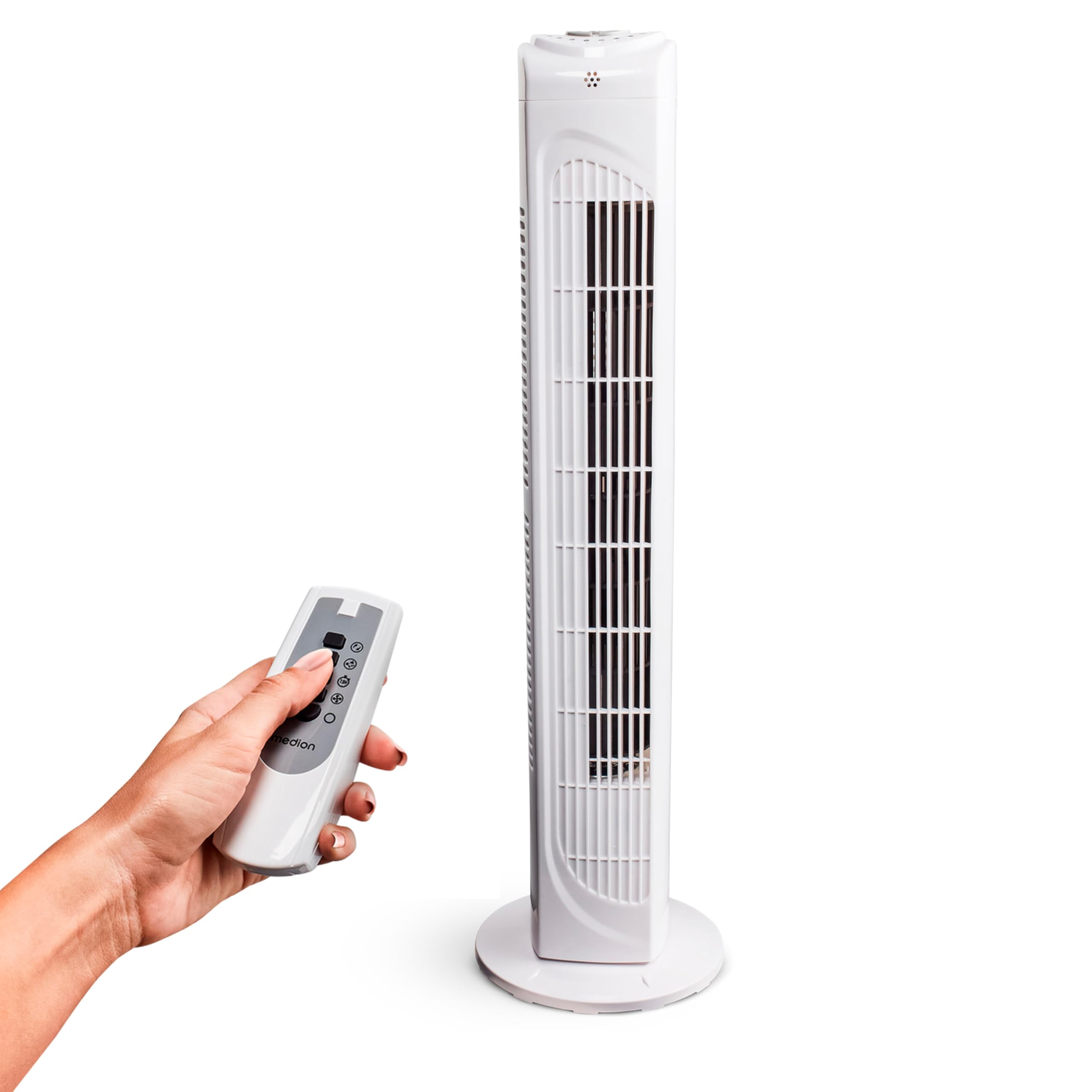
Image: The MEDION MD 10319 Tower Fan, fully assembled with its base, ready for use.

Image: A hand demonstrating the integrated carrying handle on top of the fan for easy portability.
Produktas baigtasview
Valdymo skydelis
The control panel is located on the top of the fan unit. It features buttons for power, speed, oscillation, and timer functions.

Vaizdas: Išsamus view of the fan's top control panel, showing buttons for power, speed settings (3 levels), timer, and oscillation.
Nuotolinio valdymo pultas
The included remote control allows you to operate all fan functions from a distance.
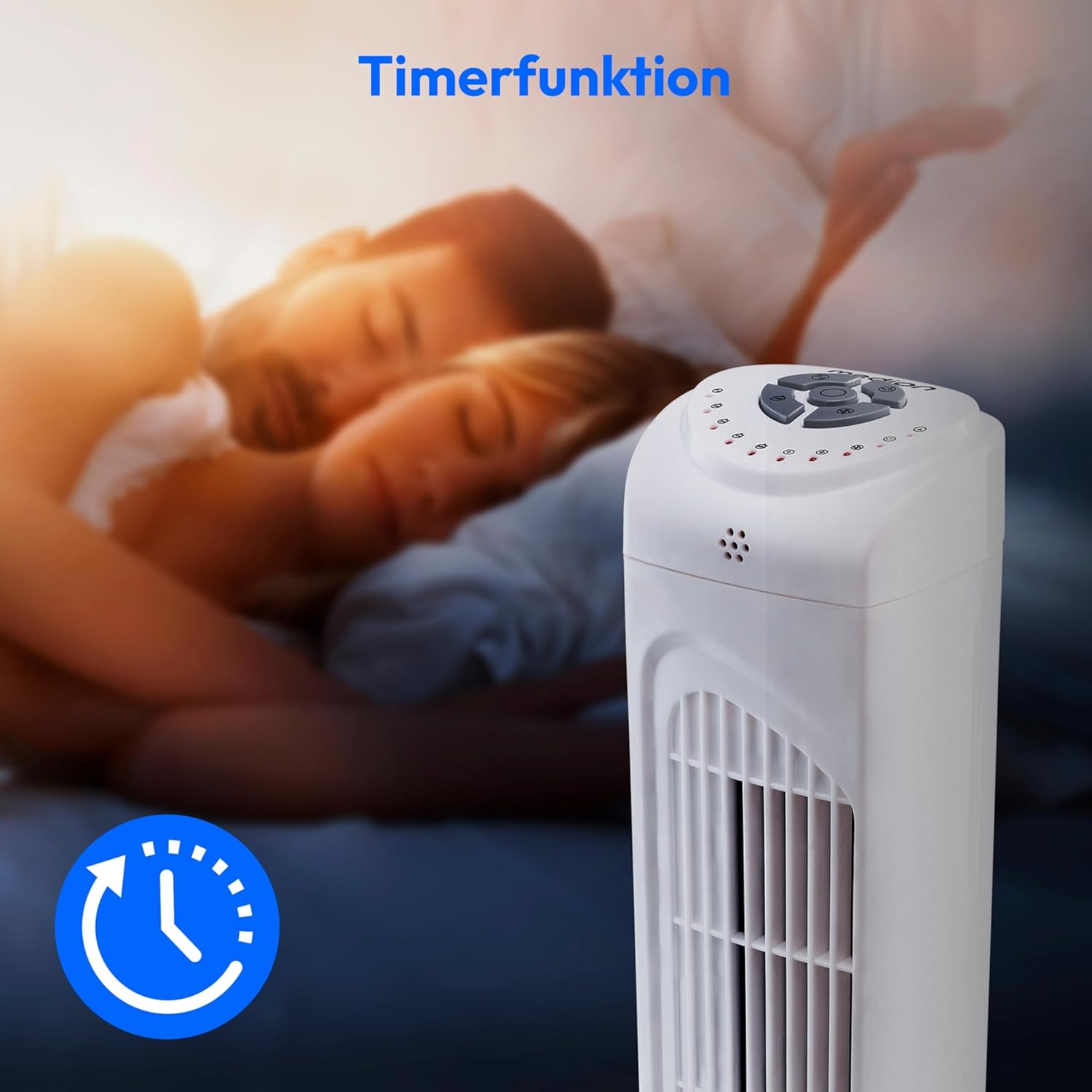
Image: A hand holding the remote control, which features buttons for power, speed, oscillation, and timer, mirroring the main control panel.
Naudojimo instrukcijos
Maitinimo įjungimas/išjungimas
- Paspauskite GALIA button on the control panel or remote control to turn the fan ON.
- Paspauskite GALIA mygtuką dar kartą, kad išjungtumėte ventiliatorių.
Ventiliatoriaus greičio reguliavimas
Ventiliatorius turi 3 greičio nustatymus: žemą, vidutinį ir aukštą.
- Paspauskite GREITIS button repeatedly to cycle through the speed settings.
- The current speed level will be indicated by LED lights on the control panel.
Virpesių funkcija
The oscillation function allows the fan to rotate horizontally, distributing air over a wider area.
- Paspauskite OSC button on the control panel or remote control to activate oscillation. The fan will rotate approximately 60 degrees.
- Paspauskite OSC button again to stop oscillation. The fan will stop in its current position.

Image: The tower fan oscillating, indicated by blue arrows showing a 60-degree rotation for wider air distribution.
Laikmačio funkcija
The timer function allows you to set the fan to automatically turn off after a specified period, up to 7.5 hours.
- Paspauskite LAIKMATIS button repeatedly to set the desired operating time (e.g., 0.5h, 1h, 2h, 4h, up to 7.5h).
- The selected timer duration will be indicated by LED lights on the control panel.
- To cancel the timer, cycle through the settings until no timer LEDs are illuminated, or turn the fan off.

Image: The fan with a timer icon, illustrating its use for setting automatic shut-off, ideal for use during sleep.
Priežiūra
Regular cleaning will help maintain the performance and extend the lifespan of your fan.
- Prieš valydami, visada atjunkite ventiliatorių nuo elektros lizdo.
- Naudokite minkštą, damp šluoste valykite ventiliatoriaus išorinius paviršius. Nenaudokite abrazyvinių valiklių ar tirpiklių.
- Švelniai pašalinkite dulkes nuo oro įleidimo ir išleidimo grotelių dulkių siurbliu su šepetėliu.
- Do not allow water to drip into the interior of the fan.
- Ilgesnį laiką nenaudojamą ventiliatorių laikykite vėsioje, sausoje vietoje.
Trikčių šalinimas
If you encounter any issues with your MEDION MD 10319 Tower Fan, please refer to the following common problems and solutions:
| Problema | Galima priežastis | Sprendimas |
|---|---|---|
| Ventiliatorius neįsijungia. | Nėra maitinimo. Nepaspaustas maitinimo mygtukas. | Patikrinkite, ar maitinimo laidas tvirtai įjungtas į veikiantį lizdą. Press the POWER button on the fan or remote. |
| Nuotolinio valdymo pultas neveikia. | Baterijos išsikrovė arba įdėtos neteisingai. Kliūtis tarp nuotolinio valdymo pulto ir ventiliatoriaus. | Pakeiskite baterijas (2 x AAA) ir įsitikinkite, kad jos tinkamai įdėtos. Remove any objects blocking the signal path. Ensure you are within range. |
| Ventiliatorius skleidžia neįprastą triukšmą. | Ventiliatorius nėra ant lygaus paviršiaus. Obstruction in the fan grille. | Pastatykite ventiliatorių ant lygaus, stabilaus paviršiaus. Unplug the fan and carefully check for any foreign objects in the grilles. |
| Oscillation function is not working. | Oscillation button not activated. | Press the OSC button on the control panel or remote control. |
Specifikacijos
| Funkcija | Detalė |
|---|---|
| Prekės ženklas | MEDIONAS |
| Modelio pavadinimas | MD 10319 |
| Tipas | Tower Fan / Floor Fan |
| Spalva | Baltas |
| Maitinimo šaltinis | Su laidu elektra |
| Vattage | 45 W |
| ttage | 220 voltų |
| Greičių skaičius | 3 |
| Ypatingos savybės | Oscillating, Timer Function |
| Virpesių kampas | 60° |
| Laikmačio funkcija | Iki 7.5 valandų |
| Kontrolės metodas | Nuotolinio valdymo pultas, mygtukai ant įrenginio |
| Triukšmo lygis | 50 decibelų |
| Gaminio matmenys (D x P x A) | 28 cm x 28 cm x 79 cm |
| Prekės svoris | 2.5 kilogramo |
| Medžiaga | Plastikiniai |
| Pagrindinės maitinimo jungties tipas | CEE 7/7 (Schuko) |

Image: The MEDION MD 10319 Tower Fan with its height (79 cm) and base width (28 cm) clearly indicated.
Garantija ir palaikymas
Your MEDION MD 10319 Tower Fan comes with a manufacturer's warranty. Please refer to the warranty card included in your package for detailed terms and conditions, including the warranty period and coverage.
For technical support, service, or spare parts, please contact MEDION customer service. Contact information can typically be found on the MEDION official websvetainėje arba garantijos dokumentuose.