
1. Produktas baigtasview
The ELRO DV477W-M is an additional indoor monitor designed to expand your existing ELRO DV477W or DV477IP series video intercom system. This 7-inch color monitor allows for clear two-way communication with visitors at your door and provides convenient door opening functionality.
Pagrindinės funkcijos:
- 7-inch (18 cm) color display for clear video.
- High-quality microphone and speaker for two-way audio communication.
- Door opening function for convenient access control.
- Modern design with brushed aluminum finish.
- Compatible with ELRO DV477W and DV477IP series video intercoms.
Pakuotės turinys:
- ELRO DV477W-M 7-inch Indoor Monitor
- Mounting Bracket
- 15m 4-wire Electrical Cable
- Maitinimo adapteris
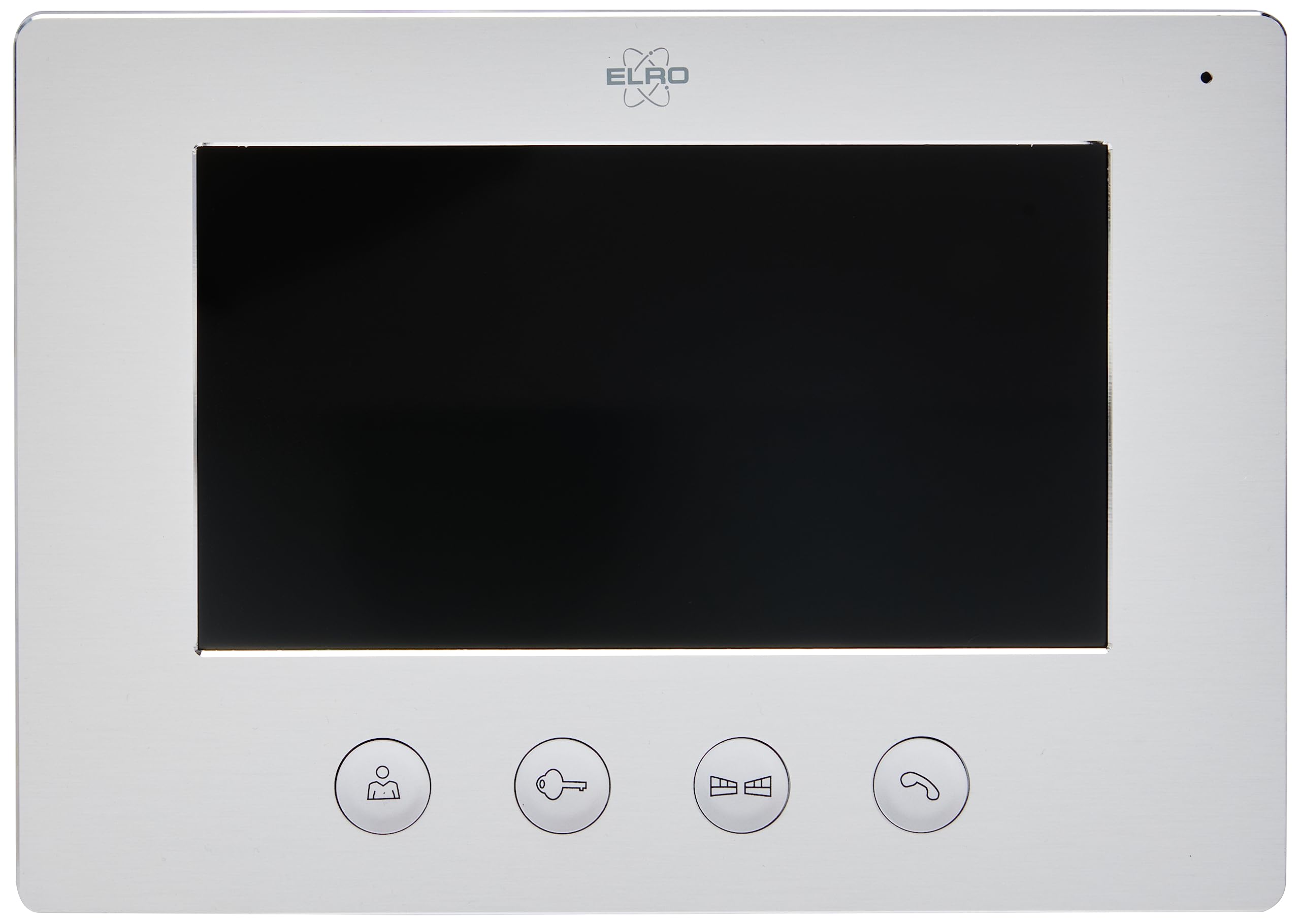
Image 1.1: The ELRO DV477W-M 7-inch indoor monitor, featuring a sleek design and control buttons.
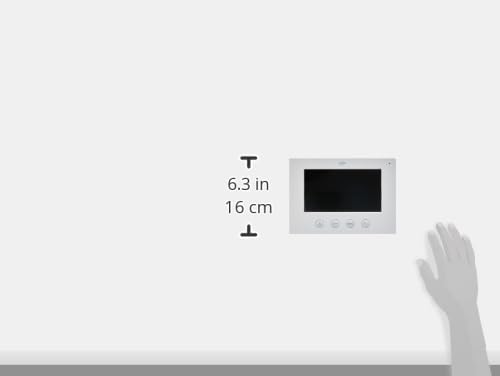
Image 1.2: Diagram showing the dimensions of the ELRO DV477W-M monitor, approximately 6.3 inches (16 cm) in height.
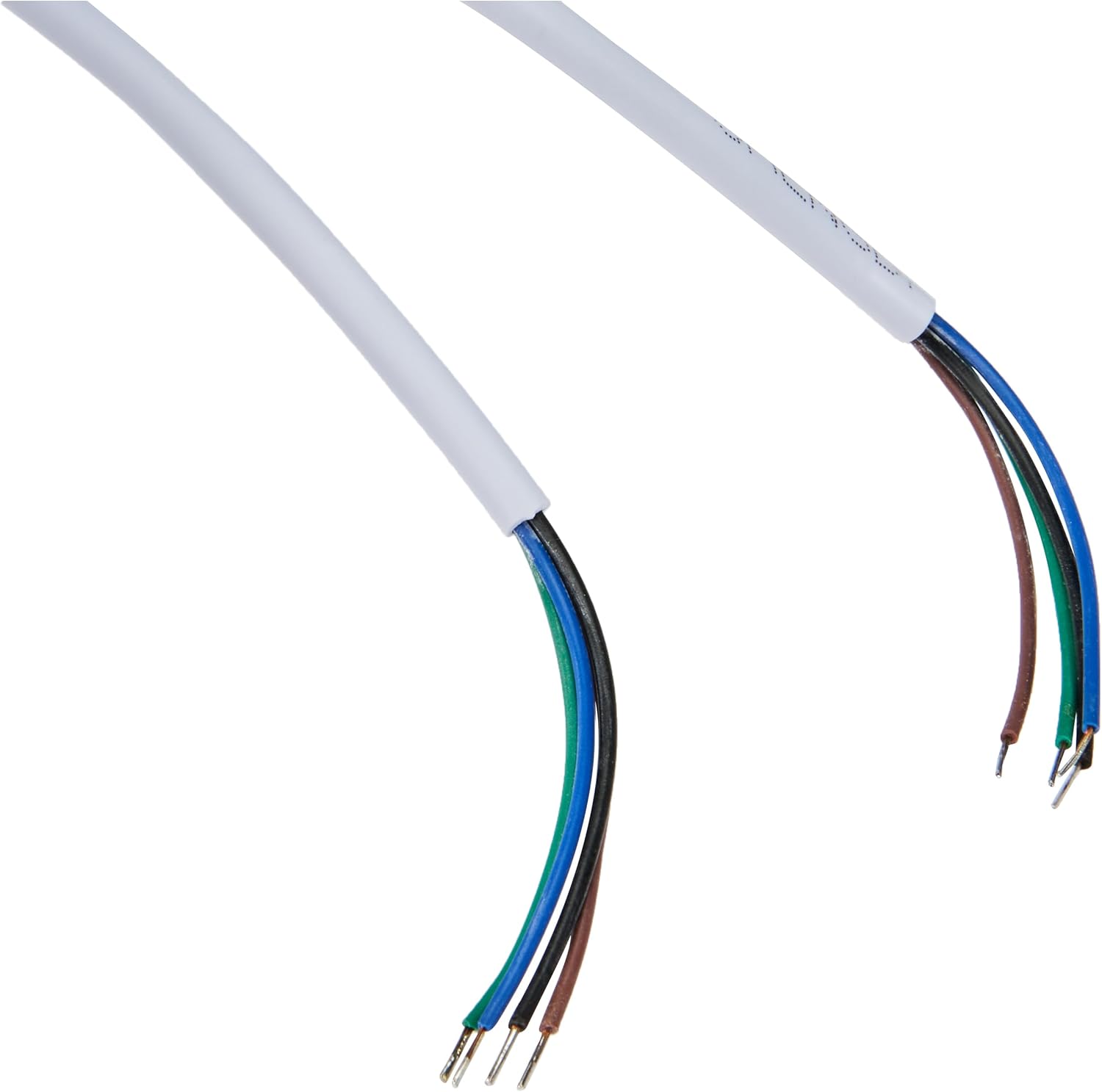
Image 1.3: The included 15-meter 4-wire electrical cable for connecting the monitor to the intercom system.
2. Sąranka ir diegimas
This section provides instructions for installing your ELRO DV477W-M additional indoor monitor. Ensure all power is disconnected from your existing intercom system before beginning installation.
2.1 Saugos priemonės:
- Prieš montuodami arba atlikdami techninę priežiūrą, visada atjunkite maitinimą.
- Jei nesate tikri dėl kokių nors laidų prijungimo procedūrų, pasitarkite su kvalifikuotu elektriku.
- Do not expose the monitor to moisture or extreme temperatures.
2.2 Mounting the Monitor:
- Choose a suitable indoor location for the monitor, ensuring it is within reach of the 15m cable and a power outlet.
- Naudokite pateiktą tvirtinimo laikiklį kaip šabloną gręžimo taškams ant sienos pažymėti.
- Gręžkite skyles ir, jei reikia, įstatykite sieninius kaiščius.
- Pritvirtinkite tvirtinimo kronšteiną prie sienos tinkamais varžtais.
2.3 Laidų jungtys:
- Connect the 4-wire electrical cable from your existing ELRO DV477W or DV477IP outdoor unit/main monitor to the corresponding terminals on the back of the DV477W-M additional monitor. Ensure correct polarity for each wire (e.g., power, ground, audio, video). Refer to your main intercom system's manual for specific wiring diagrams.
- Prijunkite maitinimo adapterį prie monitoriaus maitinimo įvesties, tada įjunkite jį į sieninį lizdą.
- Carefully attach the monitor to the mounted bracket.
Pastaba: The 4-wire cable typically carries power, ground, audio, and video signals. Incorrect wiring can damage the device or prevent proper operation.
3. Naudojimo instrukcijos
Once installed and powered on, the ELRO DV477W-M monitor is ready for use. It functions as an extension of your main intercom system.
3.1 Skambučio priėmimas:
- When a visitor presses the doorbell button on the outdoor unit, the monitor will ring and display the visitor's image.
- Paspauskite Atsakymas button (usually indicated by a telephone icon) to initiate two-way audio communication.
- Norėdami baigti pokalbį, paspauskite Baigti skambutį mygtuką.
3.2 Opening the Door:
- During a call, or when viewing the visitor, press the Durų atrakinimas button (often depicted as a key or unlock icon) to activate the electronic door lock connected to your main intercom system.
- The door will unlock for a short period, allowing the visitor to enter.
3.3 Monitoring:
- Some systems allow you to manually activate the camera on the outdoor unit to view the entrance area without a visitor pressing the doorbell. Refer to your main intercom system's manual for this feature.
4. Priežiūra
Proper maintenance ensures the longevity and optimal performance of your ELRO DV477W-M monitor.
4.1 Valymas:
- Wipe the monitor screen and casing minkštu, sausu, nepūkuotu skudurėliu.
- Įsisenėjusioms dėmėms šiek tiek pamirkykiteampNuplaukite šluostę vandeniu. Venkite naudoti stiprias chemines medžiagas, abrazyvinius valiklius ar tirpiklius, nes jie gali pažeisti apdailą.
- Do not spray cleaning liquids directly onto the monitor.
4.2 Bendroji priežiūra:
- Keep the monitor away from direct sunlight, heat sources, and areas with high humidity.
- Ensure ventilation openings (if any) are not blocked.
- Venkite monitoriaus numetimo ar stiprių smūgių.
5. Problemų sprendimas
If you encounter issues with your ELRO DV477W-M monitor, refer to the following common problems and solutions.
| Problema | Galima priežastis | Sprendimas |
|---|---|---|
| No image or sound on the monitor. |
|
|
| Image is distorted or unclear. |
|
|
| Ryšio metu nėra garso. |
|
|
| Door unlock function does not work. |
|
|
If these solutions do not resolve the issue, please contact ELRO customer support.
6. Specifikacijos
| Funkcija | Detalė |
|---|---|
| Modelio numeris | DV477W-M |
| Gamintojas | ELRO |
| Ekrano dydis | 7 colio (18 cm) |
| Gaminio matmenys (I x P x A) | 21.5 x 2.5 x 15 cm |
| Svoris | 386 gramų |
| Medžiaga | Aliuminis |
| Įtraukti komponentai | Monitor, Mounting Bracket, 15m 4-wire Electrical Cable, Power Adapter |
| Reikalingos baterijos | Nr |
| Suderinamumas | ELRO DV477W and DV477IP series video intercom systems |
7. Garantija ir palaikymas
ELRO products are designed for reliability and performance. For specific warranty information, please refer to the documentation included with your original ELRO video intercom system or visit the official ELRO websvetainę.
If you require technical assistance, have questions about installation, or need to report a fault, please contact ELRO customer support. Contact details can typically be found on the ELRO websvetainėje arba jūsų produkto pakuotėje.
Pastaba: Informacija apie atsarginių dalių prieinamumą šiuo metu neprieinama.