
1. Įvadas ir pabaigaview
The GrillEye Max is an advanced smart meat thermometer designed for precise temperature monitoring in various cooking environments, including ovens, grills, kitchens, BBQs, and smokers. It offers exceptional accuracy, rapid temperature readings, and extensive connectivity options for a seamless grilling experience.
Pagrindinės funkcijos:
- Tikslumas: Measures temperature with an accuracy of ±0.18°F (0.1°C) for both food and ambient temperatures.
- Greitis: Pateikia temperatūros rodmenis per 2 sekundes.
- Naudojimo paprastumas: Supports up to 8 probes simultaneously with an Adaptive Display System that is readable in various lighting conditions.
- Ryšys: Features 802.11 b/g/n Wi-Fi (2.4 GHz) and Cloud-based technology, allowing remote monitoring via the GrillEye Hyperion app on Android and iOS devices.
- Patvarumas: Constructed with a robust, drop-resistant body and a magnetic mount for convenient placement.

2. Sąranka
2.1 Išpakavimas ir komponentai
Atidarius pakuotę, įsitikinkite, kad yra visi komponentai:
- 1 GrillEye® Max device
- 2 GrillEye® Iris probes
- 2 Probe wraps
- 2 klipai
- 1 Quick User Manual (QUM)
- 1 USB Type-C įkrovimo laidas
2.2 Įrenginio įkrovimas
Before first use, fully charge your GrillEye Max using the provided USB Type-C cable. The device is powered by 1 Lithium Ion battery (included).
2.3 Programėlės atsisiuntimas ir įdiegimas
The GrillEye Hyperion app is essential for utilizing the full capabilities of your GrillEye Max. Download it from your device's app store:
- „Android“ įrenginiams: Ieškokite "GrillEye Hyperion" on Google Play Store.
- „iOS“ įrenginiams: Ieškokite "GrillEye Hyperion" on Apple App Store.
Vykdykite ekrane pateikiamus nurodymus, kad įdiegtumėte programėlę.
2.4 Pradinis susiejimas ir prijungimas
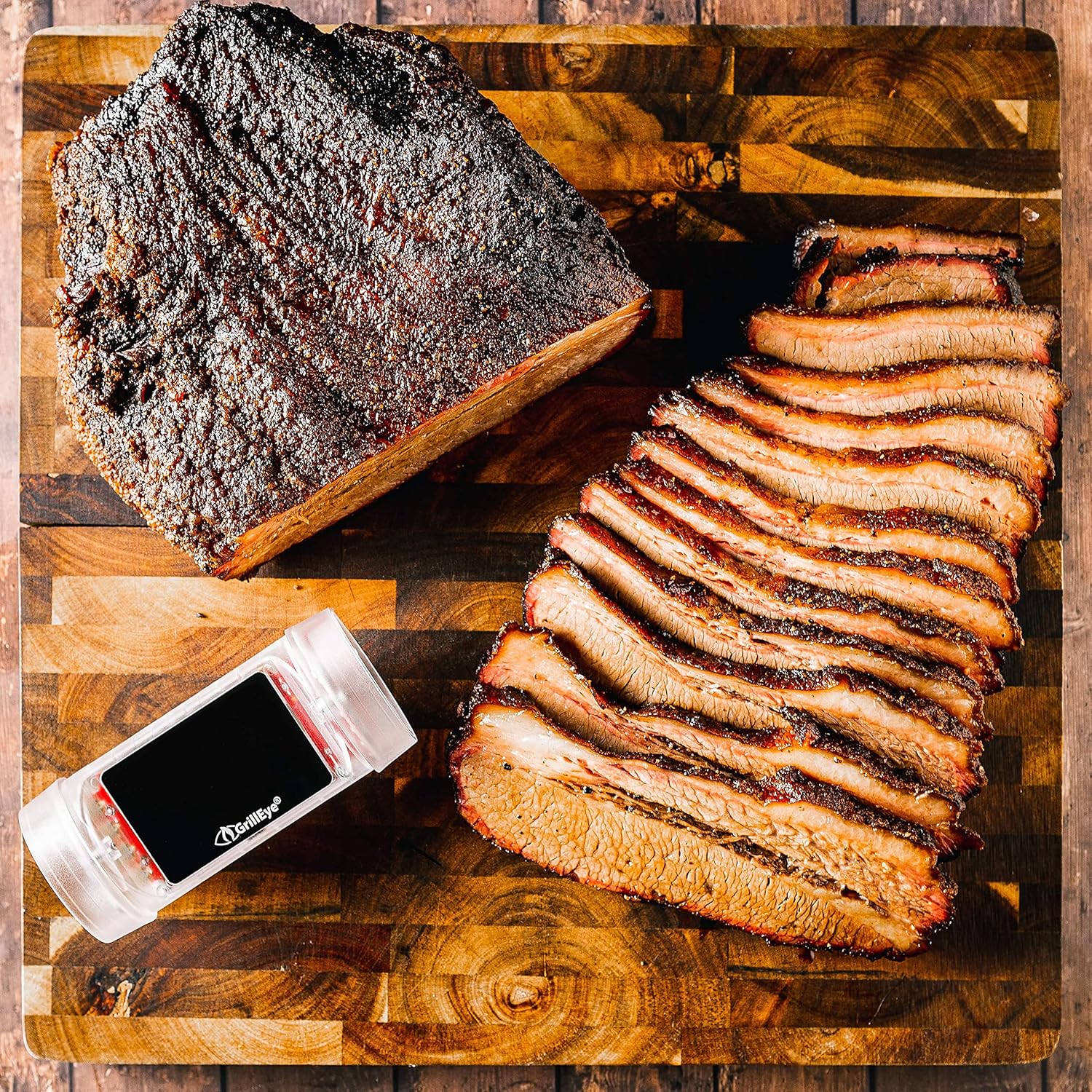
Once the app is installed, open it and follow the prompts to pair your GrillEye Max. The device connects via Wi-Fi (2.4 GHz) or Cloud-based technology, offering unlimited range for monitoring.
3. Naudojimo instrukcijos
3.1 Connecting and Placing Probes
The GrillEye Max can accommodate up to 8 probes. Insert the probes into the designated ports on the device. For accurate food temperature readings, insert the probe into the thickest part of the meat, avoiding bones. Use the included clips to monitor ambient temperatures in your cooking environment.

3.2 Monitoring Temperatures with the Adaptive Display System and App
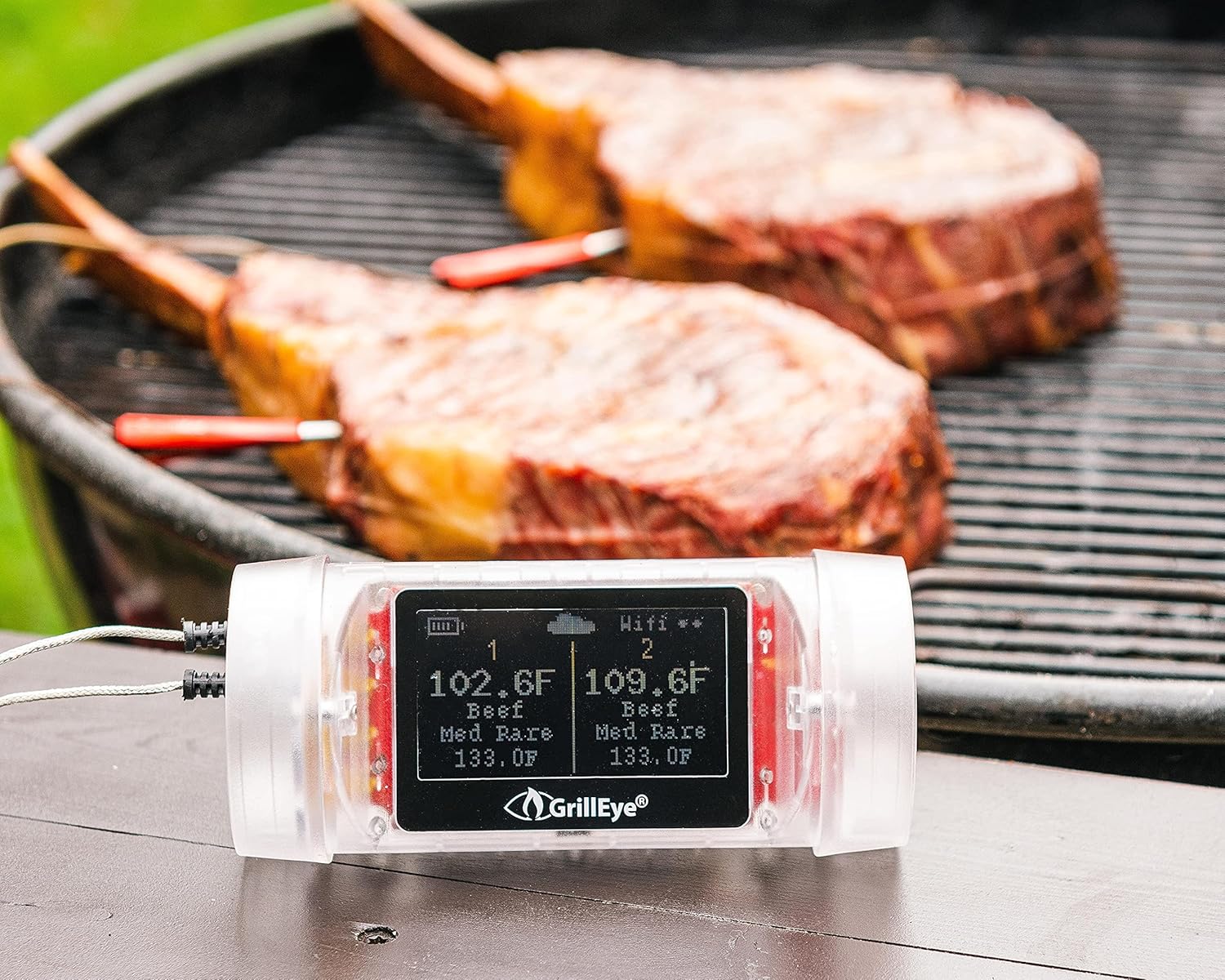
The GrillEye Max features an Adaptive Display System that provides clear, real-time temperature readings with 0.1-degree resolution, visible even in direct sunlight or darkness. For detailed monitoring, open the GrillEye Hyperion app on your smartphone or tablet.
Programėlėje galite:
- View current temperatures for all connected probes.
- Set target temperatures based on meat type and desired doneness.
- Receive notifications and alerts when target temperatures are reached or if temperatures deviate significantly.
- Track temperature history and trends.

3.3 Universalus naudojimas
The GrillEye Max is suitable for a wide range of cooking applications:
- BBQ Grills: Perfect for monitoring large cuts of meat during long smoking sessions.
- Orkaitės: Ensures precise internal temperatures for roasts, poultry, and baked goods.
- Smokers: Helps maintain consistent low-and-slow cooking temperatures.
- Kitchen Use: Ideal for everyday cooking, ensuring food safety and optimal taste.
- Fridges & Freezers: Can also be used to monitor ambient temperatures in cold storage.


4. Priežiūra
4.1 Valymo instrukcijos
To ensure the longevity and accuracy of your GrillEye Max and its probes, follow these cleaning guidelines:
- Zondai: After each use, allow probes to cool. Wipe them clean with a damp cloth and mild detergent. Do not immerse the probe's cable or the main unit in water.
- Pagrindinis blokas: The GrillEye Max unit is wipe clean only. Do not submerge it in water or expose it to excessive moisture.
- Saugykla: Store the device and probes in a clean, dry place when not in use. Use the provided probe wraps to keep cables tidy.
4.2 Akumuliatoriaus priežiūra
The GrillEye Max uses a rechargeable Lithium Ion battery. For optimal battery life:
- Charge the device regularly, especially before long cooking sessions.
- Venkite dažnai visiškai iškrauti akumuliatorių.
- Jei ketinate laikyti ilgesnį laiką, prieš sandėliavimą įkraukite akumuliatorių maždaug iki 50 %.
5. Problemų sprendimas
If you encounter issues with your GrillEye Max, consider the following common troubleshooting steps:
- Nėra temperatūros rodmenų: Ensure probes are fully inserted into the device and the meat/environment. Check for any visible damage to the probes or cables.
- Ryšio problemos: Verify your Wi-Fi network is active and within range. Ensure the GrillEye Hyperion app is updated to the latest version. Try restarting both the GrillEye Max and your smart device.
- Netikslūs rodmenys: Ensure probes are clean and properly inserted. Calibrate probes if necessary (refer to app instructions for calibration).
- Programėlės pranešimai neveikia: Check your smartphone's notification settings for the GrillEye Hyperion app to ensure they are enabled. Ensure the app is not being put to sleep by battery optimization settings.
- Įrenginys nereaguoja: Try performing a factory reset on the device (refer to the Quick User Manual for specific instructions).
If problems persist, contact GrillEye customer support for further assistance.
6. Specifikacijos
| Funkcija | Specifikacija |
|---|---|
| Prekės ženklas | GrillEye |
| Modelio pavadinimas | Maks |
| Prekės modelio numeris | GE0006 |
| Ypatinga funkcija | Greito skaitymo sistema |
| Ryšio technologija | Wi Fi (802.11 b/g/n, 2.4 GHz) |
| Ekrano tipas | Active Matrix LED |
| Rezoliucija | 0.1 laipsnių |
| Reagavimo laikas | 2 sekundžių |
| Viršutinės temperatūros įvertinimas | 212 Degrees Fahrenheit (for ambient probes) |
| Maitinimo šaltinis | Maitinamas su baterijomis (pridedama 1 ličio jonų baterija) |
| Išorinė medžiaga | Plastikiniai |
| Prekės svoris | 8.5 uncijos |
| Prekės ilgis | 9.1 colių |
| Naudojimas viduje / lauke | Vidinis |
| Pakartotinis naudojimas | Daugkartinio naudojimo |
| Produkto priežiūros instrukcijos | Saugus orkaitėje, nuvalykite |
| Specifikacija atitiko | FDA, CE, FCC, NIST |
7. Garantija ir palaikymas
GrillEye products are manufactured to high-quality standards and come with a manufacturer's warranty. For specific warranty details, please refer to the documentation included with your product or visit the official GrillEye websvetainę.
For technical support, troubleshooting assistance, or to purchase additional accessories, please utilize the GrillEye Hyperion app's support features or visit the GrillEye support page online. Regular app updates ensure optimal performance and access to the latest features and support resources.