
1. Produktas baigtasview
The REXING HS01 is a 1080p wireless smart home security camera system designed for both indoor and outdoor use. It features a rechargeable battery, solar panel charging capability, two-way intercom, motion activation, infrared night vision, and cloud storage options. The camera connects to your home WiFi network and is managed via a mobile application.
Pagrindinės funkcijos:
- 1080p Full HD vaizdo įrašas: Records clear video with a 120-degree wide-angle lens.
- Belaidis ir įkraunamas: Operates wirelessly with a 6000mAh rechargeable battery.
- Varomas saulės energija: Can be continuously charged by the included solar panel.
- Dvipusis domofonas: Allows for real-time communication via the mobile app.
- Neperšlampamas dizainas: IP65 rated for outdoor weather resistance.
- Judesio aptikimas: PIR motion sensor with adjustable sensitivity up to 33ft.
- Infraraudonųjų spindulių nakties vizija: Provides clear visibility up to 33ft in low light conditions.
- Saugykla debesyje: Offers free 3-day cloud storage with options for extended plans.
- Programų mobiliesiems valdymas: Manage and monitor the camera from your smartphone.
2. Pakuotės turinys
Patikrinkite pakuotę, ar joje yra šie daiktai:
- REXING HS01 apsaugos kamera
- Saulės skydas
- Montavimo laikiklis ir varžtai
- USB įkrovimo laidas
- Vartotojo vadovas
3. Sąrankos vadovas
3.1 Pradinis įkrovimas
Before first use, fully charge the camera's internal 6000mAh battery using the provided USB cable. Connect the cable to the camera's charging port and a standard USB power adapter (not included). The charging indicator will show the charging status.
3.2 Programos diegimas
Atsisiųskite Rexing Home programėlę iš savo išmaniojo telefono programėlių parduotuvės (galima naudoti „iOS“ ir „Android“ įrenginiuose). Ieškokite "Rexing Home" and install the application.
3.3 „Wi-Fi“ ryšys
- Open the Rexing Home app and create an account or log in.
- Vadovaukitės instrukcijomis programoje, kad pridėtumėte naują įrenginį.
- Įsitikinkite, kad jūsų išmanusis telefonas yra prijungtas prie 2.4 GHz „Wi-Fi“ tinklas. The HS01 camera does not support 5GHz Wi-Fi.
- Kai būsite paraginti, nuskaitykite telefone rodomą QR kodą kameros objektyvu.
- Palaukite, kol kamera prisijungs prie jūsų „Wi-Fi“ tinklo. Balso pranešimas patvirtins sėkmingą prisijungimą.
3.4 Kameros ir saulės baterijos montavimas
The REXING HS01 camera and solar panel can be mounted indoors or outdoors. Choose a location that provides the desired viewing angle and ensures the solar panel receives ample direct sunlight throughout the day for optimal charging.

Image: The REXING HS01 camera with its solar panel mounted on an exterior wall, highlighting its 100% wireless and solar-powered operation. The camera is designed for outdoor use and is weatherproof.
- Norėdami tvirtai pritvirtinti kamerą prie sienos ar norimo paviršiaus, naudokite pateiktą tvirtinimo laikiklį ir varžtus.
- Mount the solar panel in a location that receives maximum direct sunlight. Connect the solar panel cable to the camera's charging port.
- Sureguliuokite kameros kampą, kad apimtumėte norimą stebėjimo sritį.
4. Naudojimo instrukcijos
4.1 Tiesiogiai View and Remote Playback
Once connected, open the Rexing Home app to access the live video feed from your camera. You can view realaus laiko footage from anywhere with an internet connection. The app also allows you to review įrašytas vaizdo įrašastage stored in the cloud.

Vaizdas: išmaniojo telefono ekranas, rodantis tiesioginį vaizdą view from the REXING HS01 camera, with icons for remote playback and indicating motion alerts. This demonstrates complete control from the Rexing Home App.
4.2 Dvipusis garso ryšys
The HS01 camera features a built-in microphone and speaker, enabling two-way audio communication. From the live view in the Rexing Home app, you can speak to individuals near the camera and hear their responses.
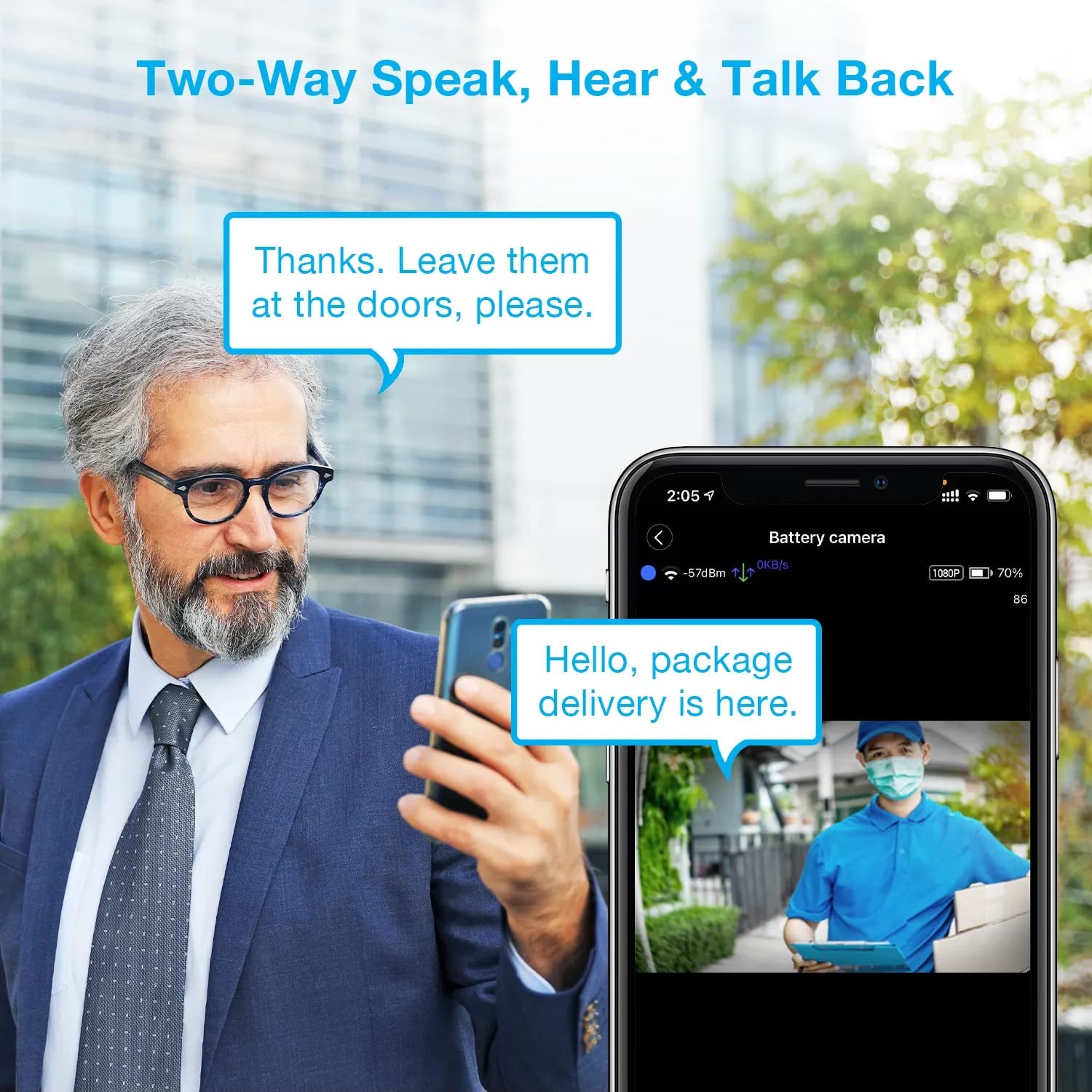
Image: A man using his smartphone to communicate with a delivery person visible on his screen, demonstrating the two-way speak and talk-back functionality of the REXING HS01 camera.
4.3 Judesio aptikimas ir įspėjimai
The camera utilizes a PIR (Passive Infrared) motion sensor to detect movement. When motion is detected, the camera will begin recording and send instant notifications to your smartphone via the Rexing Home app.
- Jautrumo reguliavimas: You can adjust the PIR motion sensitivity settings within the app, with options up to 33ft.
- Pranešimų nustatymai: Customize alert preferences in the app to receive notifications for every detected motion.
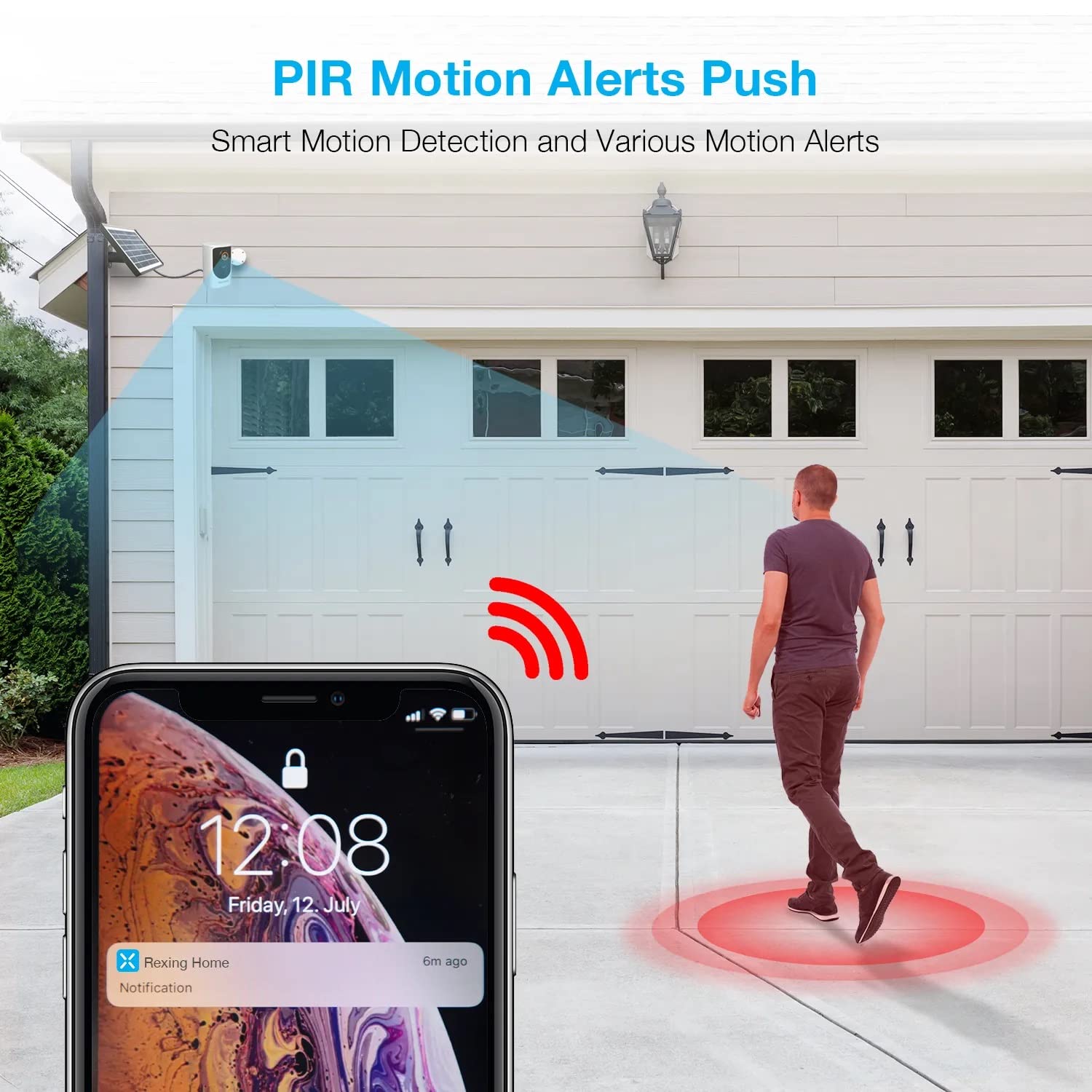
Image: A smartphone screen showing a notification from the Rexing Home app indicating a motion alert, with a visual representation of a person walking into the camera's detection zone.
4.4 Naktinis matymas
The HS01 camera is equipped with 8 built-in 850nm Infrared LEDs and enhanced CMOS imaging sensors, providing clear night vision up to 33ft. The night vision mode activates automatically in low-light conditions.
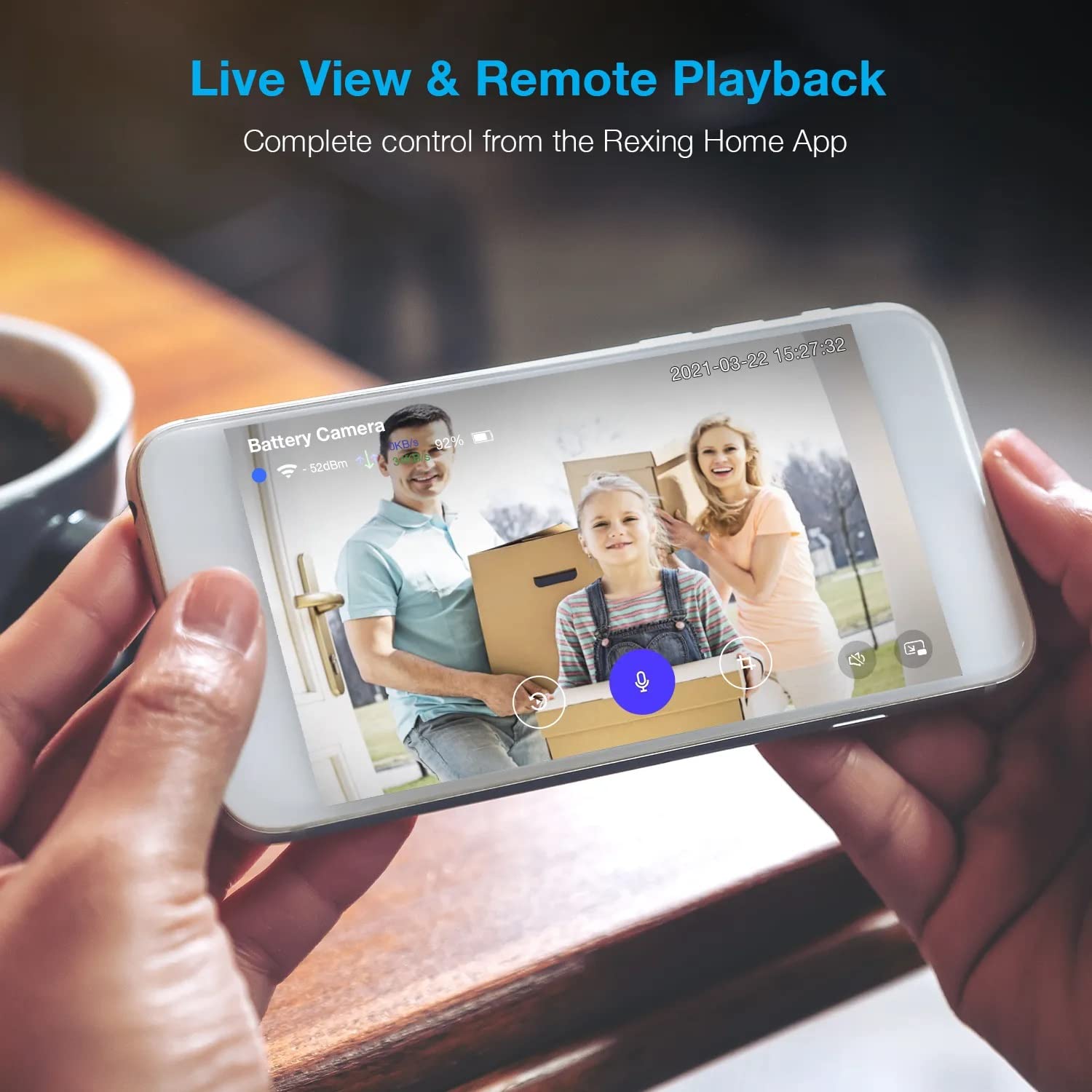
Image: A smartphone displaying a split screen, with one side showing a daytime view of a house in full color and the other side showing the same house in enhanced infrared night vision, demonstrating the camera's 1080p HD and night vision capabilities.
4.5 Debesijos saugykla
The camera offers secure cloud storage for recorded video footage. You can access the past 3 days of video recordings for free. Extended cloud storage plans are available for purchase through the Rexing Home app.
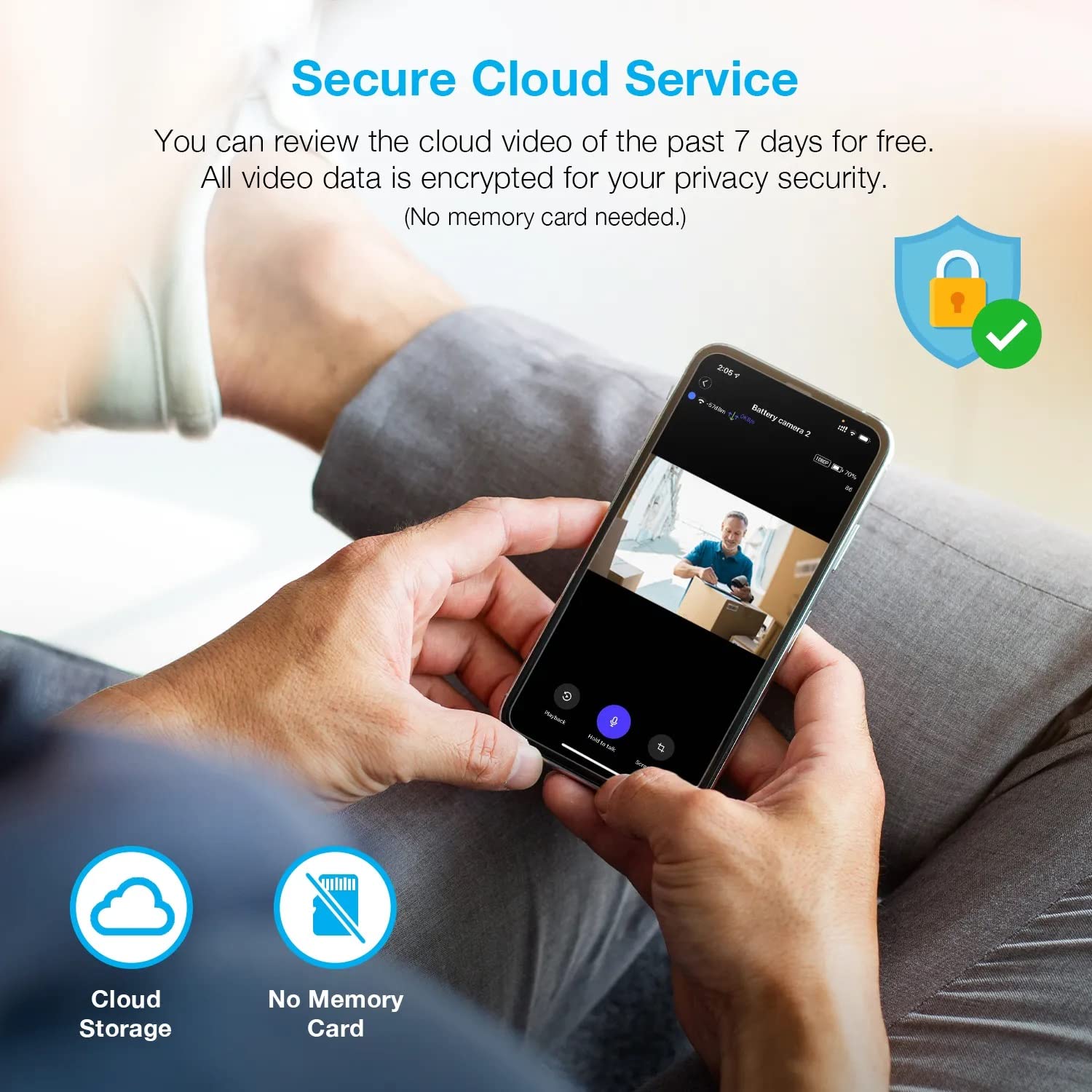
Paveikslėlis: Žmogus viewing recorded camera footage on a smartphone, accompanied by icons for cloud storage and indicating that no memory card is needed, highlighting the secure cloud service feature.
5. Priežiūra
5.1 Akumuliatoriaus valdymas
The HS01 camera is powered by a 6000mAh rechargeable battery. For continuous operation, ensure the solar panel is positioned to receive adequate direct sunlight. If the camera is used in an area with limited sunlight, periodic manual charging via the USB cable may be required.
5.2 Valymas
To maintain optimal performance, periodically clean the camera lens and the solar panel surface with a soft, damp šluoste. Venkite naudoti abrazyvinius valiklius ar tirpiklius, kurie gali pažeisti paviršius.
6. Problemų sprendimas
- Kamera neprisijungia prie „Wi-Fi“:
- Įsitikinkite, kad jūsų „Wi-Fi“ tinklas yra 2.4 GHz dažnio. Kamera nepalaiko 5 GHz tinklų.
- Patikrinkite „Wi-Fi“ signalo stiprumą kameros vietoje.
- Patikrinkite, ar programėlėje įvestas teisingas „Wi-Fi“ slaptažodis.
- Iš naujo paleiskite maršrutizatorių ir kamerą.
- Prasta vaizdo kokybė:
- Ensure a strong Wi-Fi signal. Weak signals can affect streaming quality.
- Nuvalykite fotoaparato objektyvą, jei jis atrodo nešvarus arba suteptas.
- Judesio aptikimas neveikia arba yra per jautrus:
- Adjust the PIR motion sensitivity settings in the Rexing Home app.
- Įsitikinkite, kad nėra jokių kliūčių, blokuojančių kameros view arba PIR jutiklis.
- Check the camera's battery level. Low battery can affect sensor performance.
- Battery not holding charge or solar panel not working:
- Įsitikinkite, kad saulės baterijos modulis yra pastatytas taip, kad jį kasdien kelias valandas gautų tiesioginiai saulės spinduliai.
- Nuvalykite saulės baterijos paviršių, kad pašalintumėte nešvarumus ar šiukšles.
- Patikrinkite, ar saulės baterijos laidas tvirtai prijungtas prie kameros.
- If issues persist, try charging the camera directly via USB.
- No audio or poor two-way audio:
- Check the volume settings on your smartphone and in the Rexing Home app.
- Įsitikinkite, kad jūsų telefono mikrofonas įjungtas programai.
- Verify a stable internet connection for both the camera and your smartphone.
7. Specifikacijos
| Funkcija | Specifikacija |
|---|---|
| Modelio numeris | HS01 |
| Vaizdo raiška | 1080p „Full HD“ |
| Laukas View | 120 laipsnių |
| Naktinio matymo diapazonas | 33 pėdų |
| Baterijos talpa | 6000 mAh |
| Ryšys | Belaidis ryšys (2.4 GHz „Wi-Fi“) |
| Atsparumo vandeniui įvertinimas | IP65 |
| Suderinami įrenginiai | Smartphone (Amazon Alexa, Google Assistant) |
| Prekės matmenys | 8.5 x 7.25 x 3.75 colio |
| Prekės svoris | 1 svaras |
| Maitinimo šaltinis | Įkraunama baterija, saulės baterija |
8. Garantija ir palaikymas
8.1 Informacija apie garantiją
For detailed warranty information regarding your REXING HS01 Smart Home Security Camera System, please refer to the warranty card included with your product or visit the official REXING websvetainėje. Garantijos sąlygos gali skirtis priklausomai nuo regiono ir mažmenininko.
8.2 Pagalba klientams
If you encounter any issues or have questions about your REXING HS01 camera, please contact REXING customer support. You can typically find support contact information on the official REXING website or within the Rexing Home mobile application.
For the latest updates, FAQs, and additional resources, please visit the official REXING websvetainė: www.rexingusa.com