
1. Įvadas
Thank you for choosing AMAFACE Wireless Earbuds. This manual provides essential information for setting up, operating, and maintaining your new earbuds. Please read it carefully to ensure optimal performance and longevity of your device.
2. Produktas baigtasview
The AMAFACE Wireless Earbuds are designed for comfort and high-quality audio, featuring Bluetooth 5.0 connectivity, noise cancellation, and 3D surround stereo sound. They are lightweight and come with a portable mini charging case.

Image: AMAFACE Wireless Earbuds and their unique Dairy Cow themed charging case.
Pagrindinės funkcijos:
- Gift Design Cute Dairy Cow Earphones: Unique appearance suitable for both kids and adults.
- HIFI garso kokybė: Equipped with Bluetooth 5.0 noise reduction technology for stable pairing and crystal-clear sound. Features built-in high-quality mic and lossless Hifi rendering for deep bass and clear highs.
- Ultra-Lightweight & Outstanding Comfort: Ergonomic, painless design weighing only 3.8g per earbud, ensuring comfortable and secure fit for extended use. Includes three sizes (L, M, S) of soft, comfy ear tips.
- Music and Game Modes: Easily switch between modes with a triple press on the right earbud. Game mode offers 48ms ultra-low latency and 3D stereo game sound.
- USB-C Fast Charging & All-Day Lasting: Provides approximately 6 hours of playtime per charge, with the charging case offering an additional 30 hours, totaling 36 hours of use. The charging case fully charges in 2 hours via USB-C.
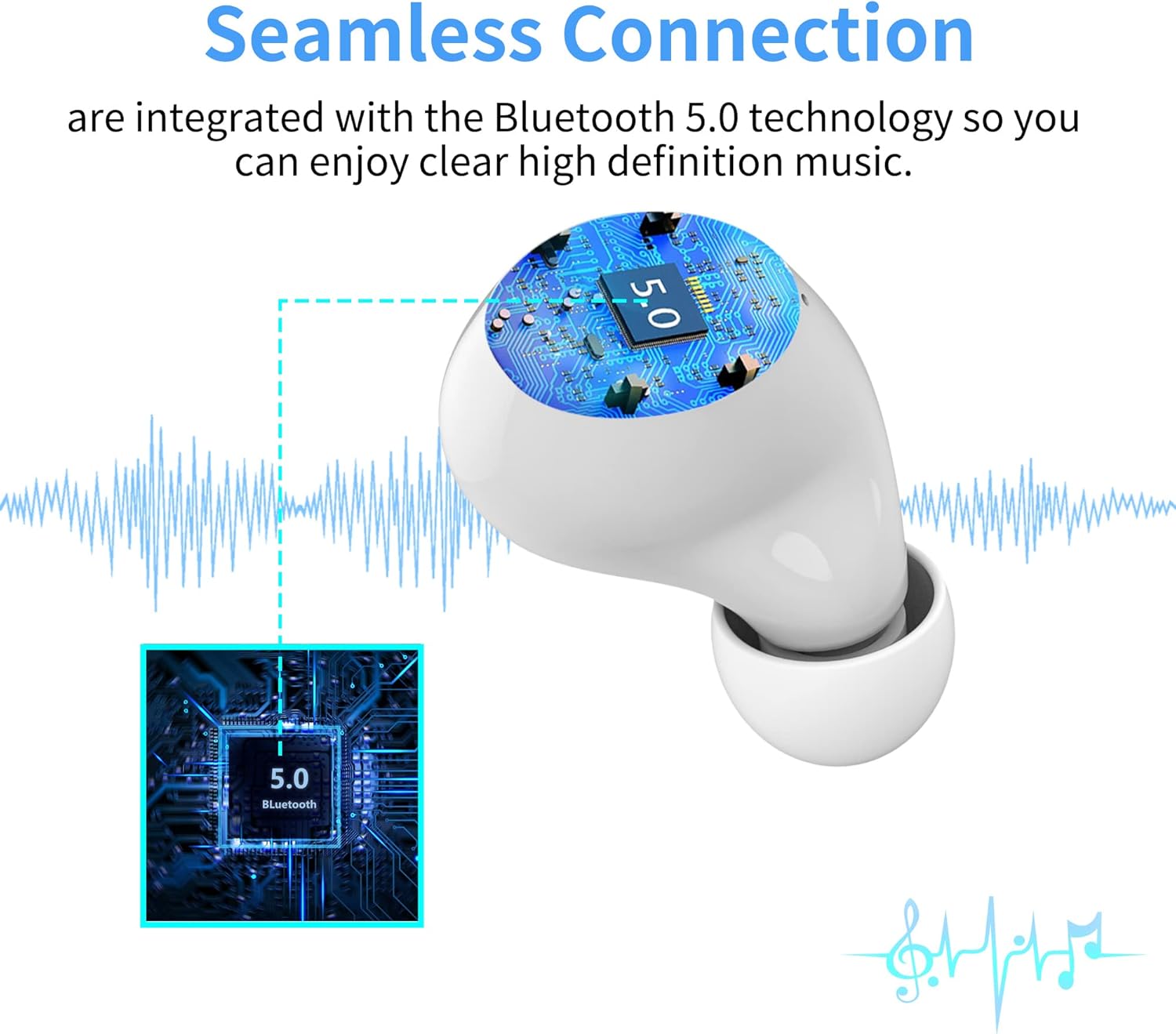
Image: Illustration of the seamless Bluetooth 5.0 connection technology integrated into the earbuds.

Image: Visual representation of the HIFI stereo sound quality, showing sound waves and earbud components.

Image: Earbuds shown with water splashes, indicating their sweat and water-resistant capabilities.
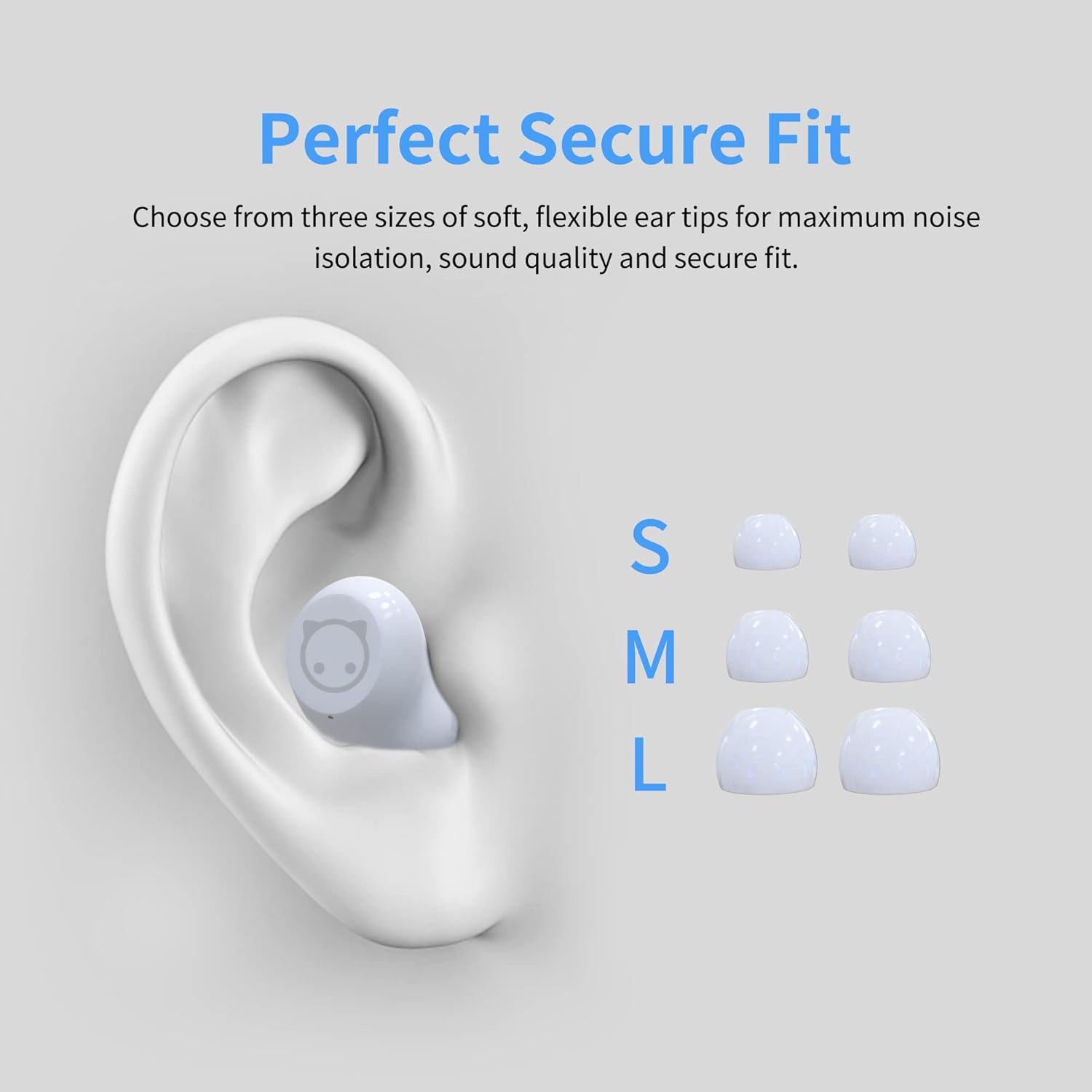
Image: Diagram showing an ear with an earbud inserted and different sizes (S, M, L) of ear tips for a perfect secure fit.

Image: A woman wearing the earbuds, demonstrating their comfortable fit in the ear.
3. Kas yra dėžutėje
- AMAFACE Wireless Earbuds (Left and Right)
- Dairy Cow Charging Case
- USB-C įkrovimo laidas
- Ausų antgaliai (S, M, L dydžiai)
- Vartotojo vadovas
4. Sąranka
4.1 Pradinis įkrovimas
Before first use, fully charge the earbuds and the charging case. Connect the provided USB-C cable to the charging port on the case and a power source. The LED indicators on the case will show charging status.

Image: The charging case with four LED lights indicating battery charge levels (25%, 50%, 75%, 100%).
4.2 Susiejimas su jūsų įrenginiu
The earbuds feature simple one-touch pairing. Follow these steps:
- Atidarykite įkrovimo dėklą. Ausinės automatiškai įsijungs susiejimo režimu.
- Išmaniajame telefone, planšetiniame kompiuteryje arba kompiuteryje įjunkite „Bluetooth“.
- Ieškokite available Bluetooth devices and select "AMAFACE-K72" (or similar name) from the list.
- Prijungus ausines, bus rodomas sėkmingo susiejimo indikatorius.

Image: Visual guide for simple one-touch pairing, showing the earbuds in the case and a smartphone's Bluetooth settings screen.
4.3 Ausinių dėvėjimas
For optimal sound and comfort, choose the ear tips that best fit your ears. Insert the earbuds into your ears and gently twist to secure them.

Image: Two-step diagram illustrating how to insert earbuds into the ear and then adjust them for a secure fit.
5. Naudojimo instrukcijos
5.1 Jutikliniai valdikliai
The earbuds feature intelligent touch controls for various functions:
- Leisti / pristabdyti: Vieną kartą bakstelėkite bet kurią ausinę.
- Ankstesnis / kitas takelis: Double tap on the left/right earbud respectively.
- Atsiliepti / nutraukti ragelį: Vieną kartą bakstelėkite bet kurią ausinę įeinančio skambučio metu.
- Įjunkite balso asistentą („Siri“ / „Google“ asistentas): Ilgai paspauskite bet kurią ausinę.
- Perjungti muzikos / žaidimo režimą: Tris kartus paspauskite dešinįjį ausinės antgalį.

Image: Diagram illustrating the various touch control functions of the earbuds, including play/pause, track skipping, call management, voice assistant, and mode switching.
5.2 Muzikos ir žaidimo režimai
Your earbuds support two distinct modes:
- Muzikos režimas: Optimized for rich audio experience with deep bass and clear highs.
- Žaidimo režimas: Provides ultra-low latency (48ms) and 3D stereo game sound for an immersive gaming experience.
To switch between modes, triple press the right earbud.
5.3 Baterijos veikimo laikas ir įkrovimas
The earbuds offer approximately 6 hours of playtime on a single charge. The portable charging case provides an additional 30 hours of playtime, for a total of 36 hours. The charging case takes about 2 hours to fully charge using the provided USB-C cable.
Video: A short demonstration of the AMAFACE Dairy Cow Wireless Earbuds, showcasing jų dizainą ir funkcionalumą.
6. Priežiūra
To ensure the longevity and performance of your earbuds, follow these maintenance guidelines:
- Valymas: Reguliariai valykite ausines ir įkrovimo dėklą minkštu, sausu skudurėliu. Nenaudokite stiprių cheminių medžiagų ar abrazyvinių medžiagų.
- Atsparumas vandeniui: The earbuds are IPX5 water-resistant, meaning they are protected from rainstorms and water splashes. However, they are not designed for submersion in water. Avoid exposing them to excessive moisture.
- Saugykla: Kai nenaudojate, laikykite ausines įkrovimo dėkle, kad jos būtų apsaugotos ir įkrautos.
- Ausų sveikata: For your ear health, it is recommended to take off the earbuds every 2 hours to allow your ears to relax.

Image: An earbud being gently wiped with a soft cloth, demonstrating proper cleaning.
7. Problemų sprendimas
If you encounter any issues with your AMAFACE Wireless Earbuds, please refer to the following common solutions:
| Problema | Galimas sprendimas |
|---|---|
| Ausinės nesusiejamos | Ensure earbuds are charged. Place them back in the case, close, then open again. Turn off and on Bluetooth on your device. Forget the device in your Bluetooth settings and re-pair. |
| Nėra garso iš vienos ausinės | Check battery level of both earbuds. Place both earbuds back in the case, close, and reopen. Ensure both earbuds are properly connected to your device. |
| Įkrovimo dėklas neįkraunamas | Ensure the USB-C cable is securely connected to both the case and the power source. Try a different USB-C cable or power adapter. |
| Prasta garso kokybė | Ensure earbuds are clean and free of debris. Try different sized ear tips for a better seal. Move closer to your connected device to avoid interference. |
8. Specifikacijos
| Funkcija | Detalė |
|---|---|
| Prekės ženklas | AMAFACE |
| Modelio pavadinimas | AMAFACE-K72-US-FBA |
| Ryšio technologija | „Bluetooth 5.0“, belaidis ryšys |
| Ausų išdėstymas | Ausyje |
| Formos faktorius | Ausyje |
| Triukšmo valdymas | Garso izoliacija |
| Prekės svoris | 45 gramų (1.59 uncijos) |
| Gaminio matmenys | 3.1 x 3.1 x 2.2 colio |
| Baterijos veikimo laikas | 6 valandos (ausinės), 36 valandos (su įkrovimo dėklu) |
| Įkrovimo laikas | 2 Hours (charging case) |
| Atsparumo vandeniui lygis | Atsparus vandeniui (IPX5) |
| Medžiaga | Plastikiniai |
| Dažnių diapazonas | 20 Hz–20 kHz |
| Garso vėlavimas | 48 milisekundžių (žaidimo režimas) |
| UPC | 755334177835 |
9. Garantija ir palaikymas
AMAFACE is committed to providing high-quality products. For any warranty claims, technical support, or inquiries, please contact our customer service team. Details on warranty coverage and how to reach us can be found on the official AMAFACE websvetainėje arba per savo pirkimo platformą.
We value your satisfaction and are here to assist you with any questions or concerns regarding your Wireless Earbuds.