
Groov-e GVBT750BK
„Groov-e Ultra“ belaidžių „Bluetooth“ ausinių naudojimo instrukcija GVBT750BK
Įvadas
Ačiū, kad pirkoteasing the Groov-e Ultra Wireless Bluetooth Headphones. These headphones are designed to provide a superior audio experience with features such as wireless connectivity, extended battery life, and comfortable design. This manual will guide you through the setup, operation, and maintenance of your new headphones.
Pakuotės turinys
Please ensure all items are present in your Groov-e Ultra headphone package:
- Groov-e Ultra Wireless Bluetooth Headphones
- USB įkrovimo laidas
- 3.5 mm garso laidas
- Vartotojo vadovas (šis dokumentas)
Produktas baigtasview
Familiarize yourself with the various components of your Groov-e Ultra headphones.
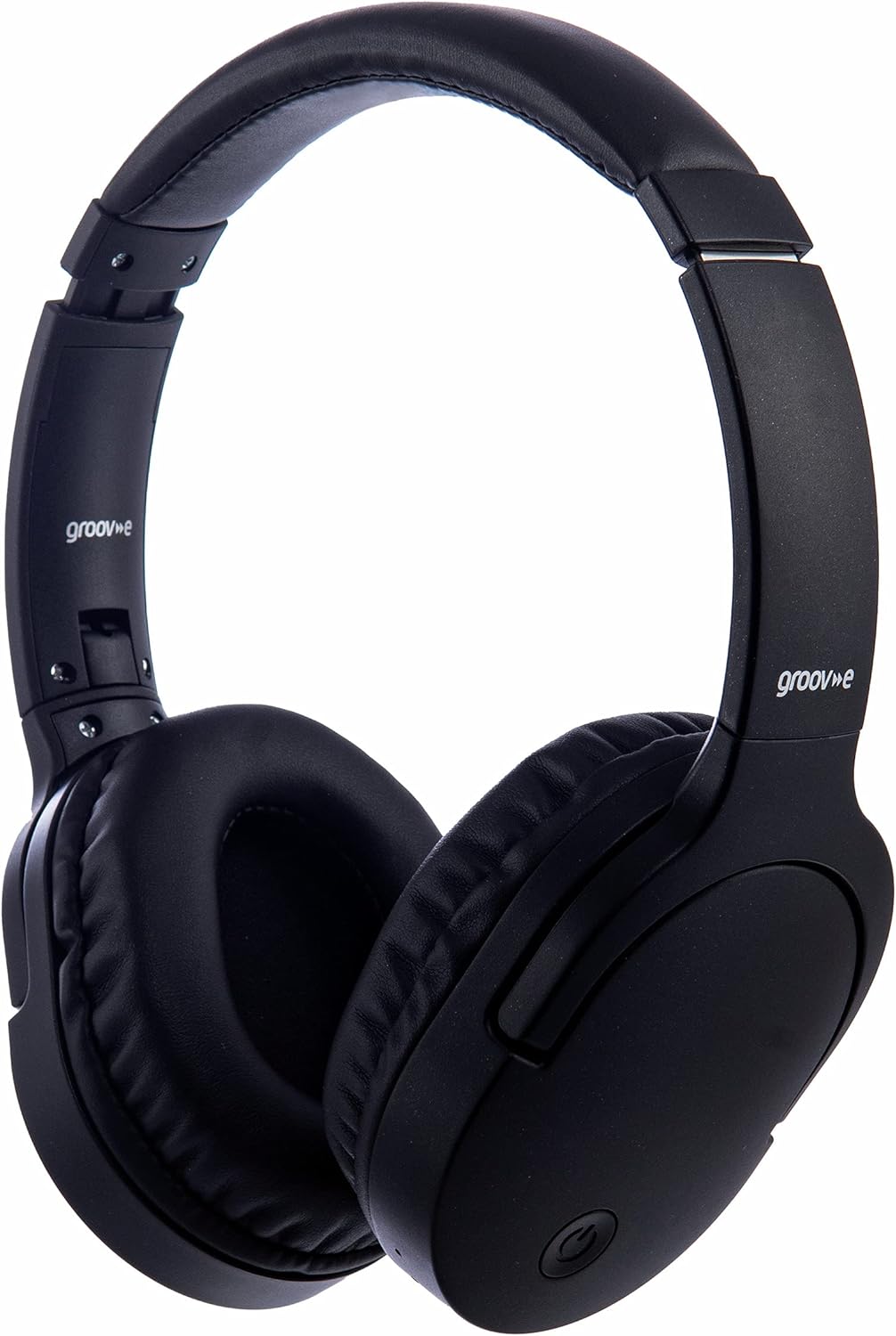
Vaizdas: priekis view of the Groov-e Ultra Wireless Bluetooth Headphones in black.
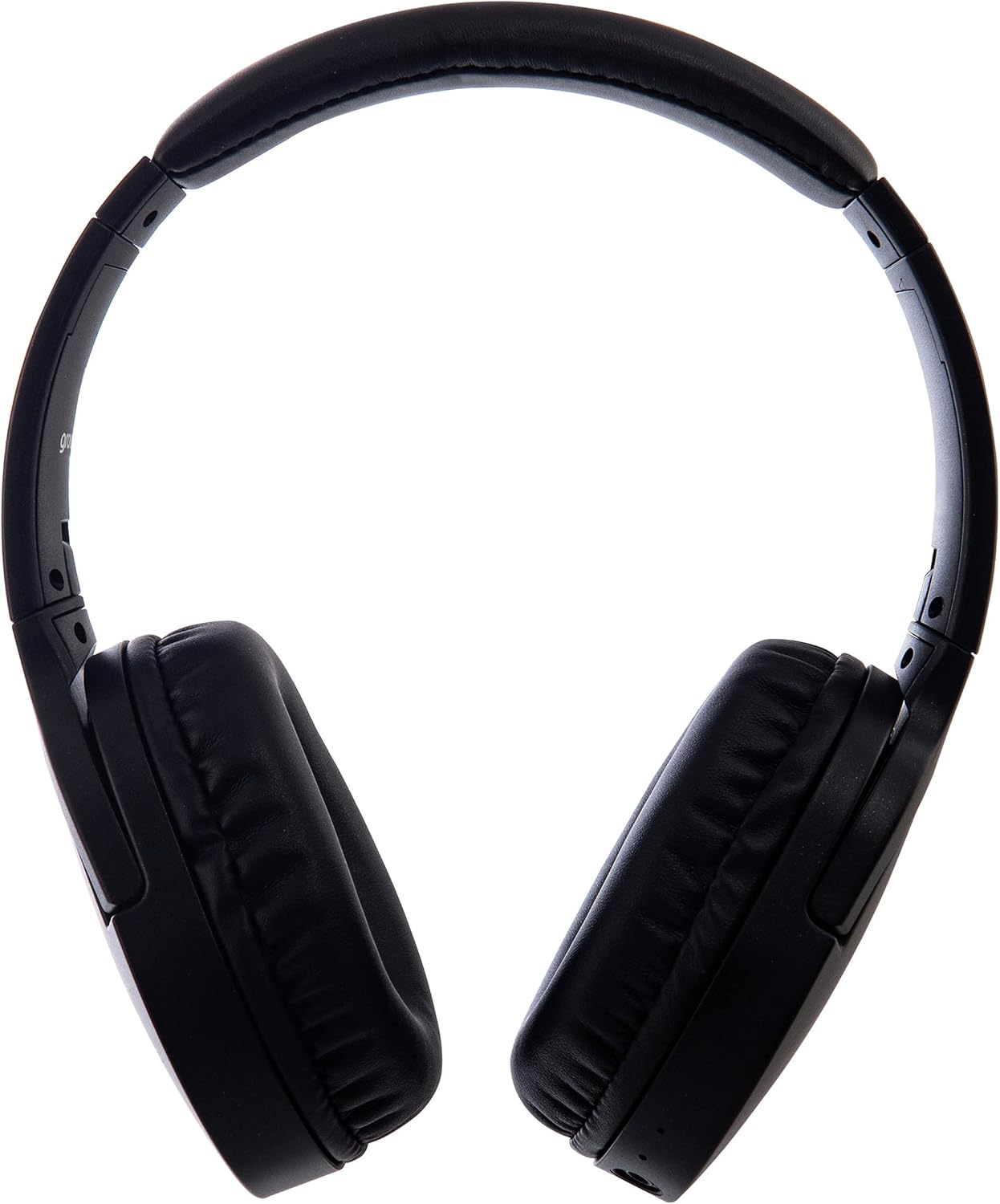
Vaizdas: Šoninė view of the Groov-e Ultra Wireless Bluetooth Headphones, showing the earcups and headband.
Key features and controls include:
- Maitinimo mygtukas: Located on the earcup, used for powering on/off and initiating pairing mode.
- Garsumo valdikliai: Buttons for adjusting audio volume.
- Daugiafunkcis mygtukas: For play/pause, answer/end calls, and activating voice assistant.
- Mikrofonas: Integruota skambinimui laisvų rankų įranga.
- 3.5 mm garso lizdas: Laidiniam prijungimui prie garso šaltinių.
- USB įkrovimo prievadas: For charging via the included USB cable.
- Belaidžio įkrovimo zona: Located on the right earcup for compatible wireless charging pads.
- LED indikatorius: Displays power, charging, and Bluetooth pairing status.
Sąranka
1. Pradinis įkrovimas
Before first use, fully charge your headphones. The Groov-e Ultra headphones support both wired and wireless charging.
Įkrovimas laidiniu būdu:
- Connect the supplied USB charging cable to the headphone's charging port.
- Kitą USB kabelio galą prijunkite prie suderinamo USB maitinimo šaltinio (pvz., kompiuterio USB prievado, USB sieninio adapterio).
- Įkrovimo metu LED indikatorius švies, o visiškai įkrovus, užges arba pakeis spalvą.
Belaidis įkrovimas:
- Place the right earcup of the headphones onto a compatible Qi-certified wireless charging pad.
- Ensure the headphones are correctly positioned on the charging pad for optimal contact.
- Įkrovimo metu LED indikatorius švies, o visiškai įkrovus, užges arba pakeis spalvą.
Pilnas įkrovimas paprastai trunka maždaug 2 valandos.
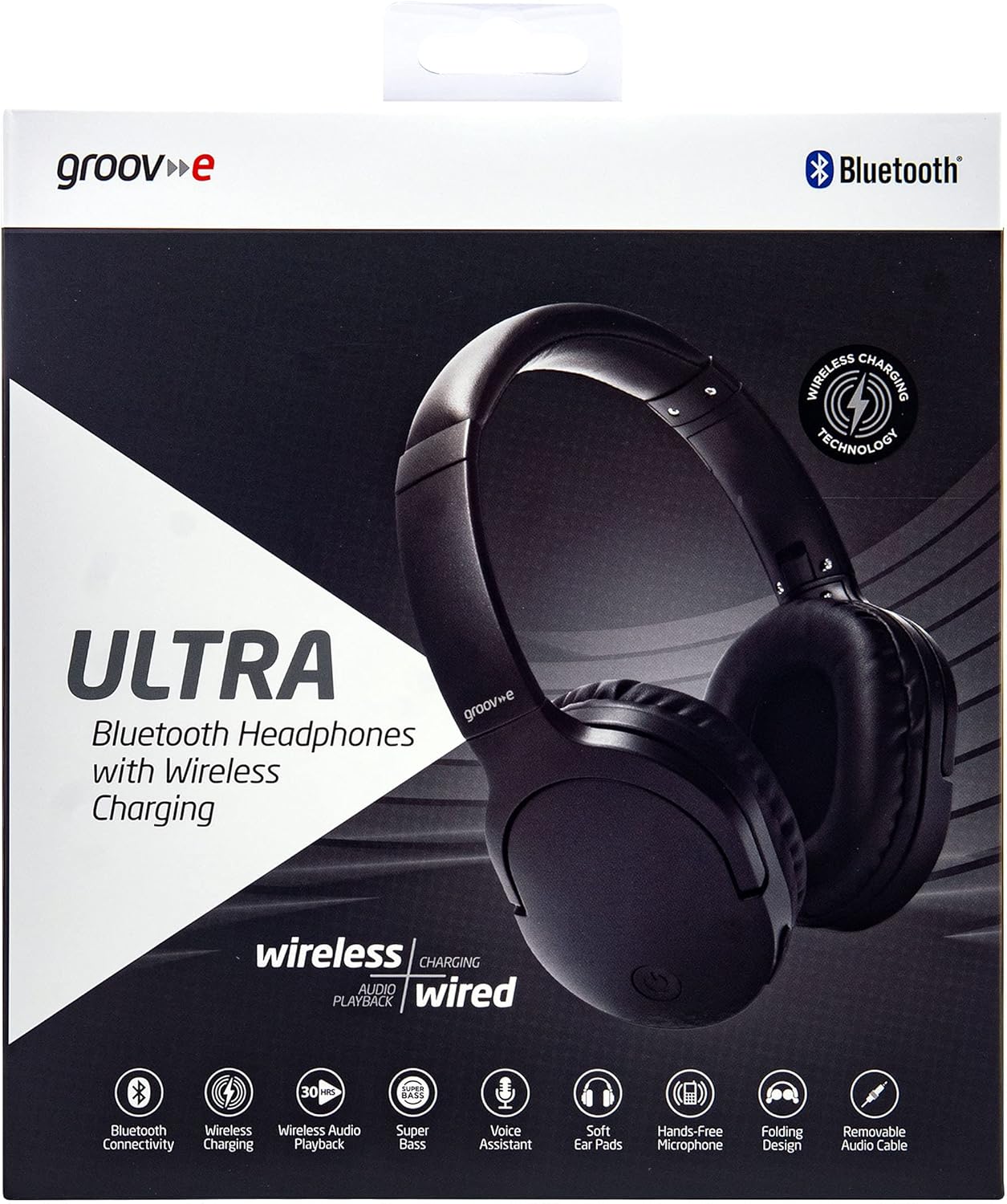
Image: Groov-e Ultra headphones charging wirelessly on a pad, with a laptop in the background.
Naudojimo instrukcijos
1. Maitinimo įjungimas/išjungimas
- Maitinimas: Paspauskite ir palaikykite maitinimo mygtuką maždaug 3 sekundes, kol pradės mirksėti LED indikatorius.
- Išjungti: Paspauskite ir palaikykite maitinimo mygtuką maždaug 3–5 sekundes, kol užges LED indikatorius.
2. „Bluetooth“ poravimas
- Įsitikinkite, kad ausinės yra išjungtos.
- Paspauskite ir palaikykite maitinimo mygtuką maždaug 5–7 sekundes, kol LED indikatorius pakaitomis mirksės raudonai ir mėlynai, rodydamas susiejimo režimą.
- Savo įrenginyje (išmaniajame telefone, planšetiniame kompiuteryje, nešiojamajame kompiuteryje) įjunkite „Bluetooth“ ir ieškokite galimų įrenginių.
- Select "Groov-e Ultra" from the list of found devices.
- Kai bus suporuotas, LED indikatorius lėtai mirksės mėlynai ir galite išgirsti garsinį patvirtinimą.
- Jei prašoma slaptažodžio, įveskite „0000“.
Įjungus ausines, jos automatiškai bandys prisijungti prie paskutinio suporuoto įrenginio.
3. Laidinis ryšys (3.5 mm garso kabelis)
For devices without Bluetooth or to conserve battery, you can use the supplied 3.5mm audio cable.
- Prijunkite vieną 3.5 mm garso kabelio galą prie ausinių garso lizdo.
- Kitą galą prijunkite prie savo įrenginio 3.5 mm garso išvesties.
- The headphones will operate in passive mode, and Bluetooth functionality will be disabled.
4. Muzikos atkūrimas
- Leisti / pristabdyti: Vieną kartą paspauskite daugiafunkcį mygtuką.
- Kitas takelis: Paspauskite ir palaikykite garsumo didinimo mygtuką.
- Ankstesnis takelis: Paspauskite ir palaikykite garsumo mažinimo mygtuką.
- Pagarsink: Trumpai paspauskite garsumo didinimo mygtuką.
- Patildyti: Trumpai paspauskite garsumo mažinimo mygtuką.
5. Skambučių valdymas
- Atsiliepti / Baigti skambutį: Vieną kartą paspauskite daugiafunkcį mygtuką.
- Atmesti skambutį: Paspauskite ir 2 sekundes palaikykite daugiafunkcį mygtuką.
- Padėjėjas balsu: Double-press the Multi-function button to activate your device's voice assistant (e.g., Siri, Google Assistant).
Priežiūra
To ensure the longevity and optimal performance of your Groov-e Ultra headphones, follow these maintenance guidelines:
- Valymas: Ausų kaušelius ir galvos juostą valykite minkštu, sausu audiniu. Nenaudokite abrazyvinių valiklių ar tirpiklių.
- Saugykla: Kai nenaudojate, laikykite ausines vėsioje, sausoje vietoje, toliau nuo tiesioginių saulės spindulių ir ekstremalių temperatūrų. Sulankstomas dizainas leidžia jas kompaktiškai laikyti.
- Akumuliatoriaus priežiūra: Norėdami taupyti akumuliatoriaus veikimo laiką, venkite dažnai visiškai iškrauti ausines. Reguliariai jas įkraukite, net jei nenaudojate nuolat.
- Atsparumas vandeniui: The headphones are rated as "waterproof" (as per specifications), but this typically refers to resistance against splashes or light rain. Avoid submerging them in water.
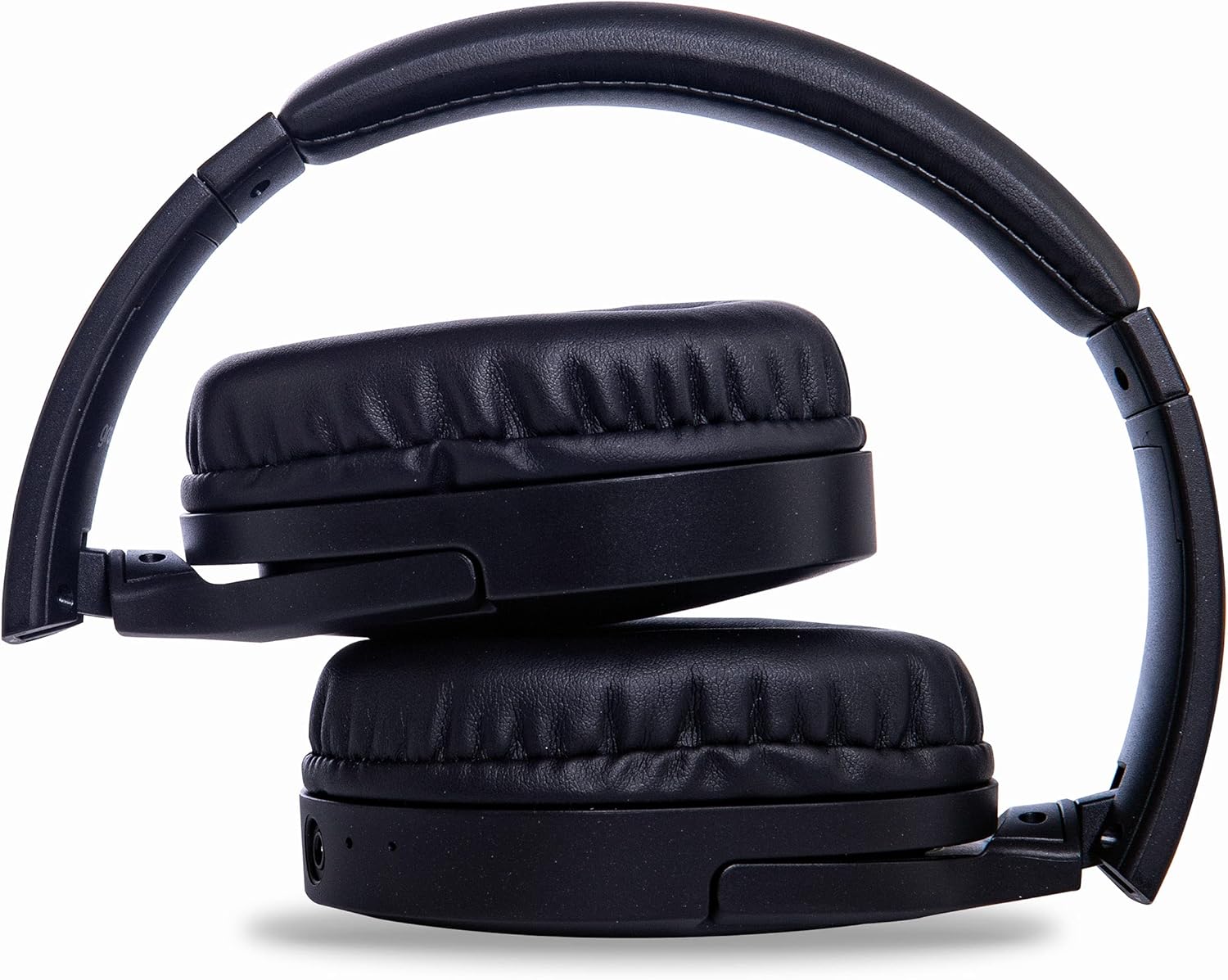
Image: Groov-e Ultra headphones folded, demonstrating their compact storage design.
Trikčių šalinimas
Jei kyla problemų dėl ausinių, žr. šiuos dažniausiai pasitaikančius sprendimus:
| Problema | Galima priežastis | Sprendimas |
|---|---|---|
| Ausinės neįsijungia. | Senka baterija. | Charge the headphones fully using either wired or wireless charging. |
| Nepavyksta susieti per „Bluetooth“. | Ausinės neįjungtos susiejimo režimu; įrenginio „Bluetooth“ išjungtas; trukdžiai. | Ensure headphones are in pairing mode (flashing red/blue). Turn Bluetooth off and on on your device. Move closer to the device. |
| Nėra garso arba garso kokybė prasta. | Volume too low; incorrect source; loose wired connection; Bluetooth interference. | Increase volume on headphones and device. Check if the correct audio output is selected. Ensure 3.5mm cable is fully inserted. Re-pair Bluetooth. |
| Belaidis įkrovimas neveikia. | Headphones not positioned correctly; incompatible charging pad. | Adjust headphone position on the charging pad. Ensure the charging pad is Qi-certified and functioning. |
| Buzzing or too loud on Bluetooth. | Bluetooth signal issue; volume settings. | Try moving closer to the source device. Adjust volume levels on both the headphones and the connected device. |
| Cannot connect to Apple Mac Book Pro. | Compatibility issue or specific Bluetooth driver problem. | Ensure your Mac's Bluetooth drivers are up to date. Try resetting Bluetooth on your Mac. Consult Apple support or Groov-e support for specific compatibility advice. |
Specifikacijos
| Funkcija | Detalė |
|---|---|
| Modelio pavadinimas | Ultra |
| Modelio numeris | GVBT750BK |
| Prekės ženklas | Groov-e |
| Ryšio technologija | Belaidis ryšys („Bluetooth“) |
| Belaidžio ryšio technologija | Bluetooth |
| Formos faktorius | Supra-Aural (Over-ear) |
| Ausų išdėstymas | Supra-auriculaire |
| Triukšmo izoliacija | Aktyvus triukšmo slopinimas |
| Ausinių lizdas | 3.5 mm lizdas |
| Ypatingos savybės | Microphone included, Sweat resistant |
| Baterijos veikimo laikas | Up to 30 hours (wireless audio playback) |
| Įkrovimo laikas | Maždaug 2 val |
| Kontrolės metodas | Lytėjimo (lytėjimo) |
| Dažnių diapazonas | 20 Hz - 20,000 Hz (Possible) |
| Atsparumo vandeniui lygis | Atsparus vandeniui |
| Suderinami įrenginiai | Smartphones, laptops, tablets, car audio systems, music production equipment, televisions |
| Medžiaga | Oda |
Saugos informacija
Please read and follow these safety guidelines to prevent damage to your headphones or personal injury:
- Do not expose headphones to extreme temperatures, humidity, or corrosive environments.
- Venkite ausinių numetimo ir stiprių smūgių.
- Nebandykite ardyti ar modifikuoti ausinių. Tai panaikins garantiją.
- Saugoti nuo vaikų ir naminių gyvūnėlių.
- Ilgalaikis klausymasis dideliu garsumu gali pažeisti klausą. Sureguliuokite garsumą iki saugaus lygio.
- Exercise caution when using headphones in situations requiring awareness of your surroundings (e.g., driving, cycling, walking in traffic).
- Naudokite tik patvirtintus įkrovimo laidus ir maitinimo adapterius.
Garantija ir palaikymas
Groov-e products are designed and manufactured to the highest standards. For warranty information, please refer to the warranty card included with your purchase or visit the official Groov-e websvetainę.
For technical support, troubleshooting assistance, or general inquiries, please contact Groov-e customer service through their official channels. Contact details can typically be found on the product packaging or the Groov-e websvetainę.
Palaikymas internetu: www.groov-e.co.uk/support
Ask a question about this manual
Ask about setup, troubleshooting, compatibility, parts, safety, or missing instructions. Manuals+ will review the question and use this page’s manual context to help answer it.