
Įvadas
The Ozeri Pro Digital Kitchen Food Scale is engineered for precise measurement in culinary applications. This manual provides essential information for the proper setup, operation, and maintenance of your scale to ensure optimal performance and longevity.
Produkto savybės
- Precise Graduations: Measures with accuracy of 0.05 oz or 1 gram.
- Wide Capacity Range: Supports weights from 0.05 oz up to 12 lbs (1 gram to 5.4 kg).
- Patogi vartotojo sąsaja: Features oversized buttons for easy operation.
- Didelis LCD ekranas: Provides clear weight readings in pounds (lbs), kilograms (kg), grams (g), and ounces (oz).
- Automatic Tare Function: Calculates net weight by subtracting the container's weight.
- Automatinis išsijungimas: Conserves battery life with a 3-minute auto turn-off feature.
- Kompaktiškas dizainas: Lightweight and easy to store.
Sąranka
Akumuliatoriaus montavimas
The Ozeri Pro Digital Kitchen Food Scale requires two (2) AAA batteries for operation. These batteries are included with your purchase.
- Apatinėje svarstyklių pusėje raskite baterijos skyrių.
- Atidarykite akumuliatoriaus skyriaus dangtelį.
- Įdėkite dvi AAA tipo baterijas, užtikrindami teisingą poliškumą (+/-).
- Saugiai uždarykite akumuliatoriaus skyriaus dangtelį.

Video: Demonstrating battery installation on the Ozeri Digital Kitchen Scale.
Pastaba: For optimal performance, use fresh batteries. Remove batteries if the scale will not be used for an extended period.
Naudojimo instrukcijos
Įjungimas/Išjungimas
- Paspauskite ON/OFF/TARA button to turn the scale on. The LCD will display '0.00' when ready.
- Norėdami išjungti, paspauskite ir palaikykite ON/OFF/TARA button for a few seconds, or allow the automatic 3-minute shut-off feature to activate.
Matavimo vienetų keitimas
The scale can display measurements in grams (g), ounces (oz), pounds (lb), and kilograms (kg).
- Įjungę svarstykles, paspauskite VIENETAS mygtuką, norėdami pereiti per galimus vienetus.
- Select your desired unit (g, oz, lb, kg) before weighing.
Taros funkcijos naudojimas
The Tare function allows you to subtract the weight of a container or previous ingredients, ensuring you measure only the new item.
- Padėkite tuščią indą ant svėrimo platformos. Ekrane bus rodomas jo svoris.
- Paspauskite ON/OFF/TARA mygtuką. Ekrane bus nustatytas naujas skaičius „0.00“.
- Add your ingredients to the container. The display will now show only the weight of the added ingredients.
- Repeat the Tare function as needed for multiple ingredients.
Video: Demonstrating the unit and tare functions of the Ozeri Digital Kitchen Scale.
Vaizdo įrašas: Užbaigtaview of the Ozeri Pro Digital Food Scale, highlighting its features and ease of use.
Svėrimo elementai
- Ensure the scale is on and displaying '0.00' in your desired unit.
- Atsargiai padėkite sveriamą(-us) daiktą(-us) svėrimo platformos centre.
- Skaitykite LCD ekrane rodomą svorį.
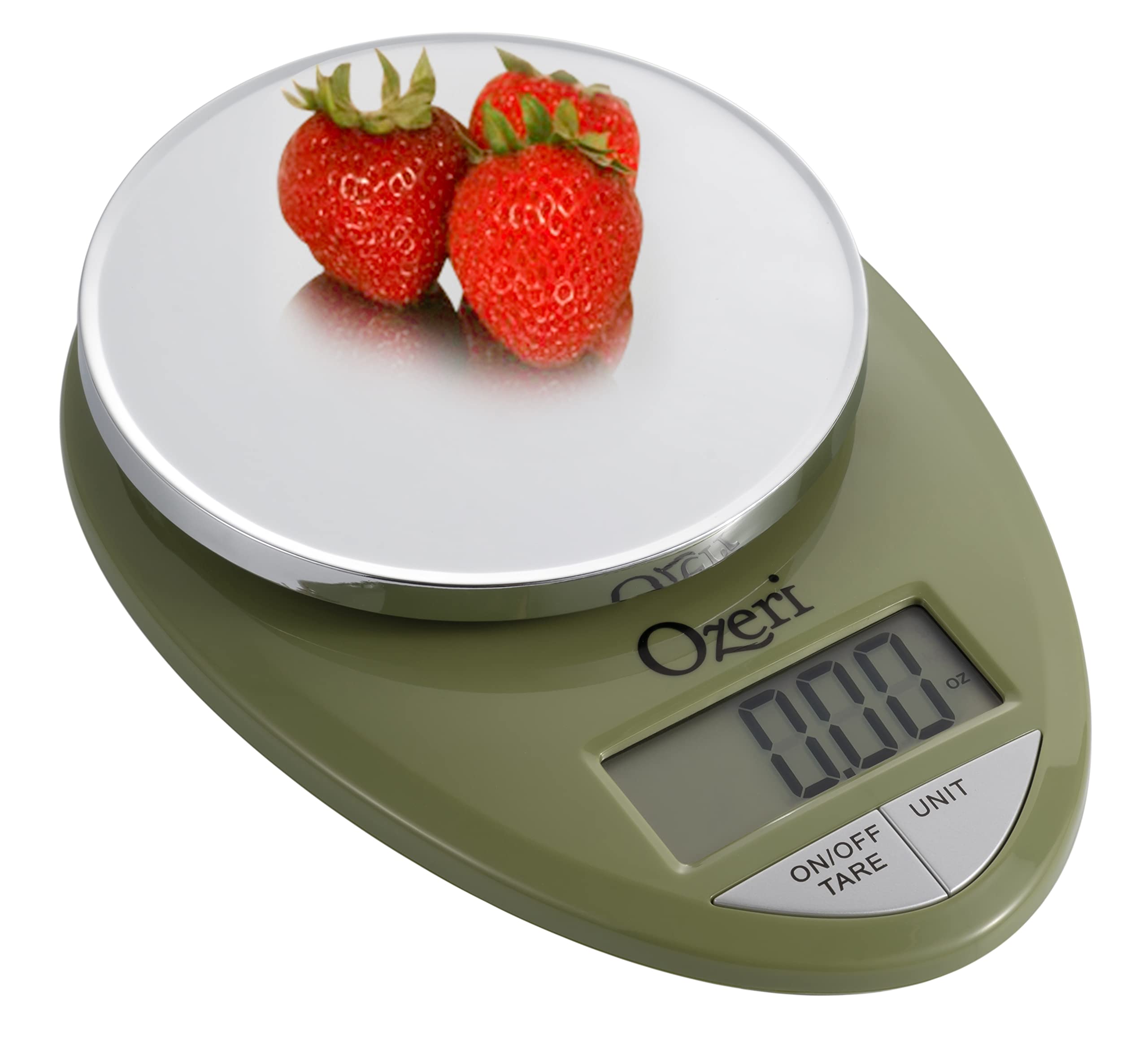
Image: The Ozeri Pro Digital Kitchen Food Scale displaying a weight with a small bowl of herbs on its platform.

Image: The Ozeri Pro Digital Kitchen Food Scale displaying a weight with a small ramekin of blueberries on its platform.
Priežiūra
Valymas
- Wipe the scale surface clean with a damp cloth. Avoid abrasive cleaners or submerging the unit in water.
- Prieš padėdami svarstykles saugoti arba naudodami kitą kartą, įsitikinkite, kad jos yra sausos.
Sandėliavimas
The compact design of the Ozeri Pro Digital Kitchen Food Scale allows for easy storage in a drawer or cabinet when not in use.

Paveikslėlis: Šoninė pusė view of the Ozeri Pro Digital Kitchen Food Scale, demonstrating its slim profile patogiam saugojimui.
Trikčių šalinimas
- Netikslūs rodmenys: Ensure the scale is placed on a flat, stable surface. Avoid placing items that exceed the maximum weight capacity.
- Ekranas neįsijungia: Patikrinkite, ar baterijos tinkamai įdėtos ir ar jos pakankamai įkrautos. Jei reikia, pakeiskite baterijas.
- Rodyti klaidų pranešimus: Refer to the full product manual (if available) or contact Ozeri customer support for specific error code interpretations.
Specifikacijos
| Funkcija | Detalė |
|---|---|
| Prekės ženklas | Ozeri |
| Modelio numeris | ZK12-GN |
| Talpa | 0.05 oz to 12 lbs (1 gram to 5.4 kg) |
| Studijų baigimas | 0.05 oz or 1 gram |
| Ekrano tipas | LCD |
| Matavimo vienetai | grams, ounces, pounds, kilograms |
| Ypatingos savybės | Automatic Tare, 3-minute Auto Shut-off, Large Display |
| Maitinimo šaltinis | 2 AAA baterijos (pridedamos) |
| Medžiaga | Polikarbonatas |
| Gaminio matmenys | 10 x 7 x 4 colio |
| Prekės svoris | 9.6 uncijos |
Garantija ir palaikymas
For information regarding product warranty, returns, or technical support, please refer to the official Ozeri website or contact their customer service directly. Details are typically provided in the packaging or on the manufacturer's official support pages.