
RAPZ Active 400
RAPZ Active 400 Smartwatch
Vartotojo vadovas
Įvadas
Welcome to the RAPZ Active 400 Smartwatch user manual. This guide provides essential information to help you set up, operate, and maintain your new smartwatch. The RAPZ Active 400 is designed to enhance your daily life with features like Bluetooth calling, fitness tracking, and smart notifications.
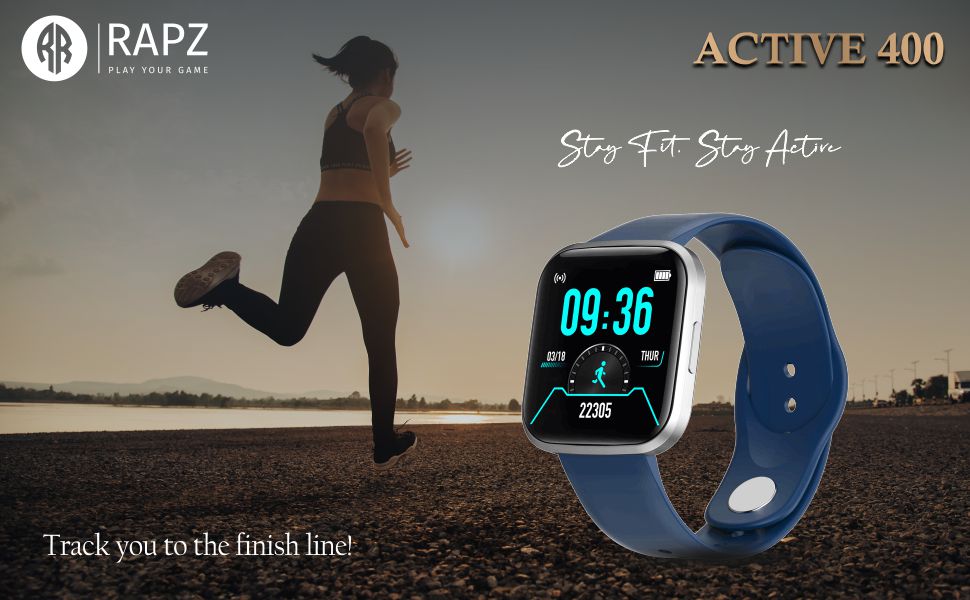
Image: The RAPZ Active 400 Smartwatch, emphasizing its fitness tracking capabilities.
Kas yra dėžutėje
Prašome patikrinti, ar pakuotėje yra visi reikalingi daiktai:
- RAPZ Active 400 Smartwatch
- Magnetinis įkrovimo laidas
- Vartotojo vadovas (šis dokumentas)
- Garantijos kortelė
Sąrankos vadovas
1. Išmaniojo laikrodžio įkrovimas
Before first use, fully charge your RAPZ Active 400 Smartwatch. Connect the magnetic charging cable to the charging pins on the back of the smartwatch and plug the USB end into a compatible power adapter (not included) or a computer's USB port.

Vaizdas: Galinis view of the smartwatch, highlighting the magnetic charging contacts.
2. Pairing with Your Mobile Phone
- Įsitikinkite, kad jūsų išmanusis laikrodis yra įkrautas ir įjungtas.
- Download the companion application (e.g., 'RAPZ Connect' or similar, check packaging for exact app name) from your mobile phone's app store (Google Play Store for Android, Apple App Store for iOS).
- Įjunkite „Bluetooth“ savo mobiliajame telefone.
- Open the companion application and follow the on-screen instructions to search for and pair with your RAPZ Active 400 Smartwatch.
- Patvirtinkite susiejimo užklausą ir telefone, ir išmaniajame laikrodyje.
Išmaniojo laikrodžio valdymas
Pagrindinė navigacija
The RAPZ Active 400 features a responsive touchscreen display. Swipe left, right, up, or down to navigate through menus and access different functions. Press the side button to return to the home screen or wake the device.
Laikrodžių ciferblatų keitimas
Customize your smartwatch's appearance by changing the watch face. Long-press on the current watch face on the home screen, then swipe left or right to browse available options. Tap to select your preferred watch face.
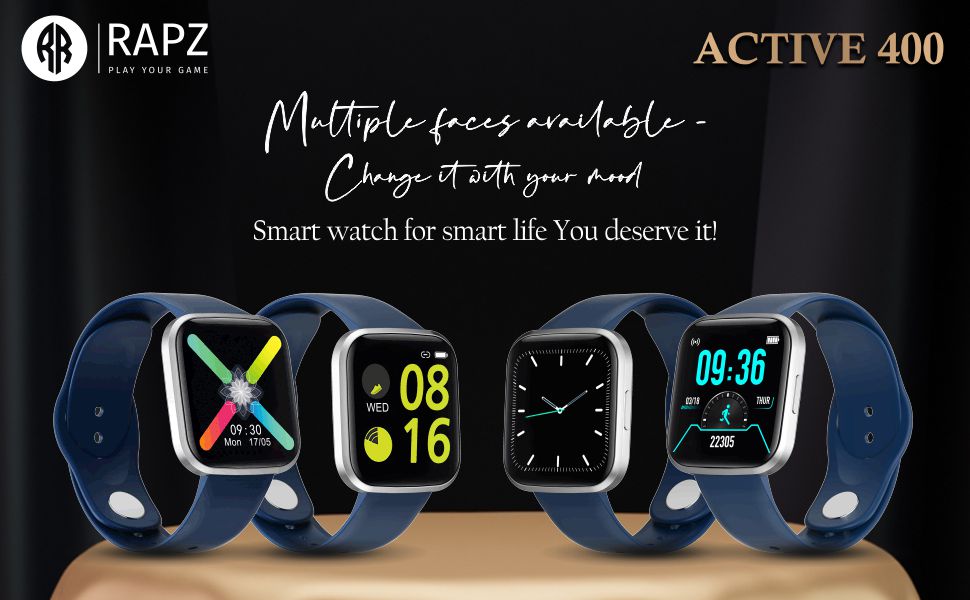
Paveikslėlis: išmaniųjų laikrodžių demonstracijaasing įvairių pritaikomų laikrodžio ciferblatų.
Bluetooth Direct Calling
With Bluetooth direct calling, you can make and receive calls directly from your smartwatch when connected to your phone. Access the dialer or call log from the smartwatch menu.
Image: The smartwatch highlighting its Bluetooth direct calling capability.
Išmanieji pranešimai
Receive notifications for calls, messages, and social media directly on your wrist. Ensure notification permissions are enabled in the companion app on your phone.
Sporto režimai ir fizinio pasirengimo stebėjimas
The smartwatch supports multiple sports modes to track your activities. Access the sports mode menu to select your desired activity (e.g., running, cycling) and monitor metrics like steps, distance, and calories burned. The device also provides sports data analysis to help you achieve your fitness goals.

Image: Icons representing various sports modes available on the smartwatch.
Image: The smartwatch screen showing fitness tracking data.
Pašto funkcionalumas
The smartwatch supports basic email notifications. Configure email alerts through the companion app to receive summaries or notifications on your wrist.
Priežiūra
Išmaniojo laikrodžio valymas
To clean your smartwatch, gently wipe the screen and body with a soft, lint-free cloth. For stubborn smudges, slightly dampNuvalykite šluostę vandeniu. Venkite naudoti stiprias chemines medžiagas ar abrazyvines medžiagas.
Dust and Scratch Resistance
The RAPZ Active 400 is designed with resistance to dirt and scratches, making it suitable for outdoor activities. However, proper care is still recommended to maintain its appearance and functionality.
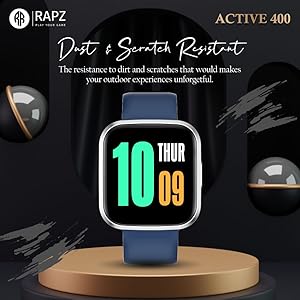
Image: The smartwatch highlighting its dust and scratch resistant properties.
Akumuliatoriaus priežiūra
Norėdami pailginti baterijos veikimo laiką, venkite išmaniojo laikrodžio veikti itin aukštoje temperatūroje. Reguliariai kraukite įrenginį ir neleiskite baterijai ilgai visiškai išsikrauti.
Trikčių šalinimas
- Išmanusis laikrodis neįsijungia: Ensure the device is fully charged. If it still doesn't turn on, try holding the side button for 10-15 seconds to force a restart.
- Nepavyksta susieti su telefonu: Make sure Bluetooth is enabled on your phone and the smartwatch. Restart both devices and try pairing again. Ensure the companion app is updated to the latest version.
- Pranešimai nerodomi: Check notification permissions in your phone's settings for the companion app. Also, verify that notifications are enabled within the app itself.
- Netikslūs fizinio pasirengimo duomenys: Ensure the smartwatch is worn snugly on your wrist. Calibrate the device through the companion app if available.
- Įkrovimo problemos: Check that the magnetic charging cable is properly aligned with the pins on the back of the smartwatch. Try a different USB power source.
Specifikacijos
| Funkcija | Detalė |
|---|---|
| Prekės ženklas | RAPZ |
| Modelio pavadinimas | Aktyvus 400 |
| Gamintojas | Simplight Develovement Limited |
| Gaminio matmenys | 4.3 x 4.01 x 1.14 cm; 140 g |
| Prekės modelio numeris | Aktyvus 400 |
| Operacinė sistema | Android |
| Rezoliucija | 240 x 230 |
| Suderinami įrenginiai | Mobilusis Telefonas |
| Ypatingos savybės | El. paštas |
| Ekrano technologija | LCD |
| Stovinčio ekrano dydis | 1.28 colio (matomo ekrano įstrižainė: 2 colių / 4 cm) |
| Belaidis tipas | Bluetooth |
| Jungties tipas | Bevielis |
| Įrenginio sąsaja – pagrindinė | Jutiklinis ekranas |
| Medžiaga | Kita |
| Kilmės šalis | Indija |
| Prekės svoris | 140 g |
| Pasiekiama pirmoji data | 26 m. lapkričio 2021 d |
Garantija ir palaikymas
Informacija apie garantiją
Your RAPZ Active 400 Smartwatch comes with a warranty. Please refer to the included Warranty Card for detailed terms, conditions, and duration of the warranty period. Keep your purchase receipt as proof of purchase.
Pagalba klientams
For technical assistance, troubleshooting not covered in this manual, or warranty claims, please contact RAPZ customer support. Refer to the contact information provided on the Warranty Card or the official RAPZ websvetainę.
Susiję dokumentai - Aktyvus 400
 |
L13 Smartwatch User Manual: Features, Setup, and Operation Guide Comprehensive user manual for the L13 smartwatch, covering setup, Bluetooth connection, main functions like heart rate monitoring, pedometer, sleep tracking, and warranty information. |
 |
„Kogan Active 4 SE“ išmaniojo laikrodžio naudotojo vadovas Išsamus „Kogan Active 4 SE“ išmaniojo laikrodžio (KAA4SESWBKA, KAA4SESWNAA, KAA4SESWGNA, KAA4SESWRGA) naudotojo vadovas, kuriame aprašoma sąranka, valdymas, tokios funkcijos kaip sveikatos stebėjimas, sporto režimai ir kita. |
 |
„Reflex Active RA-SP-300R“ išmanusis laikrodis: pradžios vadovas Išsamus „Reflex Active RA-SP-300R“ išmaniojo laikrodžio nustatymo ir naudojimo vadovas, kuriame aptariamas programėlės atsisiuntimas, susiejimas, funkcijos, specifikacijos, priežiūra ir saugos informacija. |
 |
DAS-4 SL44 išmaniojo laikrodžio naudotojo vadovas – funkcijos, sąranka ir trikčių šalinimas Išsamus išmaniojo laikrodžio DAS-4 SL44 naudotojo vadovas, kuriame aprašomas sąranka, tokios funkcijos kaip širdies ritmo stebėjimas, miego stebėjimas, sporto režimai ir trikčių šalinimas. Sužinokite, kaip prisijungti, naudoti programėlę „M Active 2“ ir suprasti jos funkcijas. |
 |
„Amazfit Active 2“ (kvadratinio) išmaniojo laikrodžio naudotojo vadovas – modelis A2434/A2440 Išsamus „Amazfit Active 2“ (kvadratinio) išmaniojo laikrodžio naudotojo vadovas, kuriame aprašoma sąranka, susiejimas su „Zepp“ programėle, įkrovimas, nešiojimo instrukcijos, pagrindinės specifikacijos, akumuliatoriaus sauga, bendrieji saugos pranešimai, remontas ir priežiūra bei informacija apie garantiją. Apima modelių numerius A2434 ir A2440. |
 |
„Reflex Active Series 05“ išmanusis laikrodis: pradžios vadovas ir specifikacijos Išsamus vadovas, kaip nustatyti ir naudoti „Reflex Active Series 05“ išmanųjį laikrodį. Sužinokite, kaip įkrauti, prisijungti prie programėlės, naudoti tokias funkcijas kaip širdies ritmo stebėjimas ir aktyvumo stebėjimas, ir supraskite svarbias saugos bei priežiūros instrukcijas. |