
Andoer NDB7090303116798WD
Andoer Portable Digital Camera User Manual
Model: NDB7090303116798WD | Brand: Andoer
Įvadas
Thank you for choosing the Andoer Portable Digital Camera. This compact and lightweight camera is designed for ease of use, allowing you to capture high-quality photos and videos. Featuring a CMOS image sensor, it supports up to 1080P video resolution and 16MP (interpolation) image resolution, along with 16X digital zoom and a 2.7-inch rotatable LCD screen. It includes functions such as digital anti-shake, white balance adjustment, exposure control, and built-in speaker and microphone for a versatile shooting experience.

The Andoer Digital Camera offers a range of features including 48 Megapixel photos, 2.7K video recording, 16X powerful zoom, anti-shaking technology, self-timer options, a 2.88-inch IPS screen, 128GB extended memory support, and face detection.
Kas yra dėžutėje
Patikrinkite pakuotės turinį, kad įsitikintumėte, jog yra visi reikalingi daiktai:
- Skaitmeninis fotoaparatas
- USB kabelis
- Rankinis dirželis
- Nešiojimo maišelis
- 2 x baterijos
- Vartotojo vadovas
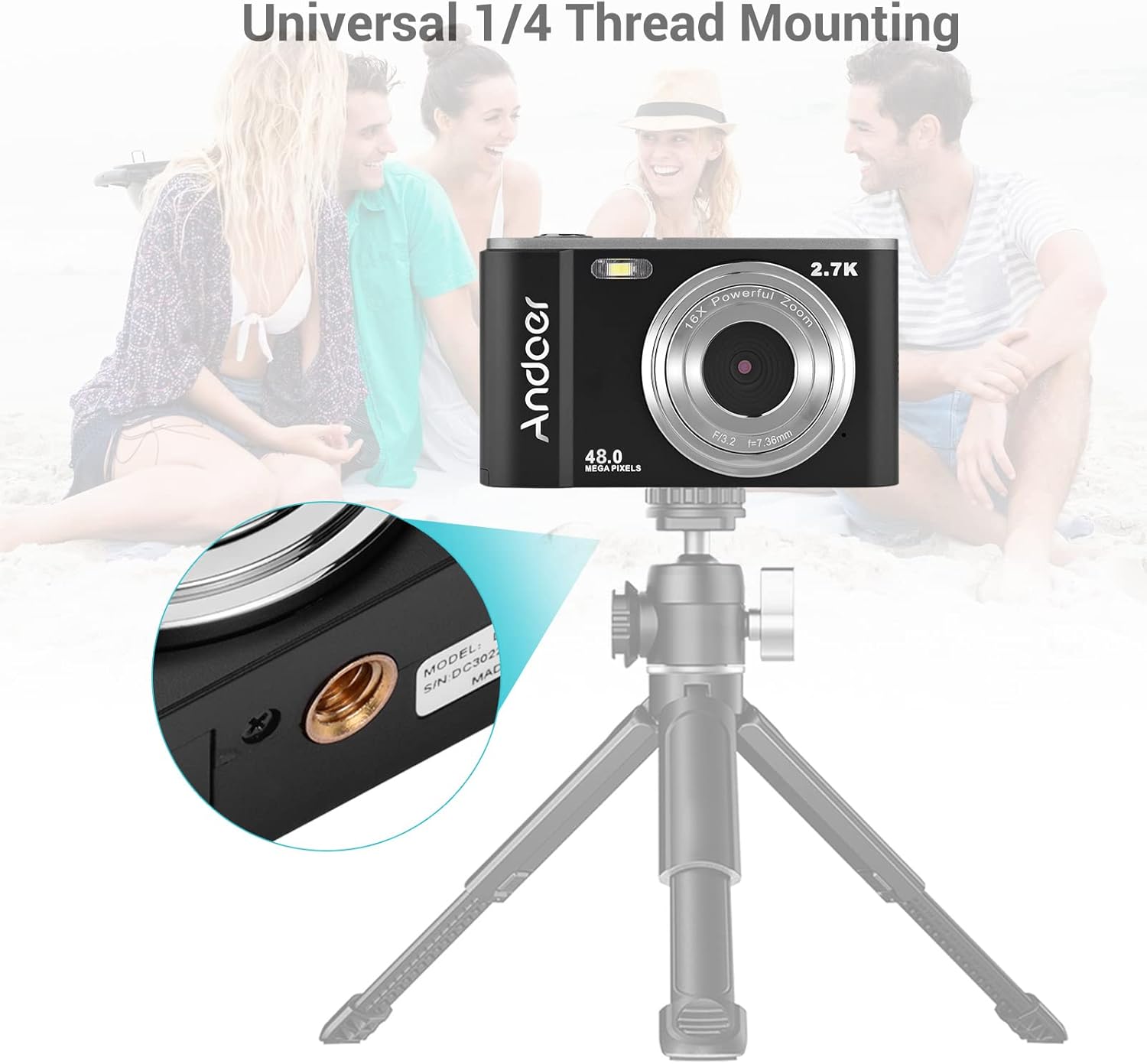
The complete package includes the digital camera, USB cable, hand strap, carry pouch, two rechargeable batteries, and the user manual.
Sąranka
1. Akumuliatoriaus įdėjimas
The camera uses a BL-5C Li-ion Battery. Ensure the battery is charged before first use.
- Atidarykite baterijų skyriaus dangtelį, esantį fotoaparato apačioje.
- Insert the BL-5C battery into the compartment, ensuring the correct polarity.
- Saugiai uždarykite akumuliatoriaus skyriaus dangtelį.

The camera uses a 700 mAh rechargeable lithium battery. Insert it into the designated compartment at the bottom of the camera.
2. Atminties kortelės įdėjimas
The camera supports memory cards up to 32GB. A Class 10 or higher memory card is highly recommended for optimal performance.
- Suraskite SD kortelės lizdą, paprastai šalia akumuliatoriaus skyriaus.
- Insert the memory card into the slot with the metal contacts facing the correct direction until it clicks into place.
- Norėdami išimti, švelniai stumkite kortelę, kol ji iššoks.
3. Akumuliatoriaus įkrovimas
Įkraukite akumuliatorių naudodami pateiktą USB laidą.
- Connect one end of the USB cable to the camera's USB port.
- Connect the other end to a USB power adapter (not included) or a computer's USB port.
- Užsidegs įkrovimo indikatoriaus lemputė. Kai įkrovimas bus baigtas, ji užges arba pakeis spalvą.
Fotoaparato valdymas
1. Įjungimas/išjungimas
Press and hold the power button (usually marked with a circle and a vertical line) to turn the camera on or off.
2. Pagrindiniai valdikliai
Familiarize yourself with the camera's buttons and their functions:
- Užrakto mygtukas: Norėdami sufokusuoti, paspauskite iki pusės, iki galo – norėdami nufotografuoti arba pradėti / sustabdyti vaizdo įrašymą.
- Režimo mygtukas (M): Perjungia fotografavimo, vaizdo įrašymo ir atkūrimo režimus.
- Priartinimo svirtelė (platinimas/tolinimas): Adjusts the digital zoom (Wide/Telephoto).
- Directional Pad/OK Button: Naršo meniu ir patvirtina pasirinkimus.
- Meniu mygtukas: Pasiekia fotoaparato nustatymus.
- Ištrinimo mygtukas: Ištrina pasirinktus files atkūrimo režimu.
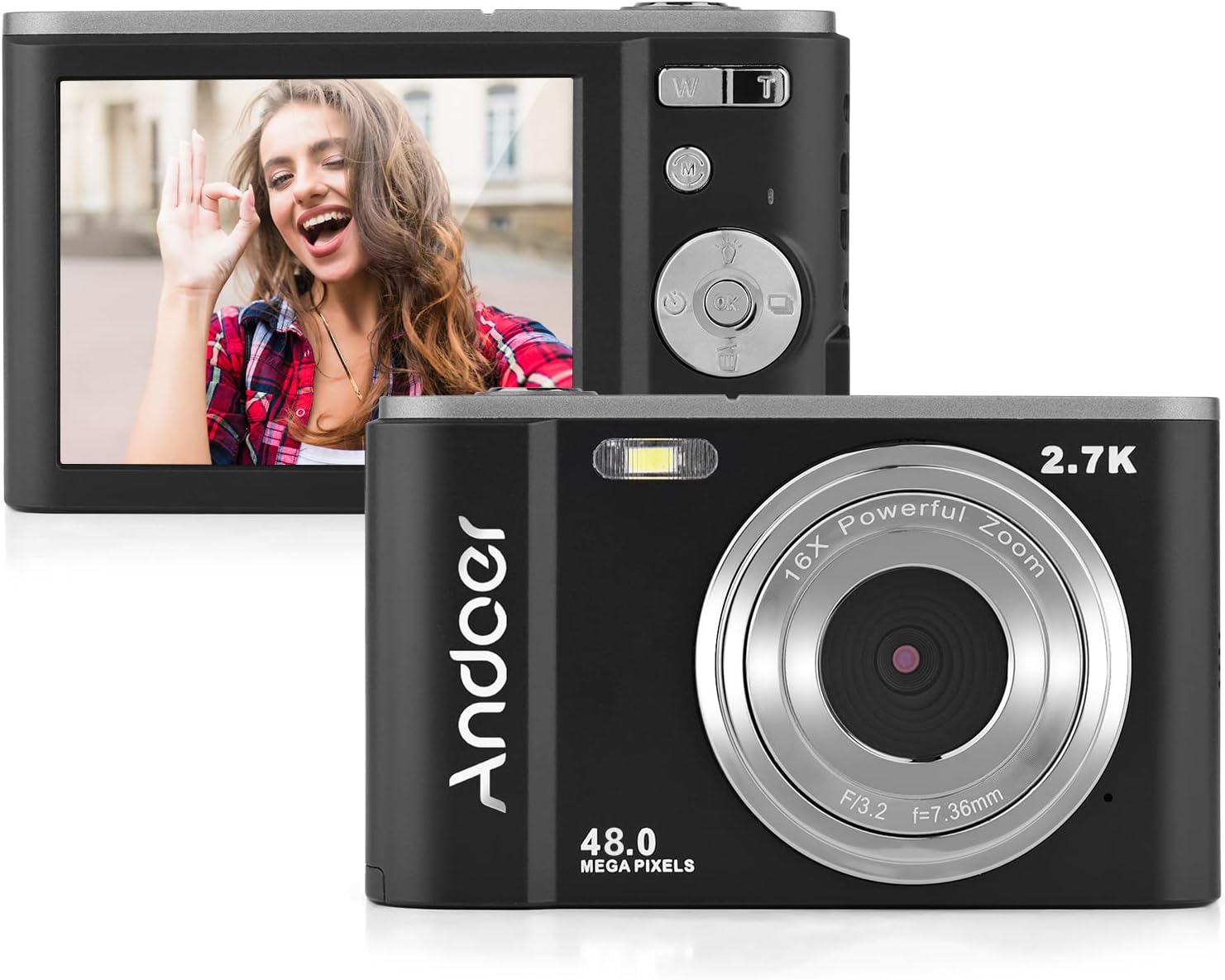
The camera features a 2.7-inch IPS screen and intuitive controls on the back for easy operation.
3. Fotografavimas
In photo mode, frame your shot using the LCD screen. Press the shutter button halfway to focus, then fully to capture the image. Photos are saved in JPEG format with resolutions up to 16MP (interpolation).
4. Vaizdo įrašų įrašymas
Switch to video mode using the Mode button. Press the shutter button to start recording, and press it again to stop. Videos are saved in AVI format with resolutions including 1080P, 720P, and VGA.

The camera supports both 2.7K video recording and 48 Megapixel photo capture for high-quality media.
5. Priartinimo funkcija
Use the W/T lever to adjust the 16X digital zoom. 'T' (Telephoto) zooms in, and 'W' (Wide) zooms out.

The 16X powerful zoom allows for detailed close-up shots.
6. Laikmatis
Access the self-timer option in the camera's menu. Available settings include off, 2 seconds, 5 seconds, and 10 seconds.
7. Smart Detection (Face Detection, Smile Capture)
The camera features smart detection capabilities, including face detection and smile capture, to assist in taking better portraits.
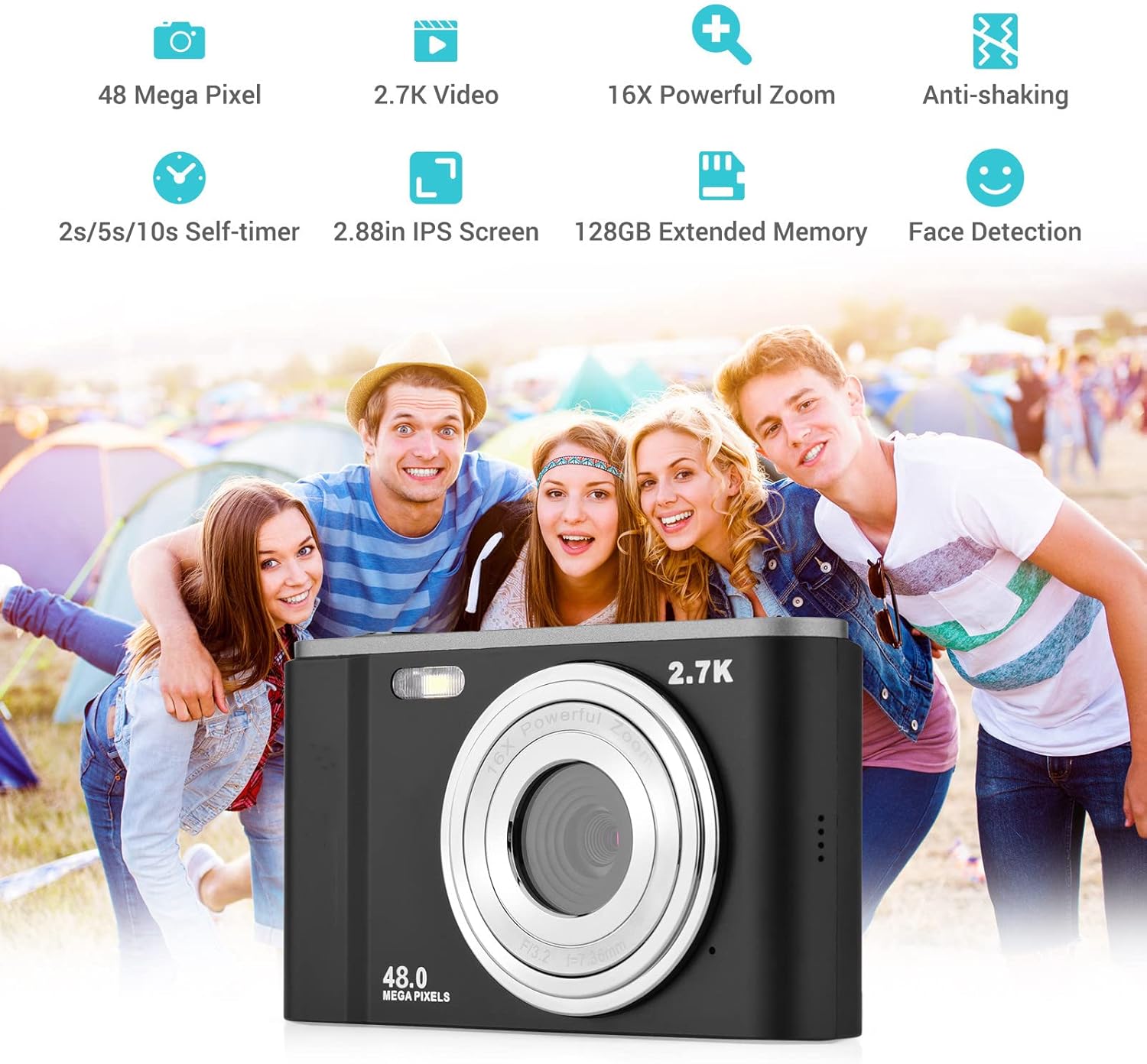
Smart detection features like face detection and smile capture enhance portrait photography.
8. Anti-shaking
The digital anti-shake function helps reduce blur caused by camera movement, resulting in clearer images and videos.
9. Prisijungimas prie kompiuterio
Use the provided USB cable to connect the camera to a computer for transferring photos and videos.
- Prijunkite fotoaparatą prie kompiuterio naudodami USB kabelį.
- Kamera kompiuteryje bus rodoma kaip išimamas diskas.
- You can then access and transfer your files.
Priežiūra
1. Kameros valymas
- Kameros korpusą valykite minkštu, sausu skudurėliu.
- Objektyvui valyti naudokite specializuotą objektyvo valymo šluostę ir tirpalą. Venkite liesti objektyvo pirštais.
- Nenaudokite stiprių chemikalų ar abrazyvinių valiklių.
2. Akumuliatoriaus priežiūra
- Nenaudojamas baterijas laikykite vėsioje, sausoje vietoje.
- Kad pailgintumėte akumuliatoriaus tarnavimo laiką, venkite jo dažnai visiškai iškrauti.
- Jei fotoaparatas ilgą laiką nebus naudojamas, išimkite bateriją.
3. Sandėliavimas
- Store the camera in its carry pouch or a protective case to prevent scratches and dust accumulation.
- Keep the camera away from extreme temperatures, high humidity, and direct sunlight.
Trikčių šalinimas
Jei kyla problemų dėl fotoaparato, žr. toliau pateiktas dažniausiai pasitaikančias problemas ir sprendimus:
| Problema | Galima priežastis | Sprendimas |
|---|---|---|
| Kamera neįsijungia | Baterija išsikrovusi arba neteisingai įdėta. | Visiškai įkraukite bateriją. Įsitikinkite, kad baterija įdėta teisingu poliškumu. |
| Prastas akumuliatoriaus veikimo laikas | Battery degradation or frequent use of power-intensive features. | Ensure battery is fully charged. Reduce use of flash or prolonged video recording. Consider replacing the battery if it's old. |
| Vaizdai neryškūs | Camera shake, dirty lens, or incorrect focus. | Hold the camera steady. Clean the lens. Ensure the camera has focused before taking the shot. |
| Atminties kortelės klaida | Kortelė įdėta netinkamai, nesuderinama arba sugadinta. | Reinsert the card. Ensure it's a compatible SD card (up to 32GB, Class 10 recommended). Try formatting the card (this will erase all data). |
Specifikacijos
Detailed technical specifications for the Andoer Portable Digital Camera:
| Funkcija | Specifikacija |
|---|---|
| Jutiklis | CMOS jutiklis |
| Maks. Vaizdo raiška | 16MP (interpolation) |
| Vaizdo raiška | 1080P / 720P / VGA |
| Ekranas | 2.7 inch LCD (rotatable) |
| Padidinti | 16X skaitmeninis priartinimas |
| Fokusavimo atstumas | 1.2m iki begalybės |
| Atminties kortelės talpa | Max. 32GB (Not included, Class 10 or above recommended) |
| Nuotraukos formatas | JPEG |
| Vaizdo įrašo formatas | AVI |
| Poveikis | ± 2.0EV |
| Laikmatis | Išjungta, 2s, 5s, 10s |
| USB prievadas | USB2.0 |
| Maitinimo šaltinis | 1 * BL-5C Li-ion Battery |
| Gaminio matmenys | 0.98 x 3.78 x 2.2 colio |
| Prekės svoris | 3.28 uncijos |

Physical dimensions of the camera for reference.
Garantija ir palaikymas
For warranty information and customer support, please refer to the documentation provided with your purchase or contact Andoer customer service through their official websvetainėje. Išsaugokite pirkimo įrodymą, jei prireiktų pateikti garantinį ieškinį.
Ask a question about this manual
Ask about setup, troubleshooting, compatibility, parts, safety, or missing instructions. Manuals+ will review the question and use this page’s manual context to help answer it.