
Įvadas
The Keychron C2 is a full-size (104-key) wired mechanical keyboard designed for both Mac and Windows operating systems. It features durable Red mechanical switches and retro-colored ABS keycaps, providing a comfortable and responsive typing experience. This manual provides essential information for setting up, operating, maintaining, and troubleshooting your Keychron C2 keyboard.

Image: The Keychron C2 Full Size Wired Mechanical Keyboard connected to a computer setup.
Pakuotės turinys
Įsitikinkite, kad pakuotėje yra visi daiktai:
- Keychron C2 Full Size Wired Mechanical Keyboard
- USB-C į USB-A laidas
- Klaviatūros traukiklis
- Extra Keycaps for Mac and Windows operating systems
Sąranka
- Prijunkite klaviatūrą: Plug the USB-C end of the provided cable into the keyboard's USB-C port and the USB-A end into an available USB port on your computer. The keyboard is a wired-only device and does not require batteries.
- Pasirinkite operacinės sistemos režimą: Locate the operating system switch on the back or side of the keyboard. Slide the switch to the appropriate position for your computer (Mac or Windows). This ensures correct function key mapping.
- Klaviatūros kampo reguliavimas: The keyboard features 2-level adjustable feet. Flip out the feet on the underside of the keyboard to achieve your preferred typing angle for ergonomic comfort.
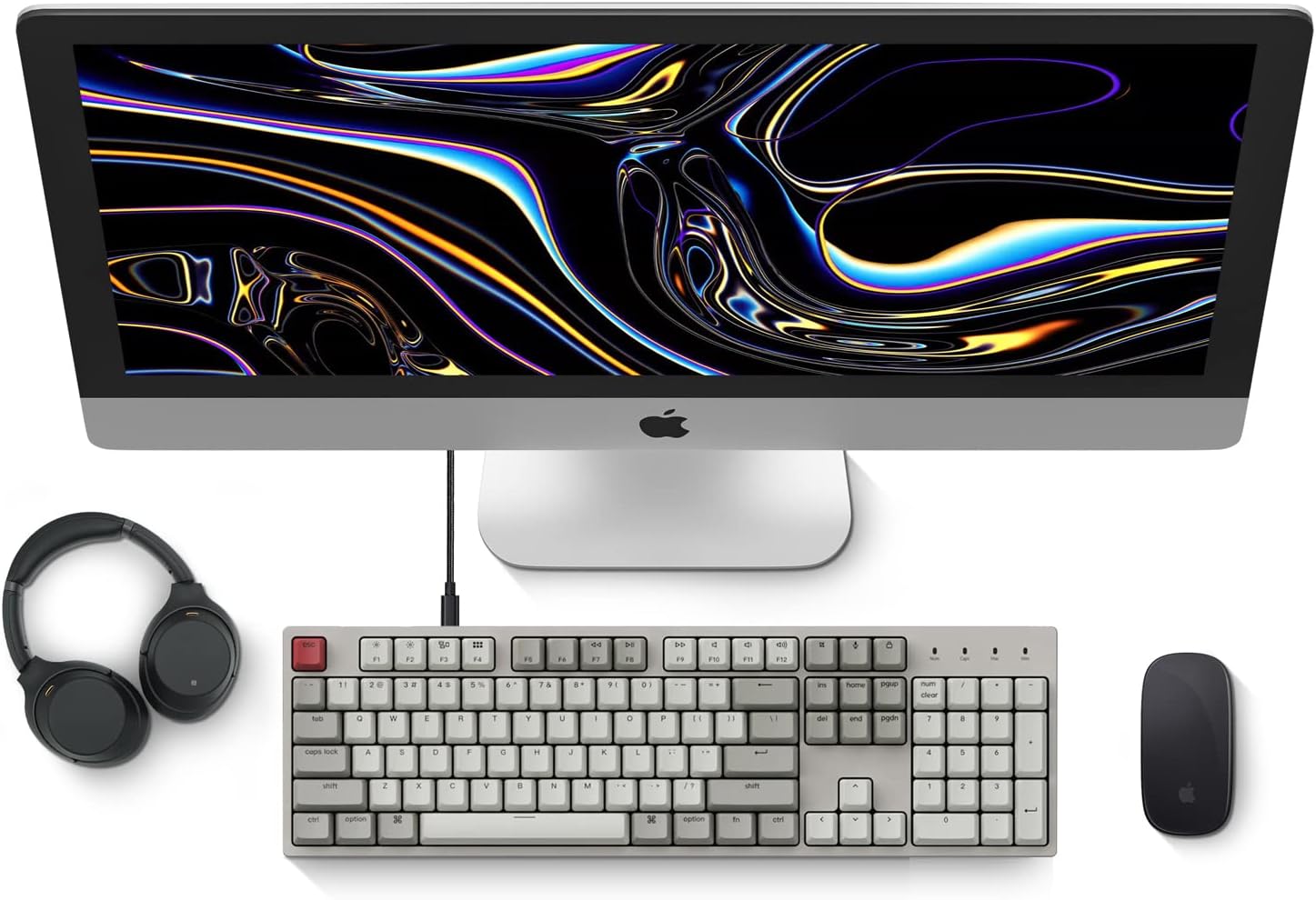
Image: Diagram showing compatibility with Mac and Windows operating systems.

Vaizdas: Šoninė view of the Keychron C2 keyboard illustrating the adjustable feet for angle customization.
Naudojimo instrukcijos
Pagrindinės funkcijos
- Rašant: The keyboard features a standard 104-key full-size layout.
- Multimedijos klavišai: The top row of function keys (F1-F12) includes multimedia controls. These functions are optimized for Mac but are also compatible with Windows.
- Siri/Cortana Key: A dedicated key is provided for activating Siri (on Mac) or Cortana (on Windows).
Klaviatūros dangtelio keitimas
The Keychron C2 comes with extra keycaps for both Mac and Windows layouts. To replace keycaps:
- Use the provided keycap puller to gently remove the desired keycap by hooking it onto the keycap and pulling upwards.
- Sulygiuokite naują klavišo dangtelį su jungiklio kotu ir tvirtai spauskite žemyn, kol jis spragtelėdamas užsifiksuos.

Vaizdas: Stambus planas view of the Keychron Red mechanical switches beneath removed keycaps.
Priežiūra
- Valymas: Regularly clean your keyboard to prevent dust and debris buildup. Use a soft brush or compressed air to remove particles between keycaps. For surface cleaning, use a slightly damp, lint-free cloth. Avoid harsh chemicals.
- Klaviatūros dangtelio priežiūra: While durable, avoid excessive force when removing or installing keycaps to prevent damage to the keycap stems or switches.
- Kabelių valdymas: Ensure the USB-C cable is not bent sharply or placed under heavy objects to prolong its lifespan.

Image: Close-up of the ABS keycaps on the Keychron C2 keyboard.
Trikčių šalinimas
- Klaviatūra nereaguoja:
- Check the USB-C cable connection at both the keyboard and the computer. Ensure it is securely plugged in.
- Pabandykite prijungti klaviatūrą prie kito kompiuterio USB prievado.
- Verify that the operating system switch on the keyboard is set correctly (Mac/Windows).
- Iš naujo paleiskite kompiuterį.
- Neveikia tam tikri klavišai:
- Carefully remove the non-functional keycap using the keycap puller. Inspect the mechanical switch for any visible damage or debris.
- Clean around the switch with compressed air.
- Re-seat the keycap firmly.
- Neteisinga rakto išvestis:
- Ensure the operating system switch is set to the correct mode for your computer.
- Check your computer's keyboard settings to ensure the correct layout is selected.
Specifikacijos
| Funkcija | Detalė |
|---|---|
| Prekės ženklas | Keychron |
| Modelio pavadinimas | Keychron C2 |
| Modelio numeris | HS-C2K1Z |
| Ryšio technologija | USB-C (laidinis) |
| Suderinami įrenginiai | Nešiojamasis kompiuteris, kompiuteris |
| Suderinama operacinių sistemų šeima | MacOS, Windows |
| Raktų skaičius | 104 |
| Jungiklio tipas | Linear (Red Switch) |
| Keycap medžiaga | ABS (akrilonitrilo butadieno stirenas) |
| Klaviatūros išdėstymas | QWERTY |
| Ypatinga funkcija | Apšvietimas iš fono (vienspalvis) |
| Prekės svoris | 5390 gramų |
| Maitinimo šaltinis | Su laidu elektra |
Garantija ir palaikymas
For warranty information, technical support, or further assistance, please visit the official Keychron website or contact Keychron customer service. Details regarding product registration and specific warranty terms can be found through official Keychron channels.