
1. Įvadas
Welcome to the Nokia T10 Wi-Fi Tablet user manual. This guide provides essential information to help you set up, operate, maintain, and troubleshoot your new device. The Nokia T10 is an 8-inch HD Android 12 tablet designed for everyday use, offering a balance of performance and portability.
Please read this manual carefully to ensure proper use and to maximize the lifespan of your tablet.
2. Kas yra dėžutėje
Upon unboxing your Nokia T10 tablet, please verify that all the following items are included:
- Nokia T10 Tablet Device
- C tipo USB kabelis
- Įkroviklis
- Greitos pradžios vadovas (QSG)
- Saugos knygelė
- User Guide Band
- Plastic Bag (packaging material)
If any items are missing or damaged, please contact your retailer or Nokia customer support immediately.
3. Sąranka
3.1 Planšetinio kompiuterio įkrovimas
Before first use, fully charge your Nokia T10 tablet. Connect the provided Type-C USB cable to the tablet's charging port and the other end to the charger. Plug the charger into a power outlet. The battery indicator on the screen will show the charging status.
3.2 Įjungimas / išjungimas
- Norėdami įjungti: Press and hold the Power button until the Nokia logo appears.
- Norėdami išjungti: Paspauskite ir palaikykite maitinimo mygtuką, kol ekrane pasirodys maitinimo parinktys. Pasirinkite „Išjungti“ ir patvirtinkite.
- Norėdami paleisti iš naujo: Press and hold the Power button until the power options appear. Select "Restart" and confirm.
3.3 Pradinė sąranka
When you power on your tablet for the first time, you will be guided through an initial setup process:
- Kalbos pasirinkimas: Pasirinkite pageidaujamą kalbą.
- „Wi-Fi“ ryšys: Connect to a Wi-Fi network to access the internet. This is crucial for downloading updates and setting up your Google account.
- Google paskyra: Sign in with your existing Google account or create a new one. This is necessary for accessing the Google Play Store, Gmail, and other Google services.
- Data ir laikas: Nustatykite teisingą datą ir laiką arba leiskite tinklui juos nustatyti automatiškai.
- Saugumas: Set up a screen lock (PIN, pattern, password) and consider enabling AI Face Unlock for convenient access.
3.4 „MicroSD“ kortelės įdėjimas
The Nokia T10 supports expandable storage via a MicroSD card. Locate the SIM/SD card tray on the side of the tablet. Use the provided SIM ejector tool to open the tray. Carefully place the MicroSD card into the designated slot with the gold contacts facing down, then reinsert the tray firmly.
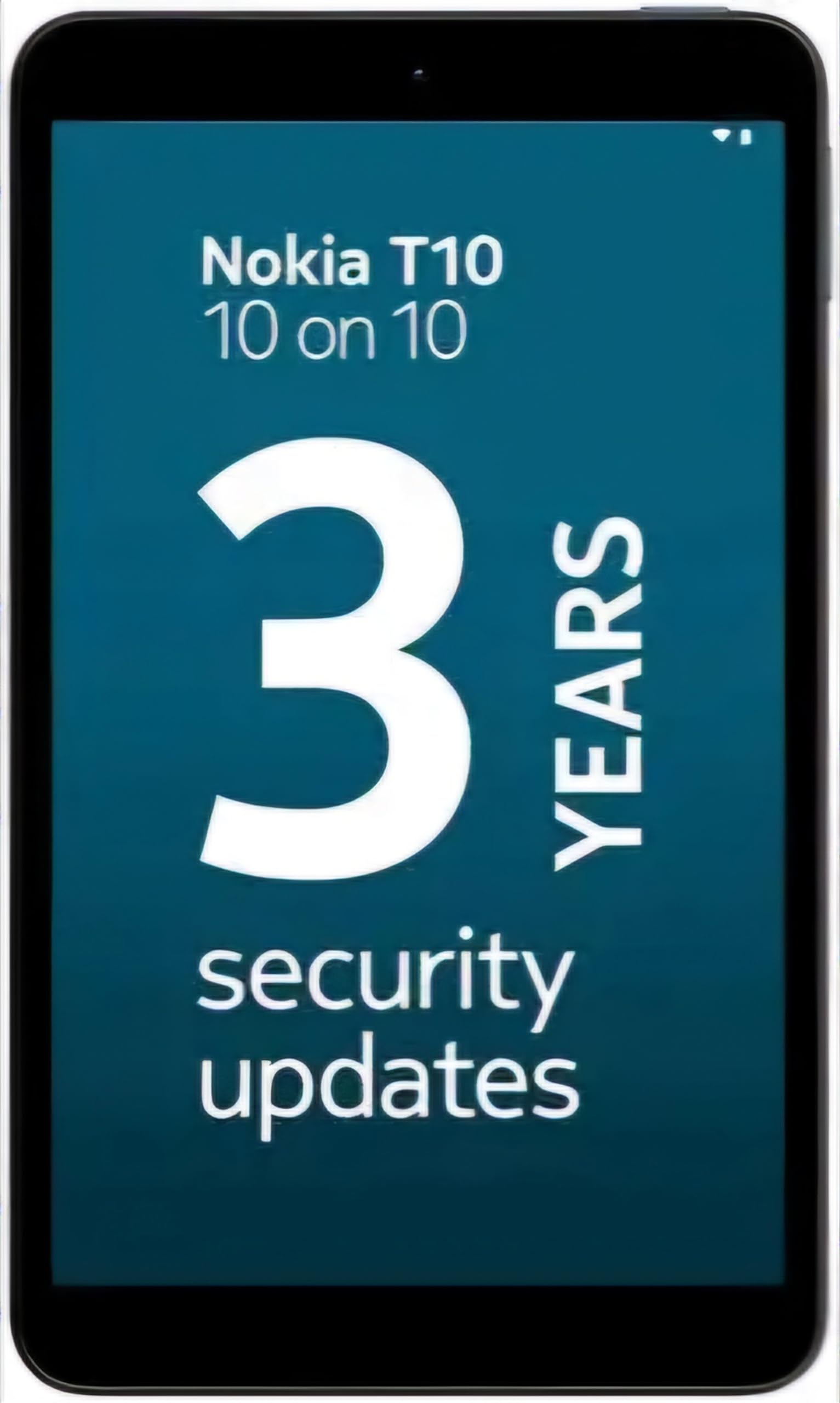
Image: Nokia T10 tablet, showcasing its sleek design and the rear camera module.
4. Naudojimo instrukcijos
4.1 Ekranas ir navigacija
The Nokia T10 features an 8-inch HD display (1280x800 pixels). Navigate the interface using touch gestures:
- Bakstelėkite: Pasirinkite elementą arba atidarykite programėlę.
- Perbraukimas: Slinkite per ekranus, sąrašus arba turinį.
- Žiupsnelis, norint priartinti: Priartinkite arba atitolinkite nuotraukas ir web puslapių.
- Ilgas paspaudimas: Pasiekite kontekstinius meniu arba perkelkite programų piktogramas.
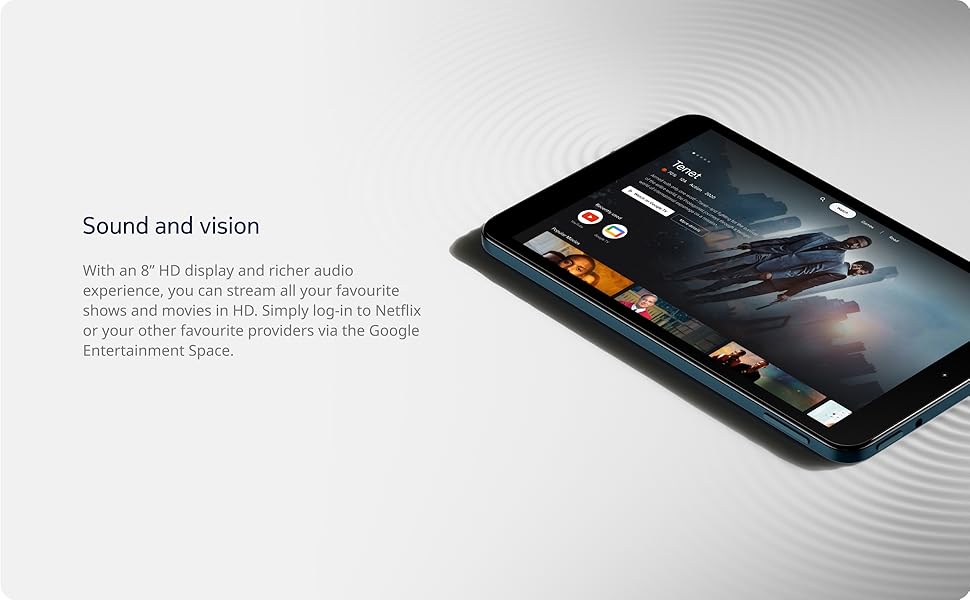
Image: The Nokia T10 tablet showcasing its 8-inch HD display with streaming video content.
4.2 Kameros funkcijos
Your tablet is equipped with an 8MP rear camera with autofocus and flash, and a 2MP front camera.
- Fotografuoti: Atidarykite programėlę „Kamera“, sukomponuokite kadrą ir bakstelėkite užrakto mygtuką.
- Vaizdo įrašai: Switch to video mode in the Camera app and tap the record button to start/stop. The tablet supports FHD 1080p video capture.
- Priekinė kamera: Tap the camera switch icon to use the front camera for selfies or video calls.

Image: A Nokia T10 tablet displaying a video call, highlighting its front camera functionality.
4.3 Akumuliatoriaus valdymas
The Nokia T10 has a 5250 mAh battery designed for all-day use. To optimize battery life:
- Sumažinkite ekrano ryškumą.
- Išjunkite „Wi-Fi“ ir „Bluetooth“, kai jų nenaudojate.
- Uždarykite fonines programas.
- Įjunkite akumuliatoriaus tausojimo režimą nustatymuose.
4.4 Ryšys
- „Wi-Fi“: Connect to wireless networks via Settings > Network & internet > Wi-Fi. The tablet supports 802.11a/b/g/n/ac standards.
- Bluetooth: Pair with Bluetooth devices (headphones, speakers) via Settings > Connected devices > Bluetooth. The tablet features Bluetooth 5.0.
- C tipo USB: Įkrovimui ir duomenų perdavimui naudokite USB-C prievadą.
4.5 AI Face Unlock
For quick and secure access, set up AI Face Unlock:
- Go to Settings > Security > Face unlock.
- Vykdykite ekrane pateikiamus nurodymus, kad užregistruotumėte savo veidą.
- Ensure you are in a well-lit environment during setup and use.
4.6 Programinė įranga ir atnaujinimai
The Nokia T10 runs on Android 12. Nokia provides 2 years of OS updates and 3 years of monthly security updates to keep your device secure and up-to-date. You will receive notifications when updates are available. It is recommended to install updates over a Wi-Fi connection.
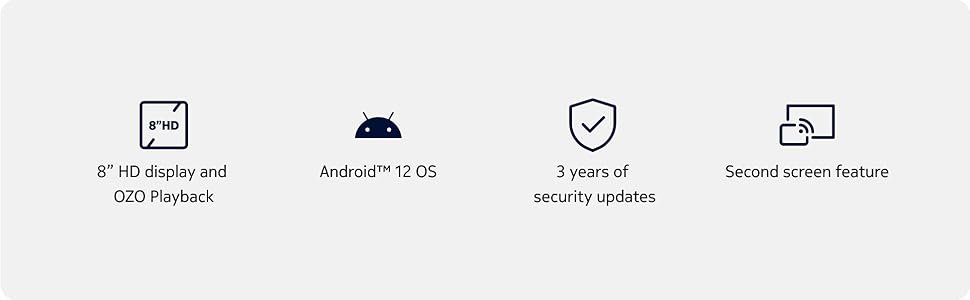
Image: Visual representation of Nokia T10 features including Android 12 OS and 3 years of security updates.
5. Priežiūra
5.1 Planšetinio kompiuterio valymas
- Ekranui ir korpusui valyti naudokite minkštą, nepūkuotą šluostę.
- Venkite naudoti stiprias chemines medžiagas, abrazyvinius valiklius ar aerozolinius purškalus.
- Do not expose the tablet to excessive moisture.
5.2 Programinės įrangos naujiniai
Reguliariai tikrinkite, ar yra programinės įrangos atnaujinimų, ir juos įdiekite, kad užtikrintumėte optimalų našumą ir saugumą. Eikite į Nustatymai > Sistema > Sistemos atnaujinimas.
5.3 Saugojimo valdymas
To maintain performance, periodically manage your tablet's storage:
- Ištrinkite nereikalingas programas ir files.
- Perkelti didelį files (photos, videos) to a MicroSD card or cloud storage.
- Clear app cache regularly via Settings > Apps > [App Name] > Storage & cache.
6. Problemų sprendimas
If you encounter issues with your Nokia T10 tablet, try the following solutions:
| Problema | Sprendimas |
|---|---|
| Planšetinis kompiuteris neįsijungia | Įsitikinkite, kad akumuliatorius įkrautas. Prijunkite įkroviklį ir palaukite kelias minutes, prieš bandydami vėl įjungti. |
| Wi-Fi ryšio problemos | Restart your Wi-Fi router. Go to Settings > Network & internet > Wi-Fi, turn Wi-Fi off and then on again. Forget the network and reconnect. |
| Lėtas veikimas | Close unused apps. Clear app caches. Restart the tablet. Check for available software updates. |
| Programėlės stringa arba užstringa | Force stop the app (Settings > Apps > [App Name] > Force stop). Clear the app's cache and data. Reinstall the app. |
| Baterija greitai išsikrauna | Sumažinkite ekrano ryškumą. Išjunkite nereikalingas funkcijas, tokias kaip GPS, „Bluetooth“ ir „Wi-Fi“, kai jų nenaudojate. Patikrinkite akumuliatoriaus naudojimą nustatymuose, kad nustatytumėte daug energijos eikvojančias programas. |
If the problem persists after trying these steps, please contact Nokia customer support.
7. Specifikacijos
Below are the key technical specifications for the Nokia T10 Wi-Fi Tablet:
- Modelio pavadinimas: Nokia T10 TA-1472 WIFI 3/32
- Operacinė sistema: Android 12
- Procesorius: „Unisoc T606“ (aštuonių branduolių, 1.6 GHz)
- Grafikos koprocesorius: Malis-G57
- RAM: 3 GB
- Vidinė saugykla: 32 GB
- Išplečiama saugykla: Yes, via MicroSD card (up to 512GB, sold separately)
- Ekranas: 8-inch HD (1280 x 800 pixels) TFT, 16:10 aspect ratio
- Galinė kamera: 8 MP with AF and Flash
- Priekinė kamera: 2 MP
- Vaizdo įrašo raiška: FHD 1080p at 30 fps
- Baterija: 5250 mAh ličio polimeras
- Ryšys: Wi-Fi (802.11a/b/g/n/ac), Bluetooth 5.0, USB Type-C, 3.5mm Audio Jack
- Saugos funkcijos: AI veido atrakinimas
- Garsas: Stereo Speakers, OZO Playback
- Dimensions (L x W x Thickness): 20.8I x 12.3P x 0.9T centimetrų
- Svoris: 375 gramų
- Spalva: Mėlyna
8. Informacija apie garantiją
The Nokia T10 tablet comes with a 1 metų gamintojo garantija for the device and battery from the date of purchase. In-box accessories are covered by a 6 mėnesių gamintojo garantija from the date of purchase. Please retain your proof of purchase for warranty claims. For detailed terms and conditions, refer to the warranty card included in your product packaging or visit the official Nokia support websvetainę.
9. Parama
For further assistance, technical support, or to find service centers, please visit the official Nokia support website or contact their customer service. You can typically find support contact information on the Nokia website or in the safety booklet provided with your tablet.
Palaikymas internetu: „Nokia“ palaikymas Websvetainę