Įvadas
Welcome to your new AZATOM Classic V1 DAB/DAB+ FM Digital Radio. This manual provides detailed instructions for setting up, operating, and maintaining your device. Please read it thoroughly to ensure optimal performance and longevity of your radio.
Svarbi saugos informacija
Išsaugokite šį vadovą ateityje.
- Saugokite įrenginį nuo lietaus ar drėgmės.
- Neardykite įrenginio. Visus techninės priežiūros darbus patikėkite kvalifikuotiems darbuotojams.
- Venkite ekstremalių temperatūrų.
- Užtikrinkite tinkamą vėdinimą.
- Naudokite tik nurodytą maitinimo adapterį arba baterijas.
For detailed safety guidelines, refer to the full safety leaflet included with your product.
Pagrindinės savybės
- DAB/DAB+ ir FM radijas: Pasiekite platų skaitmeninių ir analoginių radijo stočių pasirinkimą.
- Bluetooth 5.0 ryšys: Belaidžiu būdu transliuokite garsą iš suderinamų įrenginių.
- Dvigubo aliarmo funkcija: Set two independent alarms with customizable sources.
- Colour LCD Display: Clear and intuitive display for station information, time, and settings.
- Battery and Mains Power: Flexible power options for portable or home use.
- AUX įvestis: Connect external audio sources via a 3.5mm jack.
- Ausinių išvestis: Private listening experience.
- 60 išankstiniai nustatymai: Store up to 60 favorite stations (40 DAB, 20 FM).
- Miego laikmatis: Automatically turn off the radio after a set period.

Vaizdas: priekis view of the AZATOM Classic V1 radio, showcasing its black and silver design with a leather-look handle and front speaker grille.
Sąranka
Įjungimas
The AZATOM Classic V1 can be powered using the included mains adapter or four Type C batteries (not included).
Maitinimas iš tinklo
- Connect the mains adapter to the DCV input port on the back of the radio.
- Įkiškite adapterį į sieninį lizdą.
- Paspauskite ir palaikykite GALIA button on the top panel to turn on the radio.
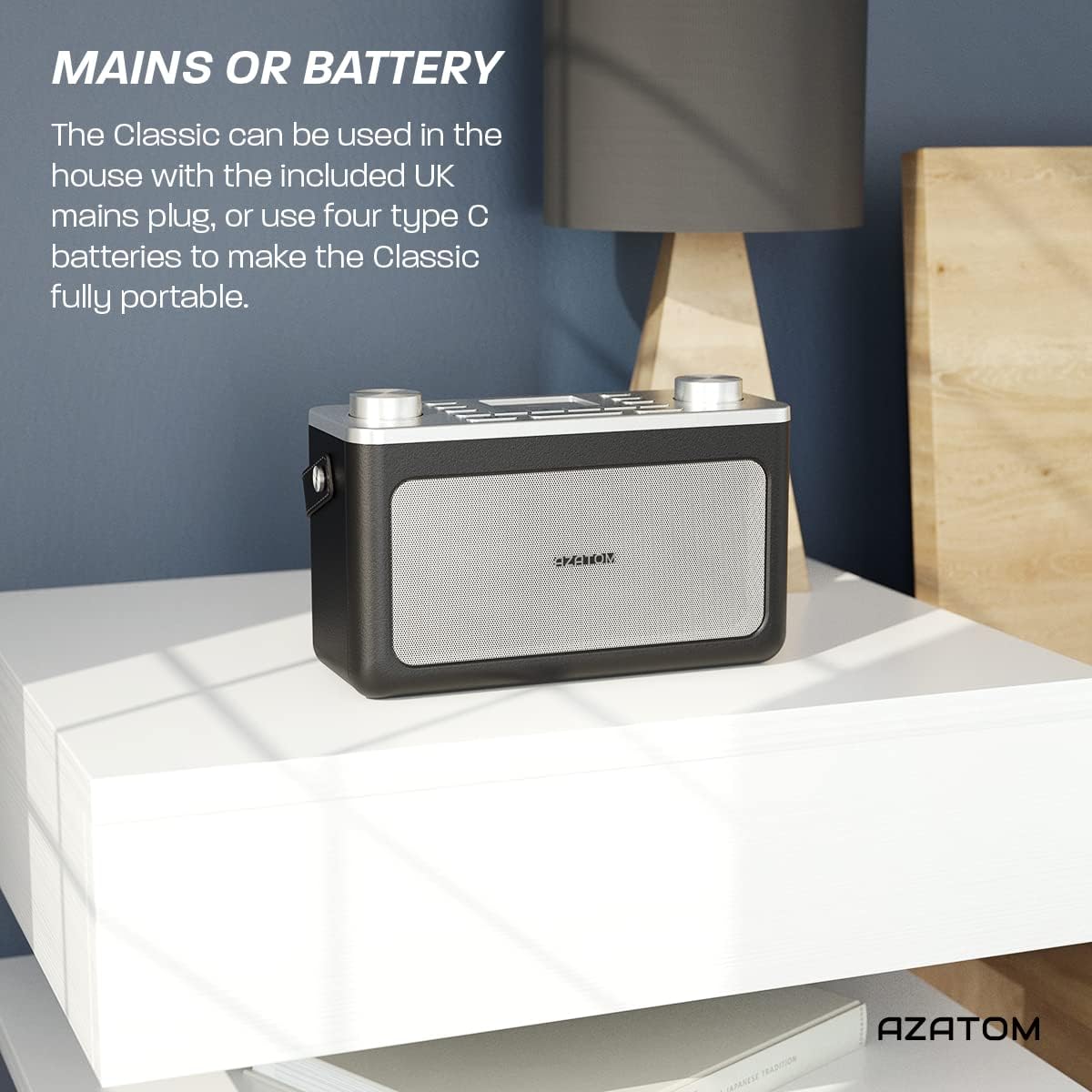
Image: The AZATOM Classic V1 radio on a white surface, illustrating its portability and dual power options (mains or battery).
Baterijos galia
- Atidarykite baterijų skyriaus dangtelį radijo imtuvo gale.
- Insert four Type C batteries, ensuring correct polarity (+/-).
- Saugiai uždarykite akumuliatoriaus skyriaus dangtelį.
- Paspauskite ir palaikykite GALIA button on the top panel to turn on the radio.

Vaizdas: Galinis view of the AZATOM Classic V1 radio, highlighting the DCV input, AUX IN, USB CHARGE ports, and the two battery compartment covers.
Initial Scan (DAB/DAB+)
Upon first power-on, the radio will automatically perform a full scan for DAB/DAB+ stations. This may take a few minutes.
Kai paieška bus baigta, radijas įsijungs pirmąją galimą stotį.
If no stations are found, ensure the telescopic antenna is fully extended and reposition the radio, then perform a manual scan (see "Operating DAB/DAB+ Radio").
Naudojimo instrukcijos

Vaizdas: Iš viršaus į apačią view of the AZATOM Classic V1 radio, showing the control panel with buttons for power, mode, presets, volume, and tuning/enter knobs, along with the color LCD display.
Pagrindiniai valdikliai
- Įjungimo mygtukas: Press and hold to turn on/off. Press briefly to switch between standby and active mode.
- MODE mygtukas: Press to cycle through DAB, FM, Bluetooth, and AUX modes.
- GARSUMO rankenėlė: Rotate left to decrease volume, right to increase volume.
- ENTER/TUNE Knob: Rotate to navigate menus or tune stations. Press to confirm selections.
- IŠANKSTINIŲ NUSTATYMŲ mygtukai (1–4): Quickly access stored favorite stations.
- PRESET Button (Long Press): Access the full list of stored presets.
- MENIU mygtukas: Access system settings and mode-specific options.
- Snaudimo / pritemdymo mygtukas: Snooze active alarm or adjust display brightness.
- MIEGO mygtukas: Activate/deactivate sleep timer.
- SKIP Buttons (<< / >>): Navigate tracks in Bluetooth mode or stations in radio mode.

Image: The AZATOM Classic V1 radio displaying the time and alarm settings on its color LCD, emphasizing its alarm and sleep timer functionalities.
DAB/DAB+ radijo režimas
- Paspauskite REŽIMAS button until "DAB Radio" appears on the display.
- If a full scan hasn't been performed, the radio may initiate one.
- Pasukite ENTER/TUNE rankenėlę, kad naršytumėte galimas stotis.
- Paspauskite ENTER/TUNE rankenėlę, kad pasirinktumėte stotį.
- Iš anksto nustatytų duomenų saugojimas:
- Nustatykite norimą stotį.
- Paspauskite ir palaikykite vieną iš NUSTATYMAS buttons (1-4) until "Preset Stored" appears.
- To store beyond preset 4, press and hold the NUSTATYMAS button (not 1-4) and rotate the ENTER/TUNE knob to select a preset number (5-40), then press ENTER/TUNE patvirtinti.
- Išankstinių nustatymų atšaukimas:
- Trumpai paspauskite vieną iš NUSTATYMAS buttons (1-4) to recall.
- To recall presets 5-40, briefly press the NUSTATYMAS button (not 1-4), rotate the ENTER/TUNE knob to select the preset, then press ENTER/TUNE.
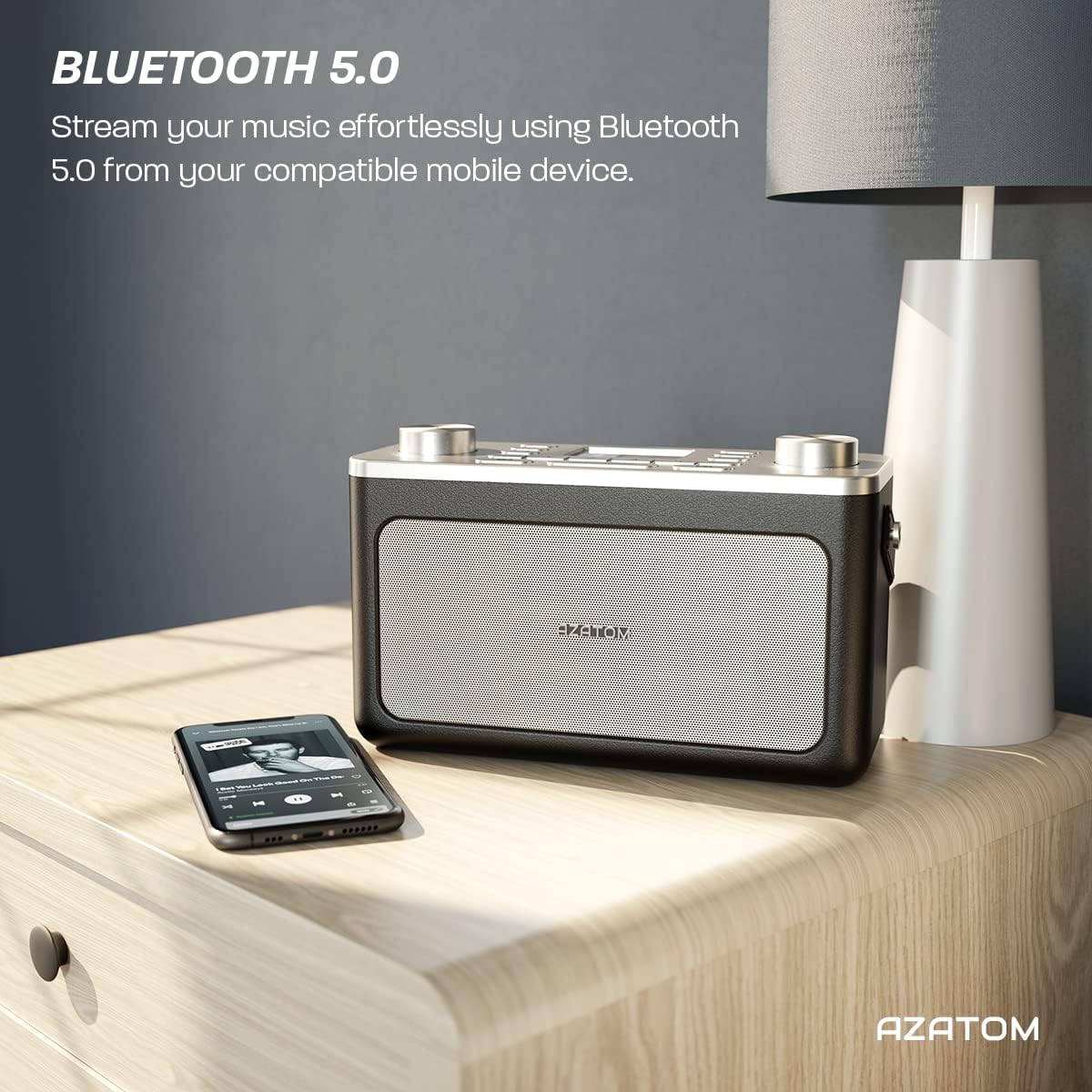
Image: The AZATOM Classic V1 radio on a kitchen counter, highlighting its ability to store and recall pre-set stations for quick access.
FM radijo režimas
- Paspauskite REŽIMAS button until "FM Radio" appears on the display.
- Automatinis nuskaitymas: Paspauskite ir palaikykite ENTER/TUNE knob to automatically scan for the next available station.
- Rankinis derinimas: Pasukite ENTER/TUNE rankenėlę, kad rankiniu būdu reguliuotumėte dažnį.
- Iš anksto nustatytų duomenų saugojimas: (Same as DAB/DAB+ but for FM stations, up to 20 presets).
- Išankstinių nustatymų atšaukimas: (Same as DAB/DAB+).
"Bluetooth" režimas
- Paspauskite REŽIMAS mygtuką, kol ekrane pasirodys „Bluetooth“. Radijas įsijungs susiejimo režimą, kurį nurodys mirksinti „Bluetooth“ piktograma.
- On your mobile device, enable Bluetooth and search for "AZATOM Classic V1".
- Select "AZATOM Classic V1" to pair. Once connected, the Bluetooth icon will stop flashing.
- Play audio from your device. Use the radio's PRALEISTI buttons (<< / >>) to control tracks and the TOMAS rankenėlę garsumui reguliuoti.

Image: The AZATOM Classic V1 radio on a bedside table next to a smartphone, demonstrating its Bluetooth 5.0 capability for wireless music streaming.
AUX įvesties režimas
- Prijunkite išorinį garso įrenginį (pvz., MP3 grotuvą) prie Aux in port on the back of the radio using a 3.5mm audio cable (not included).
- Paspauskite REŽIMAS button until "AUX Input" appears on the display.
- Play audio from your external device. Adjust volume using the radio's TOMAS knob and the external device's volume control.
Vaizdas: Galinis view of the AZATOM Classic V1 radio, highlighting the DCV input, AUX IN, USB CHARGE ports, and the two battery compartment covers.
Žadintuvas
- Paspauskite MENIU mygtuką.
- Pasukite ENTER/TUNE knob to select "Alarm" and press ENTER/TUNE.
- Select "Alarm 1" or "Alarm 2".
- Configure alarm time, duration, source (Buzzer, DAB, FM), and frequency (Daily, Once, Weekdays, Weekends).
- Įsitikinkite, kad žadintuvas nustatytas į „Įjungtas“.
Kai suskamba žadintuvas, paspauskite SNOZUOTAS/REŽIMUOTOJAS to snooze for 9 minutes, or press GALIA žadintuvui išjungti.
Miego laikmatis
- Paspauskite MIEGAS Pakartotinai spauskite mygtuką, kad perjungtumėte miego laikmačio parinktis (pvz., 15, 30, 45, 60, 90 minučių, Išjungta).
- Radijas automatiškai išsijungs po pasirinkto laiko.
Priežiūra
Valymas
Radijo imtuvą valykite minkštu, sausu skudurėliu. Nenaudokite abrazyvinių valiklių ar tirpiklių.
Baterijos keitimas
If using battery power, replace all four Type C batteries when the low battery indicator appears on the display or when performance degrades.
Sandėliavimas
Jei radijo imtuvą ilgesnį laiką laikysite, išimkite baterijas, kad jos neištekėtų. Laikykite vėsioje, sausoje vietoje.
Trikčių šalinimas
- Nėra galios:
- Check if the mains adapter is securely connected and the wall socket is active.
- Jei naudojate baterijas, įsitikinkite, kad jos tinkamai įdėtos ir nėra išsikrovusios.
- Paspauskite ir palaikykite GALIA mygtuką kelias sekundes.
- Poor DAB/FM Reception:
- Visiškai ištraukite teleskopinę anteną.
- Reposition the radio to a location with better signal strength, away from other electronic devices that may cause interference.
- Perform a full scan for stations.
- „Bluetooth“ poravimo problemos:
- Ensure the radio is in Bluetooth mode and "AZATOM Classic V1" is visible on your device.
- Make sure no other device is currently connected to the radio.
- Try restarting both the radio and your Bluetooth device.
- Nėra garso:
- Check the volume level on both the radio and any connected external devices (in AUX/Bluetooth mode).
- Ensure headphones are not connected if you expect sound from the speaker.
- Signalizacija neskamba:
- Verify that the alarm is set to "On" and the time is correct.
- Patikrinkite žadintuvo garsumo nustatymą.
- Ensure the radio is not completely powered off (it should be in standby mode for alarms to function).
Specifikacijos
- Modelis: Classic V1
- Prekinis ženklas: AZATOMAS
- Radijo dažniai: DAB/DAB+, FM
- Bluetooth versija: 5.0
- Išankstiniai nustatymai: 60 (40 DAB, 20 FM)
- Maitinimo įvestis: Mains adapter (included), 4 x Type C batteries (not included)
- Ryšys: AUX In (3.5mm), Headphone Out (3.5mm), USB Charge Port
- Ekranas: Spalvotas LCD
- UPC: 632793245407
- Rekomenduojami naudojimo būdai: Music, News, Sports Broadcasts

Paveikslėlis: Kampinis viršus view of the AZATOM Classic V1 radio, featuring its control panel and display, with a "3 Year Warranty" badge overlaid, indicating product reliability.
Garantija ir palaikymas
The AZATOM Classic V1 comes with a 3-year warranty from the date of purchase. Please retain your proof of purchase for warranty claims.
For technical support, warranty inquiries, or further assistance, please visit the official AZATOM website or contact their customer service department. Contact details can typically be found on the product packaging or the AZATOM websvetainę.