
1. Įvadas
This manual provides essential instructions for the SOLTECH CCTV Remote Control, model RCWN00001B (also identified as EP10-001090A). This remote is specifically designed for use with various Samsung Wisenet Security & Surveillance Camera Systems, including DVRs and NVRs. Please read this manual thoroughly to ensure proper use and functionality of your remote control.
2. Produktas baigtasview
The SOLTECH CCTV Remote Control is a dedicated device for managing your Samsung Wisenet security system. It replicates the functionality of the original remote control included with Wisenet All-In-One systems, providing convenient access to your DVR or NVR functions.
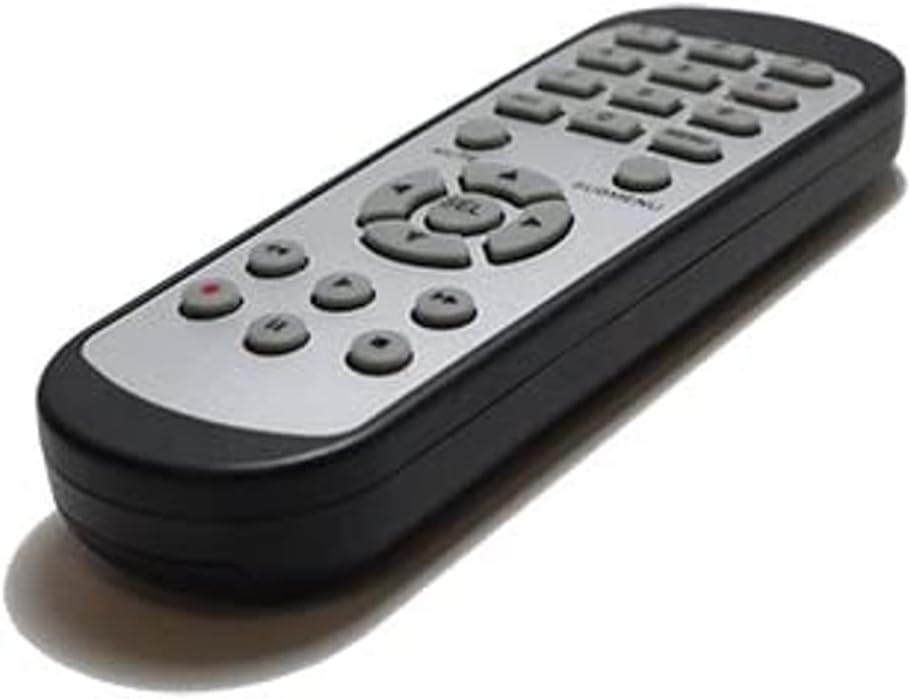
2.1 vaizdas: priekis view of the SOLTECH CCTV Remote Control (Model RCWN00001B / EP10-001090A).
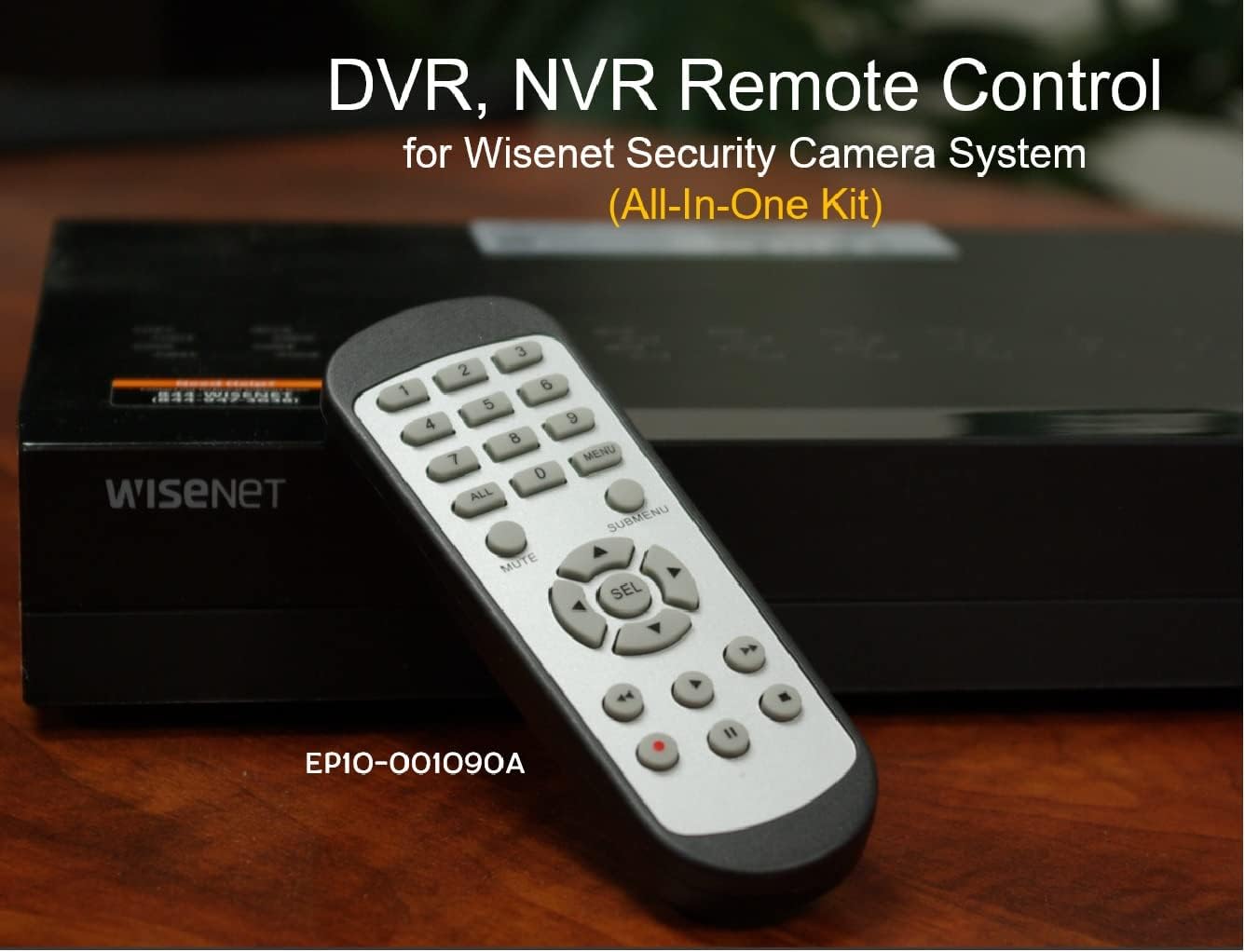
Image 2.2: The remote control positioned on a Wisenet Digital Video Recorder (DVR).
3. Sąranka
This remote control requires two AAA batteries for operation. Batteries are not included with the product and must be purchased separately.
3.1 Akumuliatoriaus įdėjimas
- Nuotolinio valdymo pulto gale raskite baterijų skyrių.
- Nuleiskite baterijų skyriaus dangtelį žemyn ir nuimkite jį.
- Įdėkite dvi AAA tipo baterijas, užtikrindami teisingą poliškumą (+ ir -), kaip nurodyta skyrelio viduje.
- Uždėkite baterijų skyriaus dangtelį, stumdami jį atgal į vietą, kol jis tvirtai užsifiksuos.

3.1 vaizdas: galinis view nuotolinio valdymo pulto su atidarytu baterijų skyriumi, parodantis, kur įdėti AAA baterijas.
3.2 Pradinis prisijungimas
The SOLTECH CCTV Remote Control is pre-configured for Samsung Wisenet All-In-One System DVRs and NVRs. No additional setup, programming, or pairing is required. Once batteries are installed, the remote is ready for immediate use with compatible systems.
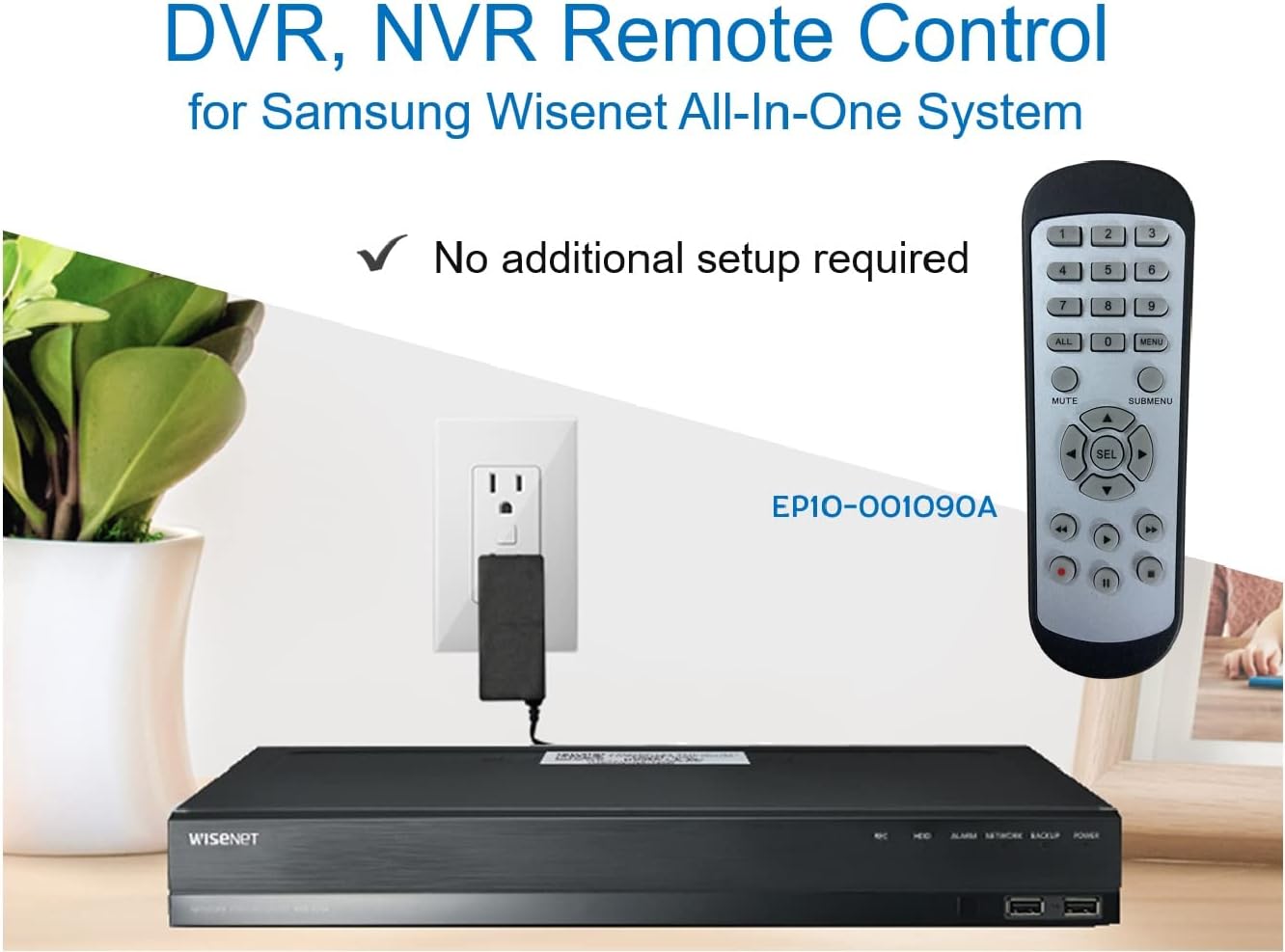
Image 3.2: The remote control shown alongside a Wisenet DVR, illustrating the 'no additional setup required' feature.
4. Naudojimo instrukcijos
Point the remote control directly at your Samsung Wisenet DVR or NVR. Press the desired buttons to navigate menus, control playback, switch camera views, and access other functions of your security system. The button layout is standard for Wisenet systems, allowing for intuitive operation.
- Skaičių mygtukai (0–9): Used for direct camera selection or data entry.
- Directional Pad (Up, Down, Left, Right, SEL): Meniu naršymui ir pasirinkimui.
- Nutildyti: Nutildo garso išvestį.
- SUBMENU: Accesses sub-menus within the system interface.
- Atkūrimo valdikliai (leisti, pristabdyti, sustabdyti, persukti pirmyn, atsukti atgal): Manages recorded footage atkūrimas.
- ĮRAŠYTI (Įrašyti): Initiates manual recording.
5. Suderinamumas
This remote control is compatible with various Samsung Wisenet All-In-One System Series. It is designed to function as a direct replacement for the original remote controls supplied with these systems.
5.1 Compatible System Series
The remote control is compatible with, but not limited to, the following Samsung Wisenet All-In-One System Series:
- SDH-E95127
- SDH-B94047
- SDH-C94087
- SDH-B73043
- SDH-C85080
- SDH-SF440
- SDH-B74043
- SDH-B74083
- SDH-B74041
- SDH-B74081
- SDH-C85100
- SDR-C85300
- SNK-B73047
- SDH-B74086
- SDH-C73043
- SDR-C73303
- SDH-C74043DF
- SDR-C74303N1T
- SDR-B74301

Image 5.1: The remote control displayed alongside a partial list of compatible Samsung Wisenet All-In-One System Series.

Image 5.2: An illustration showing the remote control's compatibility with a range of Samsung Wisenet security camera systems.
6. Priežiūra
6.1 Akumuliatoriaus keitimas
When the remote control's performance diminishes or it stops responding, replace the AAA batteries. Always replace both batteries at the same time with new ones. Do not mix old and new batteries, or different types of batteries.
6.2 Valymas
Nuotolinio valdymo pultą valykite minkšta, sausa šluoste. Jei nešvarumai sunkiai įveikiami, šiek tiek nuvalykite.ampNuvalykite šluostę vandeniu. Venkite naudoti stiprias chemines medžiagas, abrazyvinius valiklius ar tirpiklius, nes jie gali pažeisti nuotolinio valdymo pulto paviršių ar vidinius komponentus.
6.3 Saugykla
Nuotolinio valdymo pultą laikykite vėsioje, sausoje vietoje, toliau nuo tiesioginių saulės spindulių ir ekstremalių temperatūrų. Jei nuotolinio valdymo pulto ilgesnį laiką nenaudosite, patartina išimti baterijas, kad jos neištekėtų.
7. Problemų sprendimas
If you experience issues with your SOLTECH CCTV Remote Control, refer to the following common troubleshooting steps:
- Nuotolinio valdymo pultas nereaguoja:
- Patikrinkite, ar baterijos įdėtos teisingai, tinkamu poliškumu.
- Pakeiskite baterijas naujomis AAA tipo baterijomis.
- Ensure there is a clear line of sight between the remote control and the infrared receiver on your Wisenet DVR/NVR. Obstructions can block the signal.
- Verify that the remote control is pointed directly at the Wisenet system.
- Pertraukiamas funkcionalumas:
- Tai dažnai rodo, kad baterijos išsikrovė. Pakeiskite baterijas.
- Įsitikinkite, kad infraraudonųjų spindulių signalui netrukdo jokie stiprūs šviesos šaltiniai (pvz., tiesioginiai saulės spinduliai ar ryškios fluorescencinės lempos).
- Remote Does Not Control My System:
- Confirm that your security system is a Samsung Wisenet All-In-One System and is listed as compatible in Section 5.1. This remote is specifically designed for these systems and may not work with other brands or models.
- As this remote requires no additional setup, if it is not working with a confirmed compatible system after battery replacement, contact customer support.
8. Specifikacijos
| Funkcija | Detalė |
|---|---|
| Modelio numeris | RCWN00001B (EP10-001090A) |
| Gaminio matmenys | 5 x 1.75 x 0.75 colio |
| Prekės svoris | 1.76 uncijos |
| Reikalingos baterijos | 2 AAA baterijos (į komplektą neįeina) |
| Gamintojas | SOLTECH |
| Spalva | Pilka |
| Maksimalus palaikomų įrenginių skaičius | 1 (Wisenet DVR/NVR) |
| Suderinami įrenginiai | Samsung Wisenet Security Camera Systems (DVR/NVR) |

Image 8.1: The remote control with its physical dimensions (length, width, thickness) indicated.
9. Garantija ir palaikymas
For information regarding product warranty, please refer to the documentation provided with your purchase or contact the seller directly. The seller for this product is SOLTECH America.
For further assistance or technical support, please reach out to the manufacturer or seller through their official contact channels.