
Techmade M350
Techmade Bluetooth Speaker User Manual
Modelis: M350
1. Įvadas
Thank you for choosing the Techmade Bluetooth Speaker. This portable wireless speaker is designed to provide high-quality audio and convenient hands-free calling. Its compact and lightweight design makes it perfect for use at home, in the office, or on the go. This manual provides essential information on setting up, operating, and maintaining your speaker.

Image 1.1: The Techmade Bluetooth Speaker in blue, showcasing its compact design and front controls.
2. Produktas baigtasview
2.1. Komponentai
The Techmade Bluetooth Speaker package includes the following items:
- Techmade Bluetooth Speaker
- USB laidas (įkrovimui)
2.2. Valdikliai ir indikatoriai
Susipažinkite su garsiakalbio valdikliais ir prievadais:

2.1 pav.: Išsamus view of the speaker's intuitive controls, including the power switch, volume controls, and the USB-C charging port located at the bottom.
- Maitinimo mygtukas: Naudojamas garsiakalbiui įjungti arba išjungti.
- Garsumo mažinimo mygtukas (-): Sumažina garso garsumą.
- Garsumo didinimo mygtukas (+): Padidina garso garsumą.
- USB-C įkrovimo prievadas: Located at the bottom, used to charge the speaker's internal battery.
3. Sąranka
3.1. Įkraukite garsiakalbį
Before first use, fully charge the speaker. Connect the provided USB cable to the speaker's USB-C port and the other end to a USB power adapter (not included) or a computer's USB port. The charging indicator light will show the charging status.
3.2. „Bluetooth“ poravimas
Norėdami prijungti garsiakalbį prie „Bluetooth“ įrenginio:
- Įsitikinkite, kad garsiakalbis yra įkrautas ir įjungtas.
- Įjunkite „Bluetooth“ savo išmaniajame telefone, planšetiniame kompiuteryje ar kitame įrenginyje.
- Ieškokite available Bluetooth devices. The speaker will appear as "Techmade M350" or similar.
- Pasirinkite garsiakalbį iš sąrašo, kad jį suporuotumėte. Patvirtinimo garsas praneš apie sėkmingą suporavimą.
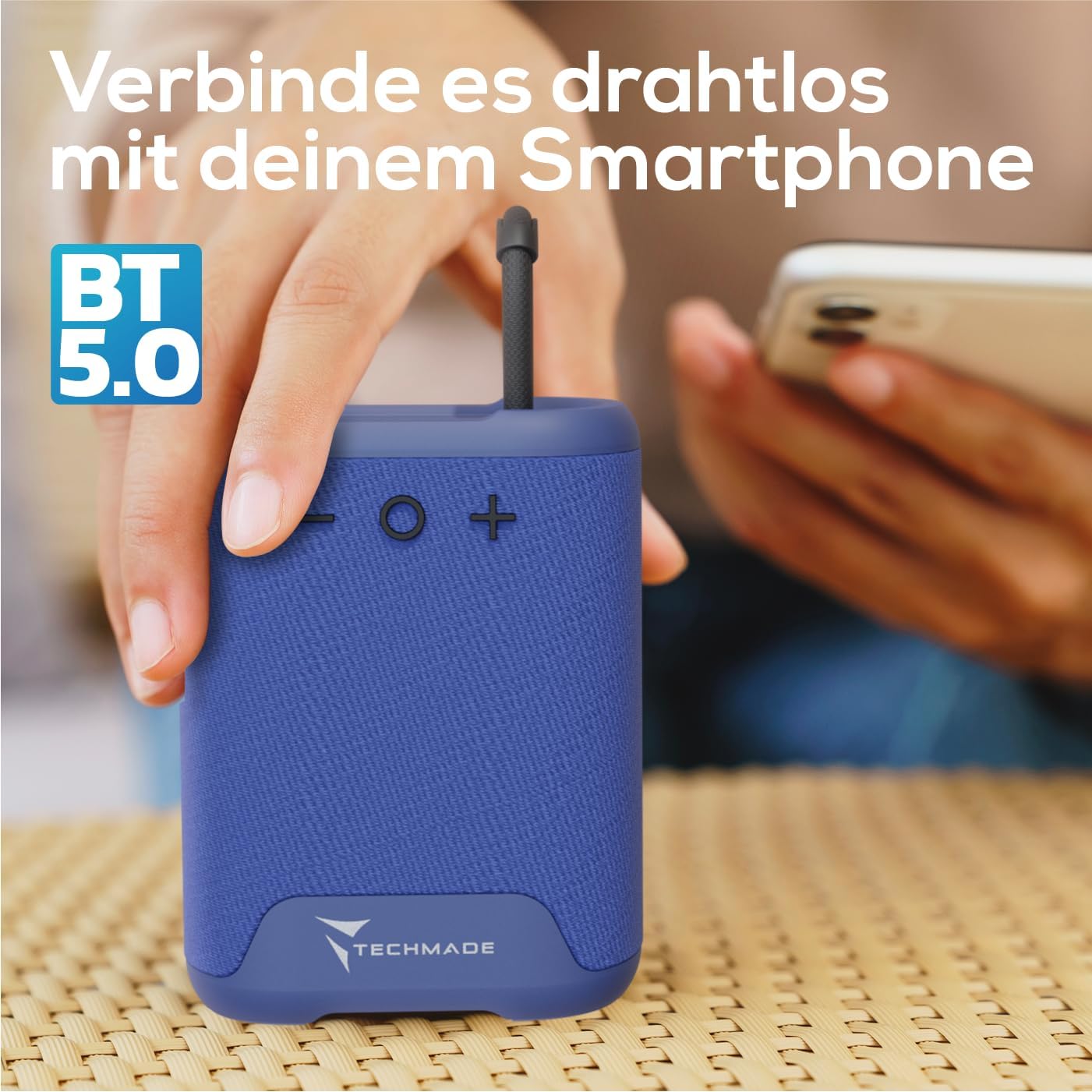
Image 3.1: Demonstrating the wireless connection process between the Techmade speaker and a smartphone via Bluetooth 5.0.
4. Naudojimo instrukcijos
4.1. Maitinimo įjungimas/išjungimas
- Norėdami įjungti: Press and hold the Power button until you hear a sound or see an indicator light.
- Norėdami išjungti: Press and hold the Power button again until the speaker shuts down.
4.2. Garso atkūrimas
- Once paired, audio from your connected device will play through the speaker.
- Use the Volume Up (+) and Volume Down (-) buttons on the speaker to adjust the volume. You can also control volume from your connected device.
4.3. Skambinimas laisvų rankų įranga
The speaker features an integrated microphone for hands-free calls:
- Atsiliepti į skambutį: When a call comes in, press the Power button once to answer.
- Baigti skambutį: During a call, press the Power button once to end the call.
- Atmesti skambutį: Norėdami atmesti gaunamą skambutį, paspauskite ir palaikykite maitinimo mygtuką.
5. Priežiūra
To ensure the longevity and optimal performance of your Techmade Bluetooth Speaker:
- Valymas: Garsiakalbį valykite minkštu, sausu skudurėliu. Nenaudokite abrazyvinių valiklių ar tirpiklių.
- Saugykla: Garsiakalbį laikykite vėsioje, sausoje vietoje, toliau nuo tiesioginių saulės spindulių ir ekstremalių temperatūrų.
- Atsparumas vandeniui: Šis garsiakalbis nėra atsparus vandeniui. Venkite sąlyčio su vandeniu ar didele drėgme.
- Akumuliatoriaus priežiūra: Jei garsiakalbis ilgą laiką nenaudojamas, įkraukite jį bent kartą per tris mėnesius, kad palaikytumėte akumuliatoriaus veikimo laiką.
6. Problemų sprendimas
Jei kyla problemų dėl garsiakalbio, dažniausiai pasitaikančias problemas ir sprendimus rasite šioje lentelėje:
| Problema | Galima priežastis | Sprendimas |
|---|---|---|
| Garsiakalbis neįsijungia. | Baterija išsikrovusi arba jos įkrova maža. | Visiškai įkraukite garsiakalbį naudodami pridėtą USB laidą. |
| Nepavyksta susieti su įrenginiu. | Bluetooth is off on device; speaker is not in pairing mode; device is too far. | Ensure Bluetooth is enabled on your device. Make sure the speaker is powered on and discoverable. Move device closer to speaker (within 10m). |
| Nėra garso arba garsas per mažas. | Garsiakalbyje arba įrenginyje per mažas garsumas; garsiakalbis neprijungtas. | Increase volume on both the speaker and your connected device. Re-pair the speaker if connection is lost. |
| Prasta garso kokybė. | Trikdžiai; įrenginys per toli; išsikrovęs akumuliatorius. | Move speaker closer to device. Avoid obstacles between speaker and device. Charge the speaker. |
7. Specifikacijos
The following are the technical specifications for the Techmade Bluetooth Speaker M350:
| Funkcija | Detalė |
|---|---|
| Prekės ženklas | Techmade |
| Modelio pavadinimas | My speaker M350 |
| Modelio numeris | M350 |
| Ryšio technologija | Bluetooth |
| Didžiausia garsiakalbio išėjimo galia | 5 vatų |
| Dažnio atsakas | 9030 Hz |
| Garso išvesties režimas | Erdvinis garsas |
| Montavimo tipas | Stalviršis |
| Medžiaga | Plastikiniai |
| Garsiakalbio tipas | Nešiojami |
| Ypatinga funkcija | Nešiojami |
| Gaminio matmenys | 5 x 7 x 10 cm; 300 gramai |
| Baterijos | Reikalinga 1 ličio polimerų baterija (pridedama) |
| Pirmoji laisva data | 9 m. lapkričio 2024 d |

Image 7.1: Visual representation of the speaker's compact dimensions (10.5 cm height, 7.5 cm width, 5 cm depth) and its lightweight design (194 grams).
8. Garantija ir palaikymas
For warranty information or technical support, please refer to the documentation provided with your purchase or contact Techmade customer service. Keep your proof of purchase for warranty claims.
Ask a question about this manual
Ask about setup, troubleshooting, compatibility, parts, safety, or missing instructions. Manuals+ will review the question and use this page’s manual context to help answer it.