
MUBVIEW J9
MUBVIEW J9 Wireless Video Doorbell User Manual
Modelis: J9
1. Įvadas
Thank you for choosing the MUBVIEW J9 Wireless Video Doorbell. This manual provides essential information for setting up, operating, and maintaining your device. The MUBVIEW J9 is designed for enhanced home security and convenience, featuring high-definition video, two-way communication, and smart motion detection. Its wireless design and long-lasting battery ensure easy installation and reliable performance.
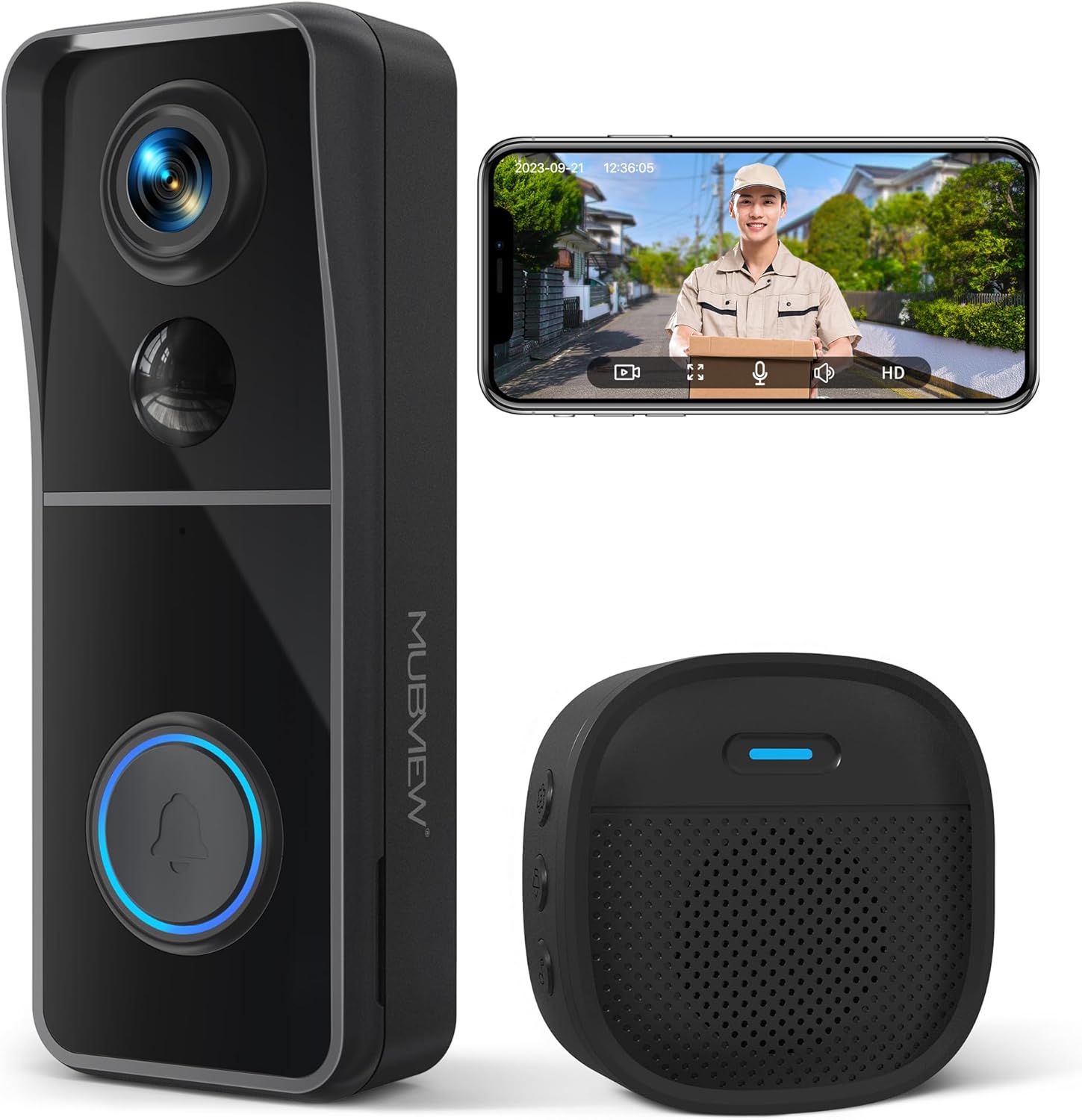
Image: The MUBVIEW J9 Wireless Video Doorbell and its accompanying chime unit.
2. Kas įskaičiuota
Patikrinkite pakuotės turinį, kad įsitikintumėte, jog yra visi reikalingi daiktai:
- Video Doorbell Unit
- Belaidis skambučio blokas
- Vartotojo vadovas
- USB įkrovimo laidas
- Varžtų rinkinys montavimui
- 3M Double-Sided Strong Tape
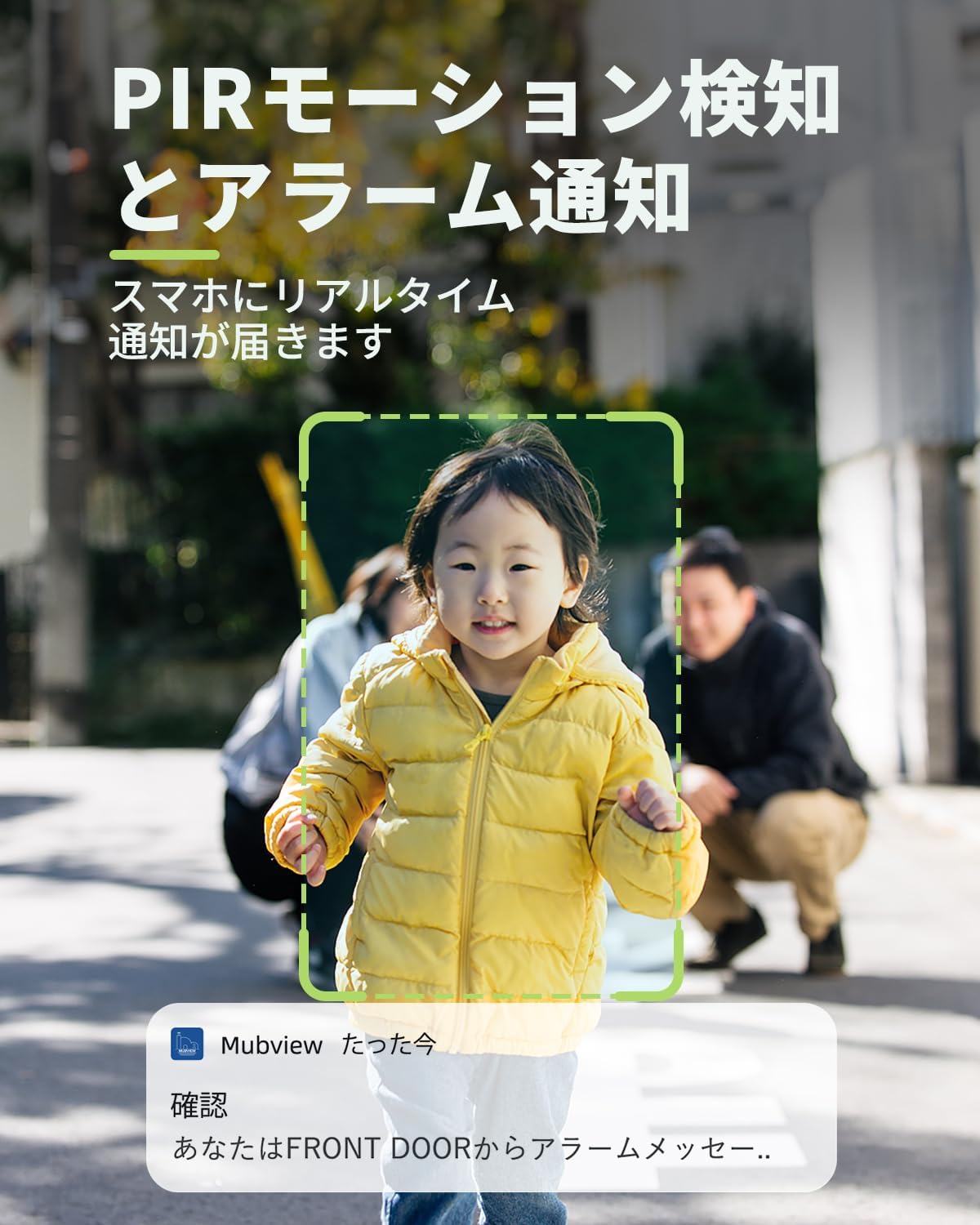
Image: All components included in the MUBVIEW J9 package.
3. Sąranka ir diegimas
MUBVIEW J9 doorbell is designed for easy, wire-free installation. Before mounting, ensure the doorbell is fully charged using the provided USB cable. A full charge takes approximately 6-8 hours and can last up to 3 months, depending on usage.
3.1 Durų skambučio įkrovimas
Connect the USB charging cable to the doorbell's charging port (located on the side, under a protective flap) and plug it into a standard USB power adapter (not included). The indicator light will show charging status.
3.2 Programėlės atsisiuntimas ir prisijungimas
Download the 'Mubview' app from your smartphone's app store (iOS or Android). Follow the in-app instructions to create an account and add your device. Ensure your Wi-Fi network is 2.4GHz, as 5GHz is not supported.
Video: Step-by-step guide on connecting the MUBVIEW J9 doorbell to your Wi-Fi network via the app.
3.3 Fizinis įrengimas
The doorbell can be installed using either the provided 3M double-sided tape or the screw set. For optimal performance, install the doorbell at least 4 feet (1.2 meters) above the ground.
- Using 3M Tape: Clean the mounting surface thoroughly. Apply the tape to the backplate of the doorbell and firmly press it onto the desired location on your wall or door frame.
- Varžtų naudojimas: Use the backplate as a template to mark drill holes. Drill the holes, insert the wall anchors (if needed), and secure the backplate with screws. Then, slide the doorbell unit onto the mounted backplate until it clicks into place.
Video: Detailed instructions on how to physically install the MUBVIEW J9 doorbell on your door or wall.
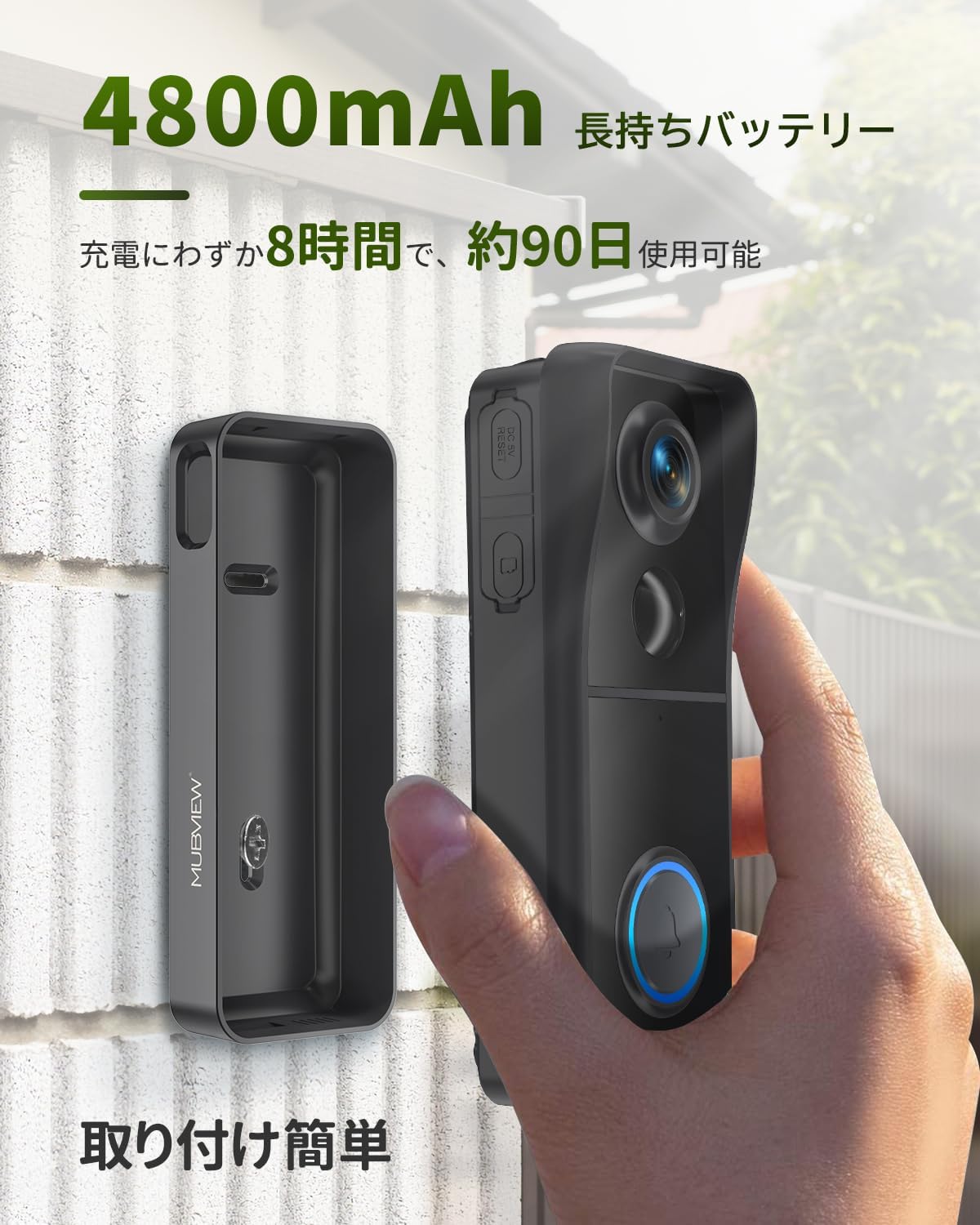
Image: The doorbell unit being attached to its mounting bracket on a wall, highlighting its easy installation.
4. Naudojimo instrukcijos
Once installed and connected, your MUBVIEW J9 doorbell offers a range of features for enhanced security and communication.
4.1 Tiesiogiai View ir dvipusis pokalbis
Access the live video feed from your doorbell anytime through the Mubview app. When a visitor presses the doorbell, you will receive an instant notification on your smartphone, allowing you to see and speak to them in real-time, even when you're away from home.
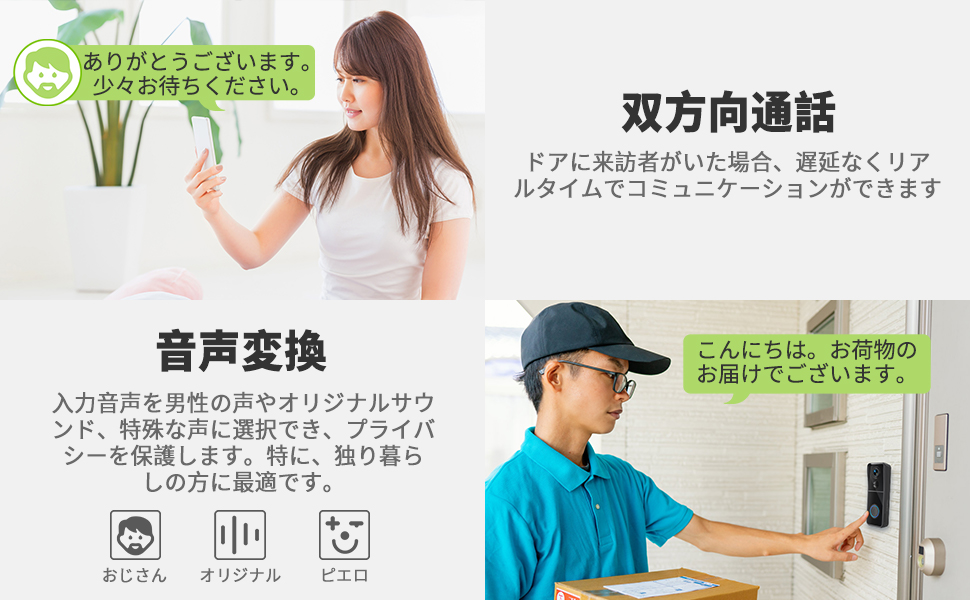
Image: A user engaging in two-way communication with a visitor via the MUBVIEW app on their smartphone.
4.2 Judesio aptikimas ir įspėjimai
The doorbell features PIR motion detection. When motion is detected within the customizable area, the doorbell automatically starts recording and sends an alert to your phone. You can adjust the detection sensitivity and schedule within the app to minimize false alarms.
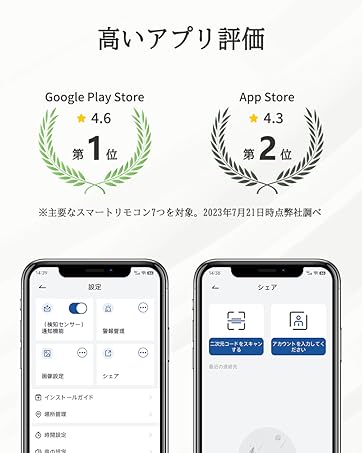
Image: Screenshot of the app interface showing how to customize the motion detection area for the doorbell.
4.3 High-Definition Video and Night Vision
MUBVIEW J9 captures video in 1080P high-definition, ensuring clear visuals. Its infrared night vision, powered by a Starlight CMOS image sensor, provides excellent visibility up to 10 meters even in complete darkness. The 166° ultra-wide-angle lens offers a broad field of view.
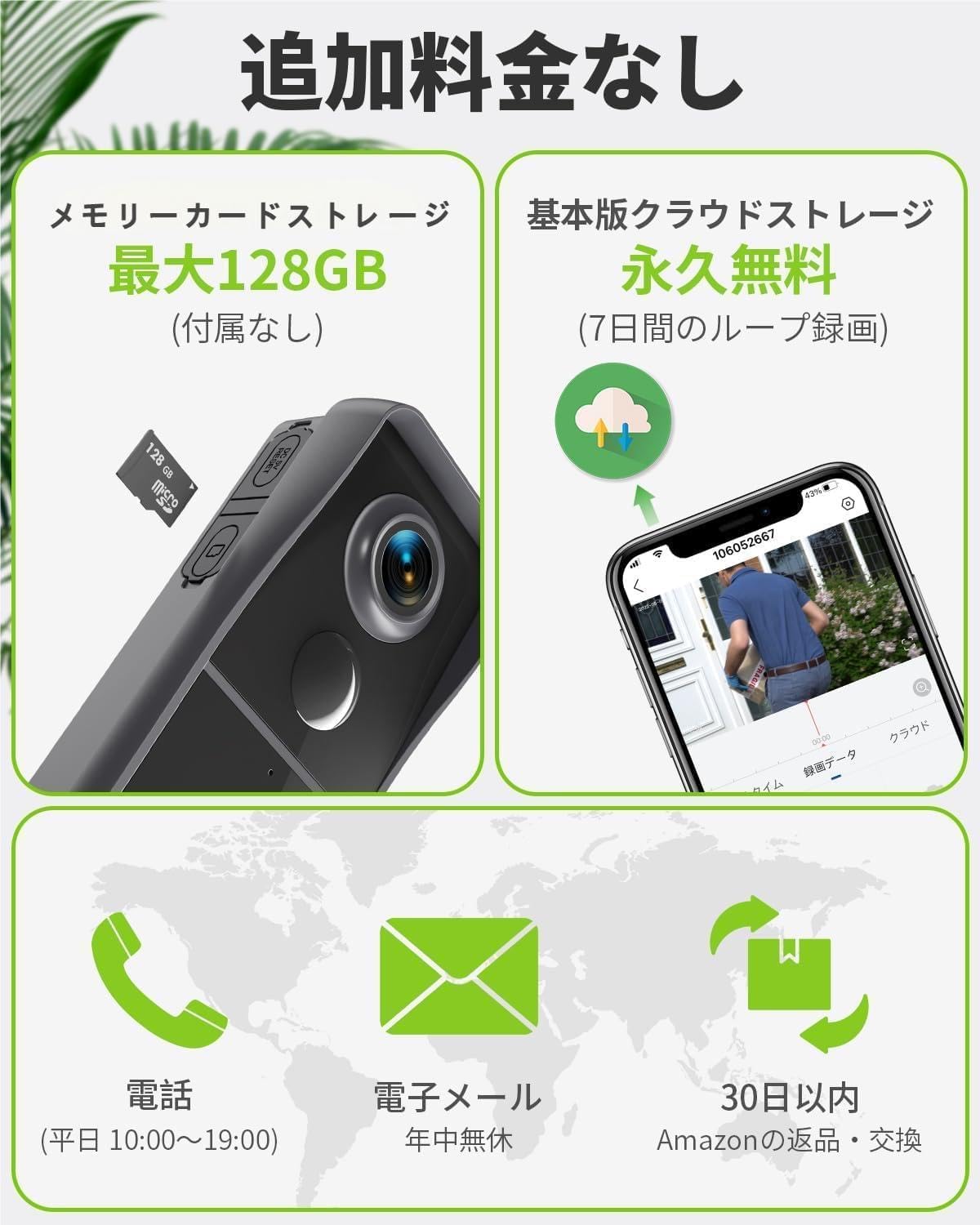
Image: Comparison of daytime 1080P video quality and clear infrared night vision captured by the doorbell.
4.4 Voice Message and Sharing
You can pre-record up to three 10-second voice messages to respond to visitors quickly. The doorbell also supports sharing access with multiple family members or friends through their own accounts on the Mubview programėlė.
Image: Illustration of how multiple users can share access to the doorbell's features via the app.
5. Priežiūra
To ensure the longevity and optimal performance of your MUBVIEW J9 doorbell, follow these maintenance guidelines:
- Reguliarus valymas: Wipe the camera lens and the doorbell surface with a soft, damp šluoste dulkėms ir nešvarumams pašalinti. Venkite naudoti stiprių cheminių medžiagų ar abrazyvinių medžiagų.
- Akumuliatoriaus valdymas: Monitor the battery level via the app. Recharge the doorbell promptly when the battery is low to ensure continuous operation.
- Firmware atnaujinimai: Keep the Mubview app and doorbell firmware updated to the latest versions to benefit from new features and security enhancements.
- Atsparumas oro sąlygoms: The doorbell is IP66 rated, meaning it is dustproof and waterproof. It can withstand temperatures from -20°C to 50°C. However, avoid submerging it in water or exposing it to extreme conditions beyond its specified limits.
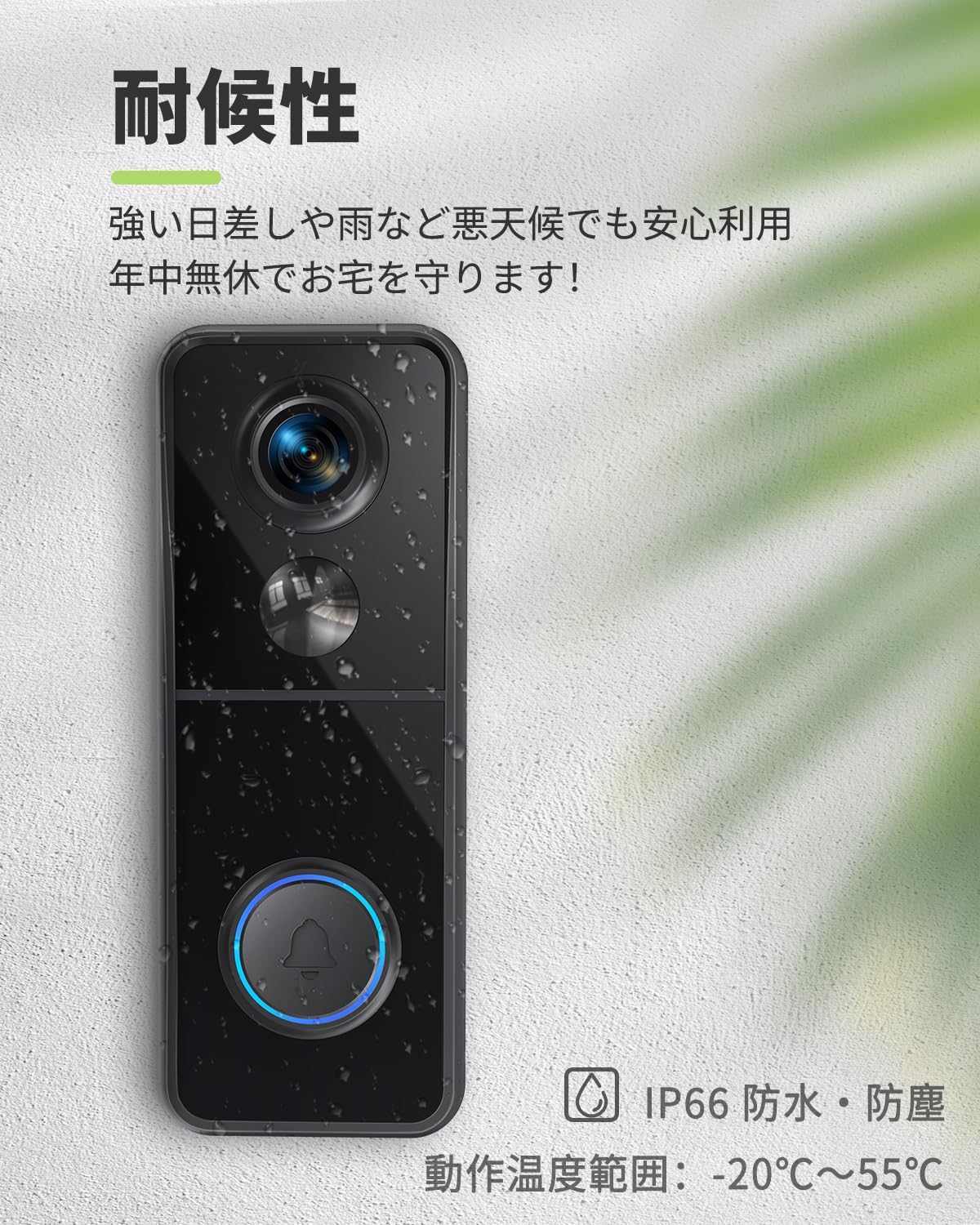
Image: The doorbell unit shown with water droplets, illustrating its IP66 weather-resistant design.
6. Problemų sprendimas
If you encounter issues with your MUBVIEW J9 doorbell, try the following troubleshooting steps:
- Nėra maitinimo / neįsijungia: Ensure the doorbell is fully charged. Connect it to the USB charging cable and check if the indicator light turns on.
- Nepavyksta prisijungti prie „Wi-Fi“: Verify that your Wi-Fi network is 2.4GHz. Ensure the doorbell is within range of your router. Try resetting the doorbell by pressing the reset button for 5 seconds until the red indicator light flashes.
- Nėra pranešimų: Check your smartphone's app settings to ensure notifications for the Mubview app are enabled. Verify that motion detection is activated and configured correctly in the app.
- Prasta vaizdo kokybė: Ensure the camera lens is clean. Check your Wi-Fi signal strength in the app; a weak signal can affect video quality.
- Dvipusio garso problemos: Ensure the microphone and speaker are not obstructed. Check the volume settings in the app.
If the issue persists after trying these steps, please contact MUBVIEW klientų aptarnavimas.
7. Specifikacijos
| Funkcija | Specifikacija |
|---|---|
| Montavimo tipas | Sieninis laikiklis |
| Vaizdo įrašymo raiška | 1080p |
| Spalva | J9 |
| Belaidžio ryšio technologija | „Wi-Fi“ (tik 2.4 GHz) |
| Laukas View | 166 laipsnių |
| Naktinio matymo diapazonas | 10 metrai |
| Kadrų dažnis | 30 kadrų per sekundę |
| Medžiaga | Plastikiniai |
| ttage | 5 voltai (kintamoji srovė) |
| Gaminio matmenys (IxPxH) | 14.7 x 5.6 x 3.8 cm |
| Produkto svoris | 430 g |
| Šviesos šaltinis | Infraraudonųjų spindulių |
| Baterija įtraukta | Taip |
| Baterijos tipas | Ličio jonų (4800 mAh) |
| Rekomenduojamas naudojimas | Lauko apsauga |
| Naudojimas viduje / lauke | Lauke |
| Suderinami įrenginiai | Išmanieji telefonai („iOS“, „Android“) |
| Maitinimo šaltinis | Maitinamas baterijomis |
8. Garantija ir palaikymas
MUBVIEW offers a 3-year quality guarantee for this product. If you experience any defects or malfunctions, MUBVIEW will provide a new product exchange or a refund.
For any inquiries or support, please contact MUBVIEW klientų aptarnavimas adresu support@mubview.com. They strive to provide prompt assistance and continuously improve their software based on customer feedback.
Ask a question about this manual
Ask about setup, troubleshooting, compatibility, parts, safety, or missing instructions. Manuals+ will review the question and use this page’s manual context to help answer it.