
Įvadas
Ačiū, kad pirkoteasing the Platinet Desk Lamp PDL008 5W. This manual provides essential information for the safe and efficient use of your new desk lampPrieš naudodami atidžiai perskaitykite šias instrukcijas ir išsaugokite jas ateičiai.
Pakuotės turinys
- Platinet Desk Lamp PDL008
- Power Adapter (if separate)
- Vartotojo vadovas
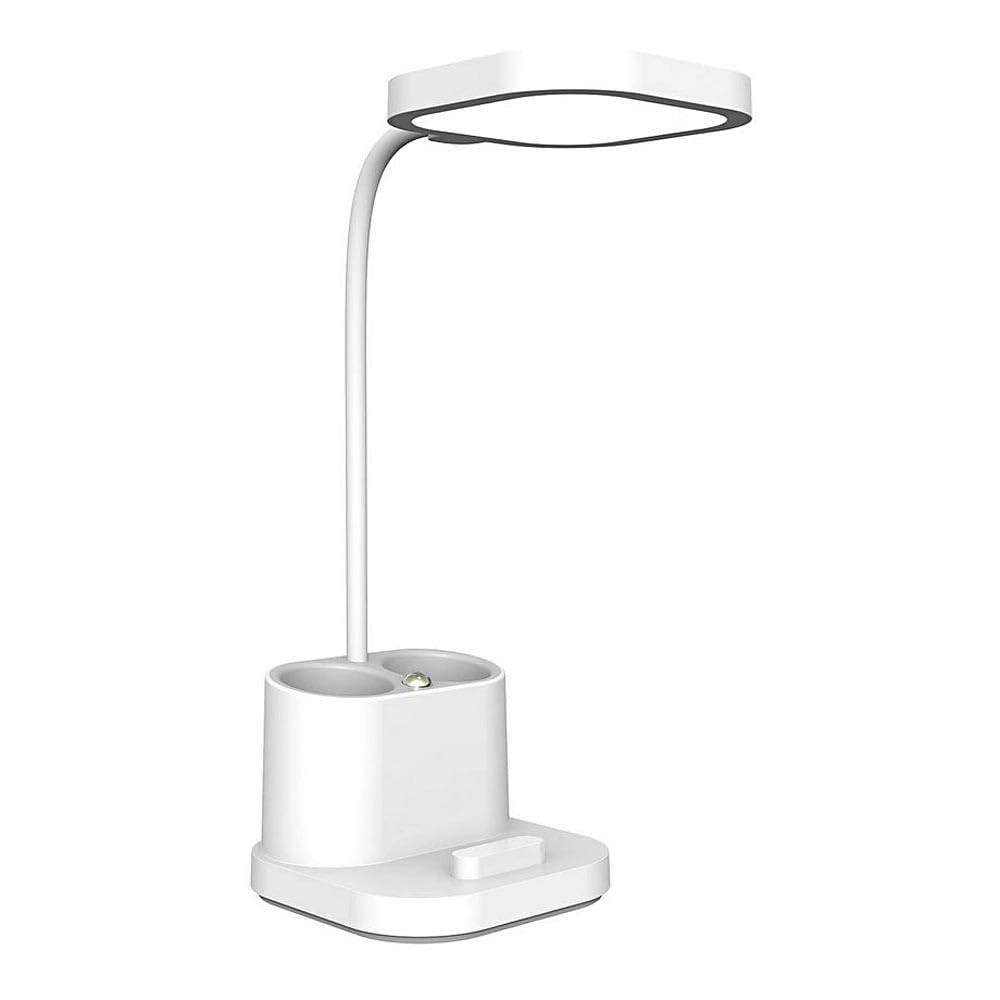
Image: The Platinet Desk Lamp PDL008, showing its compact design and adjustable head.
Sąrankos instrukcijos
- Išpakuokite Lamp: Atsargiai išimkite visus komponentus iš pakuotės. Patikrinkite, ar nėra pažeidimų.
- Padėkite Lamp: Padėkite lamp ant stabilaus, lygaus paviršiaus. Įsitikinkite, kad aplink jį yra pakankamai vietos.amp for ventilation and adjustment.
- Įdiekite lemputę:
- Įsitikinkite, kad lamp yra atjungtas nuo maitinimo šaltinio.
- Gently screw an E27 base bulb (not included) into the lamp socket until it is secure. Do not overtighten.
- Pastaba: Lamp is designed for a maximum wattage of 5W. Using a bulb with higher wattage gali sugadinti lamp arba kelti pavojų saugumui.
- Prijunkite prie maitinimo: Insert the power adapter plug into the lamp's power input port. Then, plug the power adapter into a standard electrical outlet.
Naudojimo instrukcijos
- Maitinimo įjungimas/išjungimas: Lamp features touch control. Gently touch the designated touch sensor on the lamp base or stem to turn the lamp įjungti arba išjungti.
- Ryškumo / režimų reguliavimas: Repeatedly touch the sensor to cycle through available brightness levels or lighting modes (if applicable). Refer to the product specifications for specific features.
- Padėties nustatymas: Sureguliuokite lamp head and arm to direct light as needed. Handle the lamp gently to avoid damage to moving parts.
Priežiūra
- Valymas: Atjunkite lamp from the power supply before cleaning. Use a soft, dry cloth to wipe the lamp. Do not use abrasive cleaners, solvents, or excessive moisture, as these can damage the finish or electrical components.
- Lemputės keitimas:
- Visada atjunkite lamp prieš keisdami lemputę.
- Prieš liesdami seną lemputę, leiskite jai visiškai atvėsti.
- Unscrew the old E27 bulb counter-clockwise and remove it.
- Screw in a new E27 bulb (max 5W) clockwise until secure.
- Vėl prijunkite lamp į valdžią.
- Saugykla: Jei saugote lamp for an extended period, ensure it is clean, dry, and stored in a safe place away from extreme temperatures or humidity.
Trikčių šalinimas
| Problema | Galima priežastis | Sprendimas |
|---|---|---|
| Lamp neįsijungia. |
|
|
| Šviesos mirgėjimas. |
|
|
Specifikacijos
- Modelis: PDL008
- Prekinis ženklas: Platinet
- Vattage: 5 vatų
- Lamp Bazė: E27
- Kontrolės metodas: Palieskite
- Gaminio matmenys: 50 x 50 x 28 cm
- Svoris: 5.66 kg
- Gamintojas: Platinet
Informacija apie garantiją
This Platinet Desk Lamp PDL008 5W comes with a 2 metų gamintojo garantijaŠi garantija taikoma medžiagų ir gamybos defektams, atsiradusiems įprasto naudojimo sąlygomis. Ji netaikoma žalai, atsiradusiai dėl netinkamo naudojimo, nelaimingų atsitikimų, neleistinų modifikacijų ar įprasto nusidėvėjimo. Išsaugokite pirkimo įrodymą, jei galėtumėte pateikti pretenzijas dėl garantijos.
Palaikymas
For further assistance, technical support, or warranty inquiries, please contact your retailer or the Platinet customer service department. Refer to the product packaging or the Platinet official websvetainė, kurioje rasite kontaktinius duomenis.