
iJoy DHP2431
iJoy Disney Nightmare Before Christmas Sally Dress Bluetooth Headphones User Manual
Model: DHP2431 | Brand: iJoy
Įvadas

Vaizdas: The iJoy Disney Nightmare Before Christmas Sally Dress Bluetooth Headphones, showcasing jų unikalų dizainą.
Thank you for choosing the iJoy Disney Nightmare Before Christmas Sally Dress Bluetooth Headphones. These wireless over-ear headphones are designed to provide a rich audio experience with a unique Sally Dress design. They feature a built-in microphone for hands-free calling, a foldable design for portability, and versatile connectivity options. This manual will guide you through the setup, operation, and maintenance of your new headphones.
Sąranka
1. Ausinių įkrovimas
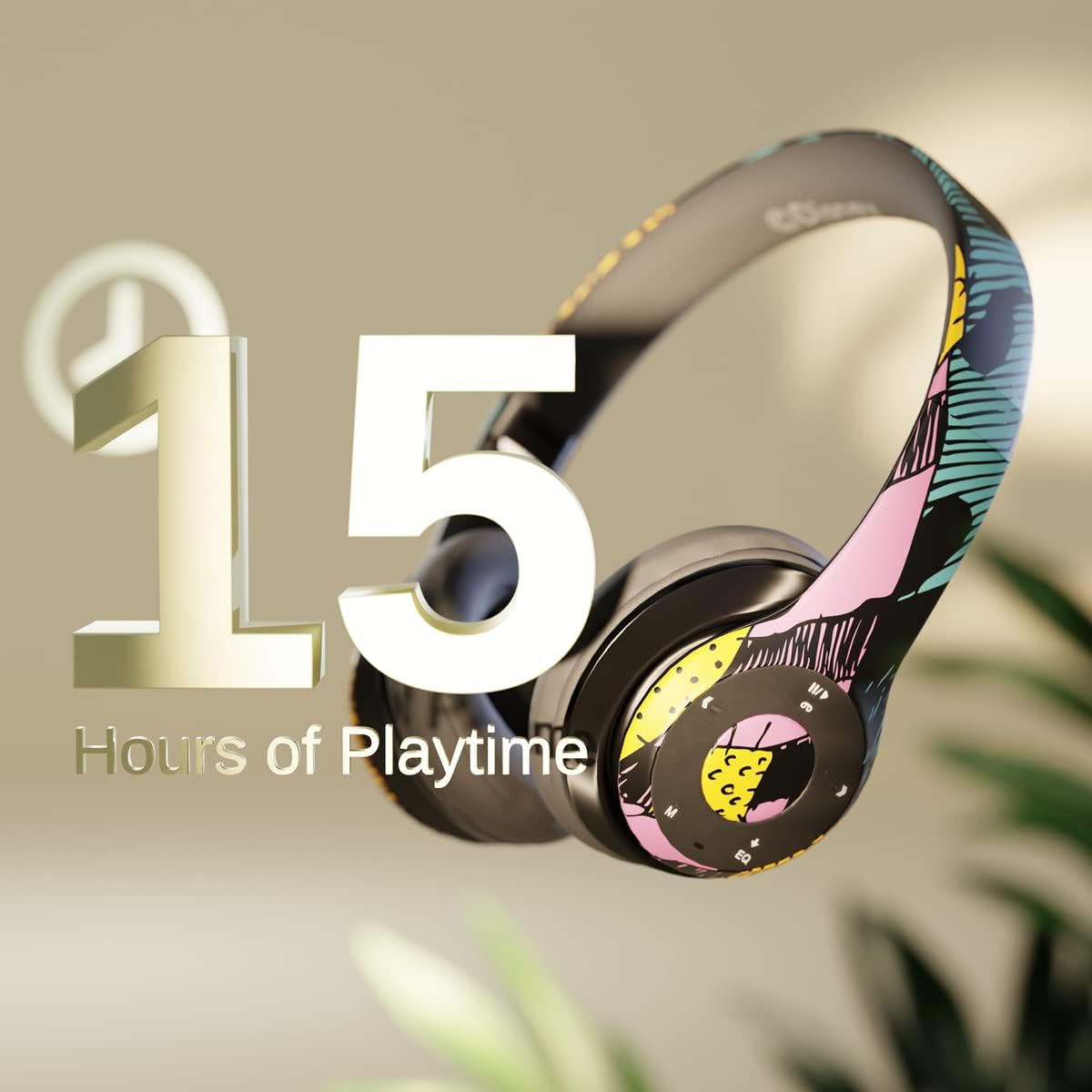
Vaizdas: Graphic indicating 15 hours of playtime for the headphones, highlighting battery endurance.
Before first use, fully charge your headphones. Connect the provided charging cable to the charging port on the headphones and a USB power source. The LED indicator will show charging status and turn off when fully charged. A full charge provides approximately 15 hours of battery life.
2. „Bluetooth“ poravimas

Vaizdas: The headphones with a graphic illustrating universal compatibility with both Apple and Android devices.
- Įsitikinkite, kad ausinės išjungtos.
- Paspauskite ir palaikykite maitinimo mygtuką, kol LED indikatorius mirksės mėlynai ir raudonai, rodydamas susiejimo režimą.
- On your Bluetooth-enabled device (smartphone, tablet, computer), go to Bluetooth settings and search for available devices.
- Select "iJoy DHP2431" (or similar name) from the list.
- Prijungus, LED indikatorius lėtai mirksės mėlyna spalva.
3. Using the Auxiliary Cable
For a wired connection, plug one end of the 3.5mm auxiliary cable into the headphone's audio jack and the other end into your audio device. This allows for continued listening even if the battery is depleted.
4. Atkūrimas iš „Micro SD“ kortelės
Insert a Micro SD card with your favorite music into the designated slot on the headphones. The headphones will automatically switch to Micro SD card playback mode. Use the control buttons to manage your music.
Naudojimo instrukcijos
Maitinimo įjungimas/išjungimas
- Norėdami įjungti: Paspauskite ir palaikykite maitinimo mygtuką, kol užsidegs LED indikatorius.
- Norėdami išjungti: Paspauskite ir palaikykite maitinimo mygtuką, kol užges LED indikatorius.
5-Button Control System
The headphones feature a convenient 5-button control system located on the ear cup for easy management of audio and calls.

Vaizdas: Išsamus view of the 5-button control panel on the headphone ear cup, indicating functions for volume, track navigation, equalizer, and call management.
- Play/Pause/Answer/Hang-up: Press the center button to play or pause music, or to answer/end a phone call.
- Padidinti garsumą / kitas takelis: Press the '+' button to increase volume. Hold the '+' button to skip to the next track.
- Sumažinti garsumą / ankstesnis takelis: Press the '-' button to decrease volume. Hold the '-' button to go to the previous track.
- Ekvalaizeris: Press the 'EQ' button to cycle through different equalizer presets.
- Režimo parinkiklis: Press the 'M' button to switch between Bluetooth, Micro SD card, and FM Radio modes.
Skambinimas laisvų rankų įranga
With the built-in microphone, you can make and receive calls directly through your headphones when connected via Bluetooth to your smartphone. Use the center button to answer or end calls.
Integruotas radijo imtuvas
Switch to FM Radio mode using the 'M' button. The headphones will automatically scan and tune into available radio stations. Use the track navigation buttons to change stations.
Sulankstomas dizainas

Vaizdas: The headphones are shown in their folded configuration, highlighting their compact and portable design for easy storage and transport.
The headphones feature a foldable design, allowing for easy storage and portability. Simply fold the ear cups inwards towards the headband to reduce their size for travel or storage in a backpack.
Noise Canceling Design

Vaizdas: Sprogo view of the headphone's ear cup, illustrating the internal speaker components and the connection point for the auxiliary cable, emphasizing the noise-canceling technology.
The over-ear cup design helps to isolate audio, providing a more immersive listening experience by reducing external noise interference.
Priežiūra
- Valymas: Ausinėms valyti naudokite minkštą, sausą šluostę. Nenaudokite abrazyvinių valiklių ar tirpiklių.
- Saugykla: When not in use, store the headphones in a cool, dry place. Utilize the foldable design for compact storage.
- Akumuliatoriaus priežiūra: Norėdami pailginti baterijos veikimo laiką, venkite dažnai visiškai iškrauti ausines. Reguliariai jas įkraukite, net jei nenaudojate nuolat.
- Atsparumas vandeniui: Šios ausinės nėra atsparios vandeniui. Venkite sąlyčio su skysčiais.
Trikčių šalinimas
- Nėra galios: Įsitikinkite, kad ausinės yra visiškai įkrautos. Prijunkite prie maitinimo šaltinio ir patikrinkite įkrovimo indikatorių.
- Nepavyksta susieti per „Bluetooth“:
- Įsitikinkite, kad ausinės yra susiejimo režime (LED mirksi mėlynai ir raudonai).
- Įsitikinkite, kad jūsų įrenginyje įjungtas „Bluetooth“ ryšys ir jis yra diapazone (paprastai 10 metrų).
- Pamirškite įrenginį iš telefono „Bluetooth“ sąrašo ir bandykite susieti dar kartą.
- Iš naujo paleiskite ausines ir įrenginį.
- Nėra garso:
- Patikrinkite garsumo lygį tiek ausinėse, tiek prijungtame įrenginyje.
- Ensure the headphones are properly connected via Bluetooth or auxiliary cable.
- If using an SD card, ensure the audio files yra suderinamo formato.
- Prasta garso kokybė:
- Kad išvengtumėte trukdžių, priartėkite prie „Bluetooth“ įrenginio.
- Patikrinkite garso šaltinį, ar nėra kokybės problemų.
- Ensure the ear cups are properly positioned over your ears for optimal sound isolation.
Specifikacijos
| Modelio pavadinimas | DHP2431 |
| Ryšio technologija | Belaidis ryšys („Bluetooth“) |
| Belaidžio ryšio technologija | Bluetooth |
| Įtraukti komponentai | Headphones, Charging Cable, Auxiliary Cable |
| Amžiaus diapazonas (aprašas) | Adult (suitable for kids) |
| Medžiaga | Plastic, Metal, Fabric, Memory Foam |
| Rekomenduojami gaminio naudojimo būdai | Muzika, skambučiai |
| Suderinami įrenginiai | „Bluetooth“ palaikantys įrenginiai |
| Valdymo tipas | Volume Control, Track Navigation, Equalizer, Mode Selector |
| Kabelio funkcija | Retractable, Without Cable (for wireless use) |
| Prekės svoris | 0.26 kilogramo (9.1 uncijos) |
| Atsparumo vandeniui lygis | Neatsparus vandeniui |
| Stilius | Sally Dress |
| Kontrolės metodas | Mygtukas |
| Prekių skaičius | 1 |
| Baterijos veikimo laikas | 15 valandų |
| Garso tvarkyklės tipas | Dinaminis vairuotojas |
| Ausinės forma | Virš ausies |
| Techninės įrangos sąsaja | 3.5 mm garsas |
| UPC | 842700197150 |
| Ypatinga funkcija | Built-in Radio Receiver, Foldable and Adjustable headband, Micro SD Card Plug-in, Microphone Included |
| Gamintojas | iJoy |
| Pakuotės matmenys | 6.57 x 6.1 x 3.19 colio |
| Baterijos | Reikalinga 1 ličio polimero baterija (pridedama) |
Garantija
iJoy provides a 6-month exchange warranty for these headphones. If your headset breaks or is damaged for any reason within this period, iJoy will provide you with a free replacement.
Palaikymas
For further assistance, troubleshooting, or warranty claims, please contact iJoy customer support. You can often find contact information on the product packaging or by visiting the official iJoy websvetainę.
Produktų vaizdo įrašai
iJoy Disney Nightmare Before Christmas Headphones Overview
Vaizdo įrašas: Oficialus produkto vaizdo demonstravimasasing the iJoy Disney Nightmare Before Christmas Headphones, highlighting their design and features.
Ask a question about this manual
Ask about setup, troubleshooting, compatibility, parts, safety, or missing instructions. Manuals+ will review the question and use this page’s manual context to help answer it.