
Įvadas
This manual provides detailed instructions for the installation, operation, and maintenance of your Mars Gaming MARSGAMING MCX ATX PC Gaming Case, Model MCF. Please read this manual thoroughly before beginning assembly to ensure proper setup and optimal performance.

Figure 1: Mars Gaming MARSGAMING MCX ATX PC Gaming Case (Model MCF)
Pagrindinės savybės
- Advanced Gaming Lighting: Features triple vented front and rear fans with ARGB lighting, complemented by a Metal-Mesh front design and tempered glass side window.
- Aerodinaminis dizainas: Sophisticated look with pure geometric lines and premium finishes. The aerodynamically designed front panel enhances ventilation and airflow.
- Full ARGB Compatibility: ARGB lighting with multiple preset effects, controllable via an ARGB connector or motherboard for extensive aesthetic customization.
- Didžiausia aušinimo talpa: Includes a triple front fan system and a 120mm rear fan. Supports up to 6 x 120mm fans, removable magnetic top and bottom filters, and dual chamber design. Full support for up to 360mm liquid cooling.
- Maximum Internal Capacity: Supports ATX, micro-ATX, and mini-ITX motherboards, up to 5 hard drives, and efficient internal cable management. Accommodates VGAs up to 305mm long (330mm without front fan) and 167mm wide, and heatsinks up to 177mm high.
Pakuotės turinys
Prieš tęsdami montavimą, patikrinkite, ar pakuotėje yra visi komponentai.
- Mars Gaming MARSGAMING MCX ATX PC Gaming Case (Model MCF)
- 4 x 120 mm ARGB ventiliatoriai (iš anksto įdiegti)
- Accessory kit (screws, standoffs, cable ties)
- Vartotojo vadovas (šis dokumentas)
Sąrankos instrukcijos
1. Bylos rengimas
Place the case on a stable, flat surface. Remove the tempered glass side panel by unscrewing the thumb screws at the rear of the case and carefully sliding the panel off.
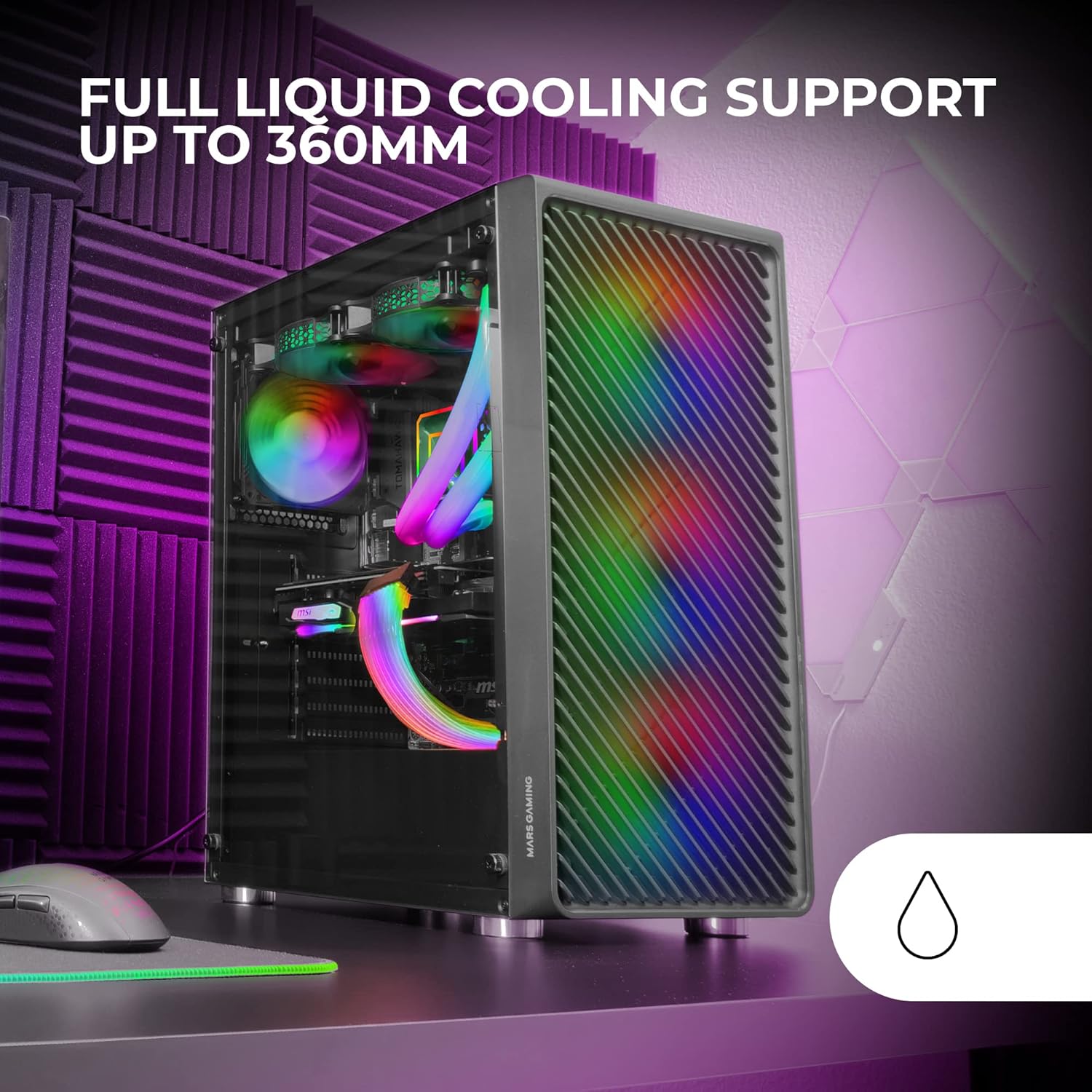
Figure 2: Tempered Glass Side Window
The front panel features a Metal-Mesh design for optimal airflow.

Figure 3: Metal-Mesh Front Panel
2. Pagrindinės plokštės montavimas
Install the appropriate standoffs for your ATX, Micro-ATX, or Mini-ITX motherboard. Carefully place the motherboard into the case, aligning it with the standoffs and the I/O shield opening. Secure the motherboard with screws from the accessory kit.
3. Maitinimo šaltinio (PSU) įrengimas
The case features a bottom-mount power supply design. Slide your PSU into its designated compartment at the bottom rear of the case and secure it with screws. Route the necessary cables through the cable management cutouts.
4. Atminties disko diegimas
Install your 3.5-inch hard drives and 2.5-inch solid-state drives into the available drive bays. The case supports up to 5 hard drives. Refer to the internal layout diagram for bay locations.
5. Vaizdo plokštės (VGA) diegimas
Remove the necessary PCI-E slot covers. Insert your graphics card into the appropriate PCI-E slot on your motherboard and secure it with screws. The case supports VGAs up to 305mm long (330mm without a front fan) and 167mm wide.
6. Cooling System Installation (Fans & Liquid Cooling)
The case comes with four pre-installed 120mm ARGB fans (three front, one rear). Additional fans can be installed as follows:
- Į viršų: Iki 2 x 120 mm arba 2 x 140 mm ventiliatorių.
- Priekyje: Up to 3 x 120mm or 2 x 140mm fans (pre-installed).
- Galinis: 1 x 120 mm ventiliatorius (iš anksto sumontuotas).
For liquid cooling, the case supports radiators up to 360mm.

Figure 4: Pre-installed 4x 120mm ARGB Fans

Figure 5: Internal Layout and Cooling Support
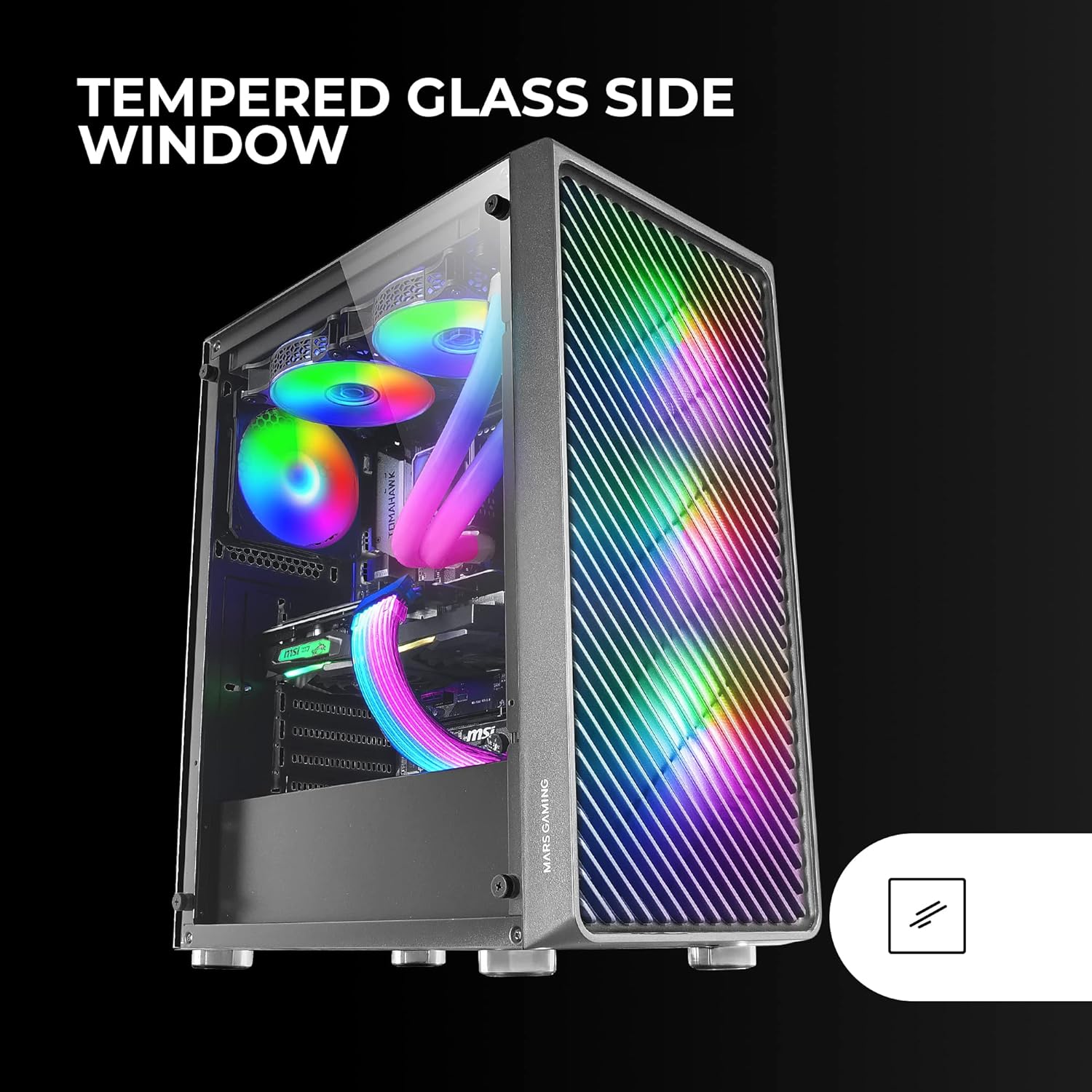
Figure 6: Liquid Cooling Support
7. Kabelių valdymas
Kabelių išdėstymui ir tvirtinimui naudokite laidų tvarkymo angas ir tvirtinimo taškus už pagrindinės plokštės dėklo. Tai pagerina oro srautą ir vizualiai pagerina vaizdą.
8. Galutinis surinkimas
Once all components are installed and cables are managed, reattach the tempered glass side panel and secure it with the thumb screws.
Naudojimo instrukcijos
Įjungimas
Connect your power supply to a wall outlet. Press the power button located on the top panel of the case to turn on your system.
ARGB apšvietimo valdymas
The pre-installed ARGB fans can be controlled via your motherboard's ARGB software (if connected to an ARGB header) or through the integrated controller (if applicable). Refer to your motherboard manual for specific ARGB software instructions. The case offers multiple preset lighting effects.
Priežiūra
Korpuso valymas
Reguliariai valykite korpuso išorę minkšta, d šluosteamp cloth. Avoid abrasive cleaners. For interior cleaning, use compressed air to remove dust from components and fans.
Dulkių filtro priežiūra
The case features removable magnetic dust filters on the top and bottom. Periodically remove and clean these filters to maintain optimal airflow and prevent dust buildup inside the system. Wash with water and mild soap, then dry completely before reattaching.
Trikčių šalinimas
Ventiliatoriai nesisuka / RGB neveikia
- Check all fan and ARGB connections to the motherboard or controller.
- Ensure the power supply is providing adequate power.
- Verify that ARGB software or physical controls are correctly configured.
Poor Airflow / Overheating
- Išvalykite visus dulkių filtrus ir ventiliatorius.
- Ensure proper fan orientation for intake and exhaust.
- Verify that no cables are obstructing airflow.
- Consider adding additional fans if temperatures remain high.
Sistema neįsijungia
- Patikrinkite visas maitinimo jungtis nuo maitinimo bloko iki pagrindinės plokštės ir komponentų.
- Įsitikinkite, kad priekinio skydelio maitinimo mygtuko kabelis tinkamai prijungtas prie pagrindinės plokštės.
- Verify the PSU is switched on.
Specifikacijos
| Funkcija | Detalė |
|---|---|
| Prekės ženklas | Mars Gaming |
| Modelio pavadinimas | MCF |
| Atvejo tipas | Mid Tower |
| Pagrindinės plokštės suderinamumas | ATX, mikro ATX, mini-ITX |
| Medžiaga | Metalas |
| Spalva | Juoda |
| Elemento matmenys (D x P x A) | 14.96 "D x 8.5" P x 18.11" A |
| Prekės svoris | 4.7 kilogramo |
| Internal Bays Quantity | 5 (for 3.5" Hard Disk Form Factor) |
| GPU maksimalus ilgis | 305mm (330mm without front fan) |
| Maksimalus CPU aušintuvo aukštis | 177 mm |
| Iš anksto įdiegti ventiliatoriai | 4 x 120 mm ARGB ventiliatoriai |
| Aušinimo būdas | Oras, vanduo |
| Skysčio aušinimo palaikymas | Iki 360 mm radiatorius |
| Maitinimo šaltinio tvirtinimo tipas | Apatinis kalnas |
| Iš viso USB prievadų | 2 2.0 (USB XNUMX) |
| Ypatingos savybės | RGB Lighting, Tempered Glass Side Panel, Metal-Mesh Front Panel |
Garantija ir palaikymas
Dėl garantijos informacijos ir techninės pagalbos kreipkitės į oficialią „Mars Gaming“ svetainę. websvetainėje arba susisiekite su jų klientų aptarnavimo skyriumi. Išsaugokite pirkimo įrodymą garantiniams reikalavimams.
Gamintojas: Mars Gaming