
ADE CK2304
ADE CK2304 Digital Bathroom Clock User Manual
Modelis: CK2304
Įvadas
This manual provides instructions for the setup, operation, maintenance, and troubleshooting of your ADE CK2304 Digital Bathroom Clock. This device features a hygrometer, thermometer, shower timer, countdown function, and a large LCD display, all within an IP65 waterproof design.

Vaizdas: priekis view of the ADE CK2304 Digital Bathroom Clock, displaying time, date, temperature, and humidity readings on its large LCD screen.
Pakuotės turinys
Patikrinkite, ar pakuotėje yra visi reikalingi daiktai:
- ADE CK2304 Digital Bathroom Clock
- 2x AAA baterijos
- Instrukcijų vadovas (šis dokumentas)
Sąranka
1. Akumuliatoriaus įdėjimas
The device requires 2 x AAA batteries for operation. These are included in the package.
- Raskite baterijų skyriaus dangtelį laikrodžio gale.
- Atidarykite akumuliatoriaus skyrių.
- Insert the 2 x AAA batteries, ensuring correct polarity (+ and -).
- Close the battery compartment cover securely to maintain IP65 waterproofing.
Vaizdas: Galinis view of the ADE CK2304 Digital Bathroom Clock, highlighting the battery compartment and various mounting features like the suction cup and hanging eyelet.
2. Montavimo parinktys
The ADE CK2304 offers flexible placement options:
- Wall Mounting (Suction Base): Press the rubberized suction base firmly against a clean, smooth, non-porous surface (e.g., tile, mirror, glass). Ensure the surface is dry for optimal adhesion.
- Hanging (Eyelet): Use the integrated hanging eyelet to suspend the clock from a hook or nail. (Hook/nail not included).
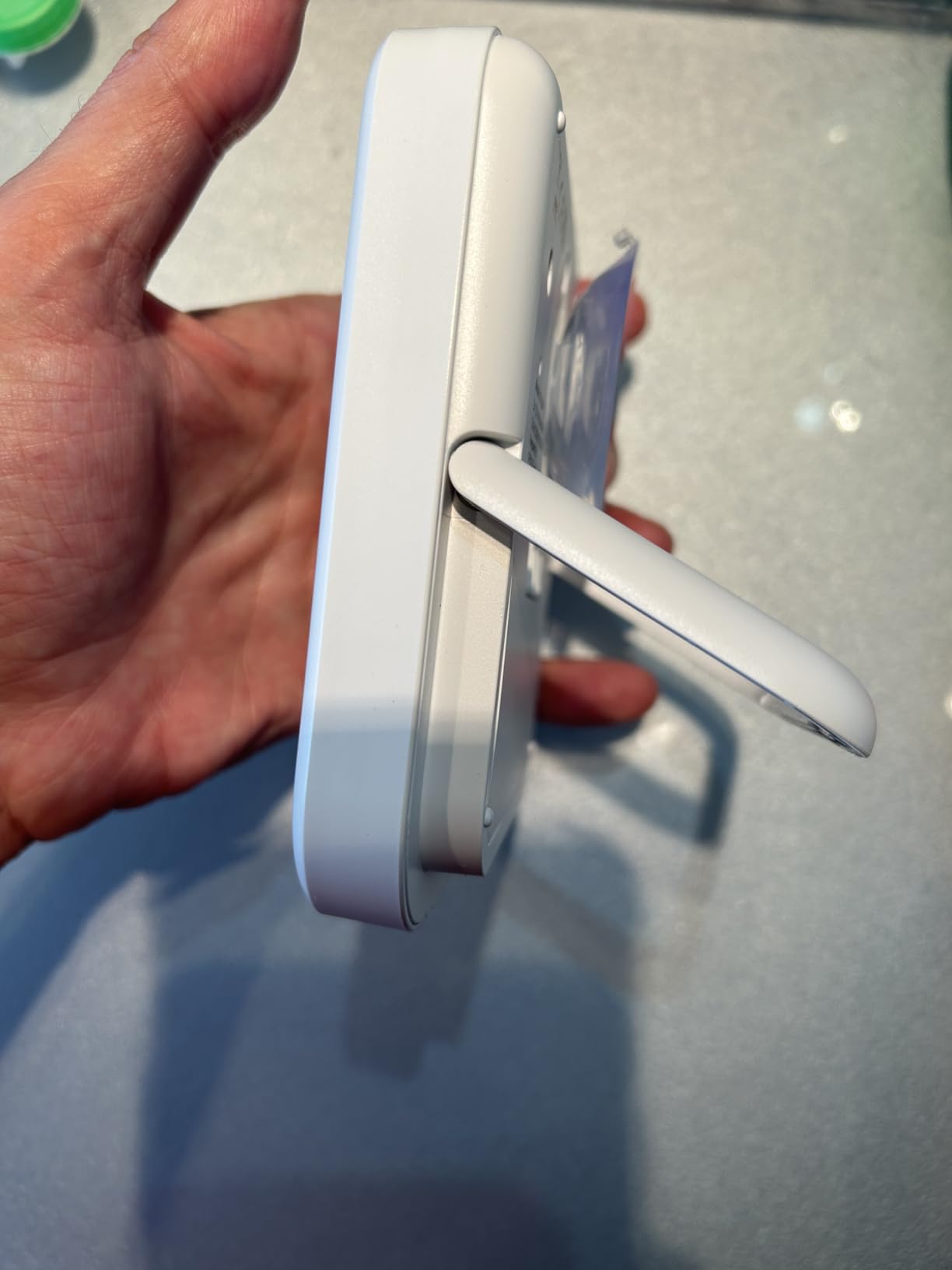
- Standing (Adjustable Base): Utilize the sturdy, adjustable base to place the clock on a flat surface, such as a countertop or shelf.
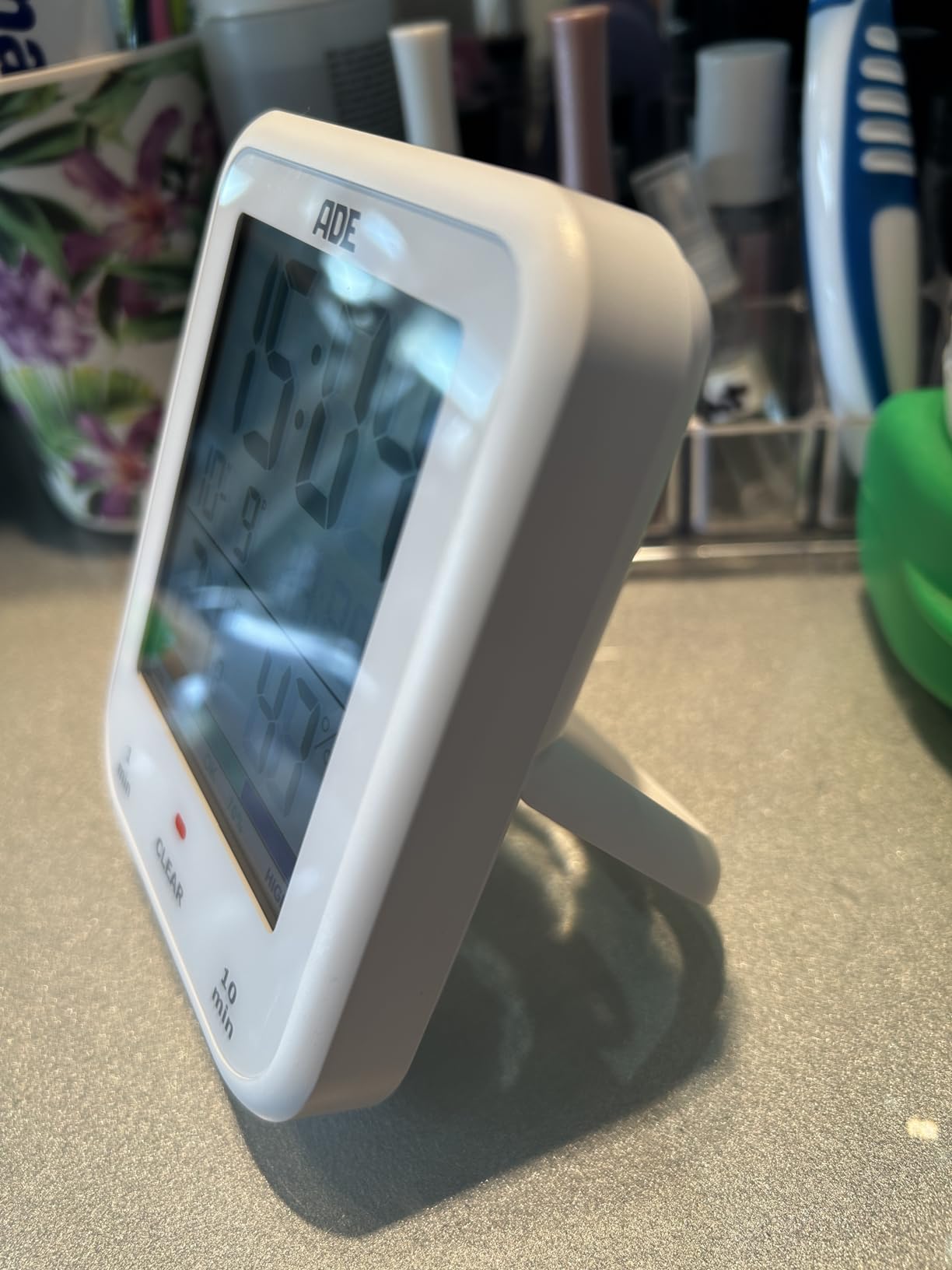
Image: The ADE CK2304 Digital Bathroom Clock securely attached to a bathroom wall using its suction cup mounting option.
Naudojimo instrukcijos
1. Pradinis įjungimas ir rodymas
Upon battery installation, the clock will power on and display the current time, date, temperature, and humidity. The large LCD display ensures readability.
2. Laiko ir datos nustatymas
Refer to the buttons on the back or side of the device (specific button names are not provided in the input, so I'll use generic terms):
- Press and hold the "SET" button (or equivalent) until the time display flashes.
- Use the "UP" and "DOWN" buttons (or equivalent) to adjust the hour. Press "SET" to confirm.
- Pakartokite su minutėmis, metais, mėnesiu ir diena.
- Press "SET" one last time to exit setting mode.
3. Using the Shower Timer / Countdown Function
The shower timer helps manage water consumption. The clock features a countdown function.
- Press the "TIMER" button (or equivalent) to activate the countdown function.
- Repeatedly press "TIMER" to cycle through preset countdown durations (e.g., 1 minute, 10 minutes, etc., as suggested by a review).
- Alternatively, press and hold "TIMER" to manually set a custom countdown duration using the "UP" and "DOWN" buttons.
- The countdown will begin automatically after selection or confirmation.
- An audible alert will sound when the timer reaches zero.
- Norėdami sustabdyti žadintuvą, paspauskite bet kurį mygtuką.
4. Temperatūros ir drėgmės rodymas
The clock continuously displays the current room temperature and humidity. It also includes a comfort zone indicator to help maintain an optimal indoor climate and prevent mold formation.
Priežiūra
- Valymas: Nuvalykite laikrodį minkšta, d šluosteamp audinys. Nenaudokite abrazyvinių valiklių ar tirpiklių.
- Baterijos keitimas: Replace batteries when the display dims or the clock stops functioning. Ensure the battery compartment is sealed tightly after replacement to maintain waterproofing.
- Hidroizoliacija: The device is IP65 waterproof, meaning it is protected against low-pressure water jets from any direction. Do not submerge the device in water. Ensure the battery compartment is always properly sealed.
Trikčių šalinimas
| Problema | Galima priežastis | Sprendimas |
|---|---|---|
| Ekranas tuščias arba blankus. | Žemas arba išsikrovusios baterijos. | Pakeiskite naujomis AAA baterijomis, užtikrindami teisingą poliškumą. |
| Laikas / data neteisingi. | Reikia pakoreguoti nustatymus. | Follow the "Setting Time and Date" instructions in the Operating section. |
| Siurbimo taurė nelaiko. | Surface is dirty, wet, or porous. | Clean and dry the surface thoroughly. Ensure it is smooth and non-porous. |
| Temperatūros / drėgmės rodmenys atrodo netikslūs. | Device recently moved to a new environment; needs time to stabilize. | Allow 15-30 minutes for the sensors to adjust to the new environment. |
Specifikacijos
- Modelis: CK2304
- Prekinis ženklas: ADE
- Ekrano tipas: Skaitmeninis LCD
- Atsparumo vandeniui įvertinimas: IP65 (Protected against low-pressure water jets)
- Funkcijos: Time, Date, Temperature, Humidity, Shower Timer, Countdown Function, Comfort Zone Indicator
- Maitinimo šaltinis: 2 x AAA baterijos (pridedamos)
- Gaminio matmenys: 9.2 cm (P) x 11.5 cm (A) x 2.3 cm (G)
- Prekės svoris: 207 gramų
- Montavimo parinktys: Suction Base, Hanging Eyelet, Adjustable Stand
- Kambario tipas: Vonios kambarys
Garantija ir palaikymas
For warranty information or technical support, please refer to the contact details provided on the product packaging or the official ADE websvetainėje. Išsaugokite pirkimo kvitą kaip pirkimo įrodymą.
Ask a question about this manual
Ask about setup, troubleshooting, compatibility, parts, safety, or missing instructions. Manuals+ will review the question and use this page’s manual context to help answer it.