
1. Įvadas
This user manual provides comprehensive instructions for the VTech CS1551 DECT 2-Handset Cordless Phone system. It covers setup, operation, maintenance, and troubleshooting to ensure optimal performance and user experience. Please read this manual thoroughly before using your new phone system.
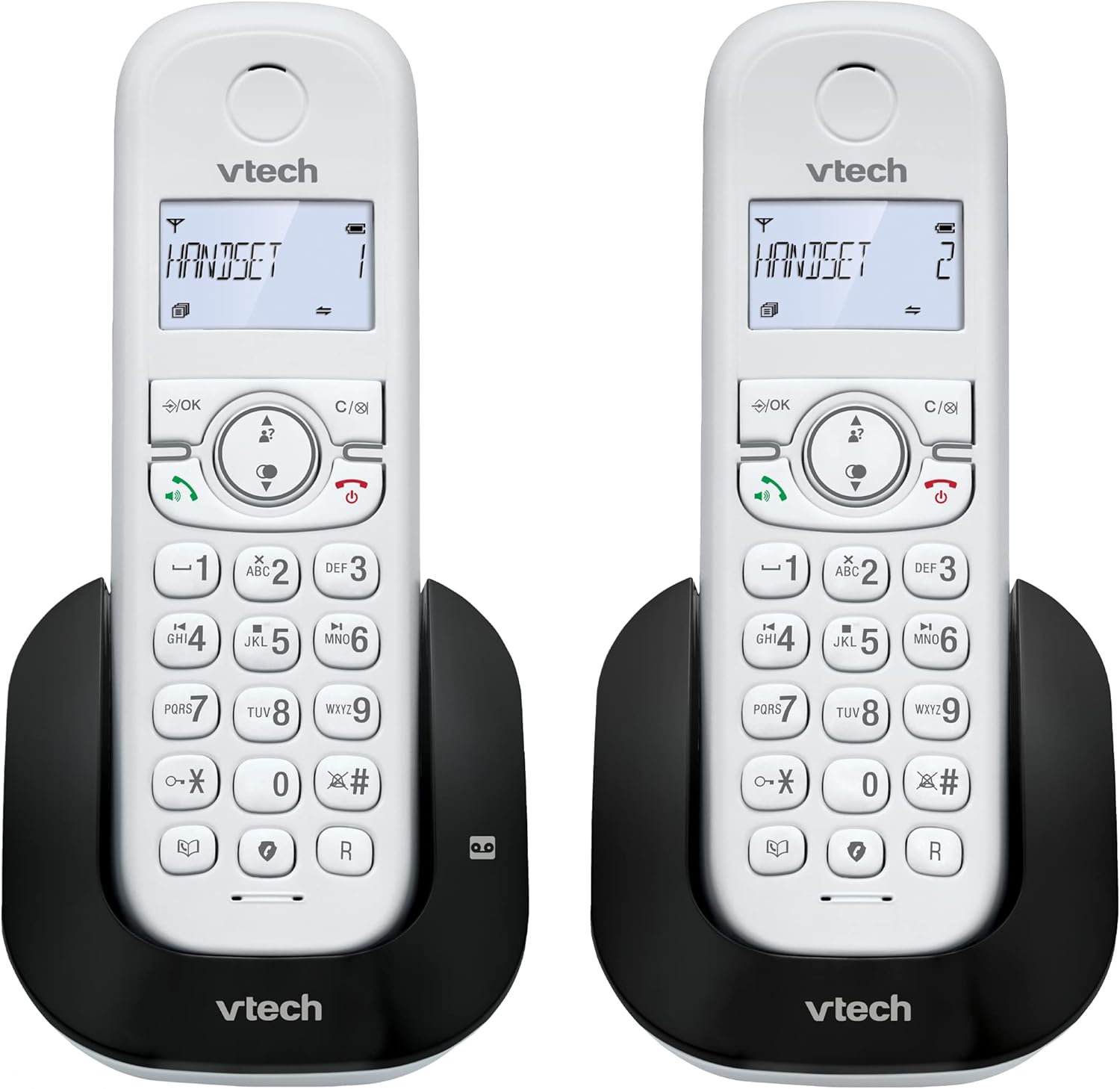
1.1 vaizdas: Baigtaview of the VTech CS1551 DECT 2-Handset Cordless Phone System.
2. Pakuotės turinys
Įsitikinkite, kad pakuotėje yra visi daiktai. Jei trūksta kokių nors daiktų arba jie pažeisti, susisiekite su „VTech“ klientų aptarnavimo tarnyba.
- 2 belaidžiai rageliai
- 1 pagrindinis blokas
- 1 Charger Unit
- 2 kintamosios srovės maitinimo adapteriai
- 1 telefono linijos laidas
- 2 NiMH Rechargeable Battery Packs (4 batteries total, 2 per handset)
- Vartotojo vadovas (šis dokumentas)
3. Sąranka
3.1. Baterijos įdėjimas ir įkrovimas
Before initial use, install the provided NiMH rechargeable battery packs into each handset. Connect the base unit and charger unit to power outlets using the AC adapters. Place the handsets on their respective charging cradles.
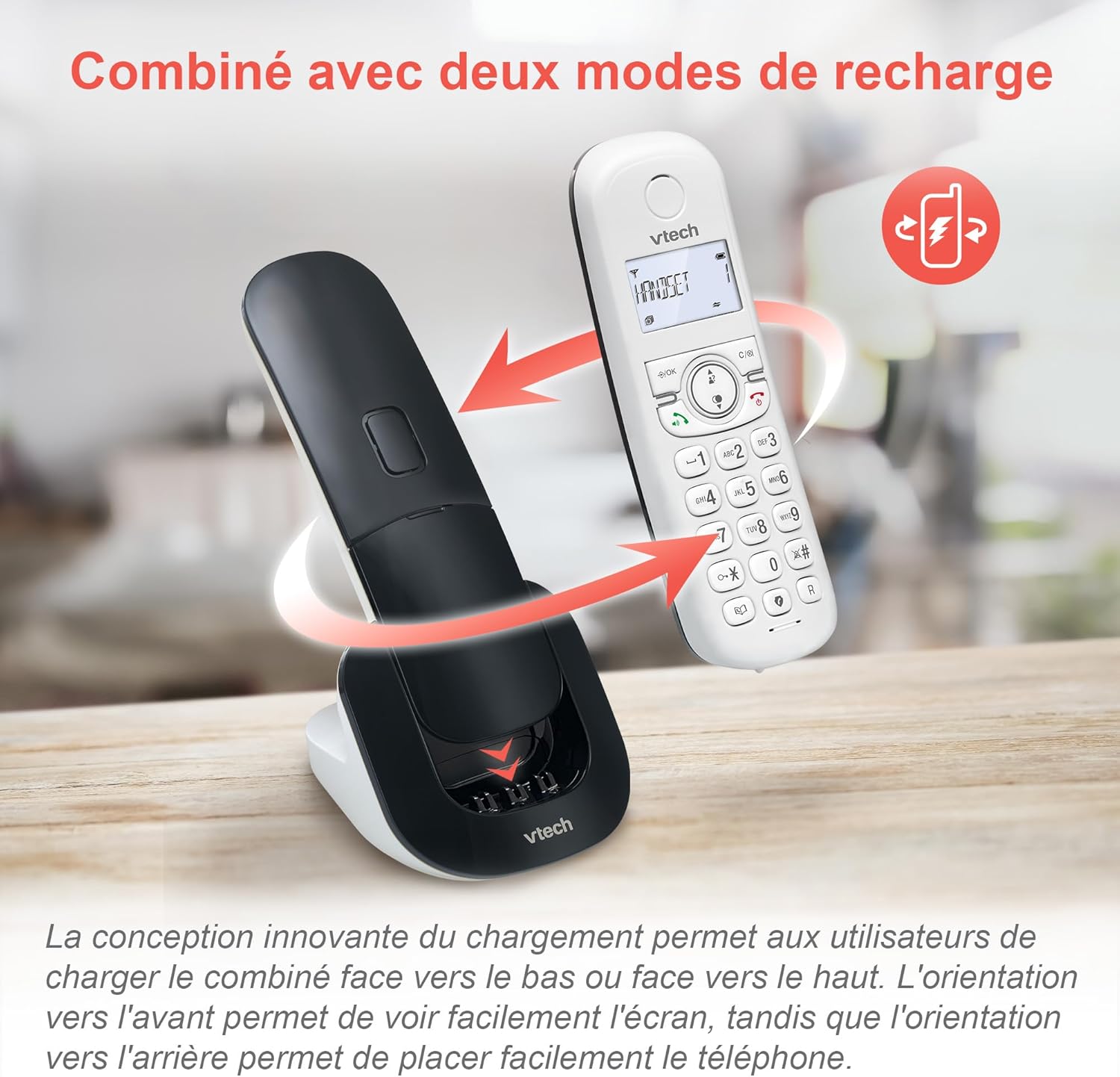
Image 3.1: The innovative dual charging design allows handsets to be charged face-up or face-down. Charging face-up allows for easy screen viewing, while face-down charging offers a compact placement.
Allow the handsets to charge for at least 12 hours before first use to ensure full battery capacity. A full charge provides up to 13 hours of talk time and 200 hours of standby time.
3.2. Pagrindinio įrenginio prijungimas
- Prijunkite vieną telefono linijos laido galą prie pagrindinio bloko TEL LINE lizdo.
- Prijunkite kitą telefono linijos laido galą prie sieninio telefono lizdo.
- Plug the base unit's AC adapter into a power outlet.
4. Naudojimo instrukcijos
4.1. Skambučių skambinimas ir atsiliepimas į juos
- Norėdami paskambinti: Paspauskite KALBĖKITE or GALBĖJAS, tada surinkite numerį.
- Norėdami atsiliepti į skambutį: Paspauskite KALBĖKITE or GALBĖJAS kai suskamba telefonas.
- Norėdami baigti skambutį: Paspauskite PABAIGA or place the handset back on the charging cradle.
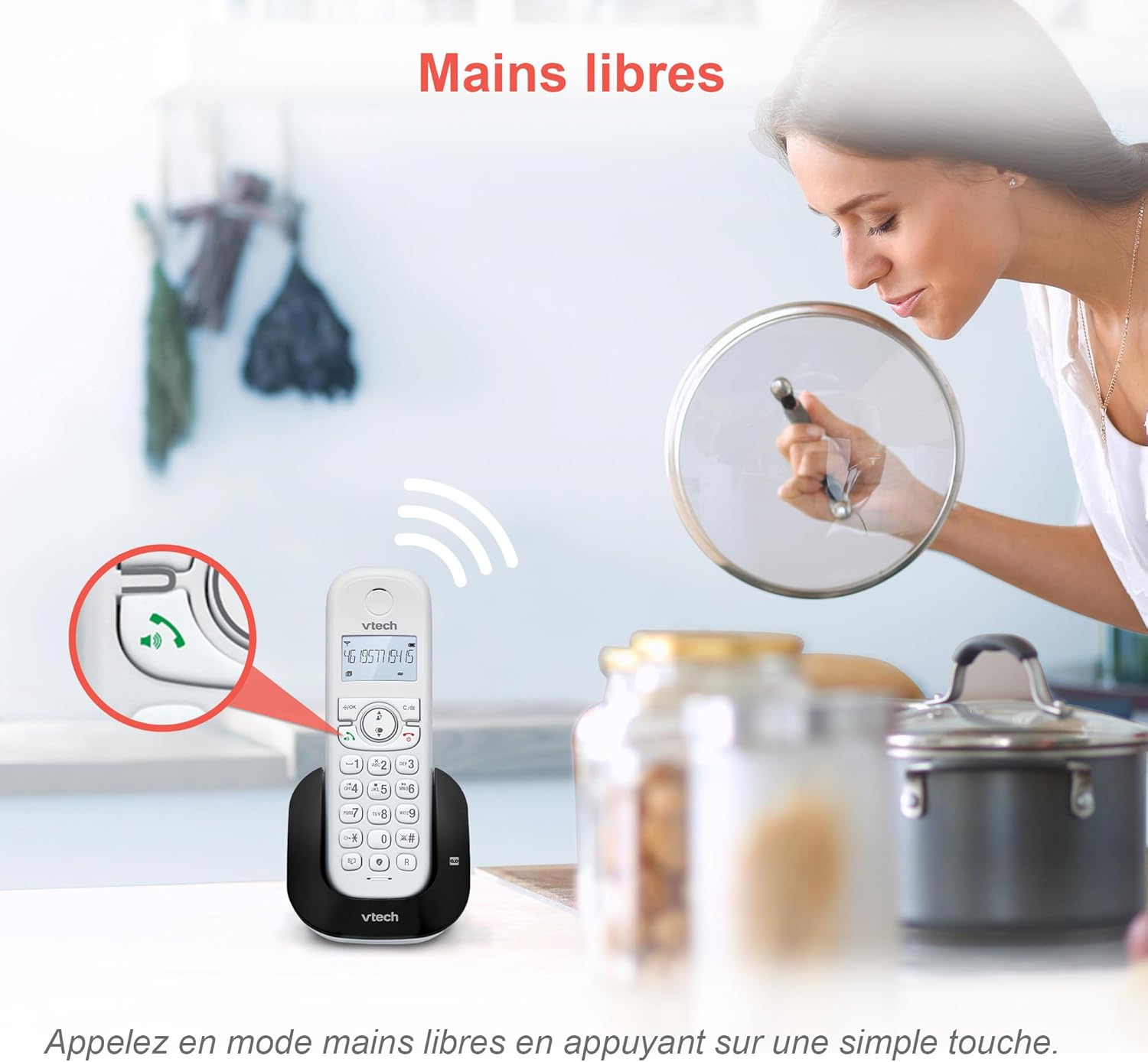
Image 4.1: The hands-free speakerphone function allows for conversations without holding the handset.
4.2. Atsakiklis
The integrated digital answering machine records messages when you are unavailable. It offers up to 15 minutes of recording time.
- Norėdami leisti pranešimus: Paspauskite ŽAISTI mygtuką ant pagrindinio bloko arba ragelio.
- To Record a Greeting: Follow the instructions in the full manual for custom greeting setup.

Image 4.2: The automatic answering machine records messages for up to 15 minutes when you cannot answer a call.
4.3. Skambučių blokavimas
The nuisance call blocker allows you to block unwanted calls. You can store up to 60 numbers in the block list.
- Norėdami užblokuoti numerį: Pokalbio metu paspauskite BLOKAS button. Alternatively, add numbers manually via the menu.

Image 4.3: The call blocker button allows you to easily add unwanted numbers to a block list, preventing future disturbances.
4.4. Skambinančiojo ID / Skambučio laukimas
The phone displays the caller's name, number, time, and date for incoming calls. It stores up to 20 caller ID records.

Image 4.4: The handset screen displays incoming caller information, including name, number, time, and date.
4.5. Three-Way Conferencing
The call transfer and intercom features allow multiple users to participate in a conversation simultaneously.

Image 4.5: Engage in three-way conference calls, allowing multiple parties to join the conversation.
5. Pagrindinės savybės
5.1. EKO režimas
The handset automatically adjusts radio frequency power based on its distance from the base unit. ECO DECT technology helps reduce energy consumption.
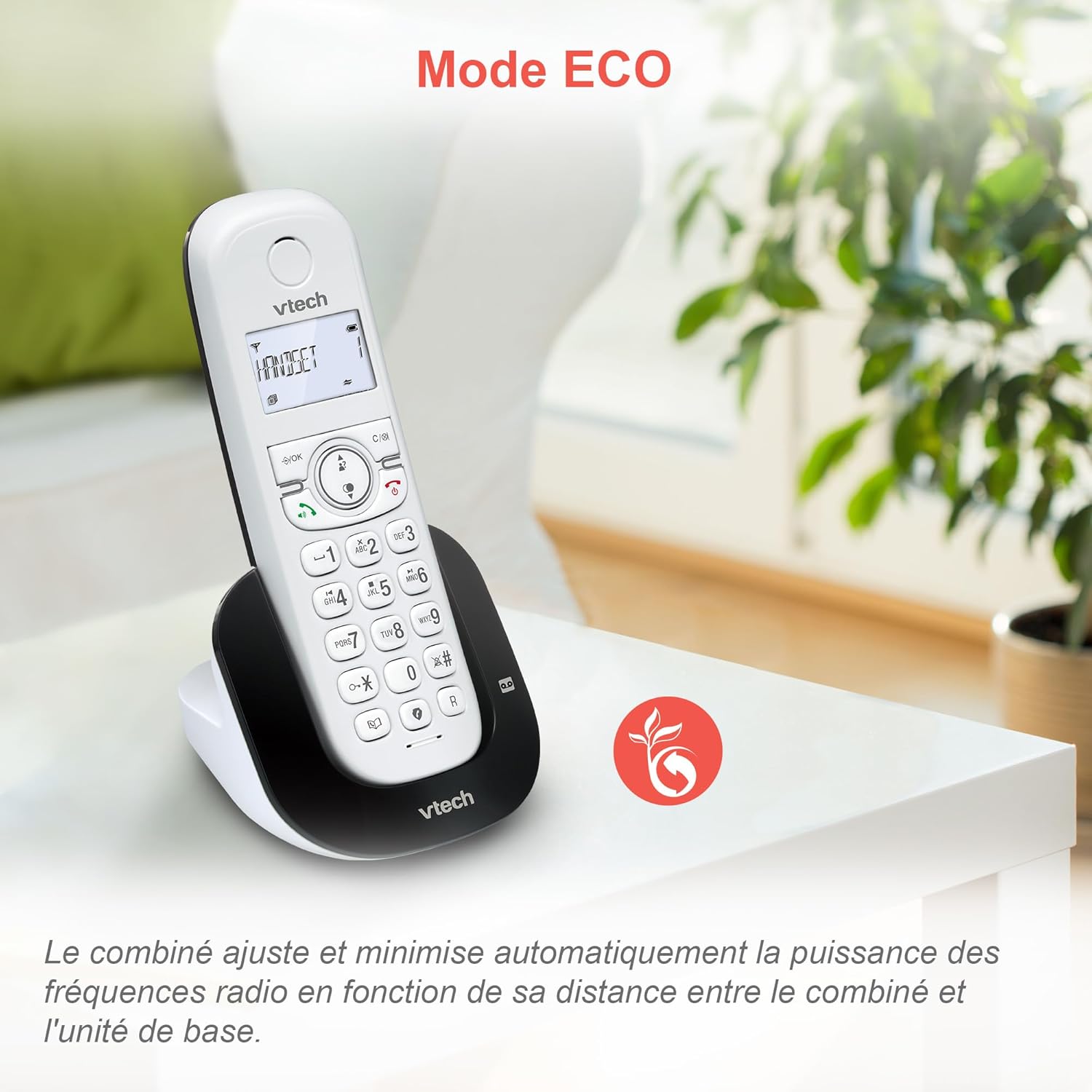
Image 5.1: The ECO mode feature automatically optimizes power usage based on handset proximity to the base unit.
5.2. Phonebook and Redial
- Telefonų knyga: Išsaugokite iki 60 vardų ir numerių, kad galėtumėte greitai surinkti.
- Perskambinti: Easily redial the last 10 numbers called with a single button press.
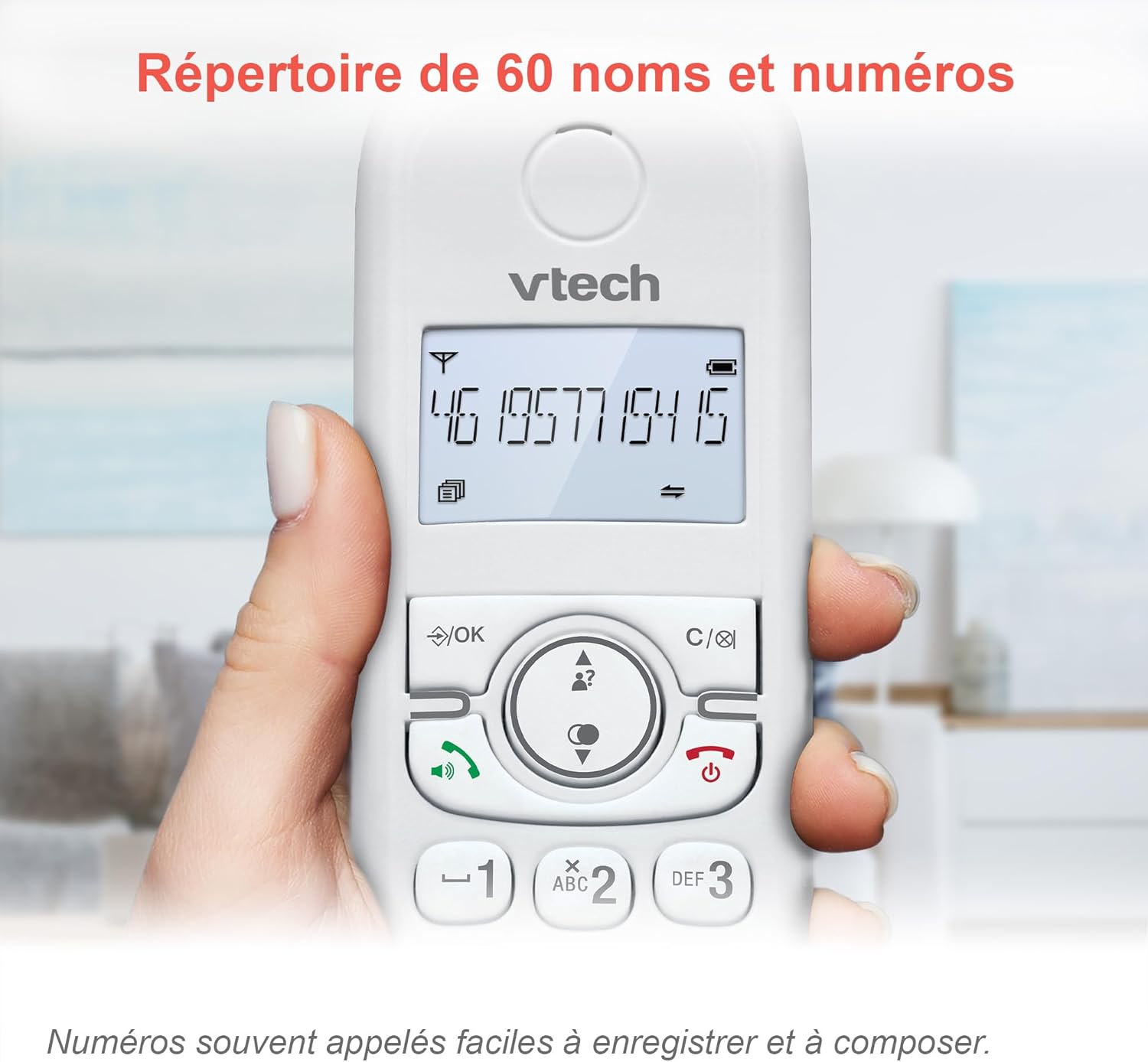
Image 5.2: The phonebook allows for easy storage and retrieval of frequently called numbers.
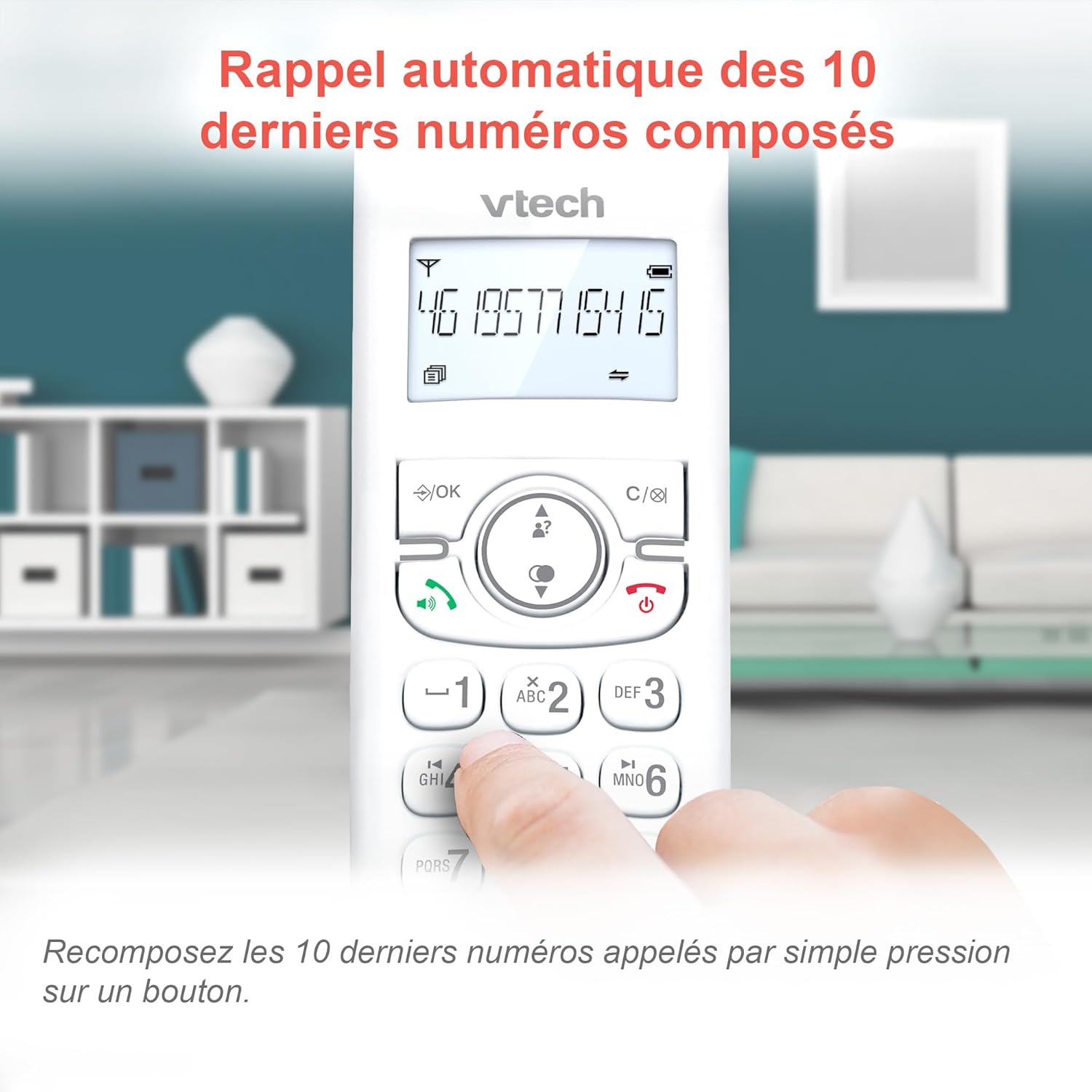
Image 5.3: Quickly redial the last 10 numbers by pressing the redial button.
5.3. Backlit Display and Keyboard
The backlit LCD display and keyboard illuminate, making it easy to view informaciją ir ratuką esant prastam apšvietimui.

Image 5.4: The illuminated display enhances visibility in various lighting conditions.
5.4. Adjustable Ringer Volume and Melodies
Customize your phone by adjusting the ringer volume and selecting from various melodies.

Image 5.5: Easily adjust the ringer volume and choose your preferred melody.
5.5. Alarm Function and Mute
Nustatykite patogius žadintuvus ragelyje arba nutildykite balsą skambučių metu, kad užtikrintumėte privatumą.

Image 5.6: Utilize the alarm function for reminders or mute your microphone during calls for privacy.
5.6. Long Reliable Range
Experience extended coverage and clear communication throughout your home.

Image 5.7: The phone system provides reliable long-range coverage for clear calls throughout your residence.
6. Priežiūra
- Valymas: Nuvalykite telefoną ir bazinį įrenginį minkšta šluosteamp šluoste. Nenaudokite valymo purškiklių ar stiprių cheminių medžiagų.
- Akumuliatoriaus priežiūra: Replace batteries when they no longer hold a charge. Use only VTech approved replacement batteries.
- Saugykla: Jei telefoną ilgesnį laiką nenaudosite, išimkite iš ragelių baterijas.
7. Problemų sprendimas
| Problema | Sprendimas |
|---|---|
| Nėra rinkimo tono |
|
| Ragelyje rodomas pranešimas „Baterija išsikrovė“ |
|
| Negalima skambinti arba priimti skambučių |
|
| Prasta garso kokybė |
|
For more detailed troubleshooting, please refer to the full VTech CS1551 user manual available on the VTech support websvetainę.
8. Specifikacijos
| Funkcija | Detalė |
|---|---|
| Modelio numeris | AX-F-4537 |
| Prekės ženklas | „VTech“ |
| Spalva | Baltas |
| Telefono tipas | Belaidis DECT |
| Ragelių skaičius | 2 |
| Atsiliepimo sistemos tipas | Skaitmeninis |
| Atsakiklio įrašymo laikas | 15 minučių |
| Skambučių blokavimo talpa | Iki 60 skaičių |
| Telefonų knygos talpa | 60 vardų ir numerių |
| Skambintojo ID atmintis | 20 įrašų |
| Pokalbių laikas | Iki 13 valandų |
| Budėjimo laikas | Iki 200 valandų |
| Baterijos tipas | NiMH (4 batteries included) |
| Medžiaga | Plastikiniai |
| Prekės svoris | 499.2 gramų |
| Kilmė | Kinija |
9. Garantija ir palaikymas
For warranty information and customer support, please refer to the warranty card included in your product packaging or visit the official VTech websvetainę.
Online resources often include FAQs, detailed user guides, and contact information for technical assistance.