
1. Įvadas
This manual provides essential information for the safe and efficient operation of your DUODUOGO S2 10-inch Android WiFi Tablet. Please read it thoroughly before using the device and keep it for future reference.
2. Saugos informacija
- Nelaikykite planšetinio kompiuterio ekstremaliose temperatūrose, tiesioginiuose saulės spinduliuose ar didelėje drėgmėje.
- Venkite planšetinio kompiuterio numetimo ar stiprių smūgių.
- Naudokite tik originalų įkroviklį ir priedus, pateiktus kartu su įrenginiu.
- Do not attempt to disassemble or repair the tablet yourself. Contact customer support for assistance.
- Laikykite tabletę atokiau nuo vandens ir kitų skysčių.
- Išmeskite bateriją ir įrenginį pagal vietinius reikalavimus.
3. Pakuotės turinys
Patikrinkite, ar pakuotėje yra visi reikalingi daiktai:
- DUODUOGO S2 Tablet
- C tipo USB kabelis
- Maitinimo adapteris
- Vartotojo vadovas (šis dokumentas)
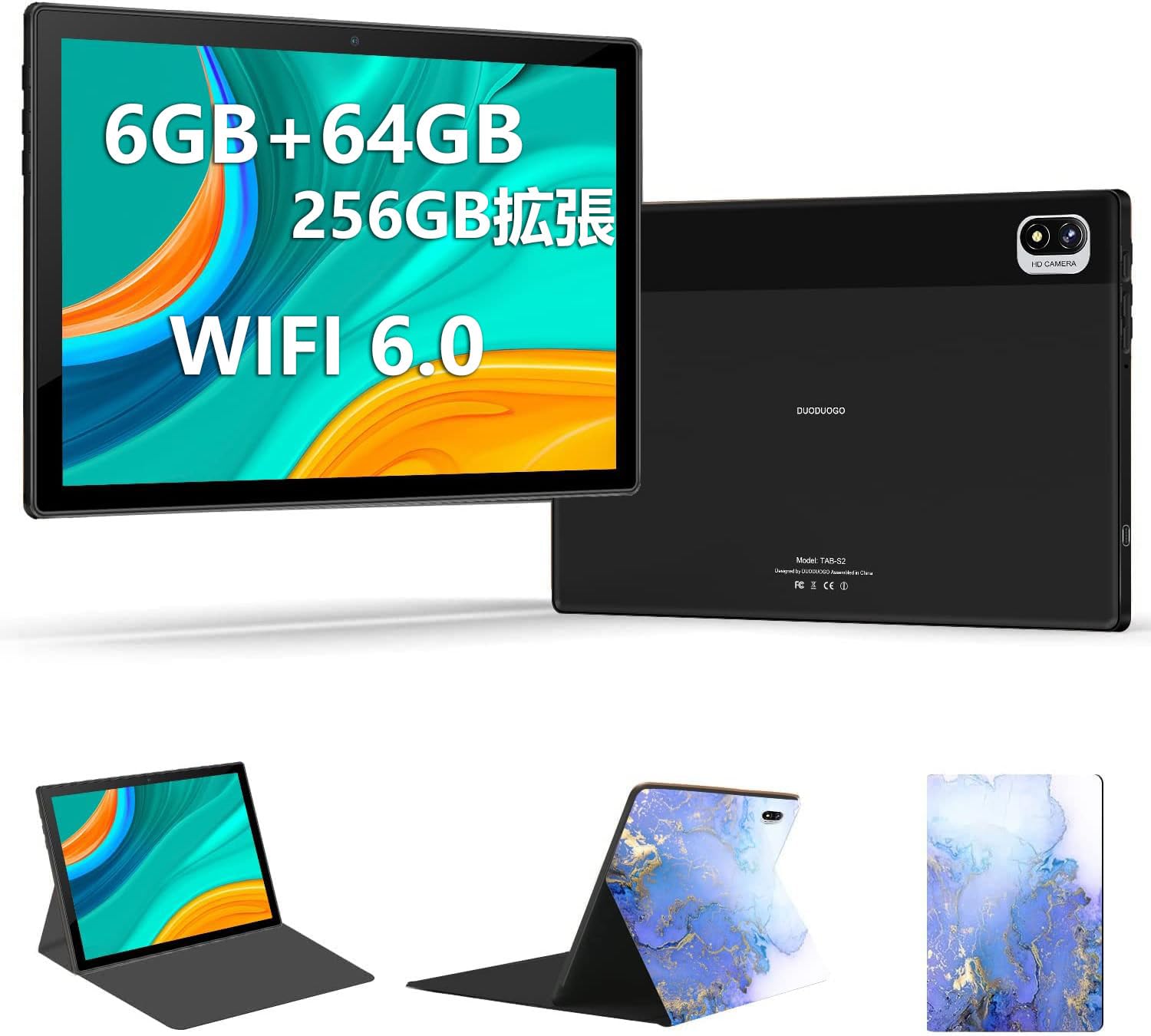
Image: DUODUOGO S2 Tablet and included accessories.
4. Įrenginio išdėstymas
Familiarize yourself with the physical features and ports of your DUODUOGO S2 tablet.

Image: Diagram showing the tablet's side view with labels for the power button, volume buttons (Vol+, Vol-), Type-C port, headphone jack, and TF card slot. The front and rear cameras are also indicated.
- Maitinimo mygtukas: Paspauskite ir palaikykite, kad įjungtumėte / išjungtumėte arba paleistumėte iš naujo. Trumpai paspauskite, kad įjungtumėte / išjungtumėte ekraną.
- Garsumo mygtukai (Vol+, Vol-): Sureguliuokite garso garsumą.
- C tipo prievadas: Įkrovimui ir duomenų perdavimui.
- Ausinių lizdas: Prijunkite 3.5 mm ausines.
- TF kortelės lizdas: Insert a microSD card for expandable storage (up to 256GB).
- Priekinė kamera: 5 MP kamera vaizdo skambučiams ir asmenukėms.
- Galinė kamera: 8 MP kamera nuotraukoms ir vaizdo įrašams.
- Dvigubi garsiakalbiai: Located on the sides for enhanced audio output.
5. Sąranka
5.1 Pradinis mokestis
Before first use, fully charge the tablet using the provided USB Type-C cable and power adapter. The battery indicator on the screen will show charging progress.
5.2 Maitinimo įjungimas/išjungimas
- Norėdami įjungti: Press and hold the Power Button until the DUODUOGO logo appears.
- Norėdami išjungti: Press and hold the Power Button, then select "Power Off" from the options on the screen.
- Norėdami paleisti iš naujo: Paspauskite ir palaikykite maitinimo mygtuką, tada iš parinkčių pasirinkite „Paleisti iš naujo“.
5.3 Pradinio nustatymo vedlys
Pirmą kartą įjungus planšetinį kompiuterį, bus atliekami pradiniai nustatymai. Tai apima:
- Kalbos pasirinkimas
- Wi-Fi tinklo ryšys
- Google account setup (optional, but recommended for app downloads)
- Datos ir laiko nustatymai
5.4 Prisijungimas prie „Wi-Fi“.
Norėdami prisijungti prie „Wi-Fi“ tinklo:
- Eikite į Nustatymai > Tinklas ir internetas > Wi-Fi.
- Įjunkite „Wi-Fi“.
- Iš sąrašo pasirinkite norimą tinklą.
- Jei būsite paraginti, įveskite slaptažodį ir palieskite Prisijunkite.

Image: The tablet screen showing a video playback, highlighting its dual-band 2.4G/5G WiFi capability for stable internet connection.
6. Naudojimo instrukcijos
6.1 „Android“ sąsajos naršymas
The DUODUOGO S2 runs on Android 11. Common gestures include:
- Bakstelėkite: Pasirinkite elementą arba atidarykite programėlę.
- Perbraukimas: Slinkite per ekranus arba sąrašus.
- Žiupsnelis: Priartinkite arba atitolinkite vaizdus ir web puslapių.
- Ilgas paspaudimas: Pasiekite kontekstinius meniu arba perkelkite piktogramas.

Image: The tablet displaying the Android 11 home screen with various application icons, demonstrating the user interface.
6.2 Programų diegimas
You can download and install applications from the Google Play Store. Ensure you are logged in with a Google account.
- Atidarykite Play parduotuvė programėlė.
- Ieškokite norimą programėlę.
- Bakstelėkite Įdiegti.
6.3 Kameros veikimas
Planšetinis kompiuteris turi 5 MP priekinę kamerą ir 8 MP galinę kamerą.
- Atidarykite Fotoaparatas programėlė.
- Norėdami nufotografuoti, palieskite užrakto mygtuką.
- Perjunkite priekinę ir galinę kameras naudodami kameros perjungimo piktogramą.

Image: The tablet displaying a high-resolution image, illustrating the 10.1-inch IPS HD screen and indicating the 5MP front and 8MP rear camera capabilities.
6.4 Saugojimo valdymas
The tablet comes with 64GB of internal storage. You can expand this by inserting a TF (microSD) card up to 256GB.
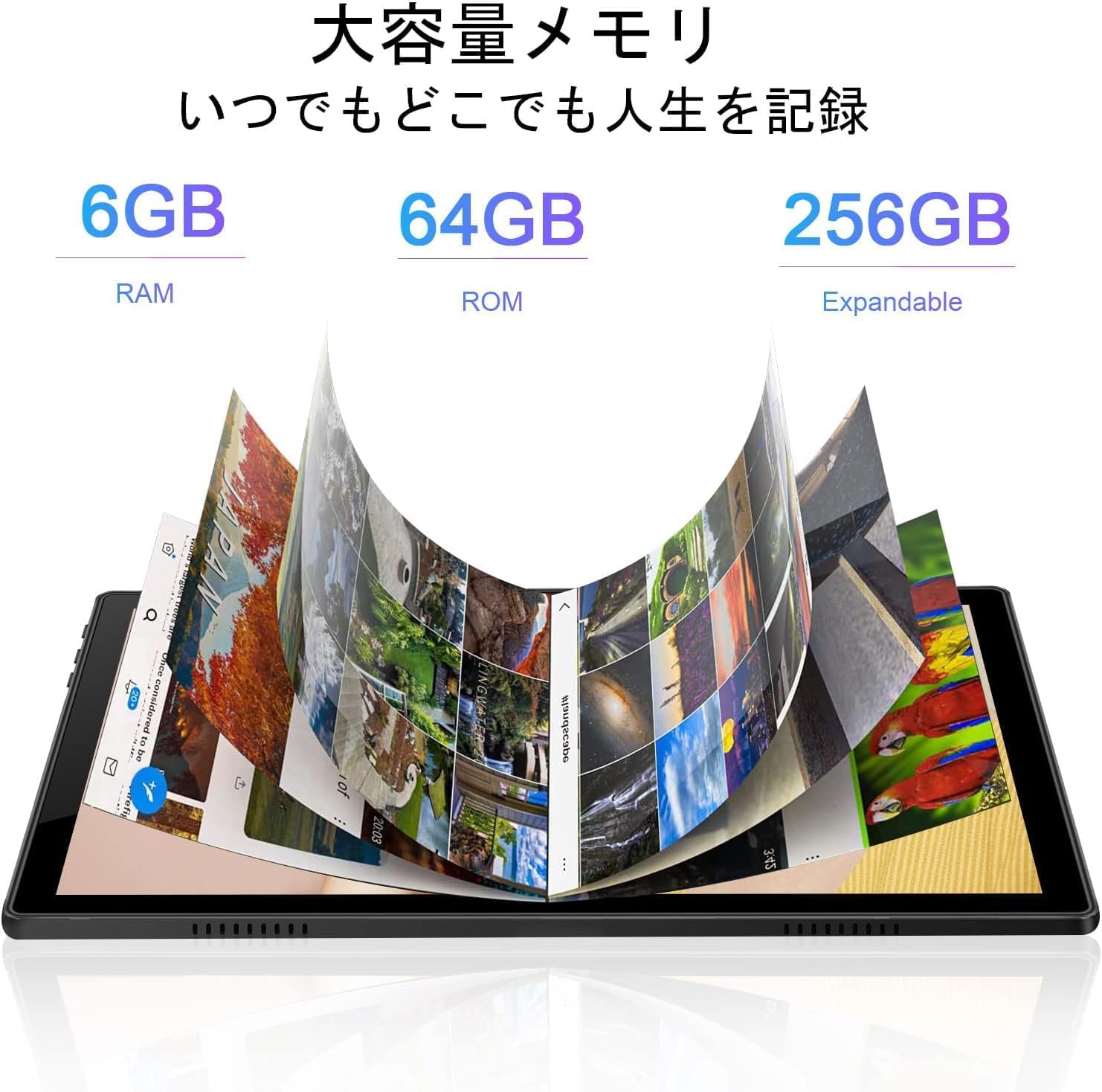
Image: A visual representation of the tablet's memory, showing 6GB RAM, 64GB internal storage (ROM), and the option to expand storage up to 256GB with a TF card.
7. Priežiūra
- Valymas: Use a soft, lint-free cloth to clean the screen and body of the tablet. Do not use abrasive cleaners or solvents.
- Programinės įrangos atnaujinimai: Reguliariai tikrinkite, ar yra sistemos atnaujinimų, ir juos įdiekite, kad užtikrintumėte optimalų našumą ir saugumą. Eikite į Nustatymai > Sistema > Sistemos atnaujinimas.
- Akumuliatoriaus priežiūra: To prolong battery life, avoid fully discharging the battery frequently. Charge the tablet when the battery level is low.
- Saugyklos optimizavimas: Periodiškai valykite nereikalingus files and uninstall unused apps to free up storage space and improve performance.
8. Problemų sprendimas
| Problema | Galimas sprendimas |
|---|---|
| Planšetinis kompiuteris neįsijungia. | Ensure the battery is charged. Connect the charger and wait a few minutes before attempting to power on again. If it still doesn't turn on, perform a forced restart by holding the power button for 10-15 seconds. |
| Ekranas nereaguoja. | Paleiskite planšetinį kompiuterį iš naujo. Jei problema išlieka, įsitikinkite, kad ekranas švarus ir be šiukšlių. |
| Nepavyksta prisijungti prie „Wi-Fi“. | Check if Wi-Fi is enabled in settings. Ensure the Wi-Fi password is correct. Restart your router and the tablet. Try connecting to a different Wi-Fi network to isolate the issue. |
| Programėlės stringa arba veikia lėtai. | Uždarykite fonines programas. Išvalykite programų talpyklą (Nustatymai > Programėlės > pasirinkite programėlę > Saugykla ir talpykla > Išvalyti talpyklą). Ensure sufficient storage space is available. Restart the tablet. |
| Baterija greitai išsikrauna. | Reduce screen brightness. Close unused apps. Turn off Wi-Fi or Bluetooth when not in use. Check battery usage in Nustatymai > Baterija kad būtų galima atpažinti daug energijos reikalaujančias programas. |
9. Specifikacijos
| Funkcija | Detalė |
|---|---|
| Prekės ženklas | DUODUOGO |
| Modelis | S2 |
| Operacinė sistema | Android 11 |
| Procesorius | 8 branduolių, 2.0 GHz |
| RAM | 6 GB |
| Vidinė saugykla | 64 GB |
| Išplečiama saugykla | Up to 256 GB via TF (microSD) card |
| Ekrano dydis | 10.1 colių |
| Ekrano tipas | IPS HD |
| Rezoliucija | 1280 x 800 pikselių |
| Galinė kamera | 8 MP |
| Priekinė kamera | 5 MP |
| Ryšys | Wi-Fi (2.4G/5G, 802.11a/b/g/n), Bluetooth 4.3 |
| Baterijos talpa | 6000 mAh ličio polimeras |
| Uostai | USB Type-C, 3.5mm Headphone Jack, TF Card Slot |

Paveikslėlis: Viršview of the DUODUOGO S2 tablet, visually summarizing its main features and specifications.
10. Garantija ir palaikymas
DUODUOGO is committed to providing quality products and user experience. If you encounter any issues or have questions regarding your DUODUOGO S2 tablet, please contact our customer support.
- Klientų aptarnavimas: Refer to the contact information provided with your purchase or on the official DUODUOGO websvetainę.
- Garantija: This product comes with a standard manufacturer's warranty. Please retain your proof of purchase for warranty claims.
Our support team aims to respond within 24 hours to assist you with any concerns.