
Įvadas
Thank you for choosing the XtremeMac Wireless 5000 mAh Power Bank. This compact and powerful portable charger is designed to provide convenient wireless and wired charging for your compatible devices, especially optimized for iPhone models with MagSafe technology. Please read this manual thoroughly before using the product to ensure safe and optimal performance.
Pakuotės turinys
- XtremeMac Wireless 5000 mAh Power Bank (Model: XWH-PMS2-13)
- USB-C įkrovimo laidas
- Vartotojo vadovas (šis dokumentas)
Produktas baigtasview
Familiarize yourself with the components of your XtremeMac Wireless Power Bank.

1 paveikslas: XtremeMac Wireless Power Bank - Front, Back, and Side Views. This image illustrates the device's compact design, the magnetic charging area on the front, the USB-C port, and the power button on the side.
- Magnetinis įkrovimo paviršius: For wireless charging of compatible devices.
- USB-C prievadas: For charging the power bank and for wired output charging.
- Maitinimo mygtukas: Activates wireless charging and checks battery level.
- LED indikatoriai: Rodyti akumuliatoriaus lygį ir įkrovimo būseną.
Sąranka
1. Pradinis išorinės baterijos įkrovimas
Before first use, fully charge your XtremeMac Wireless Power Bank.
- Prijunkite pridėtą USB-C laidą prie išorinės baterijos USB-C prievado.
- Kitą USB-C laido galą prijunkite prie suderinamo USB maitinimo adapterio (nepridedamas).
- Įsijungs LED indikatoriai, rodantys įkrovimo eigą. Kai akumuliatorius bus visiškai įkrautas, visi LED indikatoriai šviečia nuolat.
2. Attaching to Your iPhone (MagSafe)
The power bank is designed for seamless magnetic attachment to MagSafe-compatible iPhones (iPhone 12, 13, 14, and 15 series).

2 paveikslas: Magnetic Attachment for iPhone. This image demonstrates how the power bank securely clicks onto the back of a compatible iPhone for wireless charging.
- Align the power bank with the back of your MagSafe-compatible iPhone.
- The magnets will automatically snap the power bank into place, ensuring proper alignment for wireless charging.
Naudojimo instrukcijos
1. Belaidis įkrovimas („MagSafe“)
To charge your iPhone wirelessly:

3 paveikslas: Wireless Charging in Progress. This image shows an iPhone receiving a wireless charge from the power bank, indicated by the charging animation on the phone screen.
- Attach the power bank to the back of your MagSafe-compatible iPhone.
- Press the power button on the side of the power bank. Wireless charging will begin within 5 seconds.
- The LED indicators on the power bank will show its remaining charge. Your iPhone screen will also indicate charging.
- To stop charging, simply detach the power bank or press the power button again.
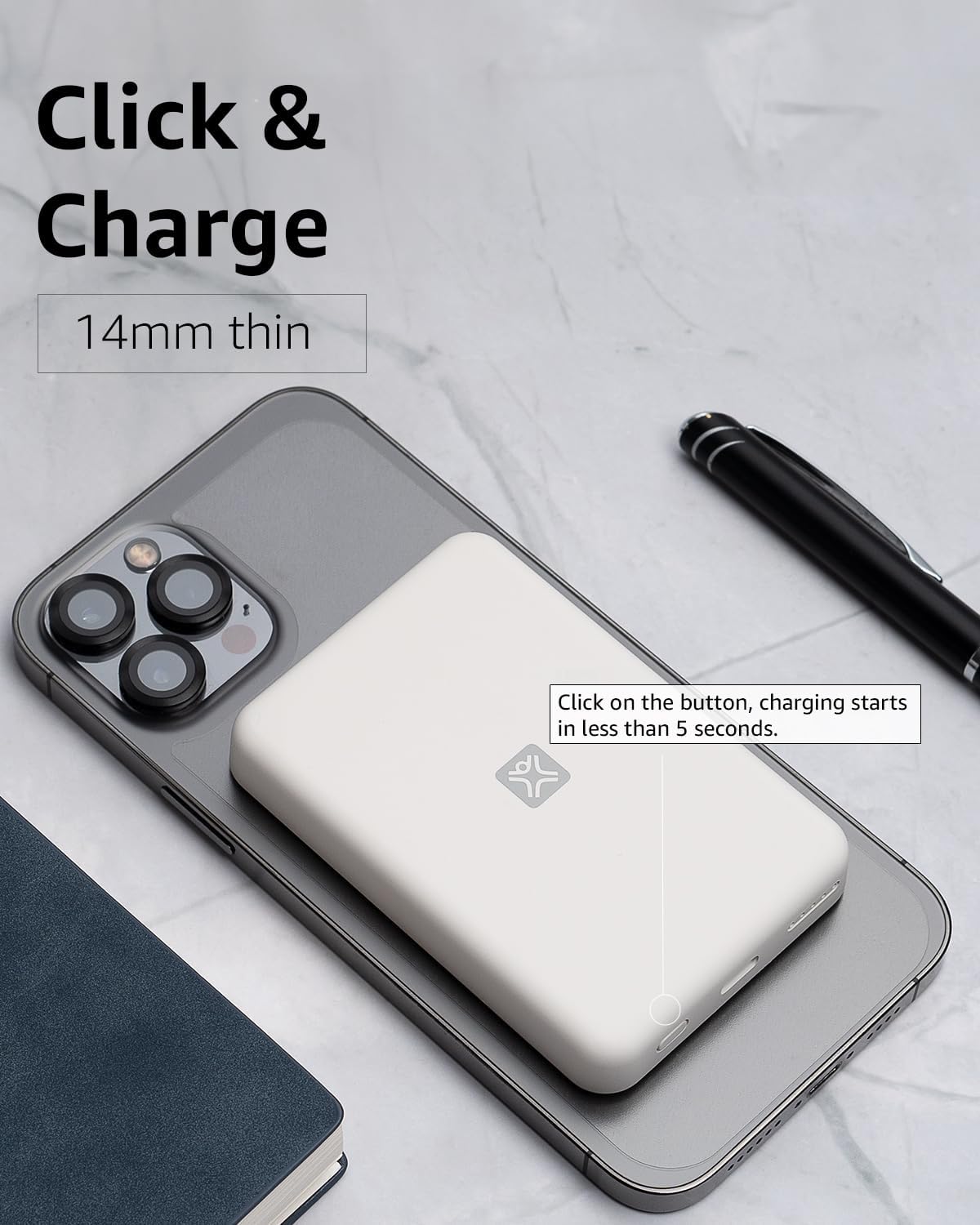
4 paveikslas: Activating Wireless Charge. This image highlights the power button and the quick activation of wireless charging.
2. Wired Charging (USB-C PD)
For faster charging or to charge non-wireless devices, use the USB-C port.

5 paveikslas: Wired Charging via USB-C. This image shows the power bank connected to a phone using a USB-C cable, demonstrating its faster wired charging capability.
- Connect one end of a USB-C cable (or a compatible cable for your device) to the USB-C port on the power bank.
- Kitą galą prijunkite prie savo įrenginio įkrovimo prievado.
- Charging will typically begin automatically. If not, press the power button on the power bank.
3. Baterijos lygio tikrinimas
Vieną kartą paspauskite maitinimo mygtuką, kad patikrintumėte likusį akumuliatoriaus lygį, kurį rodo LED lemputės.
Priežiūra
- Valymas: Išorinės baterijos paviršių valykite minkštu, sausu skudurėliu. Nenaudokite skystų valiklių ar aerozolių.
- Saugykla: Laikykite išorinę bateriją vėsioje, sausoje vietoje, toliau nuo tiesioginių saulės spindulių ir ekstremalių temperatūrų.
- Akumuliatoriaus priežiūra: Norėdami pailginti baterijos veikimo laiką, pilnai įkraukite išorinę bateriją bent kartą per tris mėnesius, jei jos nenaudojate reguliariai.
Trikčių šalinimas
| Problema | Galima priežastis | Sprendimas |
|---|---|---|
| Nešiojamoji baterija neįkraunama. | Cable not connected properly; faulty cable/adapter; power bank fully charged. | Ensure cable is securely connected. Try a different USB-C cable and power adapter. Check LED indicators; if all are solid, it's fully charged. |
| Įrenginys neįkraunamas belaidžiu būdu. | Device not MagSafe compatible; misaligned; power bank low on charge; power button not pressed. | Ensure your device is MagSafe compatible (iPhone 12/13/14/15 series). Realign the power bank. Recharge the power bank. Press the power button to activate. |
| Įrenginys neįkraunamas per laidą. | Cable not connected properly; faulty cable/device; power bank low on charge. | Ensure cable is securely connected. Try a different cable. Recharge the power bank. |
| Lėtas įkrovimas. | Using a non-PD charger/cable; device case interfering with wireless charging. | For wired charging, ensure you are using a USB-C PD compatible charger and cable. For wireless, remove thick or metallic phone cases. |
Specifikacijos
| Funkcija | Detalė |
|---|---|
| Modelio numeris | XWH-PMS2-13 |
| Baterijos talpa | 5000 mAh |
| Belaidė išvestis | Iki 7.5 W (suderinamas su „MagSafe“) |
| Laidinis išėjimas/įėjimas | USB-C (Power Delivery compatible) |
| Matmenys | Apytiksliai 17.1 x 8.9 x 2.2 cm (6.7 x 3.5 x 0.9 colio) |
| Svoris | Apytiksliai 85 g (3 uncijos) |
| Baterijos tipas | Ličio jonas |
| Suderinamumas | MagSafe compatible iPhones (12, 13, 14, 15 series) for wireless charging; USB-C devices for wired charging. |

6 paveikslas: 5000 mAh Capacity and Charge Estimates. This image provides an overview of the power bank's capacity and estimated number of full charges for various iPhone models.
Saugos informacija
- Nelaikykite išorinės baterijos ekstremaliose temperatūrose, tiesioginiuose saulės spinduliuose ar didelėje drėgmėje.
- Neardykite, nemodifikuokite ir nebandykite taisyti įrenginio.
- Laikyti vaikams nepasiekiamoje vietoje.
- Saugokitės, kad maitinimo blokas nenukristų arba nepaveiktų stipraus smūgio.
- Nenaudokite, jei išorinė baterija yra pažeista arba išsipūtusi.
- Išmeskite gaminį atsakingai, laikydamiesi vietinių taisyklių.
Garantija ir palaikymas
For warranty information, technical support, or customer service inquiries, please refer to the official XtremeMac websvetainėje arba susisiekite tiesiogiai su jų klientų aptarnavimo tarnyba. Išsaugokite pirkimo kvitą kaip pirkimo įrodymą.