
1. Įvadas
This manual provides detailed instructions for the installation, operation, and maintenance of your Easegain E27-3MP 3MP Light Bulb Security Camera. Please read this manual thoroughly before using the product to ensure proper function and safety. This camera is designed for both indoor and outdoor surveillance, offering 360-degree coverage, motion detection, and intelligent night vision.
2. Saugos informacija
- Ensure the power supply is off before installation or maintenance.
- Install the camera in a stable E27 bulb base.
- Do not expose the camera to extreme temperatures, humidity, or direct water immersion.
- Prietaisą laikykite vaikams nepasiekiamoje vietoje.
- Use only authorized accessories and power adapters.
3. Pakuotės turinys
- Easegain E27-3MP Light Bulb Security Camera
- Vartotojo vadovas
- Montavimo priedai (jei yra)
4. Produktas baigtasview
The Easegain E27-3MP camera integrates a 3MP HD camera with a standard E27 light bulb form factor, allowing for easy installation into existing light sockets. It features a rotating lens for 360-degree coverage, infrared and color night vision, two-way audio, and motion detection capabilities.

Vaizdas: priekis view of the Easegain E27-3MP Light Bulb Security Camera, highlighting its pan and tilt capabilities for 360-degree coverage.
5. Sąranka
5.1. Montavimas
- Ensure the power to the E27 light socket is turned off.
- Screw the Easegain E27-3MP camera into a standard E27 bulb base.
- Įjunkite šviesos lizdo maitinimą. Kamera įsijungs ir pradės paleidimo seką.

Image: A close-up of the Easegain E27-3MP camera being screwed into a standard E27 light bulb socket.
5.2. Programėlės atsisiuntimas ir „Wi-Fi“ ryšys
- Download the companion app (e.g., YCC365 Plus) from your mobile device's app store (iOS or Android).
- Užsiregistruokite paskyrai ir prisijunkite.
- Tap the '+' icon to add a new device. Select 'Intelligent Camera' or similar option.
- Follow the on-screen prompts to connect the camera to your 2.4GHz or 5GHz Wi-Fi network. You will typically input your Wi-Fi password and then scan a QR code generated by the app with the camera's lens.
- Once connected, the app will confirm 'Addition success!' and prompt you to name the device (e.g., 'Living Room', 'Shop').
Video: Demonstrates the process of connecting the Easegain E27-3MP camera to the mobile application via QR code scanning for Wi-Fi setup.
6. Fotoaparato valdymas
6.1. Gyvai View ir panoraminio/pakreipimo valdymas
After successful setup, you can access the live video feed from your camera through the app. Use the on-screen controls to pan (horizontal rotation) and tilt (vertical movement) the camera lens to achieve a 360-degree view be aklųjų dėmių.

Image: Illustrates the 360-degree smart camera functionality and app controls for viewing.
6.2. Naktinio matymo režimai
The camera supports intelligent night vision, offering both ordinary infrared night vision and full-color night vision. You can switch between these modes via the app settings to suit your monitoring needs.

Image: A side-by-side comparison showing the clarity of full-color night vision versus infrared night vision.
6.3. Judesio aptikimas ir įspėjimai
Equipped with a highly sensitive motion sensor, the camera can detect moving objects. When motion is detected, it will record the event and send real-time alerts to your mobile application. You can also set custom activity zones to focus on specific areas.
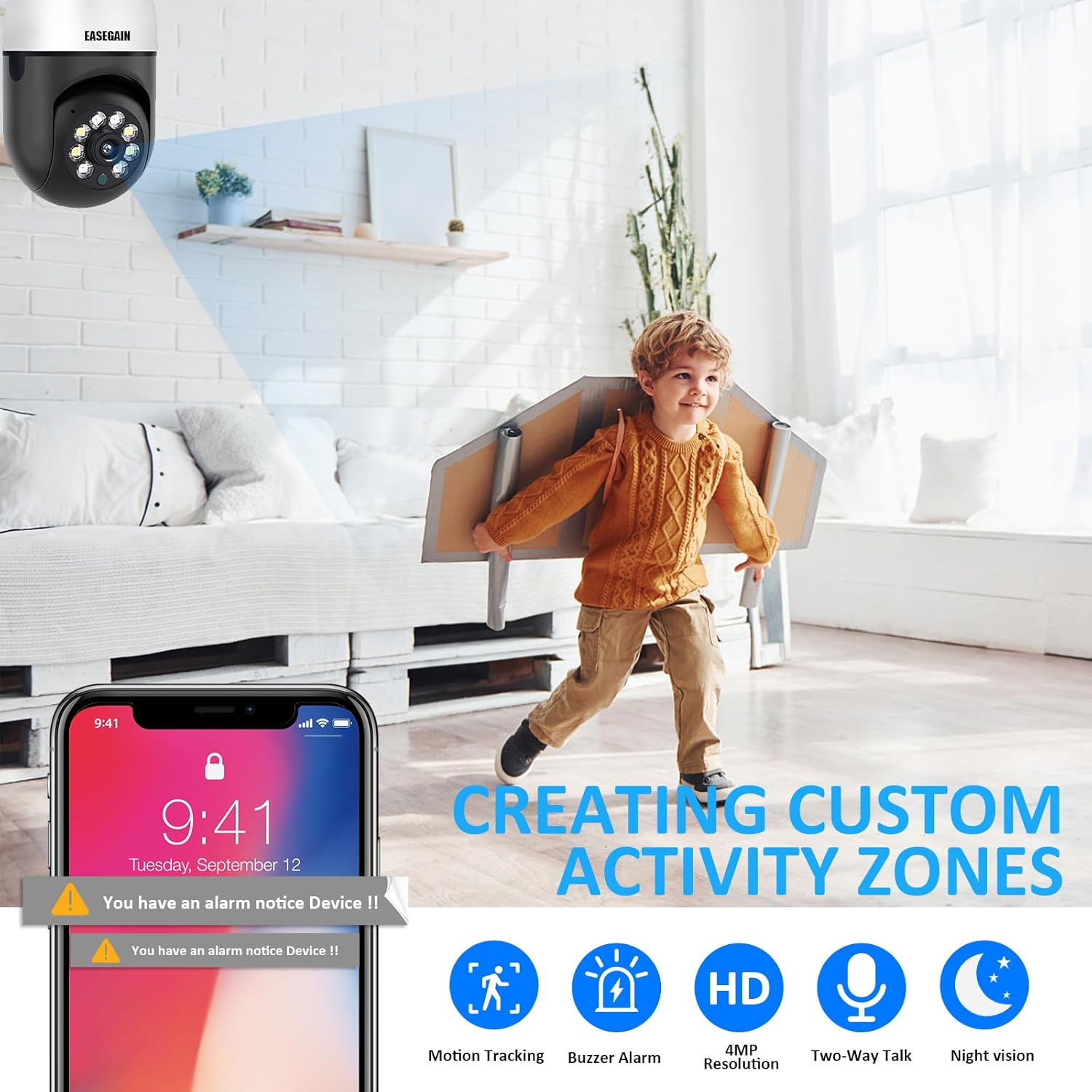
Image: Depicts the camera's motion detection feature, showing an alert notification on a smartphone and the concept of creating custom activity zones.
6.4. Dvipusis garsas
The camera features a built-in microphone and speaker, enabling two-way communication. You can listen to the environment around the camera and speak through the camera using the app.
6.5. Įrašymas ir saugojimas
Kamera palaiko įrašytų vaizdo įrašų saugyklą debesyjetage. Additionally, it can record to a local SD card (not included). Ensure a compatible SD card is inserted for local storage options.
7. Priežiūra
7.1. Valymas
To maintain optimal image quality, regularly clean the camera lens with a soft, dry cloth. Do not use harsh chemicals or abrasive materials.
7.2. Firmware atnaujinimai
Periodiškai tikrinkite programėlę, ar nėra programinės įrangos atnaujinimų. Nuolat atnaujinant fotoaparato programinę įrangą užtikrinamas optimalus veikimas, saugumas ir prieiga prie naujų funkcijų.
8. Problemų sprendimas
- Kamera neprisijungia prie „Wi-Fi“: Ensure your Wi-Fi network is 2.4GHz or 5GHz and the password is correct. Place the camera within range of your router.
- Nėra vaizdo įrašo: Check the camera's power supply and Wi-Fi connection. Restart the camera and the app.
- Judesio įspėjimai negaunami: Verify app notification settings are enabled on your phone and within the camera's app settings.
- Prasta vaizdo kokybė: Clean the camera lens. Ensure adequate lighting for optimal night vision performance.
9. Specifikacijos
| Funkcija | Specifikacija |
|---|---|
| Modelio numeris | E27-3MP |
| Vaizdo įrašymo raiška | 3 MP (2K) |
| Ryšio technologija | „Wi-Fi“ (2.4 GHz ir 5 GHz) |
| Maitinimo šaltinis | E27 lemputės pagrindas |
| Montavimo tipas | Montavimas ant lubų |
| Ypatinga funkcija | 360-degree Pan/Tilt, Motion Detection, Night Vision |
| Naudojimas viduje / lauke | Viduje, Lauke |
| Kontrolės metodas | Programėlė |
| Prekės svoris | 1.06 svaro |
10. Garantija ir palaikymas
Easegain provides a three-month warranty for this product. For technical support, troubleshooting assistance, or any questions regarding your camera, please contact our customer service. We offer 24-hour fast response technical support to ensure your satisfaction.