
1. Įvadas
The AUSDOM Airkey84 is a compact 75% mechanical keyboard designed for versatility and comfort. It features an 84-key layout, retaining essential arrow and function keys while saving desktop space. This keyboard offers triple connectivity modes: USB-C wired, Bluetooth 3.0/5.0, and 2.4GHz wireless, allowing connection to up to four devices. Equipped with low-profile brown switches, it provides a tactile typing experience suitable for both office work and gaming. The keyboard also includes 14 white LED backlight modes and is compatible with both Mac OS and Windows operating systems.
2. Kas yra dėžutėje
- 1 x Low-profile Mechaninė klaviatūra
- 1x USB laidas
- 1 x USB imtuvas
- 1 x Vartotojo vadovas
- 3 x Extra Keycaps for Windows
3. Sąranka
3.1 Ryšio režimai
The AUSDOM Airkey84 supports three connection methods: Bluetooth, 2.4GHz wireless, and USB-C wired. It can connect to up to four devices simultaneously and switch between them.

Image: The keyboard supports 2.4G, Bluetooth, and Wired connections, enabling multi-device pairing.
3.1.1 Bluetooth Connection Mode
- Turn the power button on the keyboard to ON.
- Paspauskite ir palaikykite Fn + BT1 keycaps for 3-5 seconds. The keyboard will enter pairing mode, and the keys' backlight indicator will flash rapidly.
- On your device (e.g., computer, tablet, smartphone), turn on its Bluetooth function. Ieškokite and select "AUSDOM Airkey84" to pair.
- Repeat steps 2 and 3 for BT2 and BT3 to connect up to three Bluetooth devices.
3.1.2 2.4GHz USB Connection Mode
- Turn the power button on the keyboard to ON.
- Paspauskite fn+4 key once to switch to 2.4GHz USB connection mode.
- Plug the USB receiver into your device's USB port. The keyboard should connect automatically.
3.1.3 USB-C laidinis režimas
- Turn the power button on the keyboard to IŠJUNGTA.
- Prijunkite klaviatūrą prie įrenginio naudodami pridėtą USB-C laidą. Klaviatūra automatiškai persijungs į laidinį režimą.

Image: The keyboard connected via USB-C cable, also showing its rechargeable capability.
3.2 Suderinamumas
The keyboard is compatible with both Mac OS and Windows operating systems. Three extra keycaps are provided for Windows users to customize their layout.
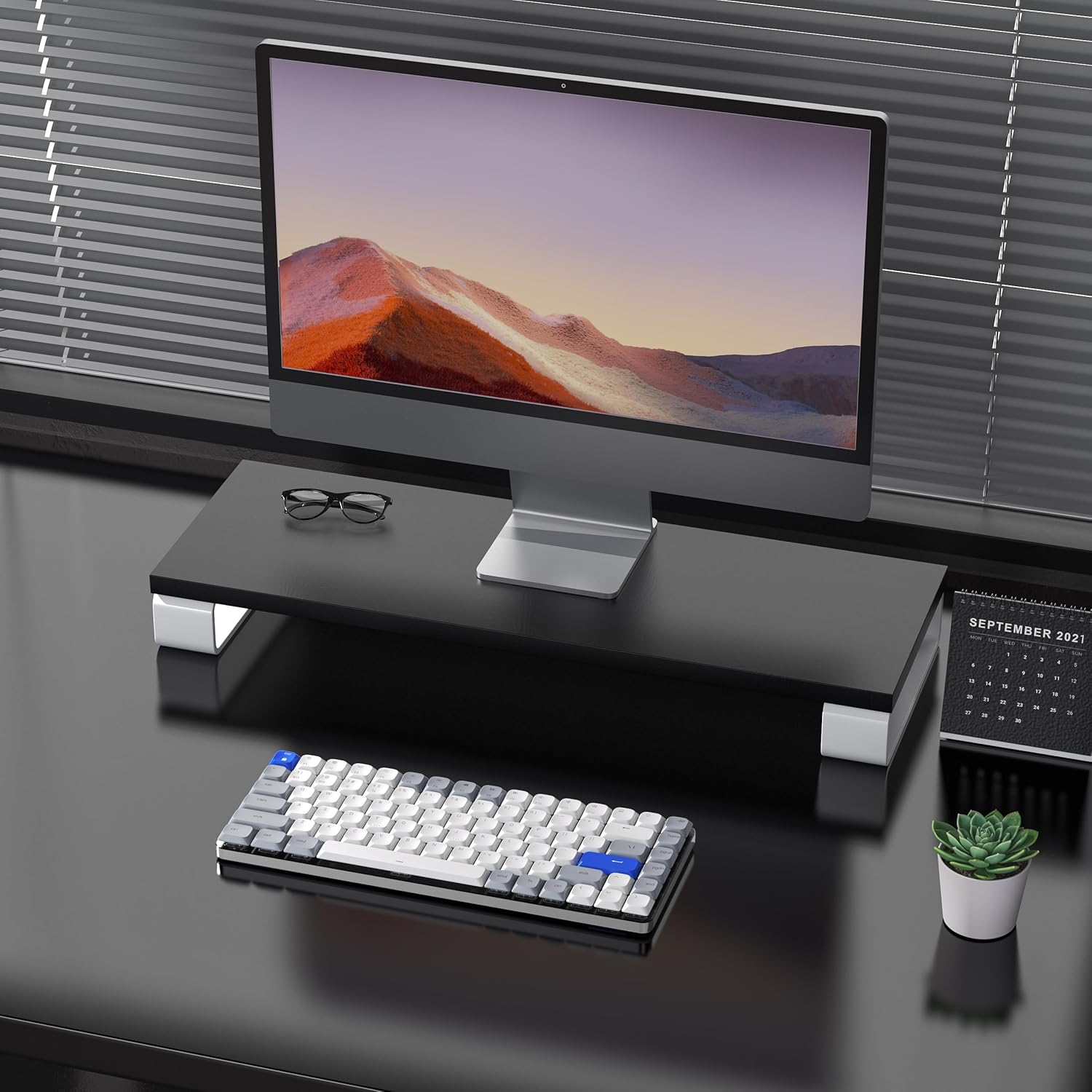
Image: The keyboard is compatible with both Mac and Windows systems, and includes extra keycaps for Windows users.
4. Naudojimo instrukcijos
4.1 Foninio apšvietimo valdymas
The keyboard features 14 different white LED backlight modes. To cycle through these modes, press the dedicated lightbulb button located in the top right corner of the keyboard. The keycaps are laser-engraved to ensure clear visibility of characters with the backlight on.

Image: The keyboard displaying its white backlight with 14 different lighting options.
4.2 reguliuojami stovai
The keyboard is equipped with two adjustable stands on the back. These stands allow you to set the keyboard at a comfortable typing angle (e.g., 3 or 6 degrees) to reduce wrist strain during extended use.

Image: The keyboard's ultra-slim aluminum frame and ergonomic design with adjustable feet.
4.3 Low-Profile Rudi jungikliai
Klaviatūra naudoja žemos kokybėsfile brown switches, which offer a tactile bump without a loud click. This design provides a comfortable and responsive typing experience, ideal for both fast typing and gaming.

Image: A close-up of the low-profile brown switches, highlighting their design for comfortable and effortless typing.
5. Priežiūra
5.1 Valymas
- To clean the keyboard, power it off and disconnect any cables.
- Šiek tiek naudokite minkštą, be pūkelių šluostę dampKlaviatūros dangtelius ir paviršių nuvalykite vandeniu arba švelniu valymo tirpalu.
- Dulkėms ir šiukšlėms tarp klavišų pašalinti naudokite suslėgtą orą.
- Venkite naudoti stiprias chemines medžiagas ar abrazyvines medžiagas, nes jos gali pažeisti klaviatūros apdailą arba klavišų dangtelių užrašus.
5.2 Akumuliatoriaus priežiūra
- The keyboard has a built-in 2000 mAh rechargeable battery.
- Charge the keyboard using the provided USB-C cable.
- Norėdami pailginti akumuliatoriaus veikimo laiką, venkite dažnai visiškai jį iškrauti.
- Jei klaviatūra bus nenaudojama ilgesnį laiką, prieš sandėliavimą įkraukite ją maždaug iki 50 %.
6. Problemų sprendimas
6.1 Ryšio problemos
- Klaviatūra neprisijungia per „Bluetooth“: Ensure the keyboard is in Bluetooth pairing mode (flashing backlight). Check your device's Bluetooth settings and ensure it's discoverable. Try forgetting the device and re-pairing.
- 2.4GHz wireless not working: Ensure the USB receiver is securely plugged into a working USB port. Confirm the keyboard is switched to 2.4GHz mode (Fn + 4). Try a different USB port.
- Wired connection issues: Ensure the USB-C cable is fully inserted into both the keyboard and the device. Try a different USB-C cable or port. Ensure the keyboard's power switch is in the OFF position for wired mode.
6.2 Neveikia foninis apšvietimas
- Įsitikinkite, kad klaviatūros akumuliatorius yra pakankamai įkrautas.
- Press the backlight control button (lightbulb icon) to cycle through modes or turn the backlight on/off.
6.3 Klavišai nereaguoja
- Check the connection mode and ensure it's properly established.
- Įkraukite klaviatūrą, jei baterija išsikrovusi.
- Try connecting the keyboard via USB-C wired mode to rule out wireless interference or battery issues.
- If specific keys are not responding, gently remove the keycap and check for any obstructions or debris around the switch.
7. Specifikacijos
| Funkcija | Detalė |
|---|---|
| Modelio numeris | Airkey84 |
| Gaminio matmenys | 12.13 x 183070.97 x 0.94 colio |
| Prekės svoris | 1.03 svaro |
| Gamintojas | AUSDOMA |
| Baterijos | Reikalinga 1 ličio polimero baterija (pridedama) |
| Suderinami įrenginiai | Nešiojamasis kompiuteris, asmeninis kompiuteris, išmanusis telefonas, planšetinis kompiuteris |
| Ryšio technologija | „Bluetooth“, 2.4 GHz belaidis ryšys, USB-C laidinis ryšys |
| Klaviatūros aprašymas | Mechaninis, Low Profile, 75% Layout |
| Ypatinga funkcija | Backlit, Low-Profile Key, Rechargeable |
| Klaviatūros apšvietimas | White LED, Single Color, 14 Modes |
| Medžiaga | Akrilnitrilo butadieno stirenas, aliuminis, silikonas |
8. Garantija ir palaikymas
For warranty information, technical support, or any product-related inquiries, please contact AUSDOM customer service through the official AUSDOM store or the platform where the product was purchased. Please refer to your purchase documentation for specific warranty terms and conditions.
You can visit the official AUSDOM store for more information: AUSDOM Store