
1. Įvadas
The TECLAST M50 is a 10.1-inch Android 13 tablet designed for versatile use, from entertainment to productivity. It features an Octa-Core processor, 12GB RAM, 128GB internal storage expandable up to 1TB, and supports Dual SIM 4G LTE connectivity. This manual provides essential information for setting up, operating, maintaining, and troubleshooting your device.
2. Kas yra dėžutėje
Upon unboxing your TECLAST M50 tablet, please ensure all the following items are present:
- TECLAST M50 Tablet
- Maitinimo adapteris (įkroviklis)
- C tipo USB kabelis
- SIM išstūmimo įrankis
- Vartotojo vadovas
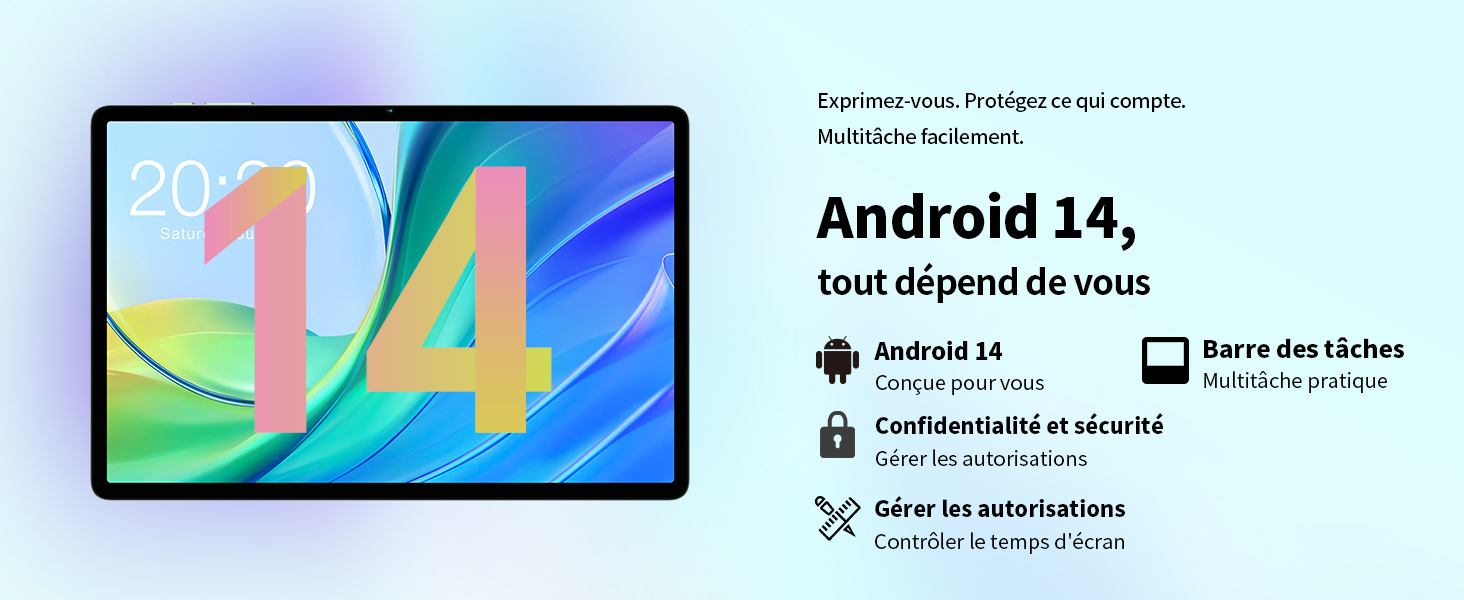
Image: Contents of the TECLAST M50 tablet box, showing the tablet, power adapter, USB cable, SIM ejector tool, and user manual.
3. Produktas baigtasview
The TECLAST M50 tablet features a sleek design with a 10.1-inch display and a lightweight build of approximately 460 grams. It measures 23L x 20l x 1Ép centimeters. Familiarize yourself with the tablet's physical components:

Image: TECLAST M50 tablet from various angles, illustrating the location of the power button, volume controls, USB-C port, 3.5mm headphone jack, and speaker grilles.
Pagrindiniai komponentai:
- Maitinimo mygtukas: Esantis šone, naudojamas įrenginiui įjungti / išjungti arba pažadinti / užmigdyti.
- Garsumo mygtukai: Sureguliuokite garso garsumą.
- C tipo USB prievadas: Įkrovimui ir duomenų perdavimui.
- 3.5 mm ausinių lizdas: Prijunkite laidines ausines.
- Garsiakalbių grotelės: Keturi stereo garsiakalbiai pagerintam garso išvesties atkūrimui.
- Priekinė kamera: 5MP camera for video calls and facial unlock.
- Galinė kamera: 13 MP kamera nuotraukoms ir vaizdo įrašams.
- SIM / „MicroSD“ kortelės lizdas: Insert SIM cards for cellular connectivity and a MicroSD card for expanded storage.
4. Sąranka
4.1 Pradinis įkrovimas
Before first use, it is recommended to charge the TECLAST M50 tablet for at least 30 minutes. Connect the USB Type-C cable to the tablet's charging port and the power adapter to a wall outlet. The battery icon on the screen will indicate charging status.
4.2 Įjungimas / išjungimas
- Norėdami įjungti: Press and hold the Power button until the TECLAST logo appears.
- Norėdami išjungti: Paspauskite ir palaikykite maitinimo mygtuką, kol pasirodys maitinimo parinkčių meniu, tada pasirinkite „Išjungti“.
- Norėdami paleisti iš naujo: Press and hold the Power button, then select 'Restart'.
4.3 SIM ir „MicroSD“ kortelių įdėjimas
The TECLAST M50 supports dual SIM cards for 4G LTE connectivity and a MicroSD card for storage expansion up to 1TB.
- Planšetinio kompiuterio šone raskite SIM / „MicroSD“ kortelės dėklą.
- Įkiškite SIM kortelės išstūmimo įrankį į mažą skylutę šalia dėklo ir švelniai paspauskite, kol dėklas iššoks.
- Carefully place your Nano-SIM cards and/or MicroSD card into the designated slots on the tray. Ensure the gold contacts are facing down and the cards are correctly oriented.
- Švelniai stumkite dėklą atgal į planšetinį kompiuterį, kol jis spragtelėdamas užsifiksuos.

Image: Illustration of inserting SIM cards and a MicroSD card into the tablet's tray.
4.4 Pradinė „Android“ sąranka
After powering on for the first time, follow the on-screen prompts to complete the initial setup process. This includes selecting your language, connecting to a Wi-Fi network, signing in with your Google account, and setting up security features like facial unlock.
5. Naudojimo instrukcijos
5.1 Ekrano funkcijos
The TECLAST M50 features a 10.1-inch TDDI HD display with a resolution of 1280x800 pixels. The TDDI technology integrates touch sensors directly into the LCD, providing a more responsive touch experience. It also supports Widevine L1, allowing for high-definition streaming from platforms like Disney+ and Amazon Prime Video.

Image: Visual representation of the TECLAST M50's 10.1-inch HD display with 1280x800 resolution and IPS wide viewing kampas.
5.2 Našumas ir saugykla
Powered by an Octa-Core UNISOC T606 processor and Mali-G57 GPU, the M50 delivers efficient performance. It comes with 6GB of RAM, expandable to 12GB using virtual memory technology, and 128GB of internal storage. Storage can be further expanded up to 1TB via a MicroSD card.

Image: Details of the UNISOC T606 Octa-Core processor and Mali-G57 graphics processor.

Image: Information on RAM and ROM capacity, including expandable storage options.
5.3 Ryšys
Stay connected with the TECLAST M50's comprehensive connectivity options:
- Dviguba SIM kortelė, 4G LTE: Supports TD-LTE and FDD-LTE networks for mobile data and VoLTE calls.
- Dviejų juostų „Wi-Fi“: Connect to 2.4GHz and 5GHz Wi-Fi networks (802.11ac).
- "Bluetooth 5.0": Skirta belaidžiams priedams, pvz., ausinėms ir klaviatūroms, prijungti.
- GPS navigacija: Supports GPS, BeiDou, GLONASS, and Galileo for accurate positioning.

Vaizdas: Viršview of Wi-Fi, Bluetooth, and 4G LTE capabilities.

Image: Tablet showing GPS navigation in use.
5.4 laipsnių fotoaparato funkcionalumas
The M50 is equipped with a 13MP rear camera and a 5MP front camera. The rear camera features AI-based auxiliary optimization for improved focus and image results, especially in low-light conditions. The 5MP front camera supports facial unlock for convenient device access.

Image: Details of the tablet's front and rear cameras.
5.5 Garso sistema
Experience immersive sound with the M50's Momentum III audio system, featuring four stereo speakers and a Smart K amplifier for clear and rich audio output.

Image: Representation of the tablet's 4-speaker audio system.
5.6 „Android 13“ funkcijos
The tablet runs on Android 13, offering enhanced privacy controls, a convenient taskbar for multitasking, and improved permission management. It also includes features for parental controls to manage screen time and application access.

Image: Android 13 interface showcasing privacy and multitasking features.

Image: Parental control interface for managing tablet usage.
6. Priežiūra
6.1 Akumuliatoriaus priežiūra
The TECLAST M50 is equipped with a 6000mAh battery, providing up to 15 hours of usage. To maximize battery life:
- Venkite ekstremalių temperatūrų.
- Naudokite pateiktą įkroviklį ir laidą.
- Venkite dažnai visiškai iškrauti akumuliatorių.
- Ilgalaikiam saugojimui įkraukite planšetinį kompiuterį iki maždaug 50 % ir išjunkite jį.

Image: Battery capacity and charging method.
6.2 Valymas
Planšetiniam kompiuteriui valyti naudokite minkštą, nepūkuotą šluostę. Įsisenėjusias dėmes šiek tiek nuvalykite.ampNuvalykite šluostę vandeniu arba ekrano valikliu, skirtu specialiai elektronikai. Venkite naudoti stiprias chemines medžiagas ar abrazyvines medžiagas.
6.3 Programinės įrangos naujiniai
Periodically check for system updates to ensure your tablet has the latest features and security patches. Navigate to Nustatymai > Sistema > Sistemos naujinimas , kad patikrintumėte, ar yra atnaujinimų, ir įdiegtumėte juos.
7. Problemų sprendimas
If you encounter issues with your TECLAST M50 tablet, try the following basic troubleshooting steps:
- Įrenginys neįsijungia: Įsitikinkite, kad akumuliatorius įkrautas. Prijunkite įkroviklį ir palaukite kelias minutes, prieš bandydami vėl įjungti.
- Ekranas užstrigo arba nereaguoja: Paspauskite ir palaikykite maitinimo mygtuką maždaug 10–15 sekundžių, kad priverstumėte paleisti iš naujo.
- „Wi-Fi“ / „Bluetooth“ ryšio problemos: Try toggling Wi-Fi/Bluetooth off and on. Restart your tablet and/or your router/Bluetooth device.
- Programėlės stringa: Clear the cache and data for the problematic app (Settings > Apps > [App Name] > Storage > Clear cache/Clear data). If the issue persists, uninstall and reinstall the app.
- Lėtas veikimas: Close unnecessary background apps. Clear cached data. Consider performing a factory reset as a last resort (back up your data first).
- SIM kortelė neaptikta: Ensure the SIM card is correctly inserted and activated with your carrier. Restart the tablet.
For more complex issues, refer to the official TECLAST support resources.
8. Specifikacijos
| Funkcija | Specifikacija |
|---|---|
| Modelio pavadinimas | TECLAST M50 |
| Operacinė sistema | Android 13 |
| Procesorius | UNISOC T606 Octa-Core (1.6 GHz) |
| Grafikos procesorius | Mali-G57 MP1 |
| RAM | 12 GB (6GB physical + 6GB expansion) |
| Vidinė saugykla | 128 GB |
| Išplečiama saugykla | „MicroSD“ iki 1 TB |
| Ekrano dydis | 10.1 colių |
| Ekrano raiška | 1280x800 Pixels (TDDI, IPS) |
| Galinė kamera | 13 MP |
| Priekinė kamera | 5 MP |
| Baterijos talpa | 6000 mAh (22 Wh) |
| Baterijos veikimo laikas (vidutinis) | 15 valandos |
| Ryšys | 4G LTE (Dual SIM), Wi-Fi (802.11ac), Bluetooth 5.0 |
| Navigacija | GPS, BeiDou, GLONASS, Galileo |
| Garsas | 4 Stereo Speakers (Momentum III) |
| Uostai | 1x USB Type-C, 1x 3.5mm Headphone Jack |
| Svoris | 460 gramų |
| Matmenys (I x P x A) | 23 x 20 x 1 cm |
9. Garantija ir palaikymas
9.1 Informacija apie garantiją
The TECLAST M50 tablet comes with a manufacturer's warranty of 1 metai nuo įsigijimo datos. Ši garantija taikoma medžiagų ir gamybos defektams įprasto naudojimo sąlygomis. Išsaugokite pirkimo įrodymą, jei norėtumėte pateikti pretenzijas dėl garantijos.
9.2 Pagalba klientams
For any questions, technical assistance, or warranty inquiries, please contact TECLAST customer support. Our team provides professional advice and aims to respond to all inquiries within one working day. You can find contact information on the official TECLAST websvetainėje arba per savo mažmenininką.
Internetiniai ištekliai: For additional support and FAQs, please visit the official TECLAST websvetainė: TECLAST Brand Store