
1. Įvadas
This manual provides detailed instructions for the MEETION MT-M915 USB Gaming Mouse with Backlight. Please read this guide thoroughly before using the product to ensure correct installation, optimal performance, and to understand its features. This mouse is designed for gaming and general computer use, offering reliable performance and a comfortable design.
2. Pakuotės turinys
- MEETION MT-M915 USB Gaming Mouse
- Instrukcijų vadovas (šis dokumentas)
3. Sistemos reikalavimai
- Operating System: Windows XP, Linux
- Compatible Devices: Personal Computer, Laptop
- Galimas USB prievadas
4. Sąranka
4.1 Pelės prijungimas
- Raskite laisvą USB prievadą savo kompiuteryje arba nešiojamajame kompiuteryje.
- Plug the USB connector of the MEETION MT-M915 mouse into the USB port.
- The operating system will automatically detect and install the necessary drivers. This is a plug-and-play device, so no additional software installation is typically required.
- The mouse backlight will illuminate upon successful connection.
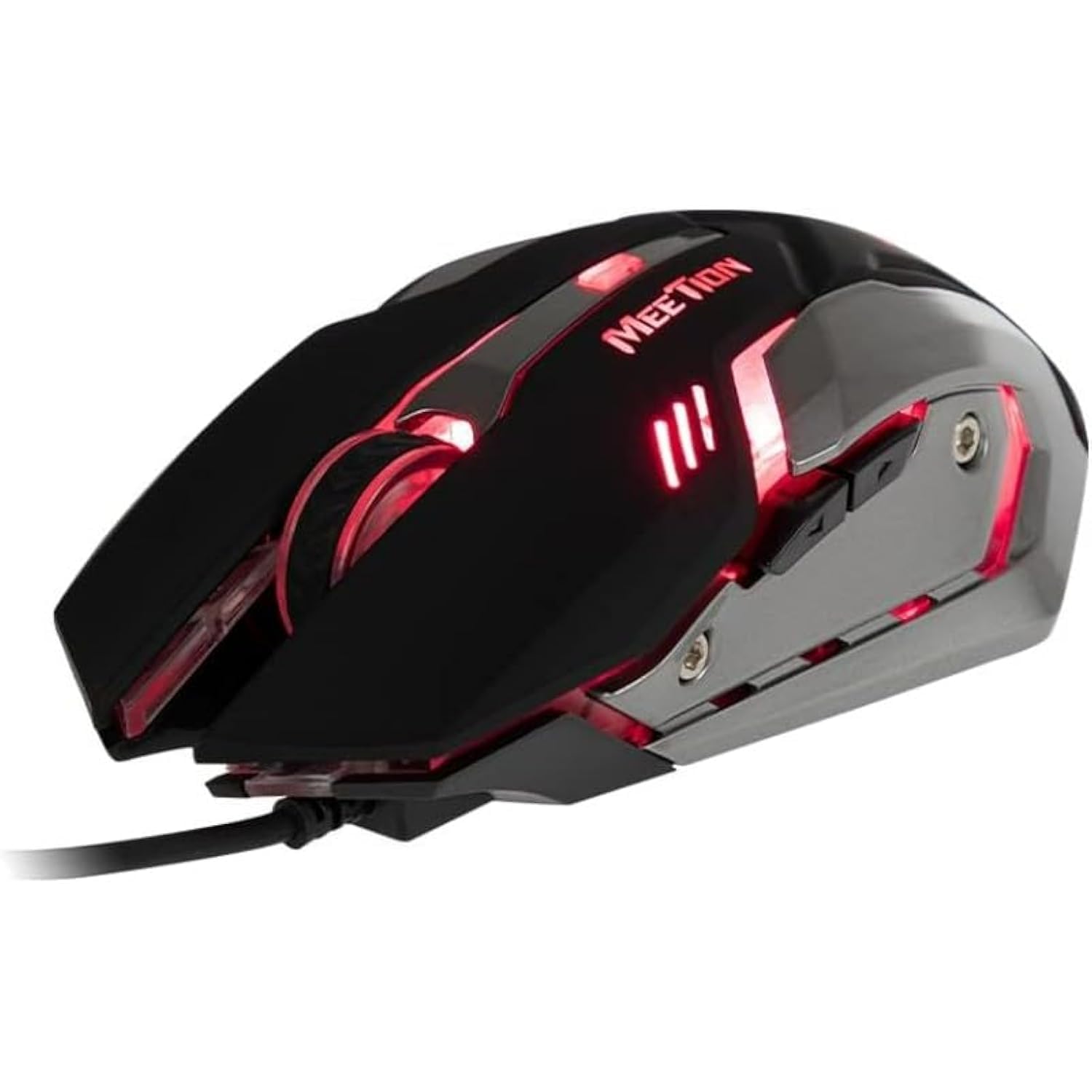
1 pav.: šonas view of the MEETION MT-M915 mouse with red backlight.
5. Pelės valdymas
5.1 Pagrindinės funkcijos
- Kairysis spustelėjimas: Primary action button, typically used for selecting items, opening files, or interacting with software.
- Dešiniuoju pelės mygtuku spustelėkite: Secondary action button, typically used for opening context menus or accessing additional options.
- Slinkties ratukas: Naudojamas dokumentams slinkti ir web pages. It can also function as a middle click button.
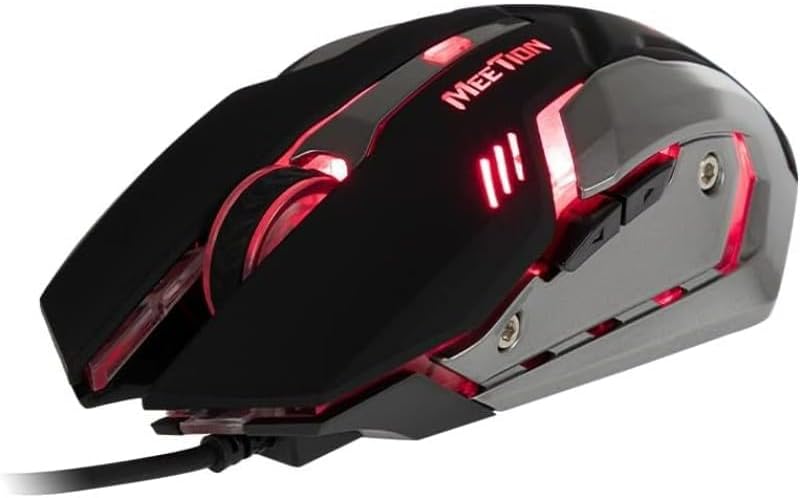
2 pav.: Iš viršaus į apačią view of the MEETION MT-M915 mouse, showing button layout.
5.2 Foninio apšvietimo veikimas
The MEETION MT-M915 mouse features an integrated backlight. The backlight activates automatically when the mouse is connected to a powered USB port. The color of the backlight may vary or cycle through different colors, as shown in Figure 3.

3 pav.: šonas view of the MEETION MT-M915 mouse with purple backlight.
5.3 Ambidekstrinis dizainas
The mouse is designed for ambidextrous use, meaning it can be comfortably used by both left-handed and right-handed individuals.
6. Priežiūra
6.1 Valymas
- Prieš valydami atjunkite pelę nuo kompiuterio.
- Pelės paviršiui nuvalyti naudokite minkštą, sausą šluostę.
- Įsisenėjusiam purvui šiek tiek pamirkykiteampNuvalykite šluostę vandeniu arba švelniu valymo tirpalu. Venkite stiprių cheminių medžiagų.
- Neleiskite skysčiams patekti į pelės vidųasing.
6.2 Saugykla
Jei pelė nenaudojama ilgesnį laiką, ją laikykite vėsioje, sausoje vietoje, toliau nuo tiesioginių saulės spindulių ir ekstremalių temperatūrų.
7. Problemų sprendimas
7.1 Pelė nereaguoja
- Įsitikinkite, kad USB laidas yra tvirtai prijungtas prie veikiančio kompiuterio USB prievado.
- Pabandykite prijungti pelę prie kito USB prievado.
- Iš naujo paleiskite kompiuterį.
- Test the mouse on another computer to determine if the issue is with the mouse or your computer's USB ports.
7.2 Neveikia foninis apšvietimas
- Verify the mouse is properly connected to a powered USB port.
- If the mouse functions but the backlight does not, there might be an internal issue. Contact customer support if the mouse is still under warranty.
7.3 Nereguliarus žymeklio judėjimas
- Įsitikinkite, kad pelės apačioje esantis optinis jutiklis yra švarus ir be dulkių ar šiukšlių.
- Pelę naudokite ant švaraus, lygaus paviršiaus. Venkite labai atspindinčių ar skaidrių paviršių.
- Pabandykite iš naujo paleisti kompiuterį.
8. Specifikacijos
| Funkcija | Detalė |
|---|---|
| Prekės ženklas | SUSITIKIMAS |
| Modelio pavadinimas | MT-M915 |
| Gamintojo modelio numeris | CE ELECTRON-559 |
| Ryšio technologija | USB |
| Judesio aptikimo technologija | Optinis |
| Rankų orientacija | Abipusis |
| Ypatingos savybės | Lengvas |
| Rekomenduojami gaminio naudojimo būdai | Žaidimas |
| Suderinami įrenginiai | Asmeninis kompiuteris, nešiojamas kompiuteris |
| Operacinė sistema | Linux, Windows XP |
| Prekės svoris | 50 gramų |
| Pakuotės matmenys | 20.7 x 14.3 x 6.1 cm |
| Baterijos įtrauktos | Nr |
9. Garantija ir palaikymas
9.1 Informacija apie garantiją
This product is covered by a standard manufacturer's warranty. Please refer to the warranty card included with your purchase or contact your retailer for specific warranty terms and conditions.
9.2 Pagalba klientams
For technical assistance, troubleshooting, or warranty claims, please contact the retailer where you purchased the product or visit the official MEETION webpalaikymo išteklių svetainė.